


Viewing analysis results and editing elements
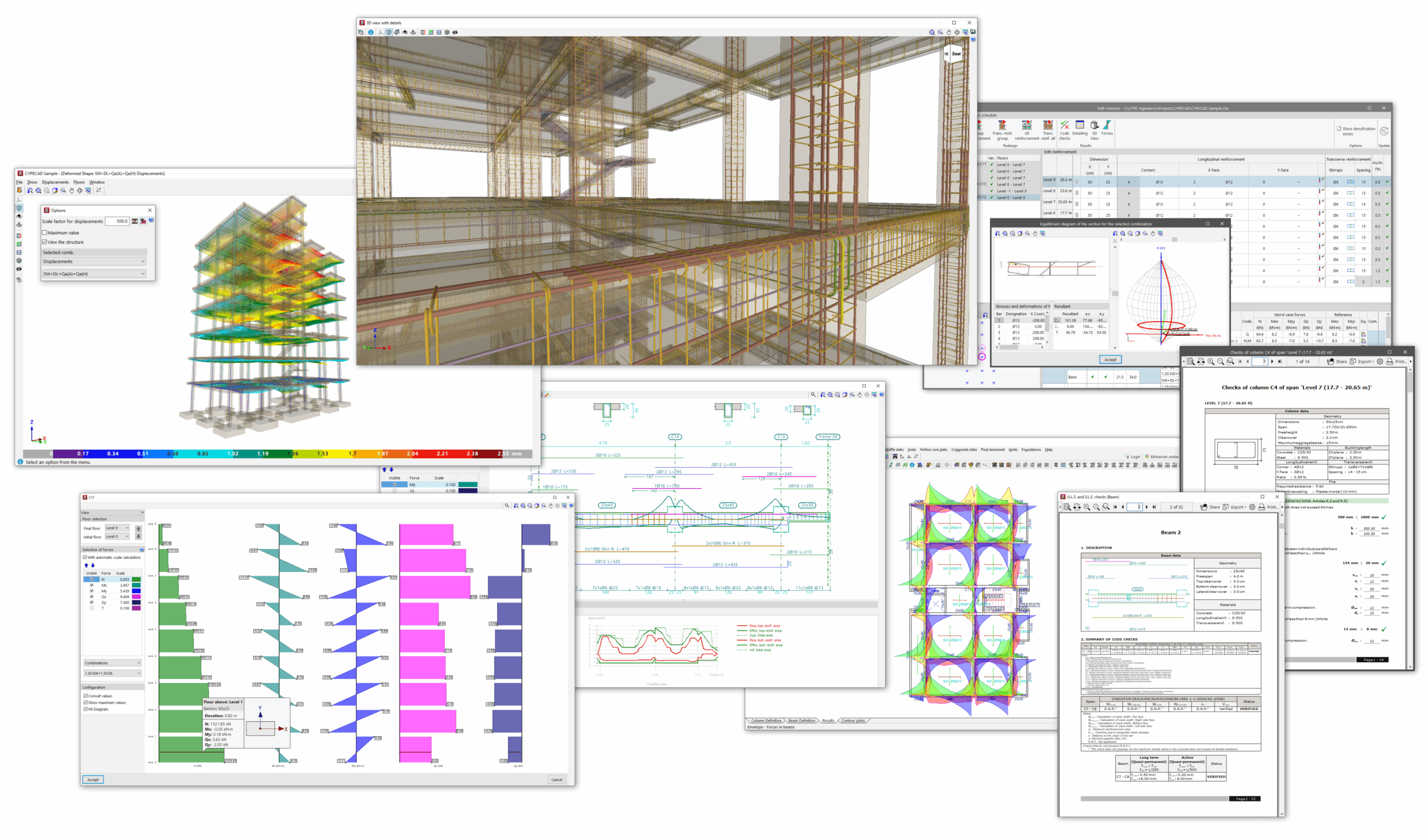
Once the analysis of the job has been carried out in the "Beam input" tab, you can access the "Results" tab, where the results obtained for the different elements of the model are collected and can be consulted, such as the following:
- the forces, displacements and reinforcement of beams, slabs and floor slabs;
- the forces, displacements and reinforcement of columns, shear walls and walls;
- the geometry and calculated reinforcement for foundation elements;
- the analytical model and deformation of the structure;
- and the reports of checks carried out on elements such as columns, beams or foundation elements;
In addition, the program allows for the adjustment and editing of elements such as columns, walls, beams, or slabs through specific options and editors.
The following link provides detailed information on the options offered by the program under the "Results" tab:
