Inserting generators (water-based air conditioning)
Under the "Installation" tab, in the "Generators" menu within the "Water-based air conditioning" section of the main toolbar, you can define and enter the following items:

Air-to-water heat pump
Allows air-to-water heat pumps to be installed in a two-pipe or four-pipe system:
- Air-to-water heat pump, 2-pipe system
- Air-to-water heat pump, 4-pipe system
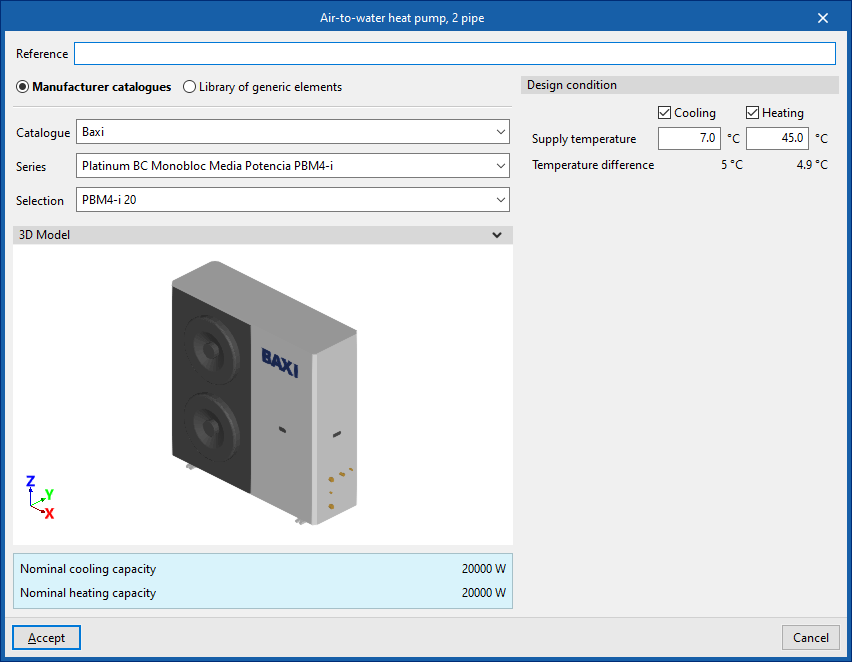
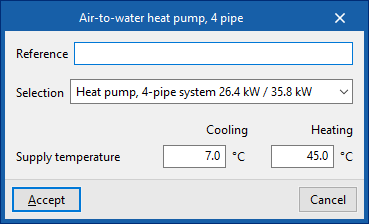
When installing an air-to-water heat pump, the following parameters must be specified:
- Reference
- Manufacturer catalogues / Generic element
library
The program allows you to select and import data from "Manufacturer catalogues" or the "Generic element library", provided these have been configured beforehand in the relevant options within the "Project" section. - Design condition
- Flow temperature (Cooling / Heating) (optional on air-to-water heat pumps, 2-pipe systems)

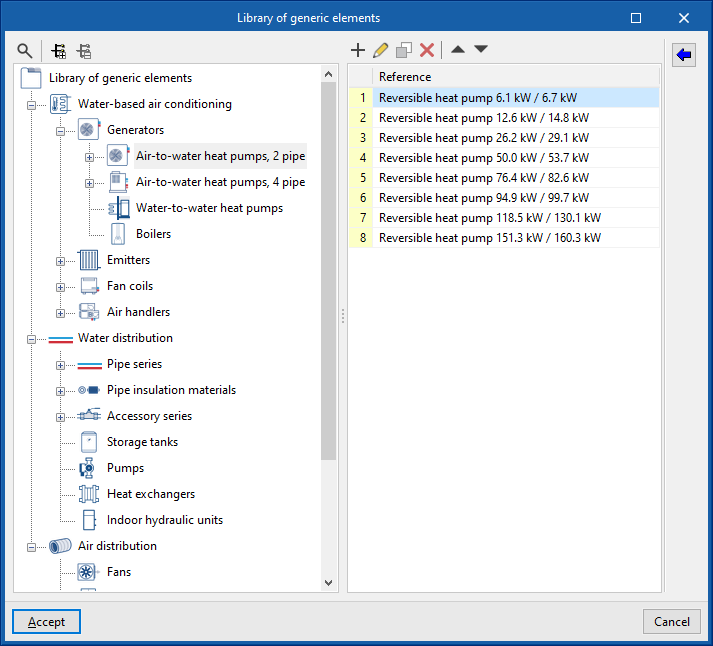
Library of generic air-to-water heat pumps
In the "Generic element library" option, within the "Project" section, you can create and edit the libraries of available generic air-to-water heat pump types.
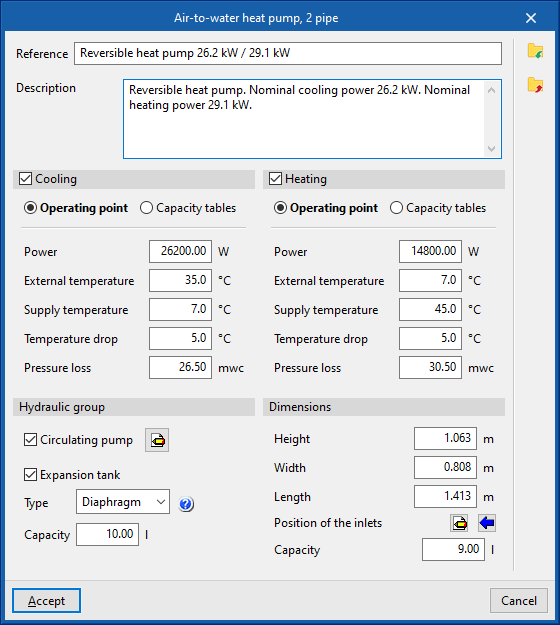
The specifications for each type of air-to-water heat pump are as follows:
- Reference
- Description
- Cooling (optional)
- Operating point (Power; Outdoor temperature; Supply air temperature; Temperature difference; Pressure drop)
- Capacity tables (Power; Temperature drop; Pressure drop)
- Heating (optional)
- Operating point (Power; Outdoor temperature; Supply air temperature; Temperature difference; Pressure drop)
- Capacity tables (Power; Temperature drop; Pressure drop)
- Hydraulic group
- Circulation pump (optional)
- Midpoint (Flow; Pressure)
- By parameters (Flow rate; Pressure)
- Expansion tank (optional)
- Type (Open / Closed / Diaphragm)
- Capacity
- Circulation pump (optional)
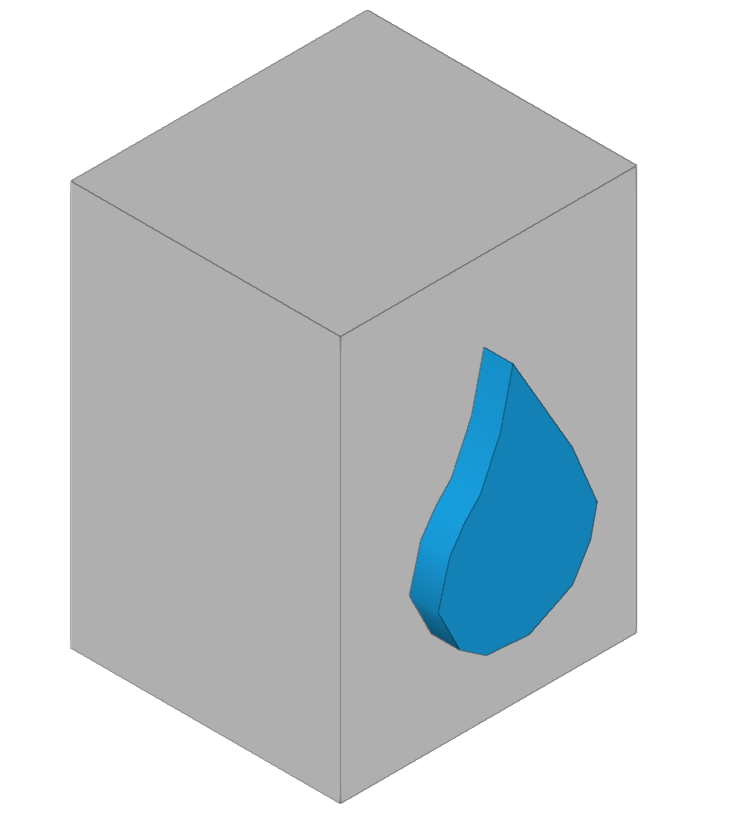
- Dimensions (Height; Width; Length; Position of sockets; Capacity)
Water-to-water heat pump
Allows for the installation of water-to-water heat pumps.
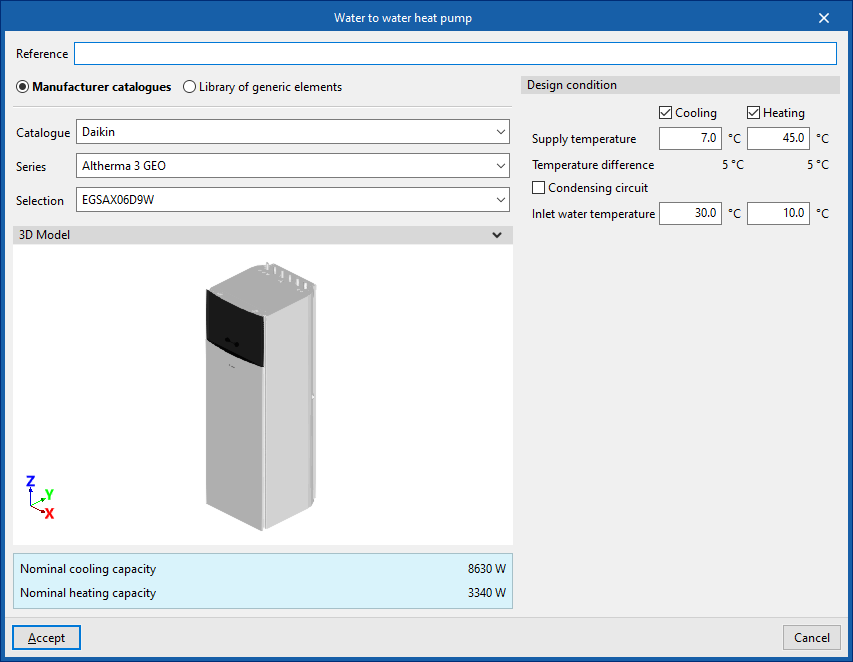
When installing a water-to-water heat pump, the following parameters must be specified:
- Reference
- Manufacturer catalogues / Generic element
library
The program allows you to select and import data from "Manufacturer catalogues" or the "Generic element library", provided these have been configured beforehand in the relevant options within the "Project" section. - Design condition
- Supply air temperature (Cooling (optional) / Heating (optional))
- Condensing circuit (optional)
- Inlet water temperature (Cooling (optional) / Heating (optional))
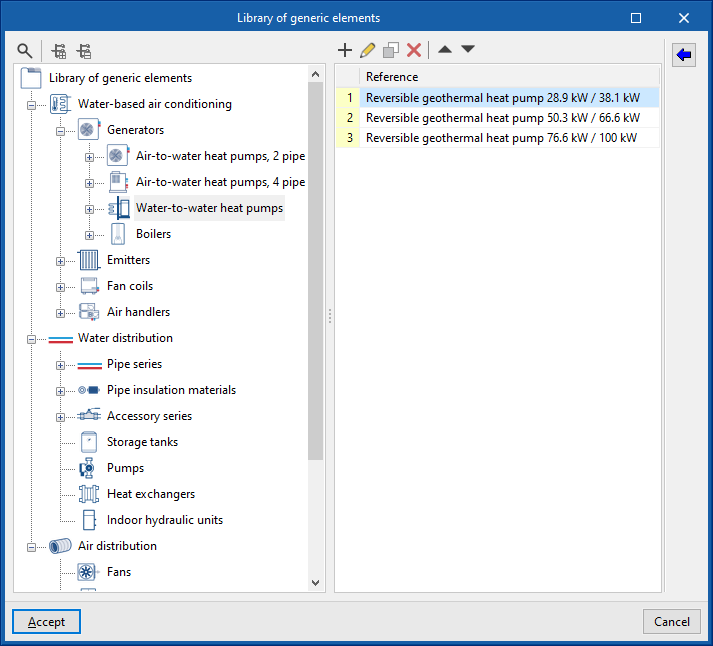
Library of generic water-to-water heat pumps
In the "Generic element library" option, within the "Project" section, you can create and edit the libraries of available generic water-to-water heat pump types.
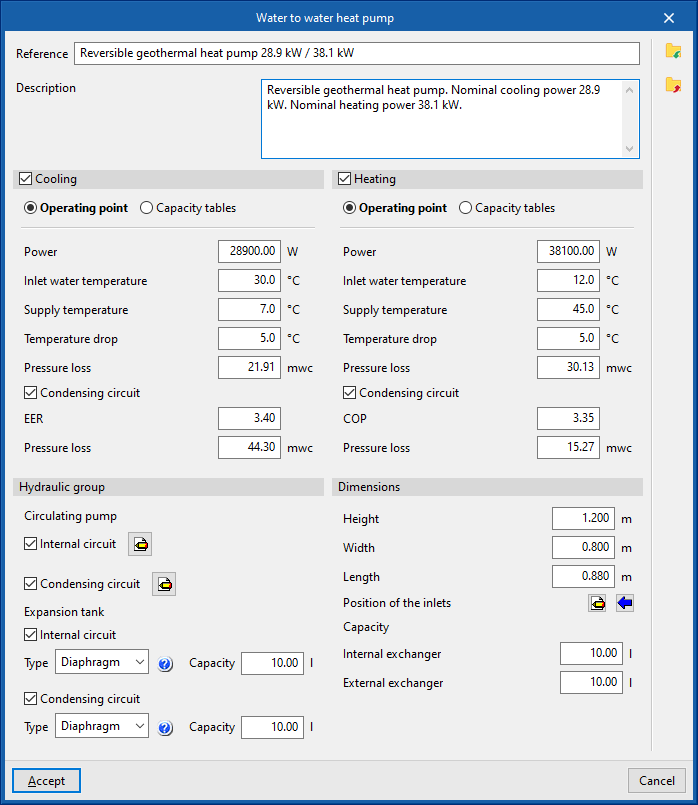
The specifications for each type of water-to-water heat pump are as follows:
- Reference
- Description
- Cooling (optional)
- Operating point (Power; Outdoor temperature; Supply air temperature; Temperature difference; Pressure drop; Condensing circuit (optional))
- capacity tables
- Internal circuit (Power; Temperature drop; Pressure drop)
- Condensing circuit (optional) (EER; Pressure drop)
- Heating (optional)
- Operating point (Power; Outdoor temperature; Supply air temperature; Temperature difference; Pressure drop; Condensing circuit (optional))
- Capacity tables
- Internal circuit (Power; Temperature drop; Pressure drop)
- Condensing circuit (COP; pressure drop)
- Hydraulic group
- Circulating pump (optional)
- Inner circuit
- Midpoint (Flow; Pressure)
- By parameters (Flow rate; Pressure)
- Condensing circuit
- Midpoint (Flow; Pressure)
- By parameters (Flow rate; Pressure)
- Inner circuit
- Expansion tank (optional)
- Internal circuit
- Type (Open / Closed / Diaphragm)
- Capacity
- Condensing circuit
- Type (Open / Closed / Diaphragm)
- Capacity
- Internal circuit
- Circulating pump (optional)
- Dimensions (Height; Width; Length; Position of the inlets; Capacity; Internal exchanger; External exchanger)
Boiler
Allows you to add boilers.
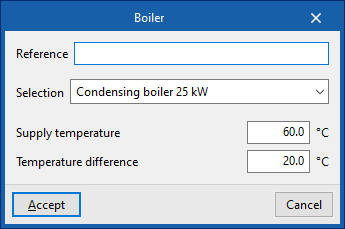
When entering a boiler, the following parameters must be specified:
- Reference
- Selection
The program allows you to select and import data from the "Generic elements library", provided this has been configured beforehand in the relevant options within the "Project" section. - Supply temperature
- Temperature difference
Generic boiler library
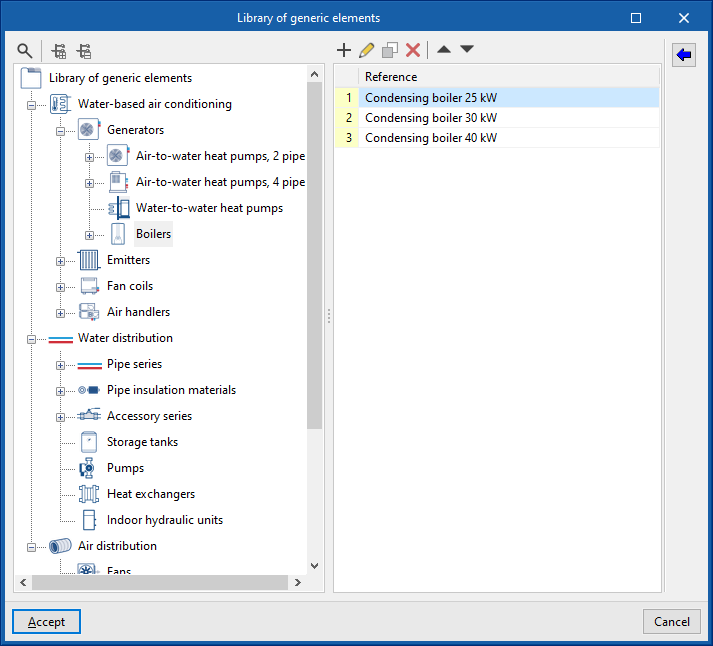
In the "Generic element library" option, within the "Project" section, you can create and edit the libraries of available generic boiler types.
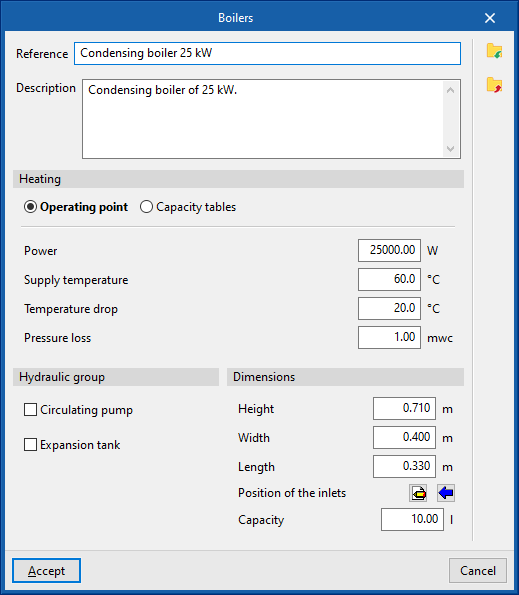
The data associated with each type of boiler are as follows:
- Reference
- Description
- Heating
- Operating point (Power; Supply temperature; Temperature drop; Pressure drop)
- Capacity tables (Power; Pressure drop)
- Hydraulic group
- Circulation pump (optional)
- Midpoint (Flow; Pressure)
- By parameters (Flow rate; Pressure)
- Expansion tank (optional)
- Type (Open / Closed / Diaphragm)
- Capacity
- Circulation pump (optional)
- Dimensions (Height; Width; Length; Position of sockets; Capacity)