
Layout of pipework and installation of conduits
The "Electic loads and circuits" section of the main toolbar contains the tools for laying out the installation’s conduits and creating the conductors within them:

Pipes
Insert pipes into the model after specifying the following parameter:
- Reference
Pipe reference.
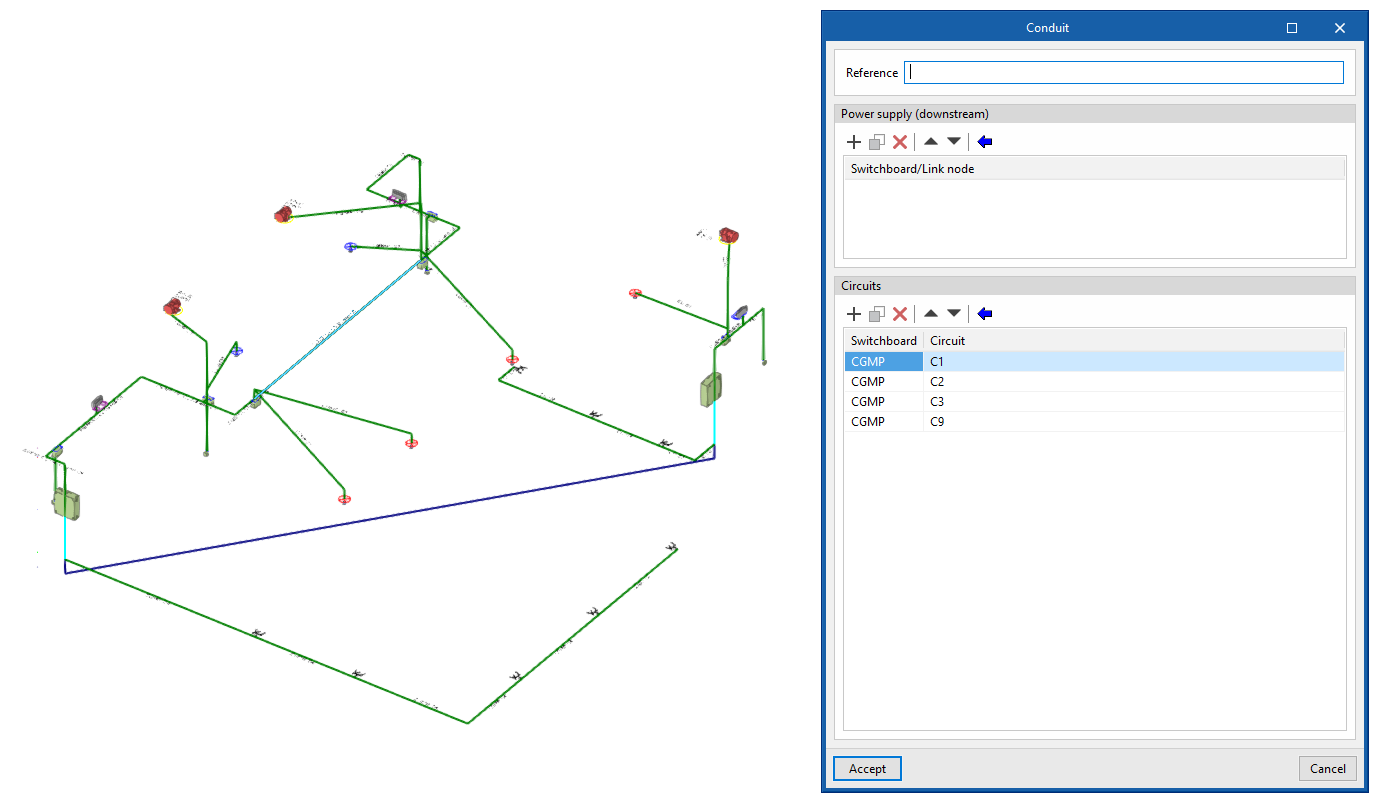
After connecting the model elements and generating the conductors, the following information is available when editing a conduit:
- Downstream supply
Displays the list of downstream distribution boards or connection points. - Circuits
Displays the list of circuits associated with the cable run, along with the reference numbers of the panels to which they belong.
| Note: |
|---|
| To create a shared pipeline for several circuits, simply add the desired circuits to the relevant table. |
Generate referrals
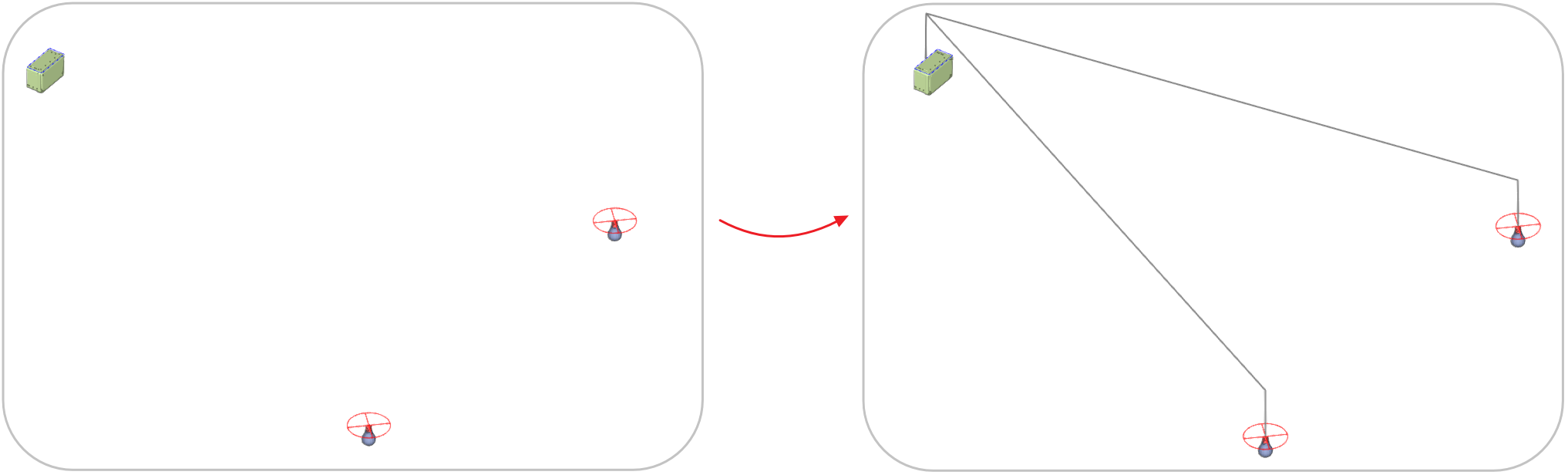
Generate the layout of the conduits connecting a junction box to the selected outlets.
Generate conductors
Generates circuit information within the conduits and the distribution boards or junction boxes that supply power, based on the distribution entered graphically in the model, replacing all previously assigned conductors.
