Entering link nodes, switchboards, junction boxes and pattress boxes
In the "Electric loads and circuits" group of the main toolbar users can define and enter link nodes, switchboards, junction boxes and pattress boxes:

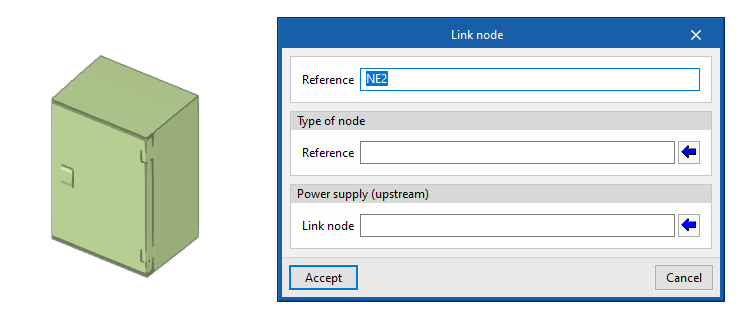
Link nodes
Enters a link node in the model after specifying the following parameters:
- Reference
Reference of the link node. - Type of node
Selects one of the "Link node types" defined from "General options". - Supply (upstream)
Selects the upstream switchboard or link node.
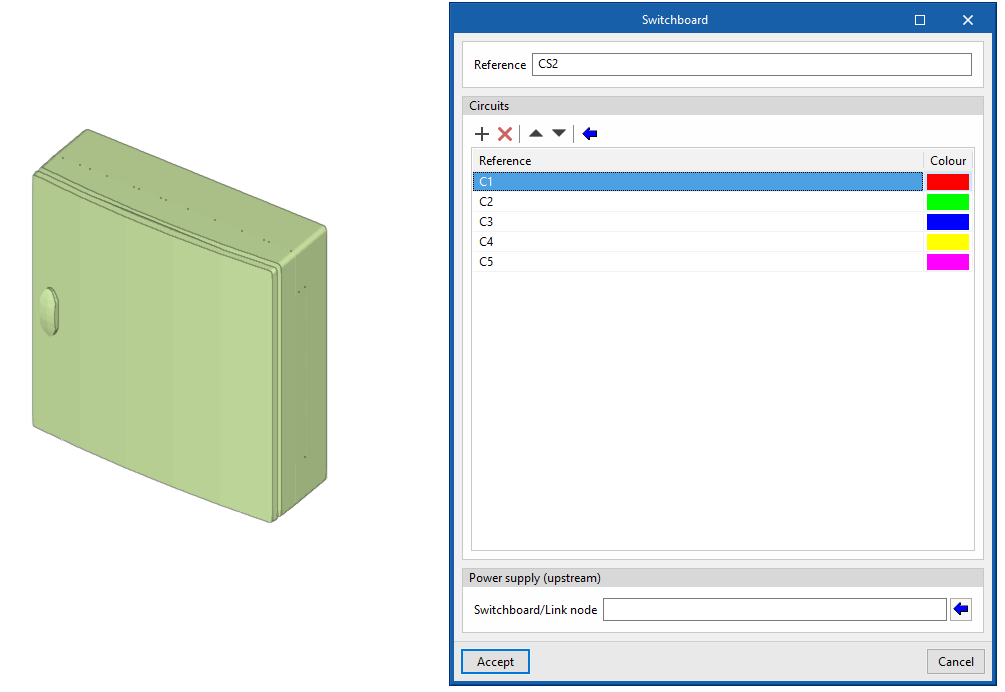
Switchboards
Enters a switchboard or sub-switchboard in the model after specifying the following parameters:
- Reference
Reference of the junction box. - Circuits
Defines the list of circuits assigned to the switchboard or sub-switchboard. The following information is entered in each of them:- Reference
- Colour
- Supply (upstream)
Selects the upstream switchboard or link node.
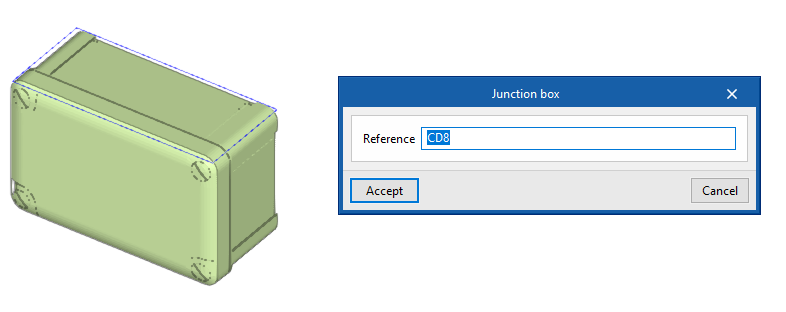
Junction boxes
Enters a junction box in the model after specifying the following parameter:
- Reference
Reference of the junction box.
It is then possible to automatically route the conduits from a junction box to the selected receivers with the "Generate branches" option.
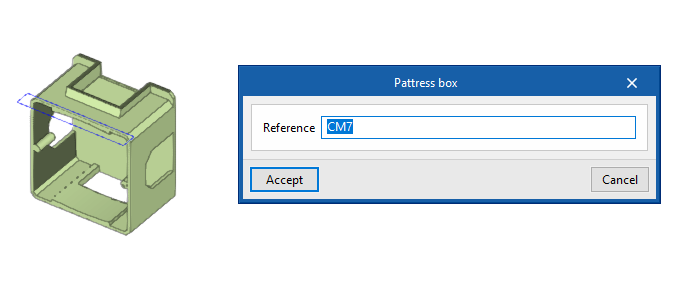
Pattress boxes
Enters a pattress box in the model after specifying the following parameter:
- Reference
Reference of the pattress box.