General settings
In the "Project" section of the main toolbar, you will find the option to configure the general settings for the project:

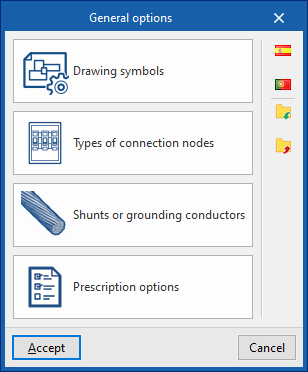
General options
This allows you to define the general installation settings or import them from the following regulatory specifications:
Options
- Drawing symbols
- Types of connecting nodes
- Shunts or grounding conductors
- Prescription options
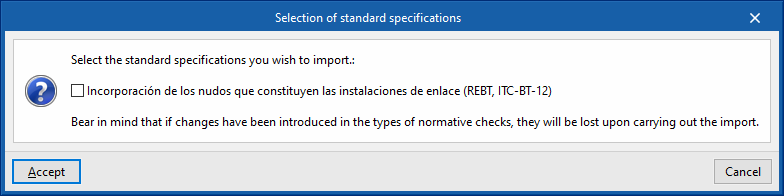
Selecting standard specifications
The options on the right-hand side allow you to select and import one of the following regulatory specifications. If changes have been made to the regulatory check types, these will be lost when the import is carried out.
- Spain
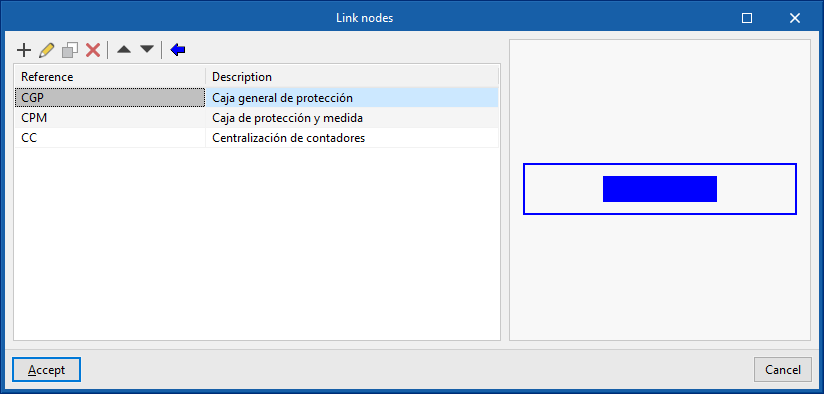
- Inclusion of the nodes that make up the interconnection facilities (REBT, ITC-BT-12)
- Minimum number of down conductors in the lightning protection system (SUA8, Annex B, section B.1.2)
- Portugal
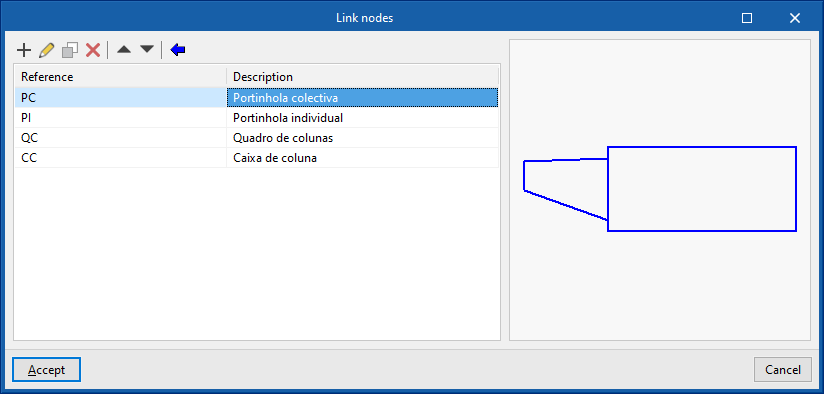
- Inclusion of the nodes comprising the communal facilities and entrances (RTIEBT, Part 8 / Section 803)
The features mentioned are detailed below.
Symbols for drawings
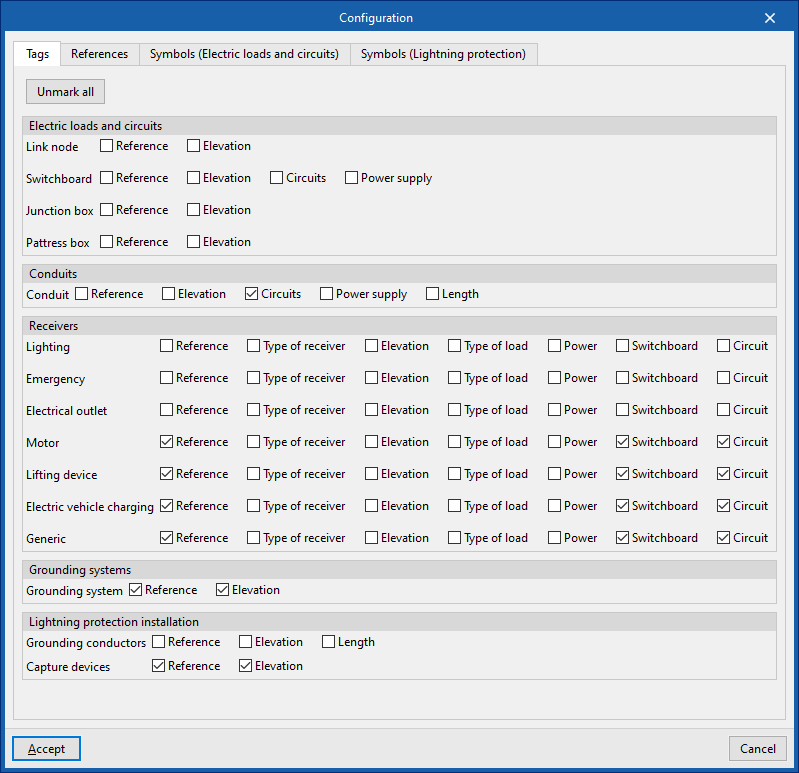
The "Configuration" window is used to define the symbols to be used in the installation plans. It contains the following tabs:
- Tags
Enables or disables the information displayed on element labels:- Installation
- Link node (reference, elevation)
- Switchboard (reference, dimensions, circuits, power supply)
- Junction box (reference, dimension)
- Pattress box (reference, dimension)
- Conduits (reference, elevation, circuits, supply, length)
- Receivers (reference, receiver type, elevation, load type, power, panel, circuit)
- Grounding systems (reference, elevation)
- Lightning protection installation
- Grounding conductors (reference, elevation, length)
- Capture devices (reference, elevation)
- Installation
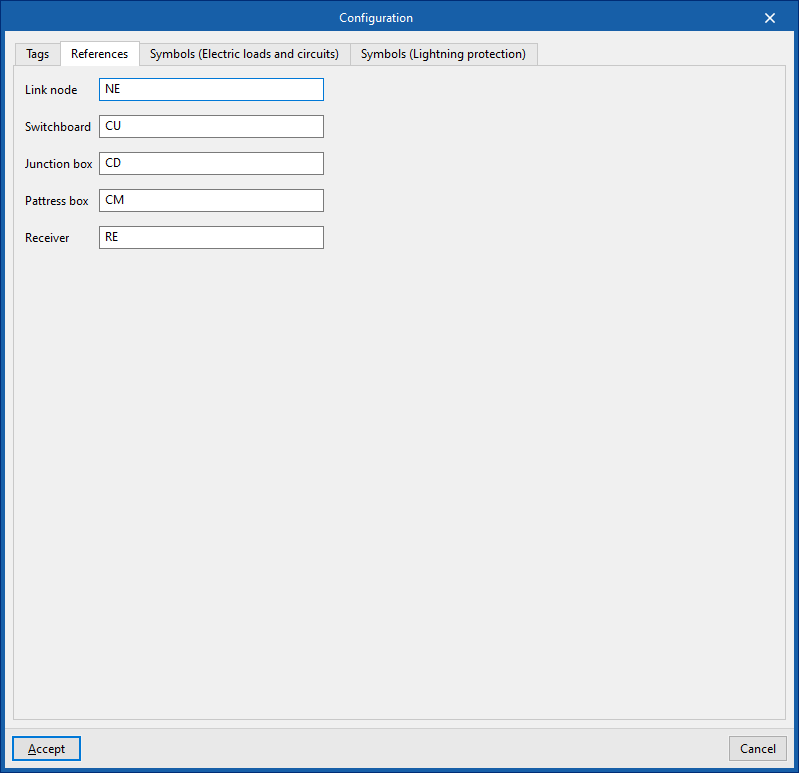
- References
Configure the reference text for the elements:- Link node
- Switchboard
- Junction box
- Pattress box
- Receiver
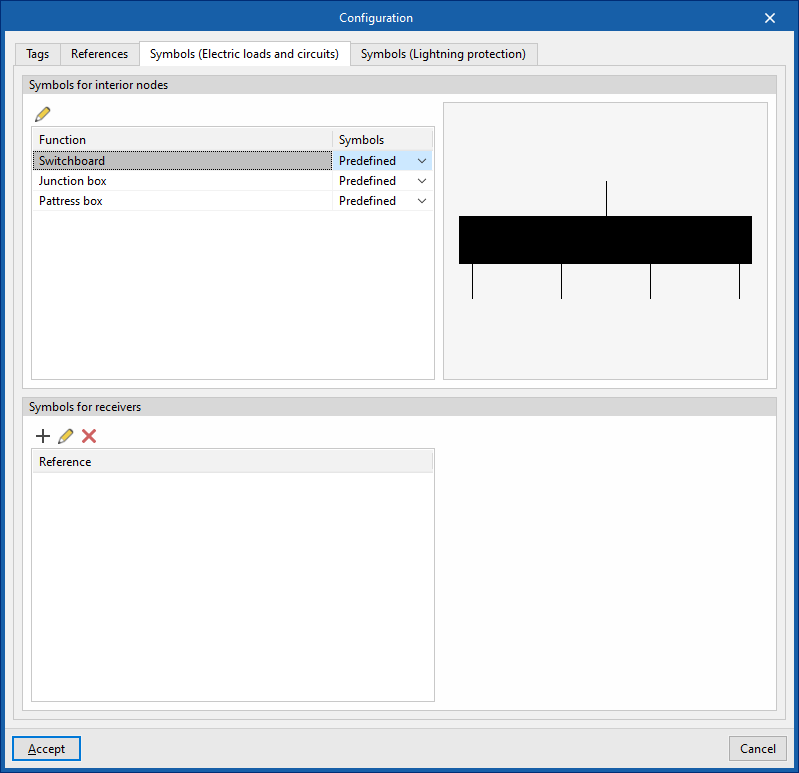
- Symbols (Electrical loads and circuits)
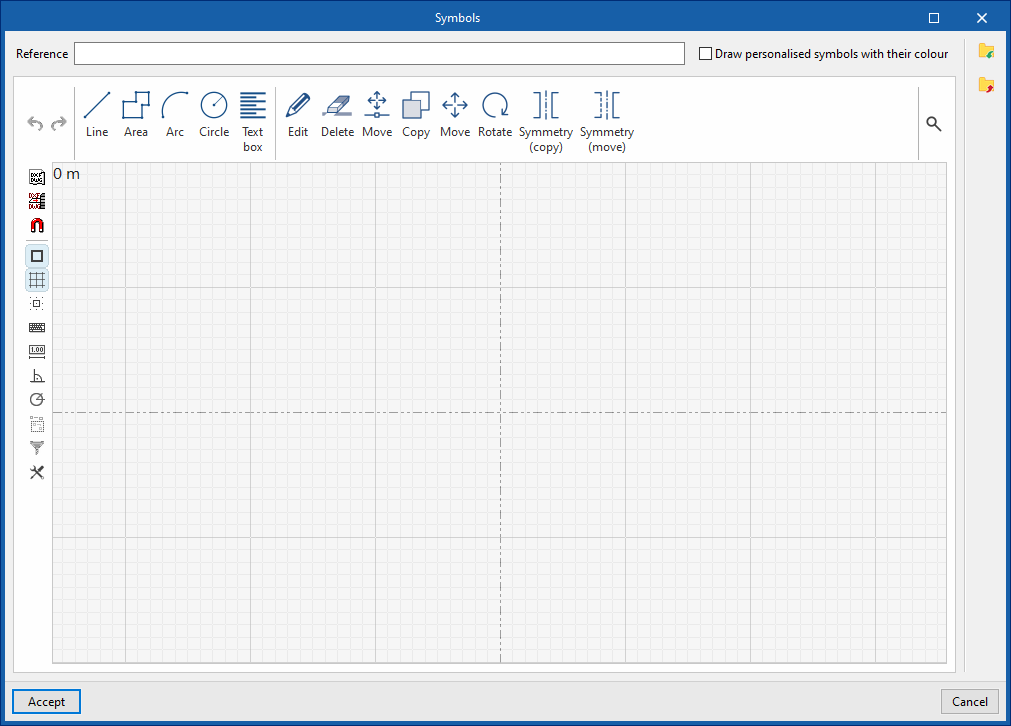
Designs symbols for the following elements using lines, areas, arcs, circles and text boxes, or select predefined symbols where available:- Symbols for receivers
Selects predefined symbols for the following internal nodes or create your own custom symbols.- Switchboards
- Junction boxes
- Pattress boxes
- Symbols for receivers
Creates symbols for receivers. You can then select the desired custom symbol for each receiver defined in the "Receiver types" library.
- Symbols for receivers
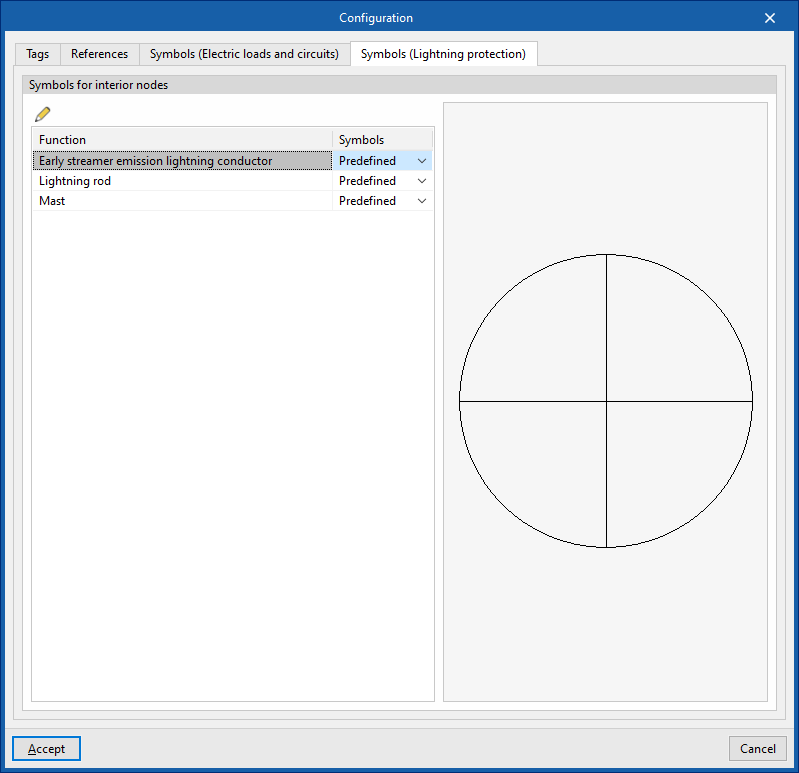
- Symbols (Lightning protection)
Selects predefined symbols for the following elements of the lightning protection system or create custom symbols using lines, areas, arcs, circles and text boxes.- Symbols for interior nodes
- Early streamer emission lightning conductor
- Lightning rod
- Mast
- Symbols for interior nodes
Types of link nodes
Designs the symbols for link nodes manually or import them from files on your computer:
- Design of symbols using lines, shapes, arcs, circles and text boxes
- Importing symbols from DXF/DWG and DWF files
The link node types defined here can be loaded later using the "Link nodes" option in the main toolbar.
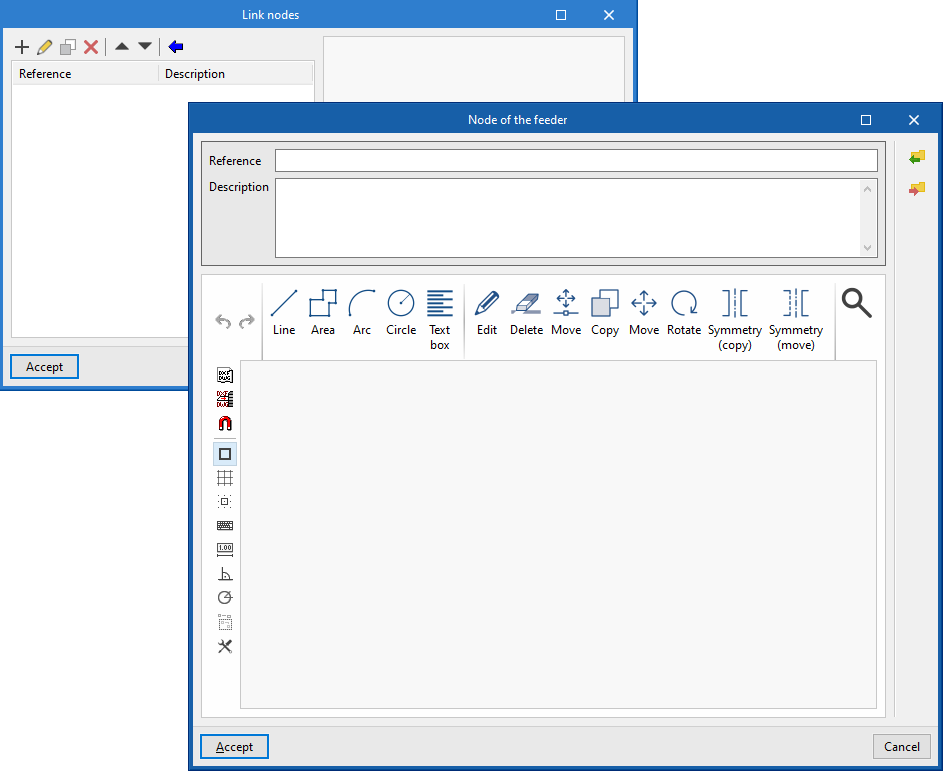
This information can be generated automatically when you select the regulatory specifications for the desired country:
Shunts or grounding conductors
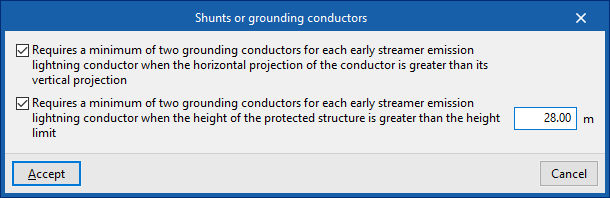
Sets the following requirements regarding the minimum number of down conductors in a lightning protection system:
- Requires a minimum of two grounding conductors for each early streamer emission lightning conductor when the horizontal projection of the conductor is greater (optional)
- Requires a minimum of two grounding conductors for each early streamer emission lightning conductor when the height of the protected structure is greater than the height limit (optional)
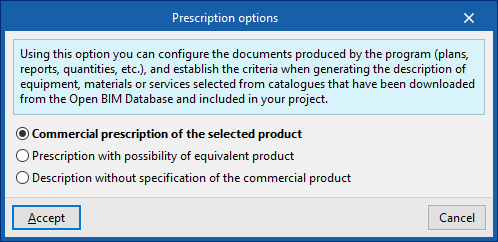
Prescription options
Sets the documents generated by the program (drawings, reports, quantities, etc.), by setting the criteria for generating descriptions of equipment, materials or services selected from catalogues downloaded from the Open BIM Database and included in the project.
- Commercial prescription of the selected product
The description of the equipment, materials and services shall specify the selected product exclusively. - Prescription with possibility of equivalent product The description of the equipment, materials and services shall specify the selected product, indicating that an equivalent product may be used.
- Description without specification of the commercial product
The description of equipment, materials and services shall not refer to any specific commercial product.