Viewing the installation tree
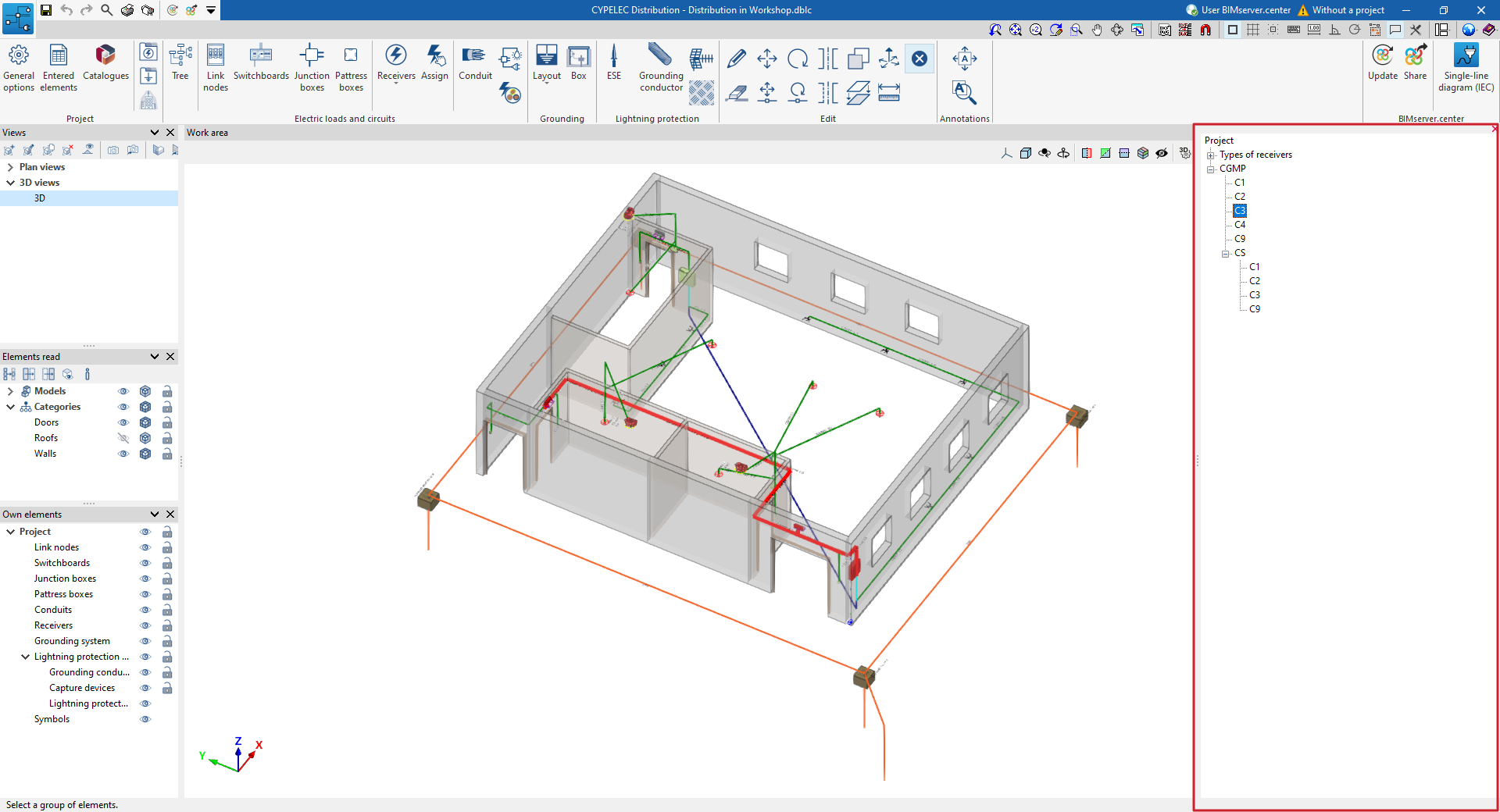
In the "Electric loads and circuits" section of the main toolbar, you will find the option to display the installation in a tree view:

Tree
Displays the elements added to the model in a drop-down tree of project elements located on the right-hand side of the screen.
When you select each component in the tree, it is highlighted in red in the model.
The tree can be collapsed using the option in the top-right corner of the panel.