Configuring drawing options
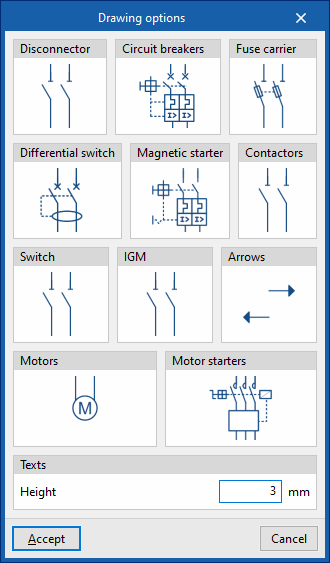
In the "Configuration" section of the main toolbar, you will find the "Drawing options":

Drawing options
These options allow you to configure the display of the following elements in the diagram, as well as the font size of their label text:
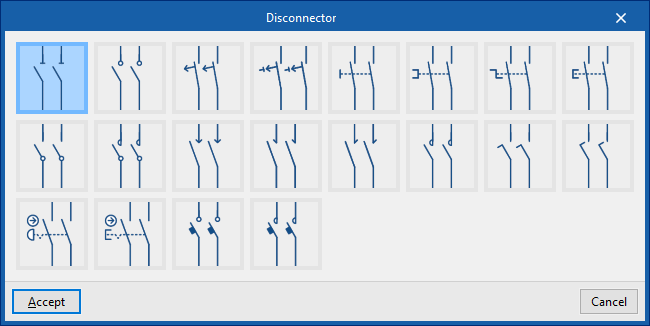
- Disconnectors
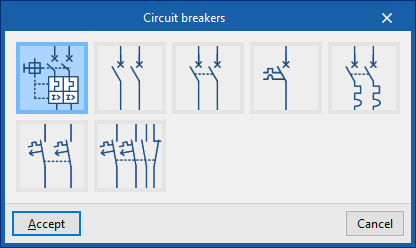
- Circuit breakers
- Fuse carrier
- Differential switch
- Magnetic starter
- Contactors
- Switch
- IGM (Main switch)
- Arrows
- Motors
- Motor starters
- Texts
- Height
By clicking on each element category, you can select the symbol used to represent it from those available in the program, which are taken from various standards.