Creating and editing drawings
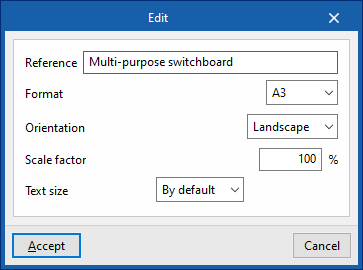
On the left-hand side, the program displays a list of the various plans that make up the installation’s multi-line diagram. The main workspace, on the right, will display the drawings selected from this list.
The toolbar at the top of this section displays the following options:
- New
Creates a new plan. - Edit
Edits the selected plan. - Duplicate
Creates a copy of the selected plan. - Delete
Deletes the selected layer. - Move (up/down)
Reorders the layers in the list. - Go to the previous level / Go to the next level
Select the previous or next level from the list.
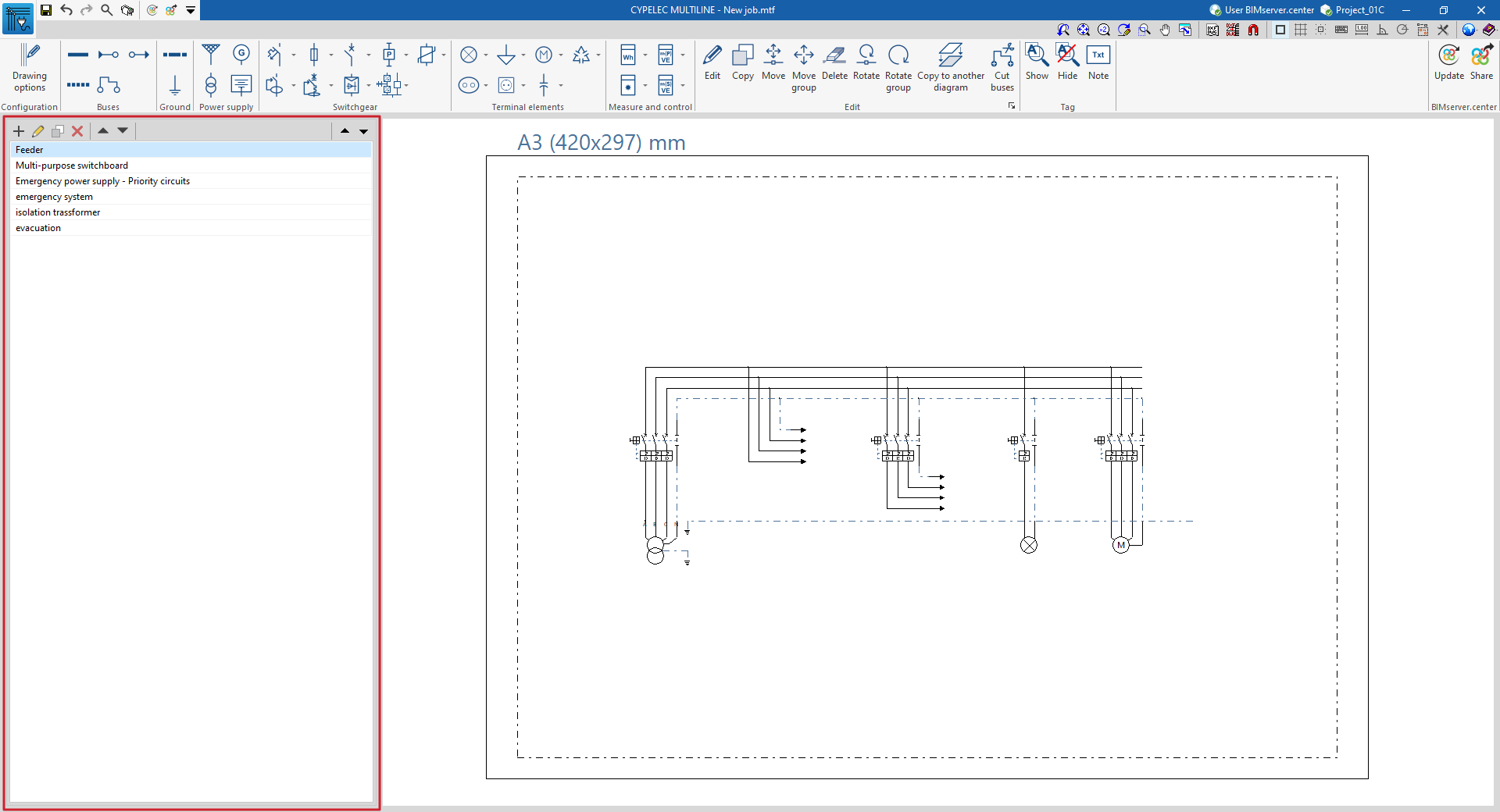
When creating or editing a drawing, you need to define the following parameters:
- Reference
Drawing reference. - Format
Selects the format of the plan from those available. - Orientation (Vertical / Horizontal)
Defines the orientation of the plane. - Scale factor (%)
Defines the scale factor of the plan. - Text size (Default / Other)
Set the text size.