Tag management
In the "Tag" section of the main toolbar, you will find options for inserting notes on the diagrams and managing the visibility of element tags:

Show
Displays the tag for the selected elements. To change the text displayed in the tag, you must edit the element using the "Edit" option in the "Edit" section and modify the "Description" field.
Hide
Hides the tags of the selected elements.
Note
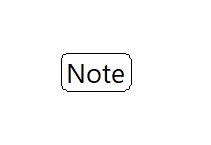
Inserts a tag onto the drawing with text entered by the user. You can place the text inside a box:
- With a box (optional)