Workflows supported by the program
As an Open BIM tool connected to the BIMserver.center platform, CYPELEC MULTILINE offers a range of workflow options.
Data entry
Open design
- Free design of the multi-wire diagram by manually entering the components and drawing the connecting lines that make up the installation in CYPELEC MULTILINE.
Import and automatic generation
If you link the CYPELEC MULTILINE project to a BIM project on the BIMserver.center platform, you can perform the following actions:
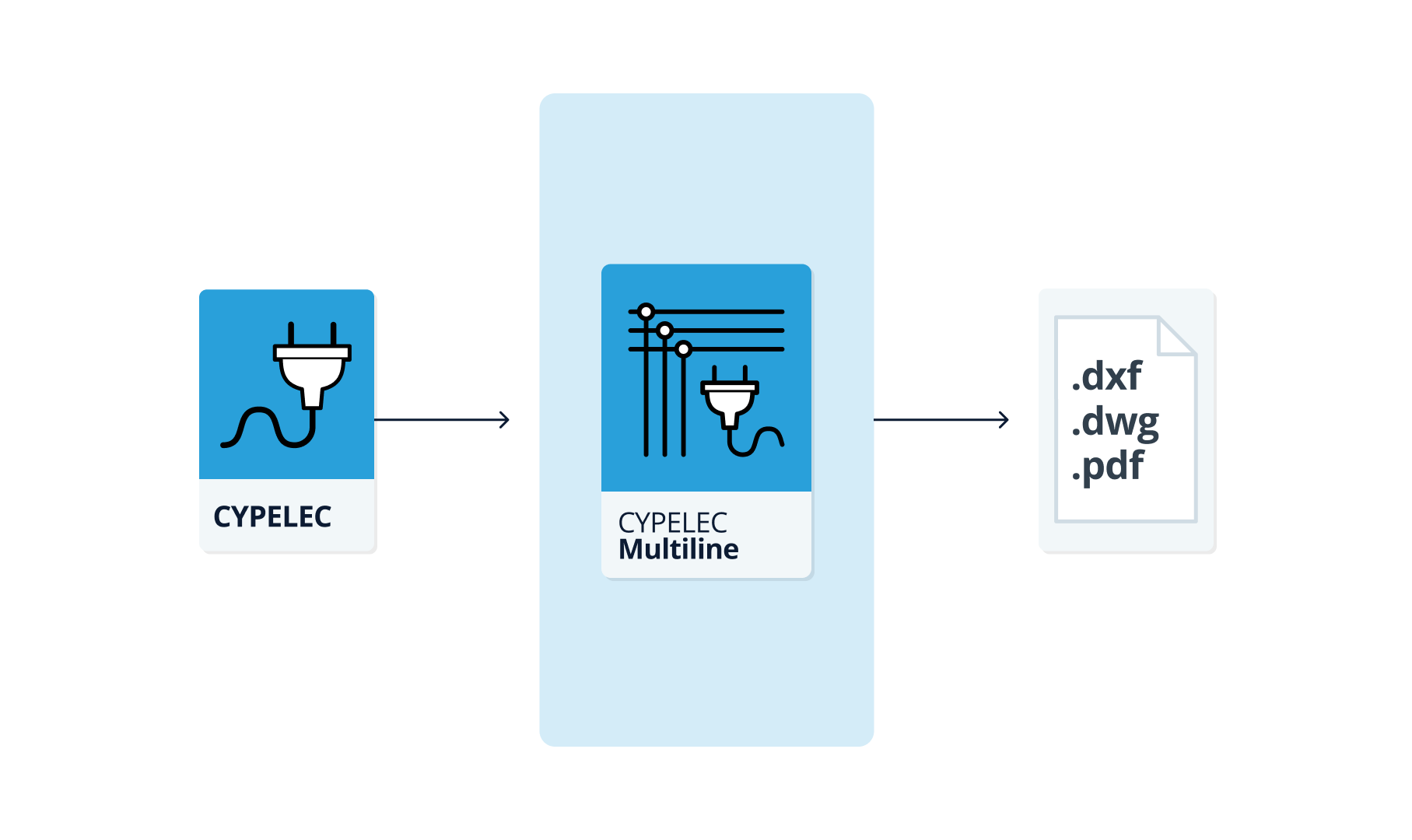
- Importing data on low-voltage electrical installations designed in CYPELEC. This allows the multi-line diagram to be generated automatically from the data extracted from the BIM model. The model must contain the single-line diagram and the phase connection information for each line, whether single-phase or three-phase. Once the multi-line diagram has been generated, the user can modify it using the relevant tools without any restrictions.
| Note: |
|---|
| CYPELEC users must have selected the "Phased" configuration option and designed the installation in this mode before proceeding to export the IFC. |
Data output
- Exporting drawings to DXF, DWG and PDF formats.
- Exporting data generated using CYPELEC MULTILINE to the BIMserver.center platform. This allows authorised project participants to view the data.