Options available in CYPELUX
The “BIMserver.center” section of the main toolbar on the “Installation” tab contains the features required to use the program alongside other BIMserver.center tools.

Update
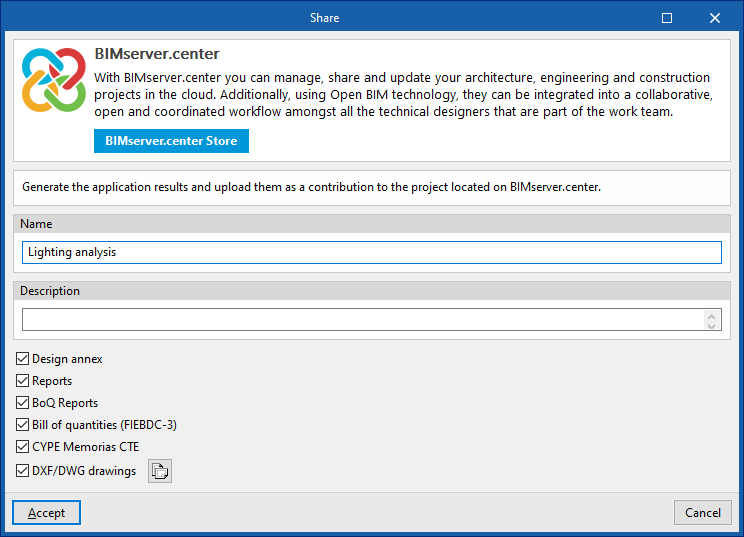
Update the information contained in the models previously imported into the project, or import new models if required.
In addition, in this window, the program offers the following options:
- Assigning types
- Directory for searching by type (optional)
When this option is enabled, you can select a directory on the hard drive that contains the type library files. This allows you to import type libraries previously created in other projects and exported to that directory, and automatically assign them to the zones and glazed openings in the imported model. To do this, the type references in the selected directory must match the element-type references in the imported model.
- Directory for searching by type (optional)
- DXF templates
- Update the DXF templates from the BIM model (optional)
- Geographical location and reference
system
Allows you to open a dialogue box to modify the model’s geographical location and reference system.
Share
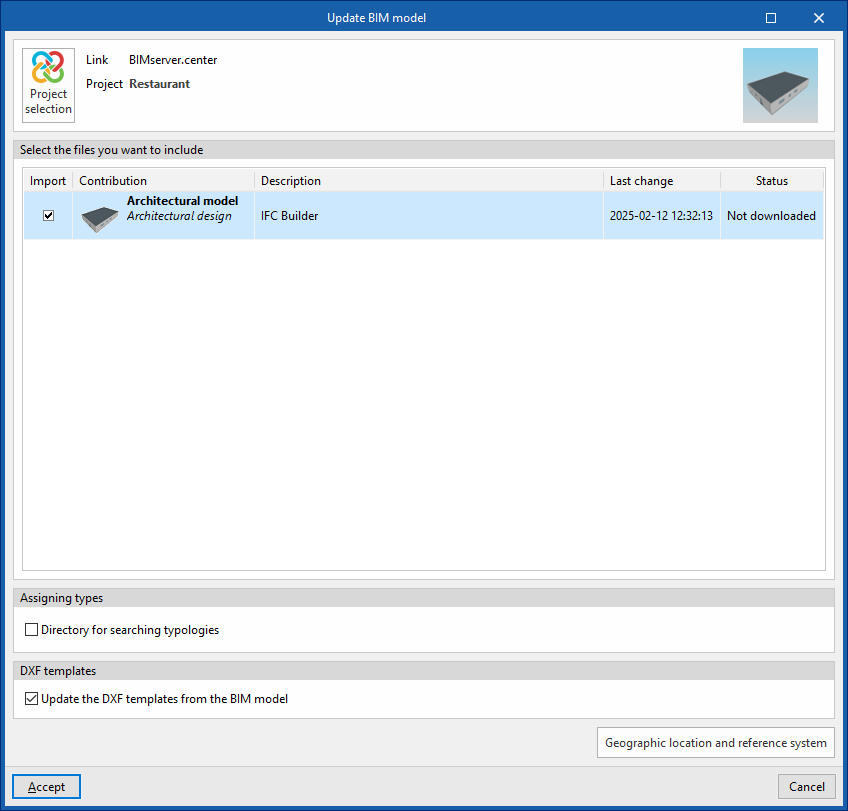
Export the information about the installation created using the program to BIMserver.center so that you can share it with other users.
During the export process, you can specify the details of the .ifc file to be exported and select any additional files you wish to share:
- Name
- Description
- Additional files:
- Design appendix (optional)
- Reports (optional)
- BoQ reports (optional)
Exports the measurement and quotation documentation generated in the "Bill of quantities" tab, organised into various standard reports (Quantities, Price justification, Budgets, Bill of quantities, Summary of the budget). - Bill of quantities (FIEBDC-3) (optional)
- DXF/DWG drawings (optional)
Includes the processed sheets in the "Sheets" tab.