General parameter configuration
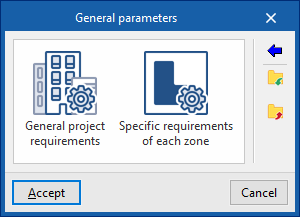
In the "Project" group of the main toolbar on the "Installation" tab, you will find the option to configure the "General parameters" of the project:

General parameters
The available options are as follows:
- General project requirements
- Specific requirements of each zone
Importing code requirements
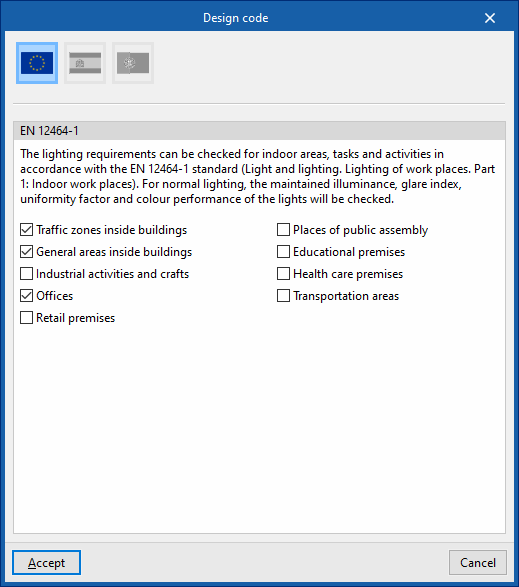
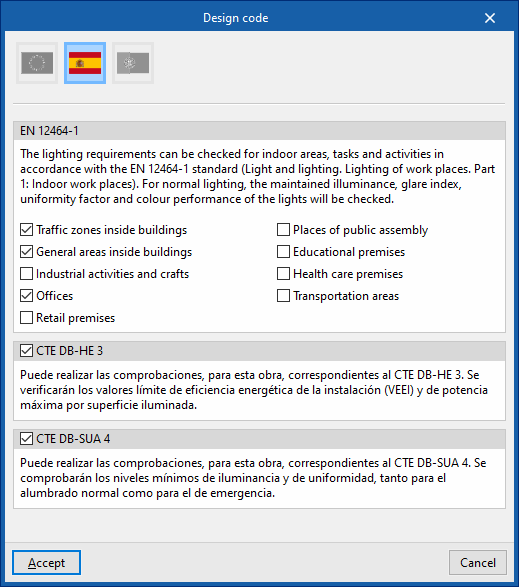
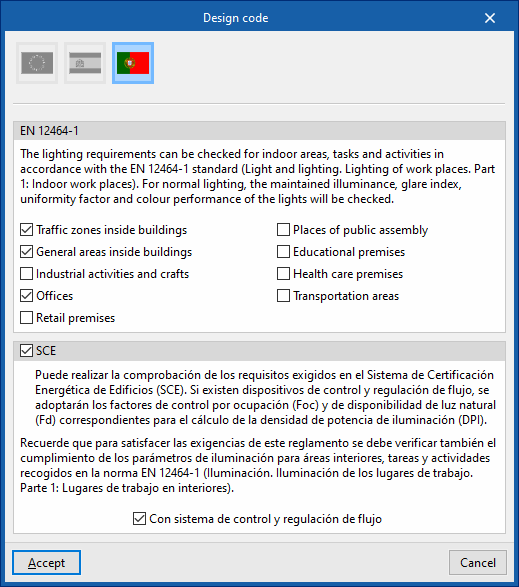
The wizard on the right-hand side of the "General Parameters" window allows you to import requirements from various national and international standards, such as the following:
 Europe
- EN 12464-1
Imports the lighting requirements specified by standard EN 12464-1 ("Light and lighting. Lighting of workplaces. Part 1: Indoor workplaces") for selected indoor areas, tasks and activities.
- EN 12464-1
 Singapur
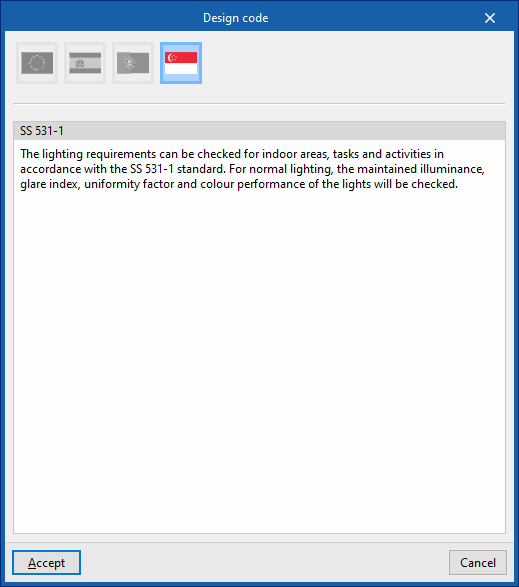
- SS 531-1
Imports the lighting requirements specified by standard SS 531-1.
- SS 531-1
 Europe
 Singapur
For installations in the rest of the world or to perform specific calculations, checks can be entered and configured manually in a customised manner.
| Note: |
|---|
| If necessary, zone checks can be modified after being imported. If requirements are imported again, the program will not undo these changes if the reference to the zone checks remains unchanged. If the reference has been modified, the program will re-import the corresponding zone check in a different entry. |
| Note: |
|---|
| The codes implemented in CYPE programs can be consulted at the following link. |
Import/export to files on disk
The remaining options in the right-hand column of the "General Parameters" window allow you to import and export the general parameter settings to files on disk.
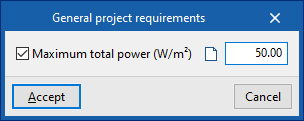
General project requirements
Allows you to configure the check value for the following general project parameter:
- Power
- Maximum total power
Specific requirements of each zone
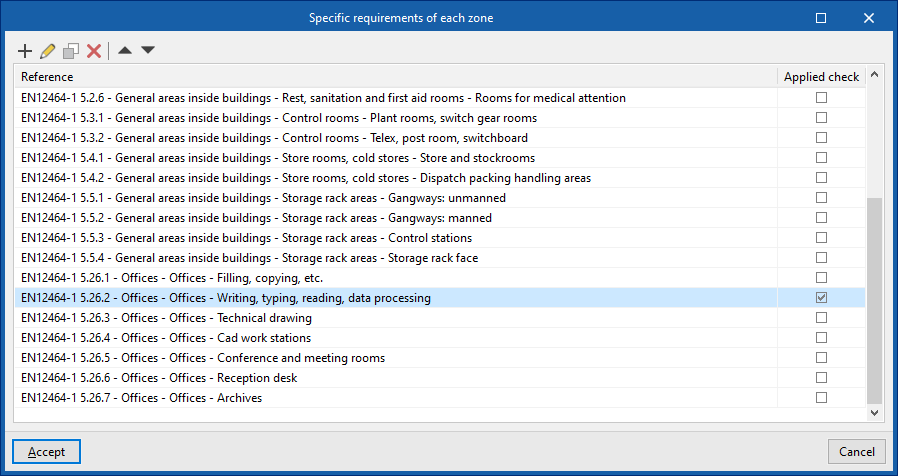
Allows you to configure the checks to be performed on each type of zone. Subsequently, in the "Zone types" library accessible from the "Project" group or from the inserting or editing panel of each "Zone", these checks can be assigned to the desired zone type.
The program shows with marks in the right-hand column whether the checks are being applied.
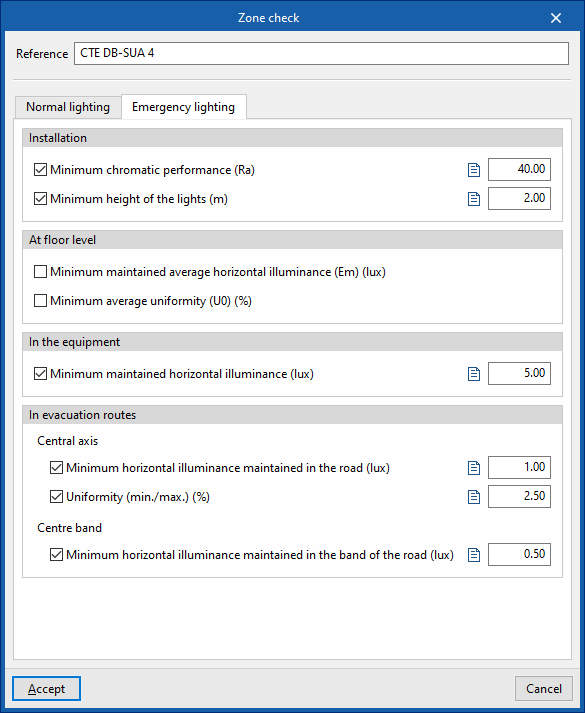
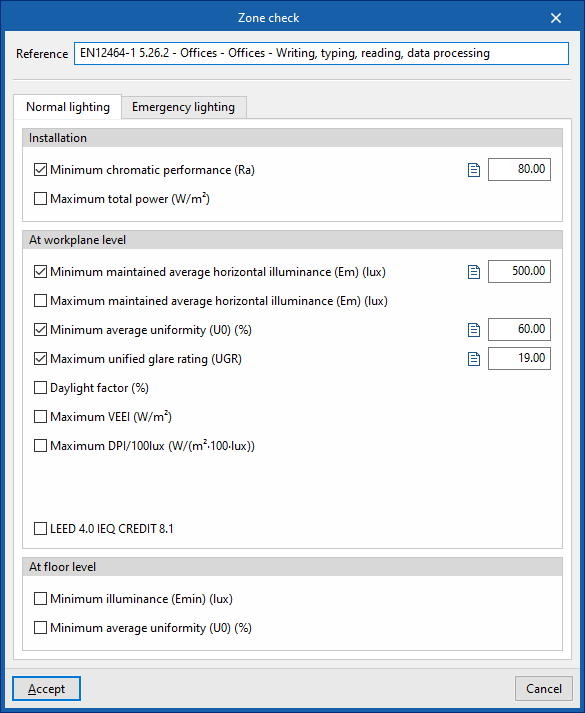
When creating or editing each entry in the table, the "Zone check" window opens with the following options:
- Reference
Zone check reference.
- "Normal lighting" tab
Activates and defines the check values for the following parameters, corresponding to the calculation of normal lighting. In addition, it is possible to add a descriptive text for each check:- Installation
- Minimum chromatic performance (Ra) (optional)
- Maximum total power (optional)
- At workplane level
- Minimum maintained average horizontal average illuminance (Em) (optional)
- Maximum maintained average horizontal illuminance (Em) (optional)
- Minimum average uniformity (U0) (optional)
- Maximum unified glare rating (UGR) (optional)
- Daylight factor (optional)
- Maximum VEEI (optional)
- Maximum DPI/100 lux (optional)
- Occupation dependency factor, FO
- Natural light dependency factor, FD
- LEED 4.0 CAI CREDIT 8.1 (optional)
Verifies compliance with the requirements necessary to obtain LEED 4.0 CAI CREDIT 8.1 (Option 2. Simulation: Illuminance Calculations) certification in this area. To do so, the illuminance levels produced by the effect of natural light inside the premises will be analysed. - At floor level
- Minimum illuminance (Emín) (optional)
- Minimum average uniformity (U0) (optional)
- Installation
- "Emergency lighting" tab
Allows you to activate and define the check values for the following parameters, corresponding to the calculation of emergency lighting. In addition, it is possible to add a descriptive text for each check:- Installation
- Minimum chromatic performance (Ra) (optional)
- Minimum height of the lights (optional)
- At floor level
- Minimum maintained average horizontal illuminance (Em) (optional)
- Minimum average uniformity (U0) (optional)
- In the equipment
- Minimum maintained horizontal illuminance (Em) (optional)
- In evacuation routes
- Central axis
- Minimum horizontal illuminance maintained in the road (optional)
- Uniformity (min./max.) (optional)
- Centre band
- Minimum horizontal illuminance maintained in the band of the road (optional)
- Central axis
- Installation