Generating drawings
When you access the "Drawings" tab, the app automatically generates drawings based on the views defined in the "Installation" tab. To customise this process, use the "Generate drawings" button within the "Project" section of the "Installation" tab, which allows you to configure the creation of drawings according to the project's requirements.

The available options are as follows:
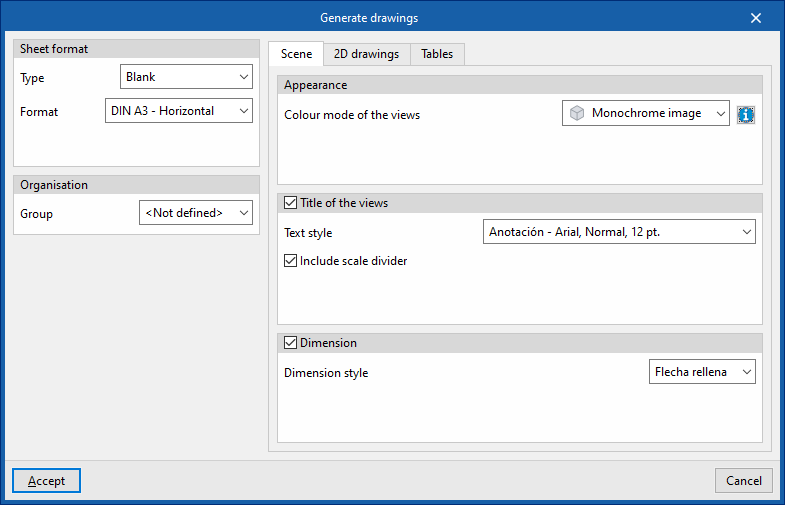
- Sheet format
Defines the format of the slides generated or, if desired, the template to be used and the layer into which they will be inserted:- Type:
- Empty (Format)
- From a template (Template, Layer)
- Type:
- Organisation
- Group
- "Scenes" tab
Configures the appearance, title and dimension style of scenes inserted into sheets:- Appearance
- Colour mode of the views
- Title of the views (optional)
- Text style
- Include the scale factor (optional)
- Note (optional)
- Include scale divider
- Appearance
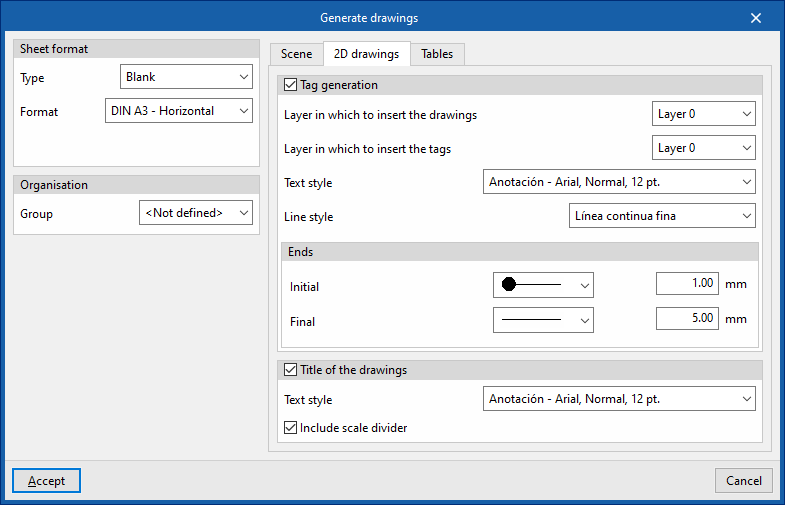
- "2D drawings" tab
Configures the format of the 2D drawing elements included in the sheets:- Tag generation
- Layer in which to insert the drawings
- Layer in which to insert the tags
- Text style
- Line style
- Ends (Start, End)
- Title of the drawings (optional)
- Text style
- Include scale divider (optional)
- Tag generation
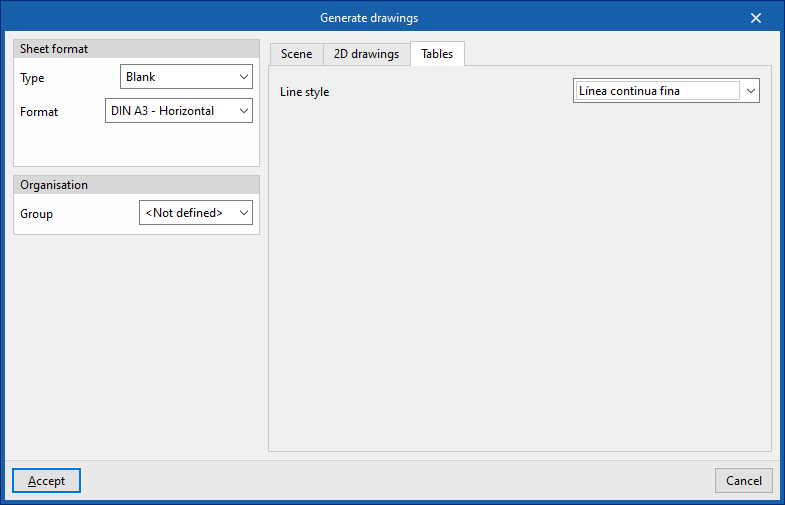
- "Tables" tab
Configures the format of the tables generated in the slides:- Line style