
Results output
Viewing results and checks on screen
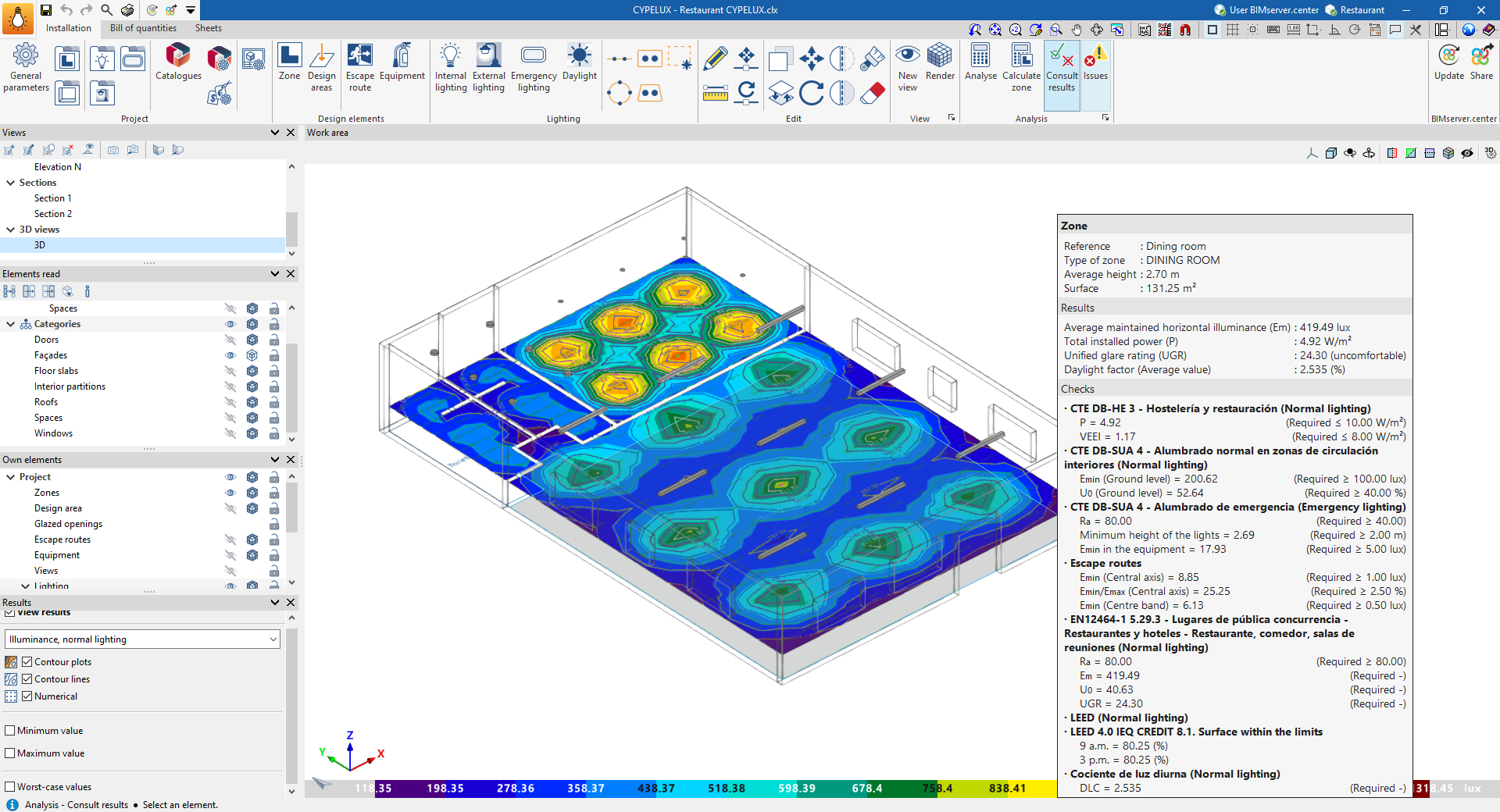
If you hover the cursor over the boundary of an area using the "View results" option, the program displays a text box containing information about the area and parameter values such as the following:
- Maintained average horizontal illuminance
- Total installed capacity
- Installation Energy Efficiency Value (VEEI)
- Unified Glare Index
- Daylight factor (if the calculation has been enabled using the "Daylight" option)
If the option to check for regulatory compliance has been selected in this section, the following information will also be displayed alongside the required values and the compliance check.
For example, for standard EN 12464-1, the following is shown:
- Minimum colour rendering index (Ra) of the installed luminaires
- Minimum maintained illuminance (Em) on the reference surface
- Minimum illuminance uniformity (U0) over the reference surface, for maintained illuminance
- Unified Glare Rating (UGR) limit
Sheets for each zone and calculation area
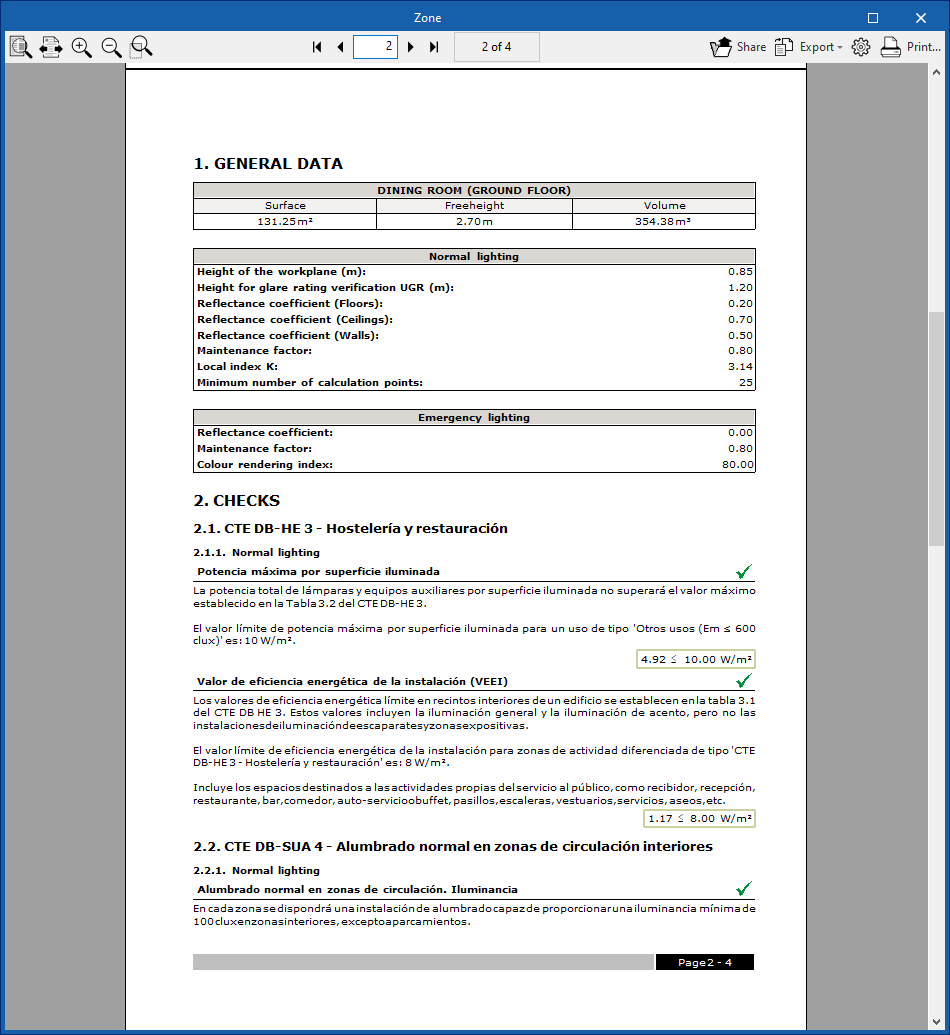
The program generates supporting documents that include general details and the checks it performs for each area or calculation zone.
To view the breakdown for each zone or calculation area, click on it and select the "View results" option.
Job reports
The program allows you to print reports directly or generate HTML, PDF, TXT, RTF or DOCX files.
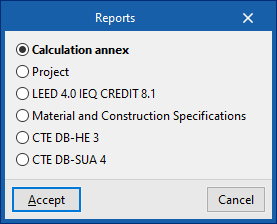
The reports can be accessed via the "Reports" option in the "File" menu or from the toolbar at the top left.
The available reports are as follows:
Calculation annex
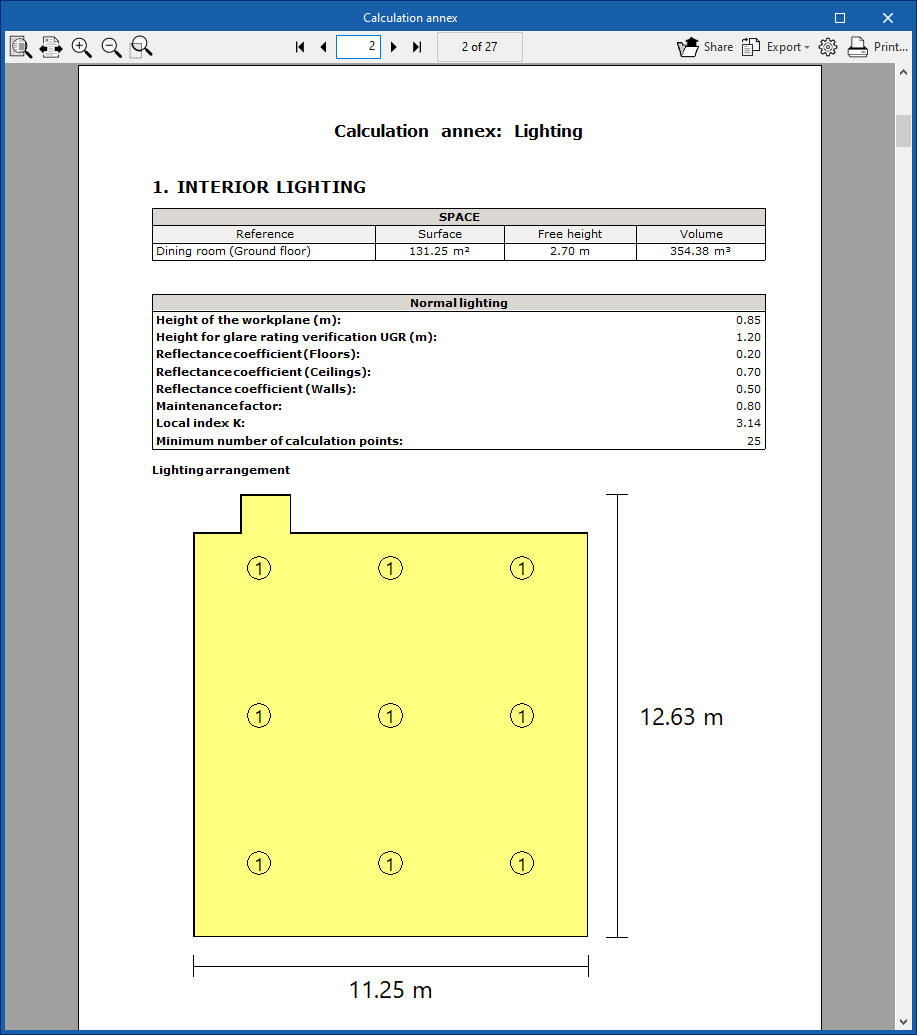
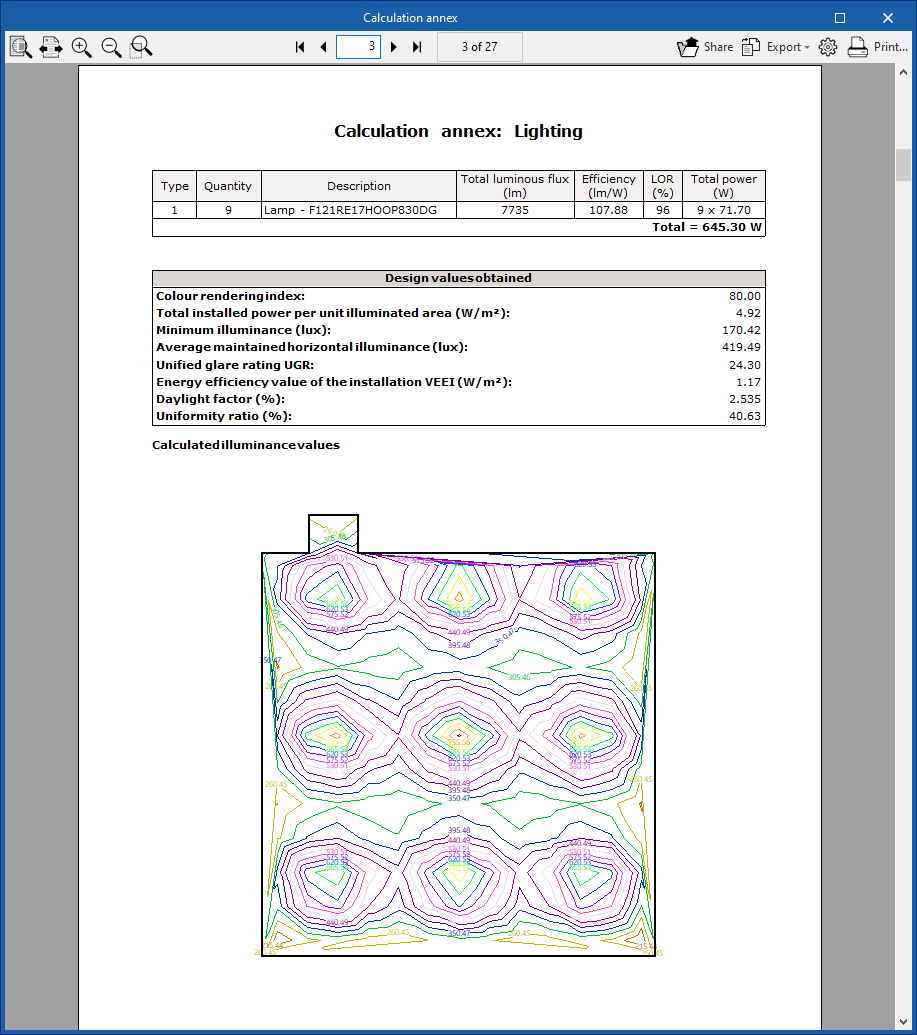
The calculation annex sets out, in addition to the calculated values, the characteristics of the premises together with their standard and emergency lighting systems.
The information collected includes the following:
- Indoor and outdoor lighting
- Layout of the light fittings
- Calculation of illuminance and glare
- Contour map
- Location of the worst-performing stocks
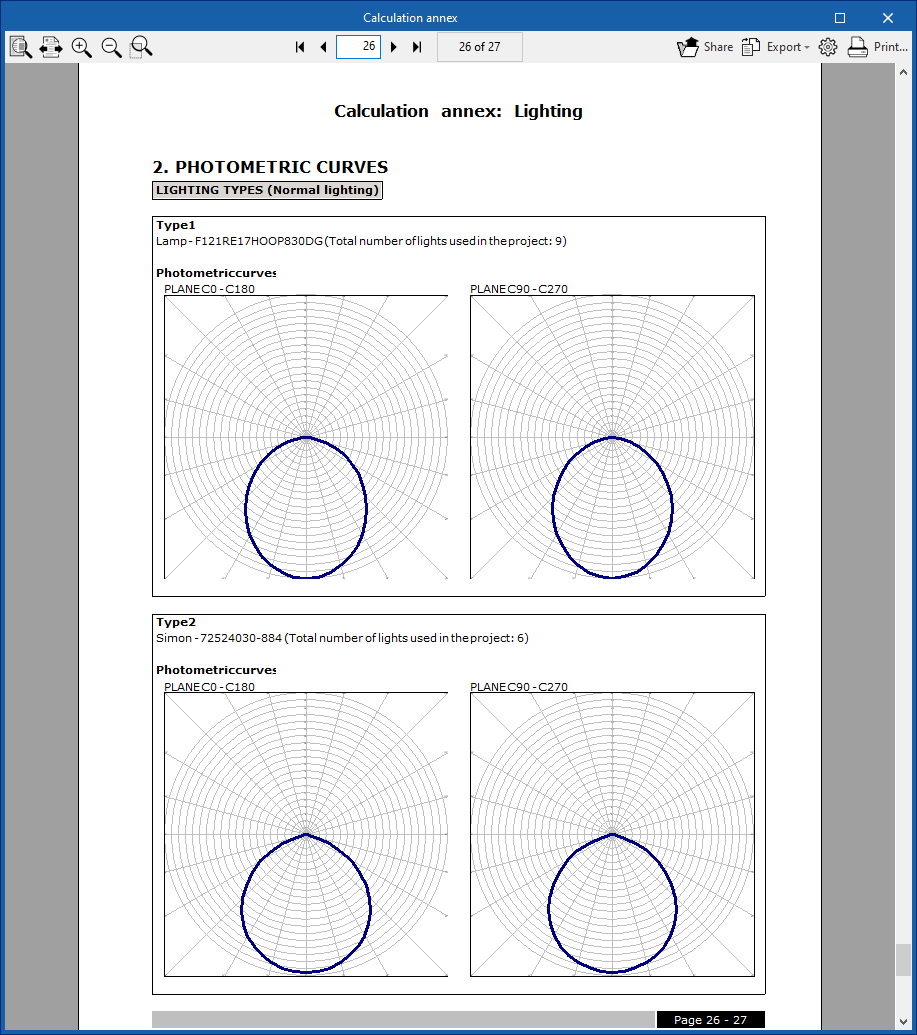
- Photometric curves
Curves in the two photometric planes for the luminaires used in the project.
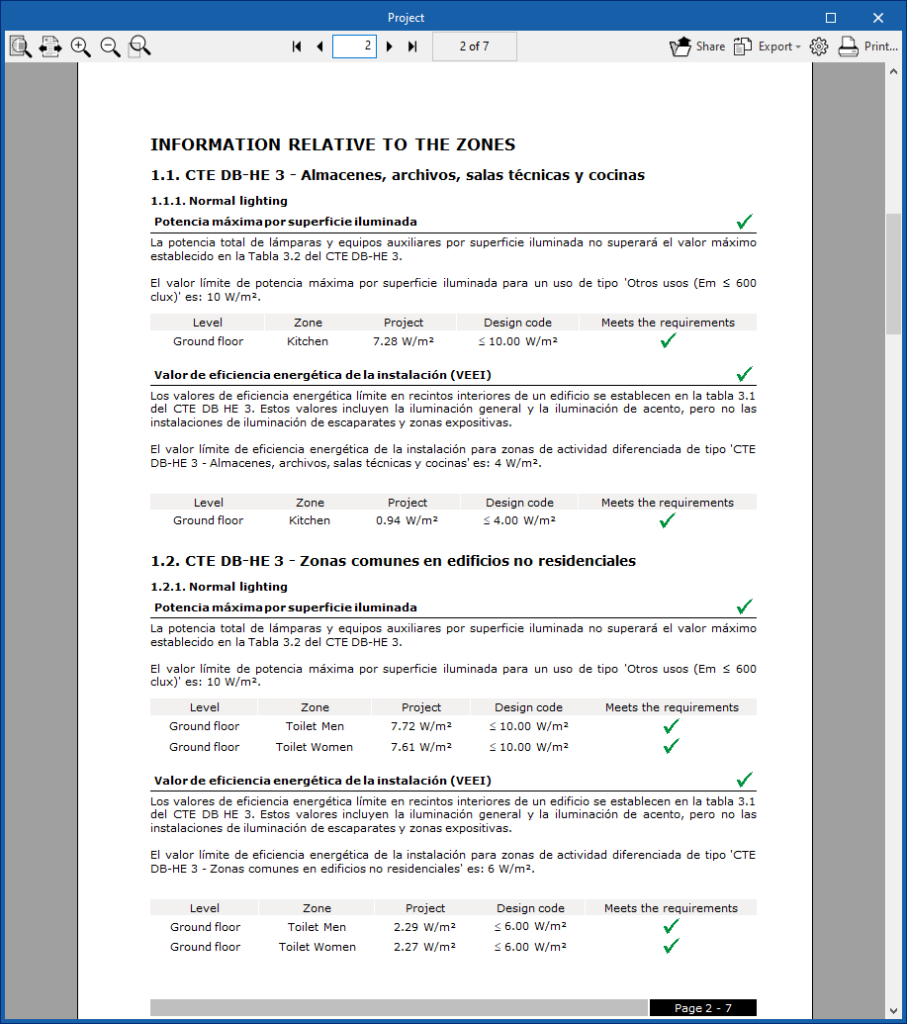
Project report
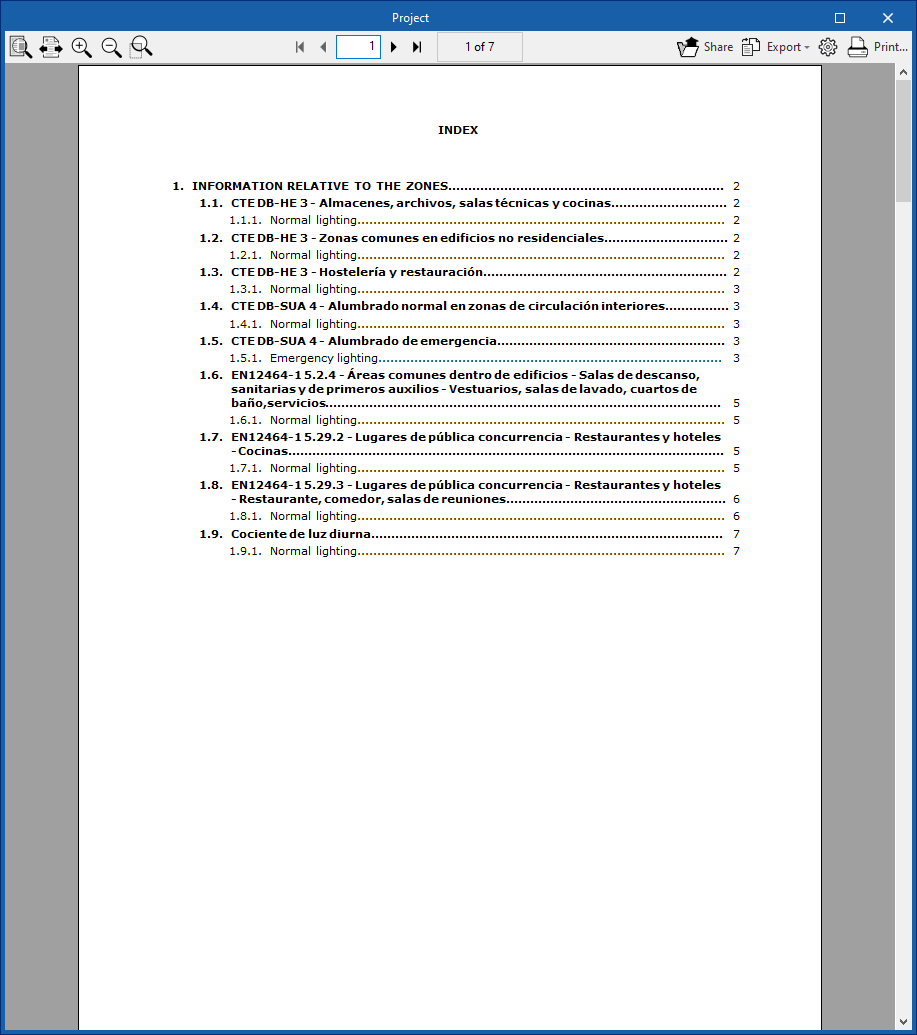
This report provides a summary of the checks carried out across all areas of the project, organised into sections according to each type of check defined.
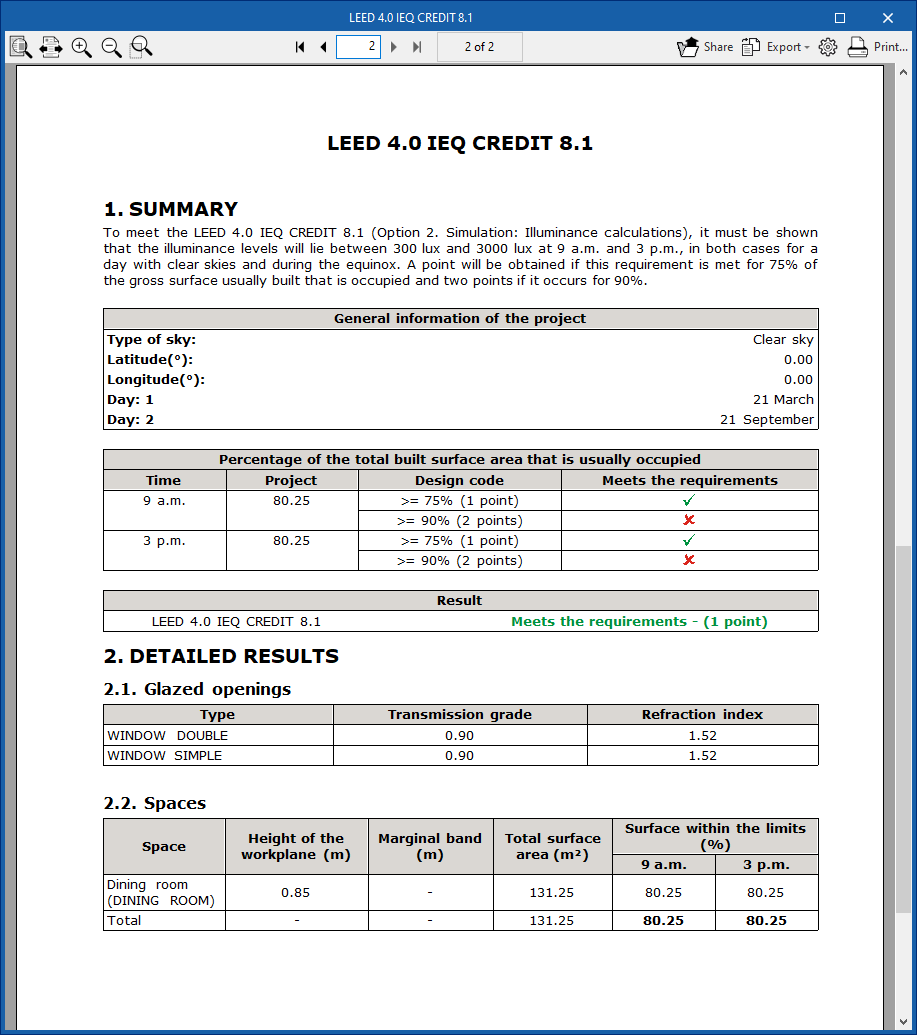
LEED 4.0 CAI Credit 8.1
Thisreport shows the results of the checks carried out to obtain LEED 4.0 CAI CREDIT 8.1 certification (Option 2: Simulation: Illuminance Calculations).
Drawings in DWG, DXF or PDF format
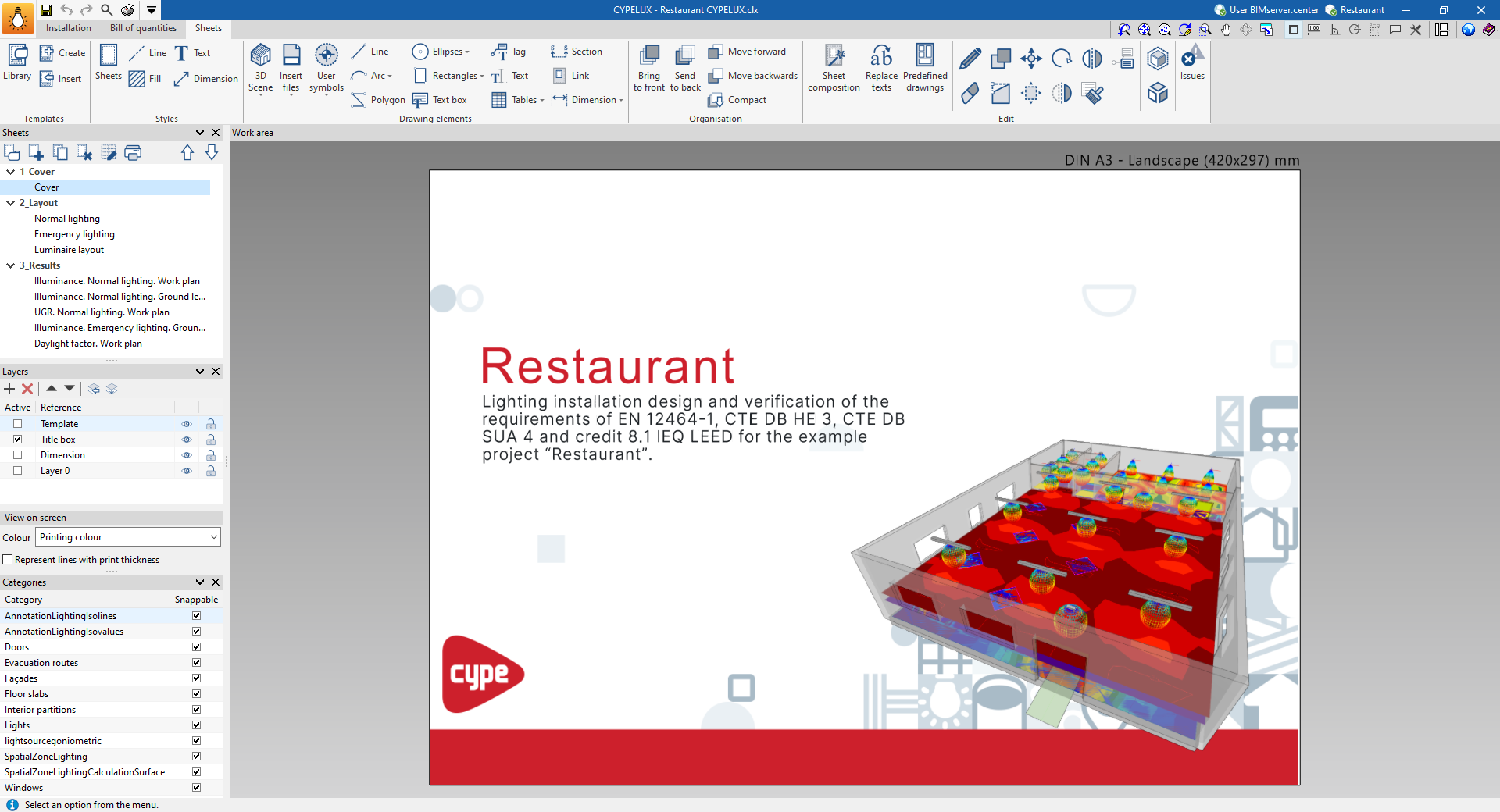
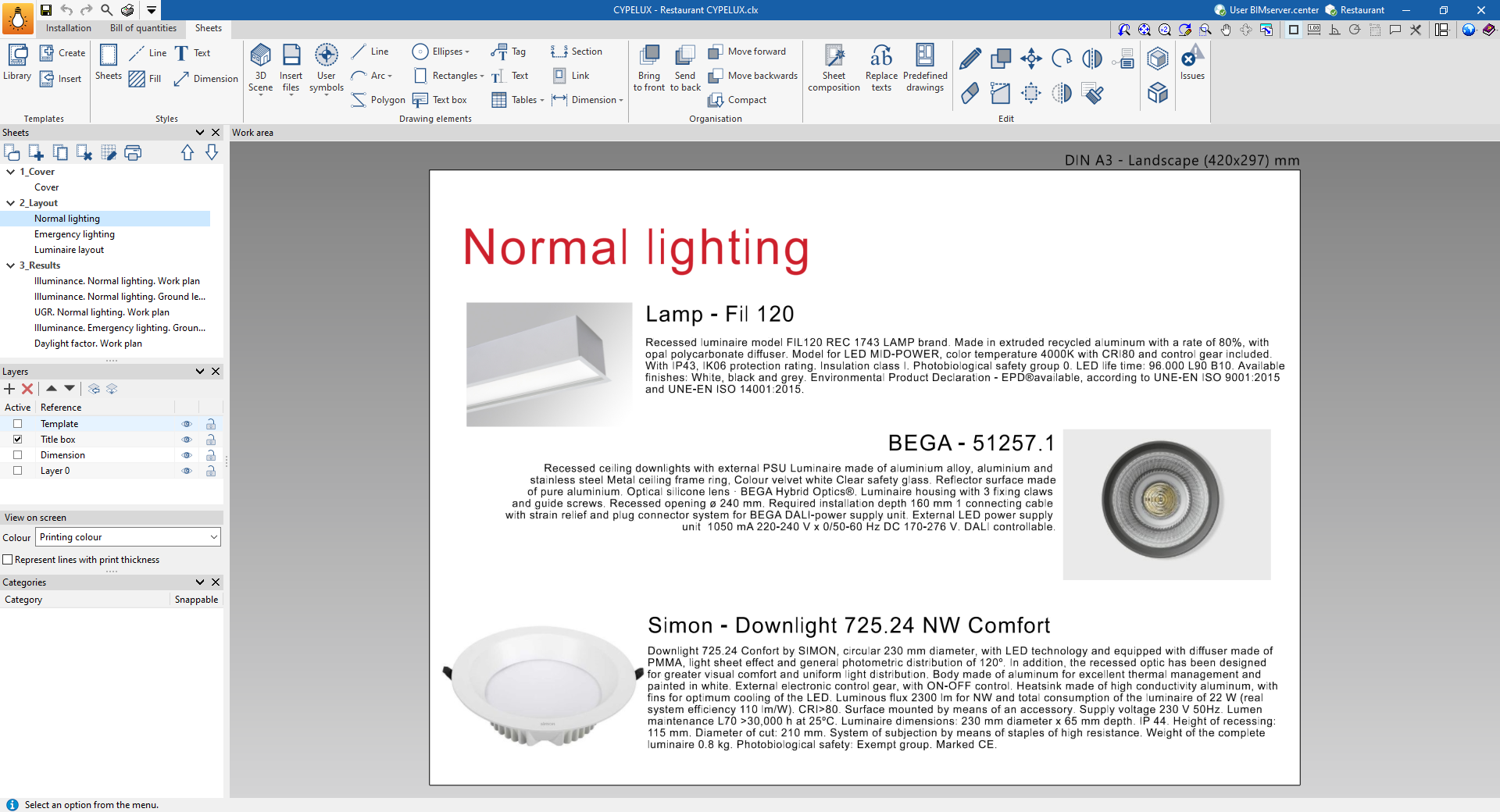
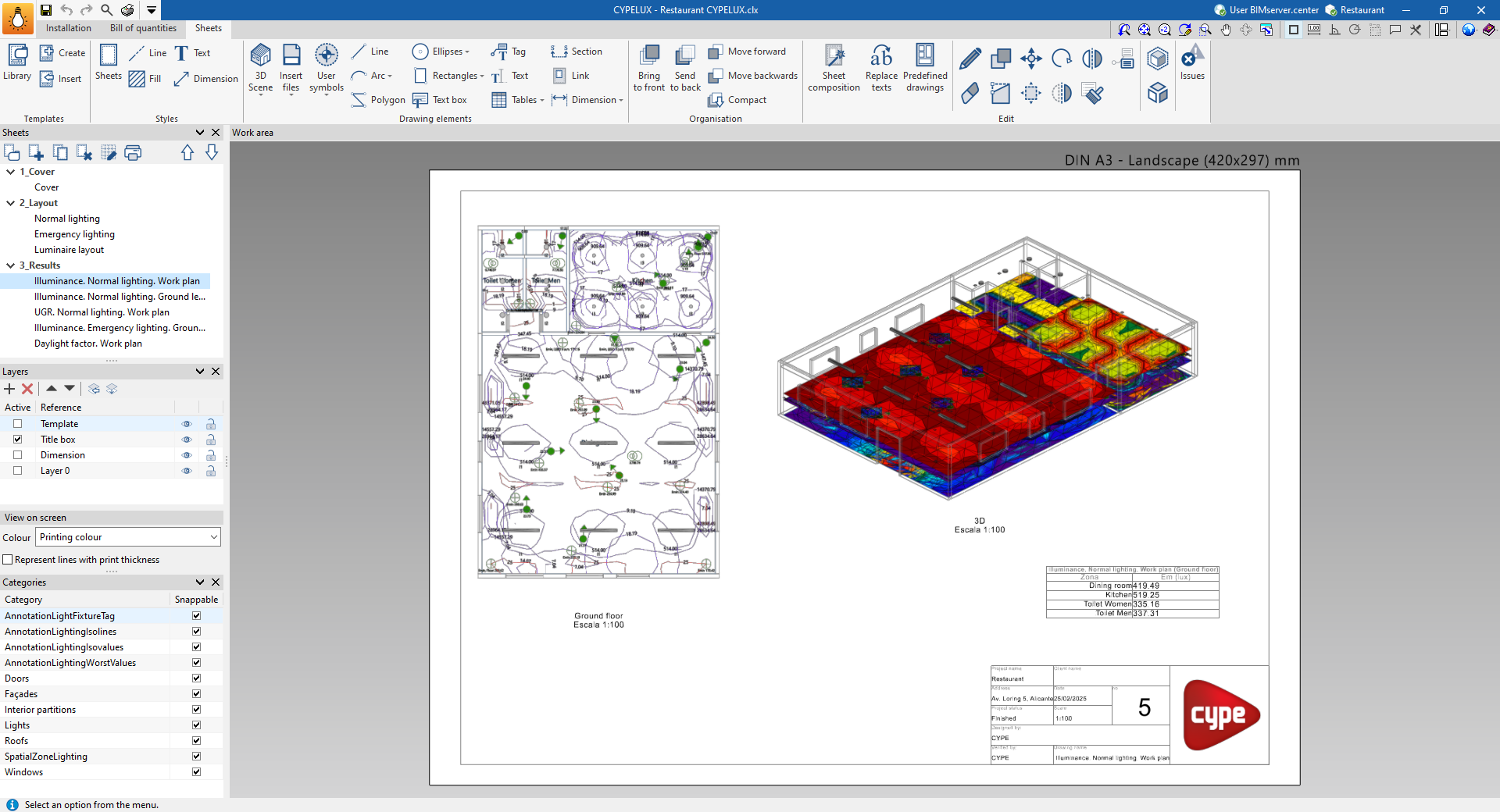
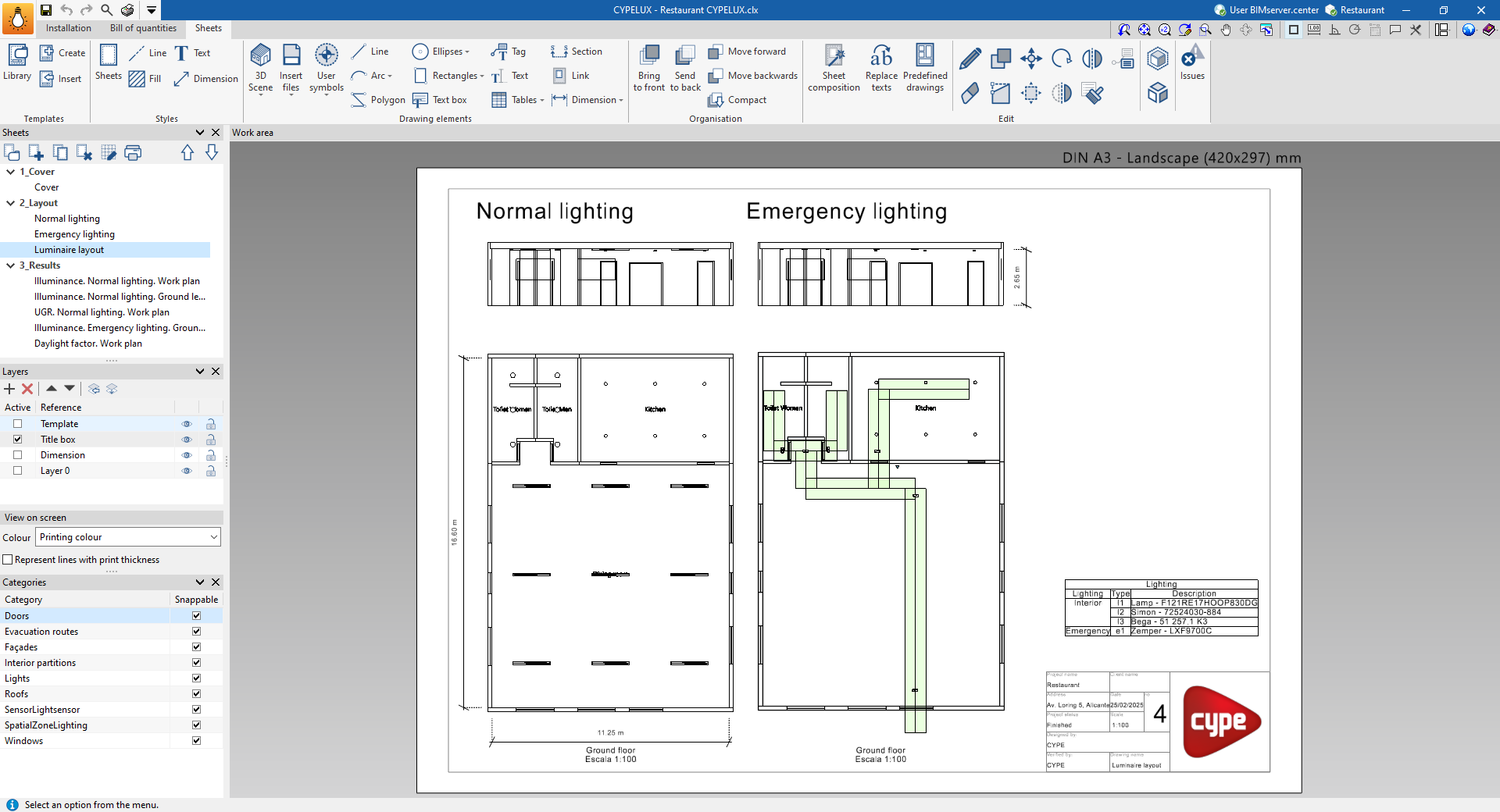
The program allows you to design and generate detailed plans of the lighting installation.
You can print the construction drawings directly on any printer connected to your computer, or create DWG, DXF or PDF files.
Plans can be compiled and printed using the tools available in the "Sheets" tab.
Results from the "Bill of quantities" tab
Once the work has been completed in the "Bill of quantities" tab, the program allows you to generate the following documents:
- Exporting the bill of quantities in FIEBDC-3 (BC3) format
- Bill of quantities reports (in HTML, PDF, TXT, RTF or DOCX format)
File in GLTF format compatible with BIMserver.center
When you export the project to the BIMserver.center platform, a 3D model in GLTF format is automatically exported so that the installation model can be integrated into the Open BIM project, allowing it to be viewed:
- On the online platform;
- In the BIMserver.center app for iOS and Android;
- In virtual reality and augmented reality;
- In other CYPE programs.
