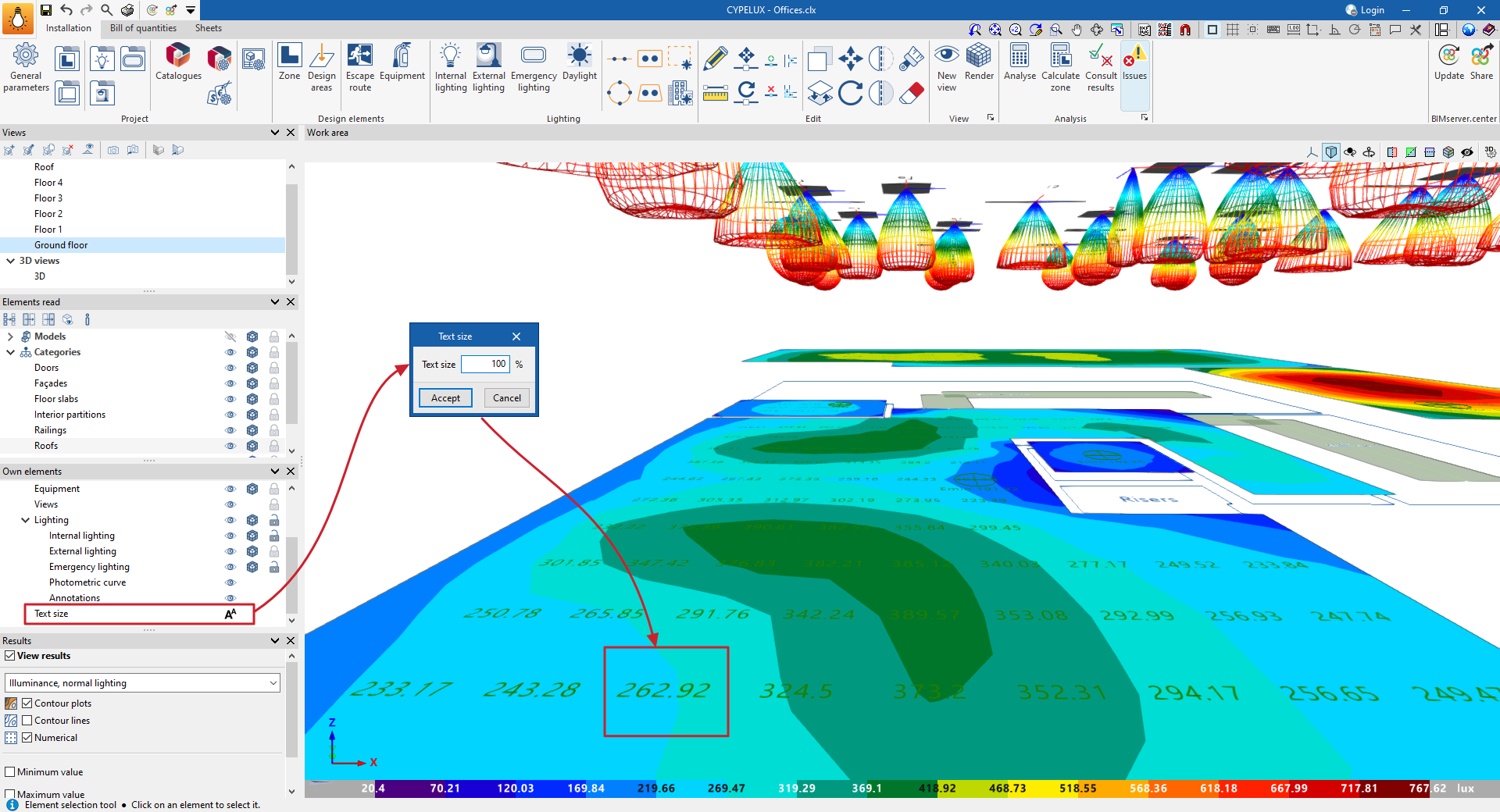
Text size
Using the "Text size" option in the "Own elements" panel, which is located by default on the left-hand side of the interface, the program allows you to adjust the size of the text displayed in the 3D environment. The size is set by entering a percentage of the original size.
Users can adjust the text size to suit the dimensions of the venue. Thus, in large venues, such as warehouses or industrial halls, the text can be enlarged to improve readability, whilst in smaller venues it can be reduced in size to prevent text from overlapping.