Generation of detailed models of plumbing and sanitation installations
The ‘Generation’ block on the top toolbar offers the following options for generating the breakdown of the pipes and fittings that make up the different installations in the project.

Options for generating pipes and fittings for the entire project
The first two options available allow you to generate pipes and fittings for the entire project:
- Pipes
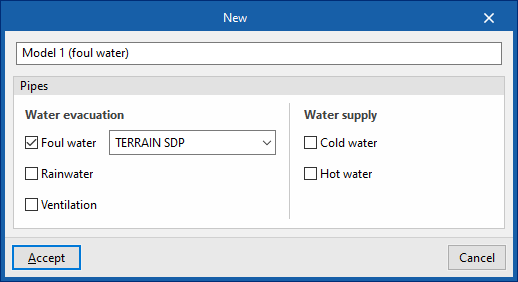
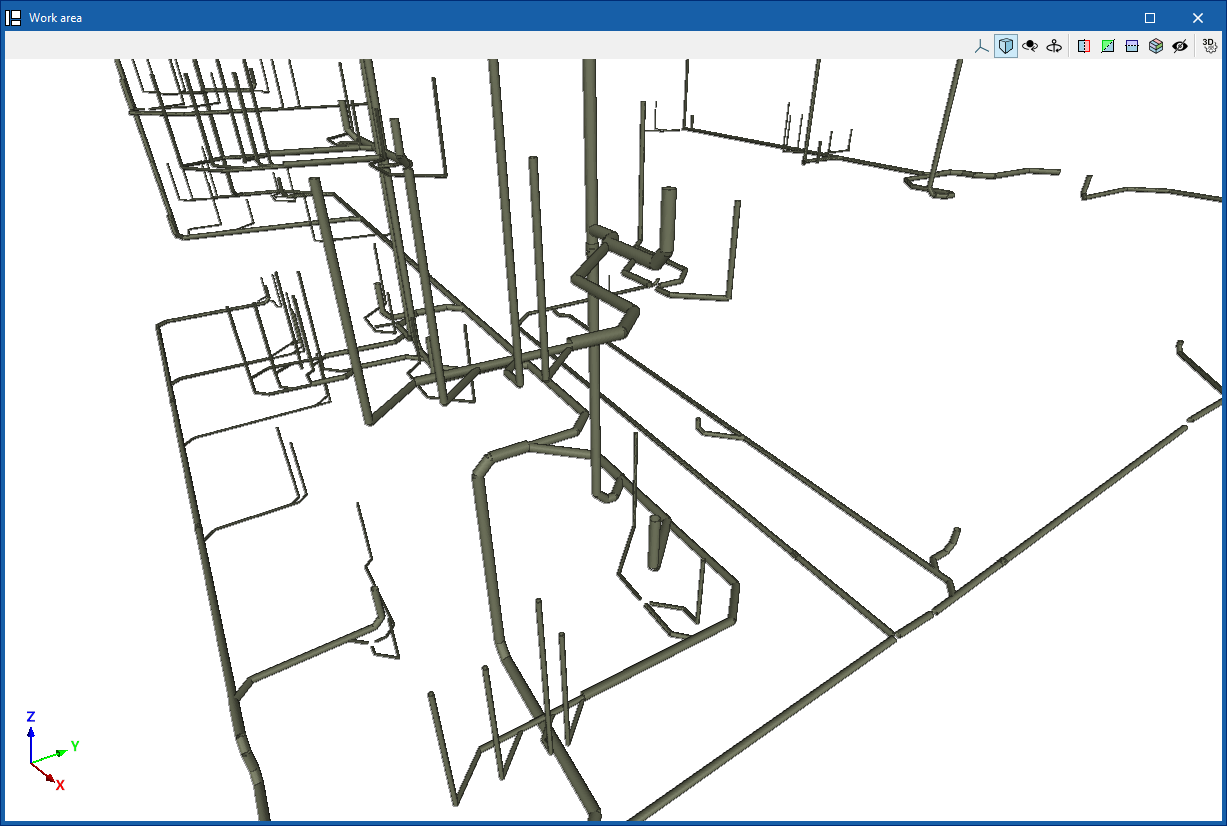
Generates the details of all the parts that make up all the pipes in the project. In the pop-up window, you must indicate the reference of the detailed model generated and then, for each type of installation, you must select a specific series of materials from those previously created in the ‘General options’. - Fittings
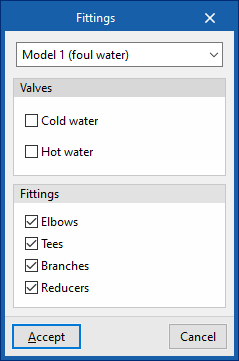
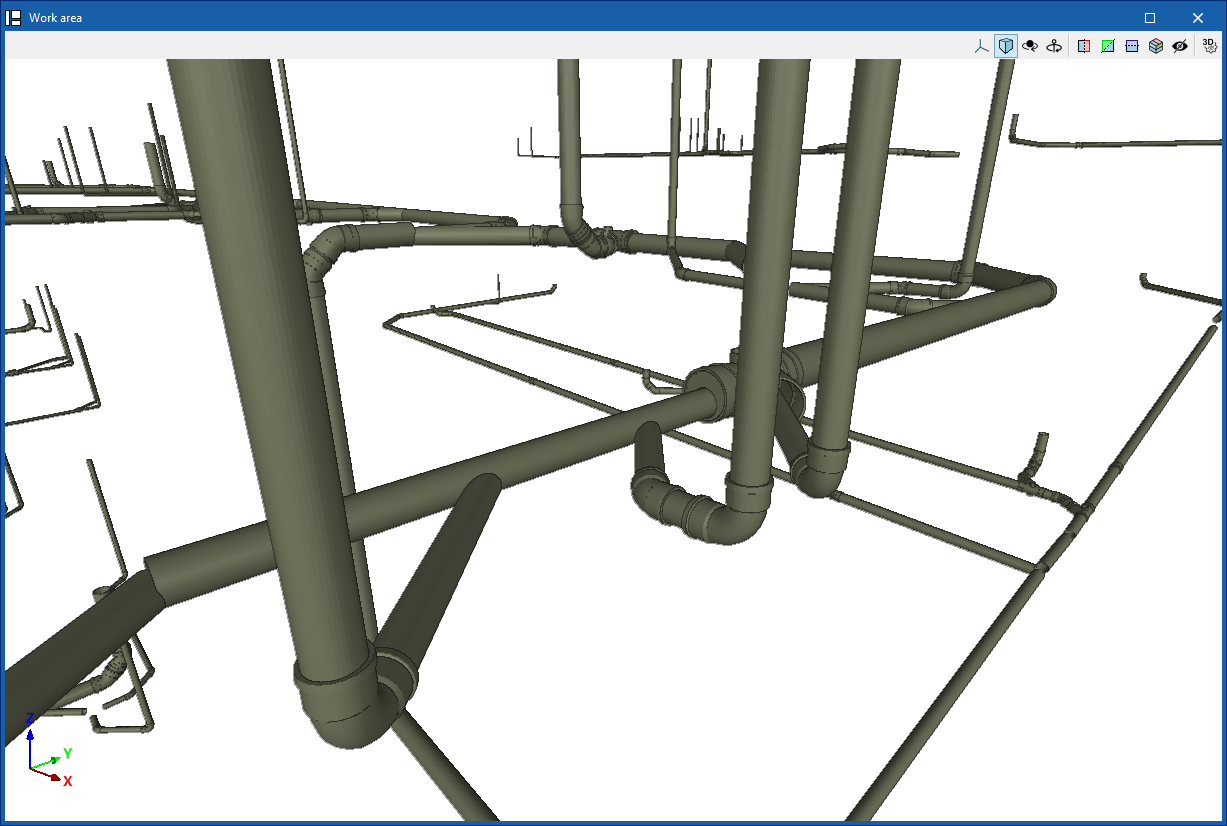
Generates the fittings required throughout the installation for the selected detailed model, including ‘Elbows’, ‘Tees’, “Branches” and ‘Reducers’, by ticking the corresponding boxes.
| Note: |
|---|
| The usual workflow involves generating all the pipes in the detailed model and then generating all the accessories in the model, using these two options consecutively. |
Options for generating parts of the detailed model
In addition to these options for generating all elements of the project, it is possible to use the following options for partial generation only on the elements selected by the user in the work area:
- Pipes
Generates the details of the parts that make up the pipes selected by the user. - Fittings
Generates the necessary fittings in the elements selected by the user. - Elbows
Generates elbows in the elements selected by the user. - Tees
Generates tees in the elements selected by the user. The programme offers two different options, which allow tees to be generated between two pipes or between three pipes. - Branches
Generates branches in the elements selected by the user. The programme offers two different options, which allow branches to be generated between three pipes or between four pipes. - Reducers
Generates reducers in the elements selected by the user.
| Note: |
|---|
| If the programme cannot find a solution for a particular joint, it displays the message ‘There is no fitting in the catalogue that allows the selected pipes to be joined’. In these cases, the user can try to work around the situation by modifying the design, for example, by inserting a reduction beforehand to ensure that the connection to be resolved is made between pipes of the same diameter, and then resolving the connection between the desired pipes. |
Regeneration of the detailed model
The ‘Model’ option allows you to recalculate the distances of the pipes and regenerate their layout.
This is necessary if changes have been made manually to the automatically generated installation.