Importing manufacturer catalogues for the detailed model of plumbing systems
In the "Digital Model" tab, manufacturer catalogues are loaded from the "Catalogues" option in the "Project" group at the top so that they are available for use in the detailed model.

Catalogues
You can download manufacturer catalogues using the connection to the Open BIM Database, facilitating the entry of data into the program for project development.
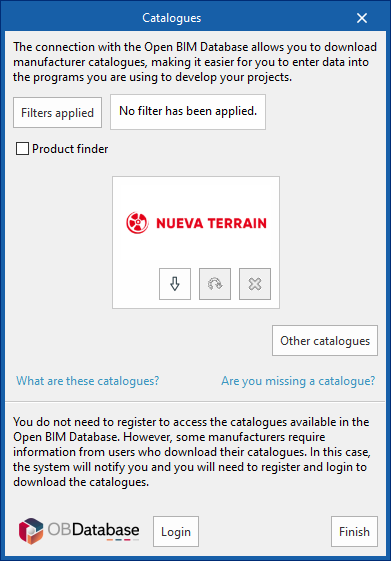
Clicking on this option opens a window with the available manufacturer catalogues.
Using the "Applied filters" option, it is possible to apply filters by "Language" and "Country" to show only those manufacturers that offer product catalogues with these characteristics.
Downloading catalogues
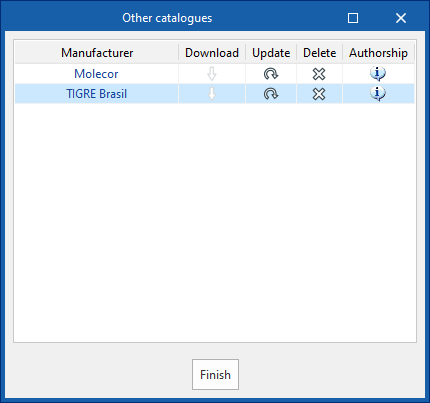
The following options are shown for each manufacturer:
- Download
Downloads the manufacturer's catalogue. The products in the catalogue will be available in the project. - Update
Updates the selected manufacturer's catalogue to the latest version, deleting the downloaded version in the project. - Delete
Deletes the selected manufacturer's catalogue. The products in the catalogue will no longer be available in the project.
Connection to Open BIM Database
At the bottom of this dialogue box, the program allows the user to log in with their Open BIM Database account and password.