

Layer configuration
Within the "Installation" tab of the "Water Systems", "Sanitary Systems" or "Solar Systems" sections, the options that control the display and selection of elements belonging to the model’s various layers are located in the "Layer configuration" panel, which is positioned by default on the left-hand side of the interface.
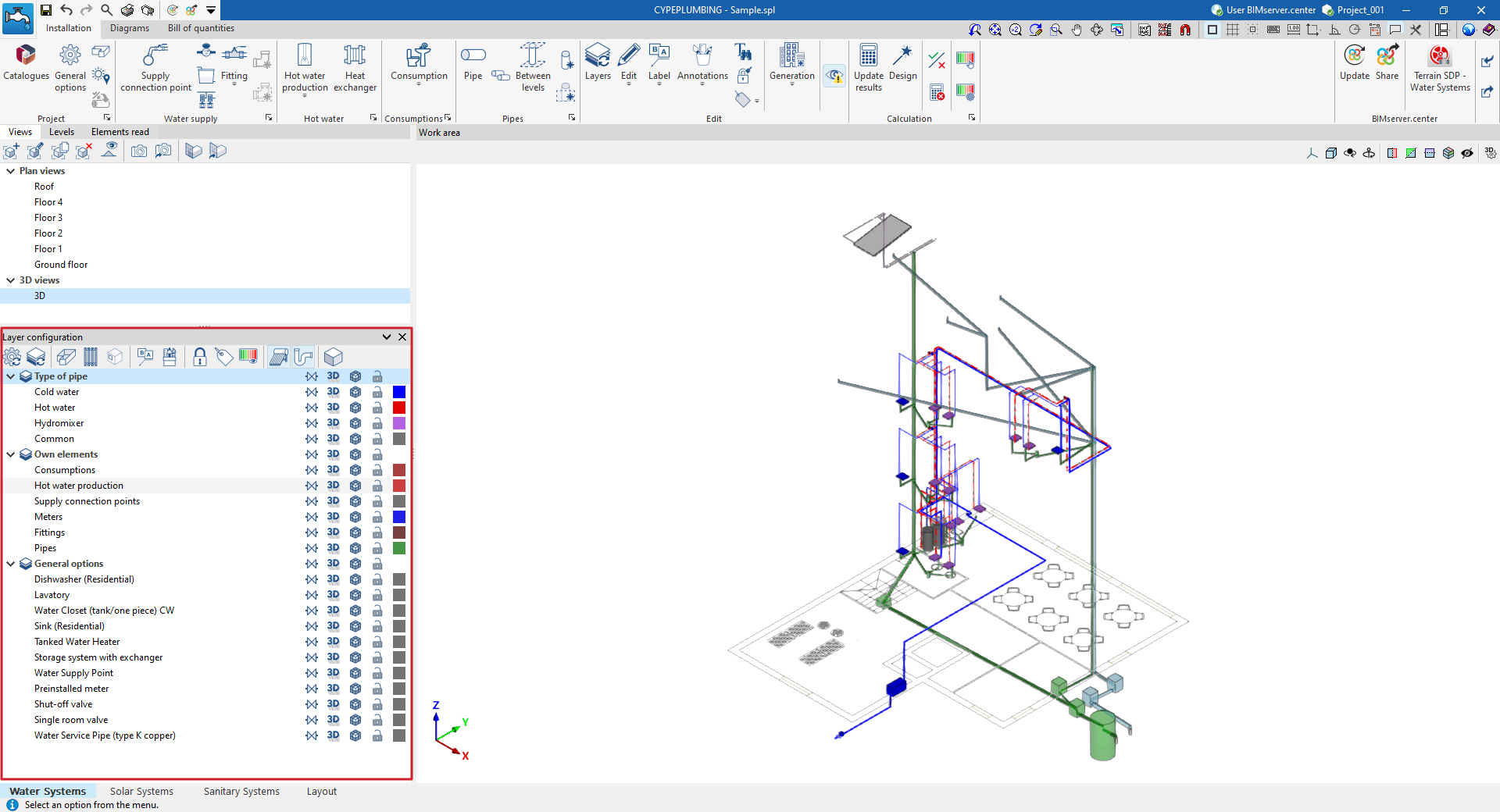
In addition, the options on the top toolbar of this panel allow you to update the settings for the layers displayed and their colours, control the display of spaces, slats and openings, labels and editing tools, locked elements or those with filters applied, view the graphical analysis of results, activate the display of installations entered in the other tabs of the program, or access the 3D view.
These features are described below.
 | Updates the colours in the layer settings based on the information entered for the different element types in the "General options" section, within the "Project" group. |
 | Updates the layer settings based on new elements added to the model (for example, by displaying or adding the layer corresponding to the category of the newly added element). |
 | Toggle the display of all areas of the BIM model that have been read and imported into the program in all views. |
 | Enables or disables the display in all views of horizontal or vertical pipe runs defined using the options in the "Generation" menu. |
 | Enables or disables the display of doors or openings from the BIM model that have been imported into the program in all views. |
 | Toggle the display of installation element labels in all views. |
 | Enables or disables the display in all views of annotations entered using the tools in the "Annotations" menu of the "Edit" panel. |
 | Highlight the locked items using the "Lock" option in the "Edit" section of the top toolbar. |
 | Highlight the items assigned to filters using the options in the "Bill of quantities" menu, within the "Edit" section of the top toolbar. |
 | This allows you to view a graphical analysis of the results of the last analysis. |
 | Enables or disables the display of water supply system components entered in the "Water Systems" tab (in the "Sanitary Systems" and "Solar Systems" tabs). |
 | Enables or disables the display of solar thermal system components entered in the "Sanitary Systems" tab (in the "Water Systems" and "Sanitary Systems" tabs). |
 | Toggle the display of the water drainage system components entered in the "Solar Systems" tab (in the "Water Systems" and "Solar Systems" tabs). |
 | This allows you to open a 3D viewer in a separate window displaying elements imported from the BIM model alongside the model’s own elements. |
