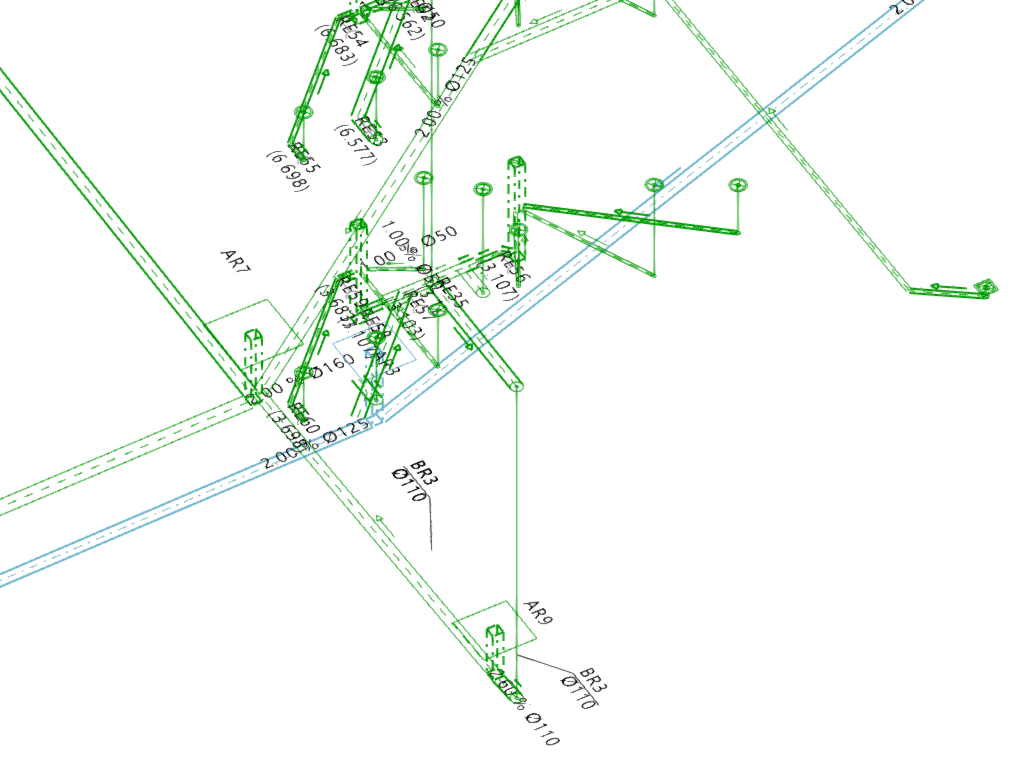
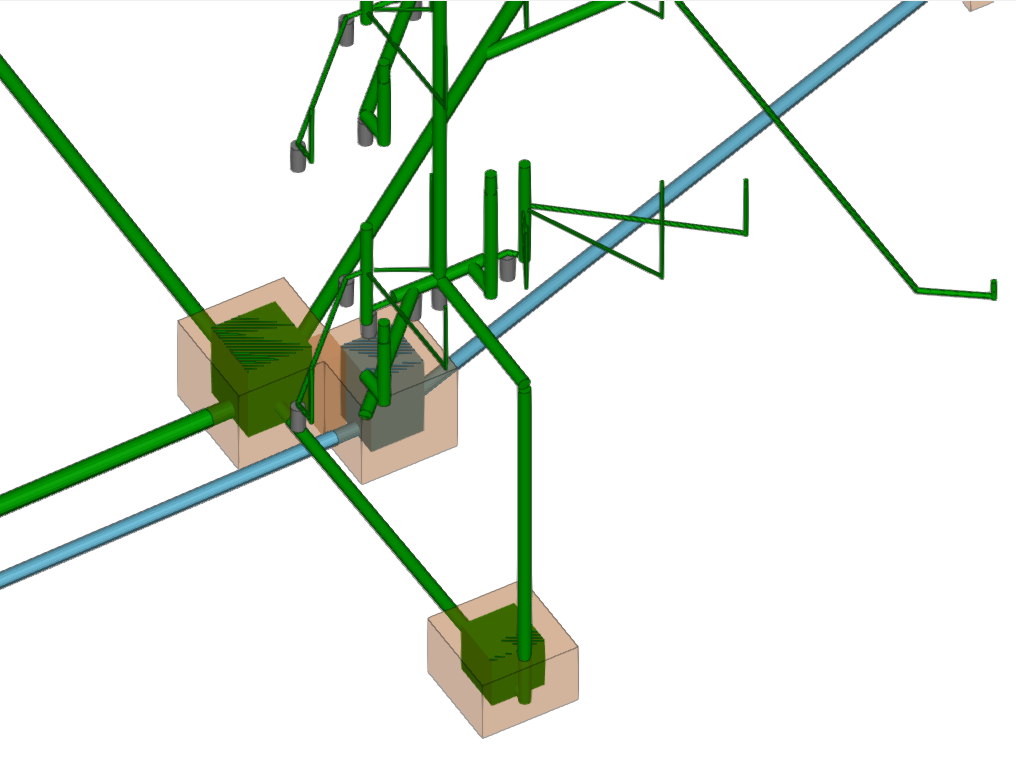
Displaying and snapping options for the drainage system
The list in the "Layer configuration" panel shows the model elements organised by layer or category.
The categories of elements are grouped into the following sections:
- Type of drainage
The categories of drainage system components available are as follows:- Wastewater, Black water, Grey water, Rainwater, Wastewater and rainwater, Ventilation
- Own elements
The categories of drainage system elements available for configuration are as follows:- Connection points, Manholes, Fittings, Drainage pipes, Longitudinal drains, Gutters, Outlets, Drainage areas, Pipes
- General options
The categories shown in this section correspond to the element types entered under "General options" in the "Project" group. - Customised layers
The categories shown in this section correspond to the layers created using the tools available in the "Custom layers" menu within the "Edit" panel.
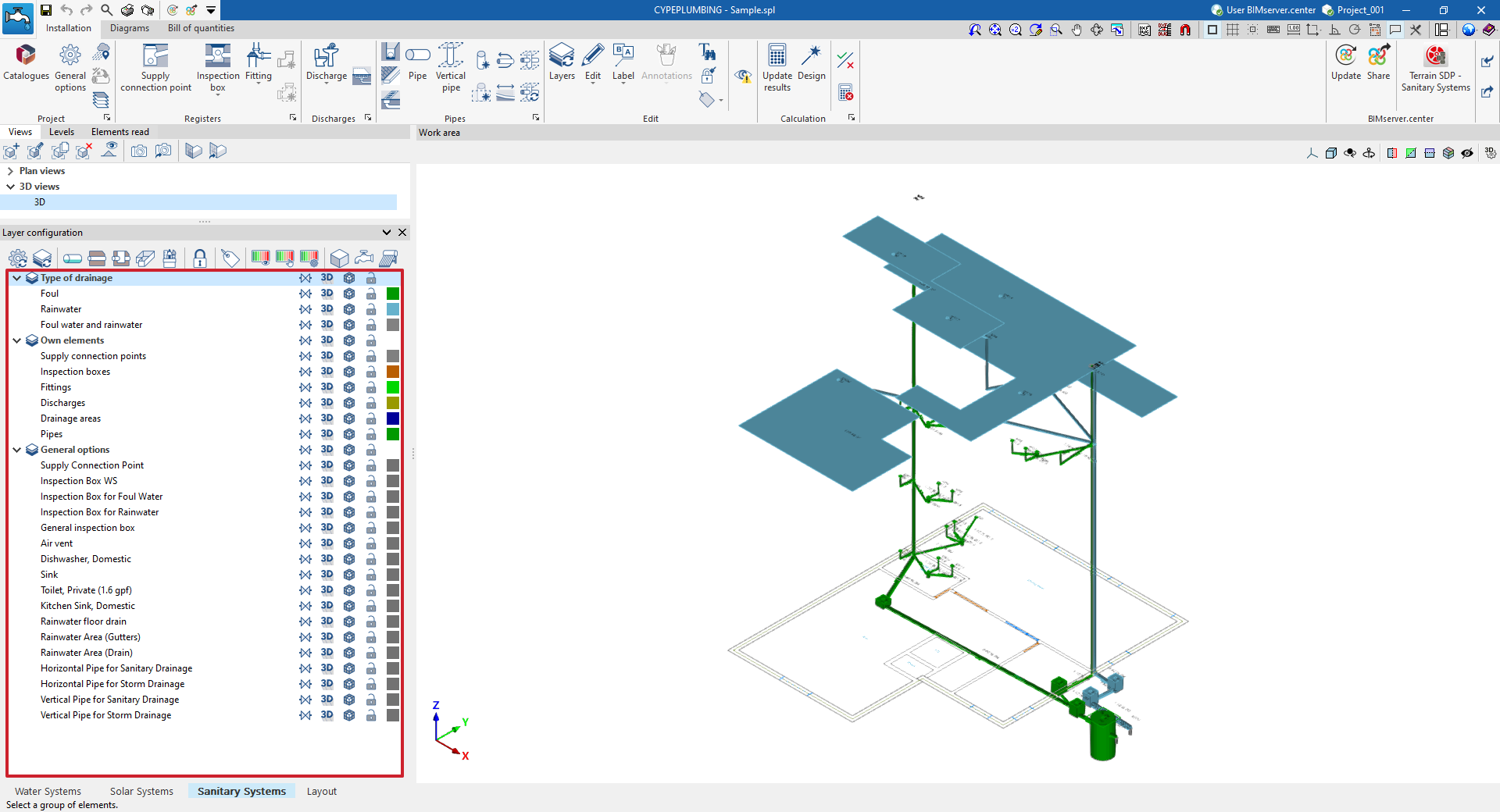
The options in the columns on the right allow you to customise the display and configure the data captured for each category. The columns and options available for each category are as follows:
- Reference
Reference to the element category.  Symbolic representation
Toggles the symbolic representation of the elements in the category. 3D display
Toggles the 3D or volumetric display of the elements in the category. Opacity
Adjusts the opacity of the 3D representation of the elements in the category. Capture
Enables or disables the capture of elements in this category. Colour
Changes the colour of the elements in the category.
 Symbolic representation
 3D display
 Opacity
 Capture
 Colour