Inserting storage tanks and heat exchangers in a solar thermal system
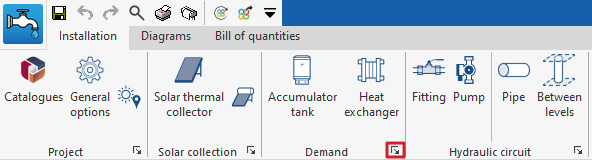
Under the "Installation" tab in the "Solar Systems" section, within the "Demand" section of the main toolbar, you will find the options for adding storage tanks and heat exchangers to the solar thermal system:

Accumulator tank
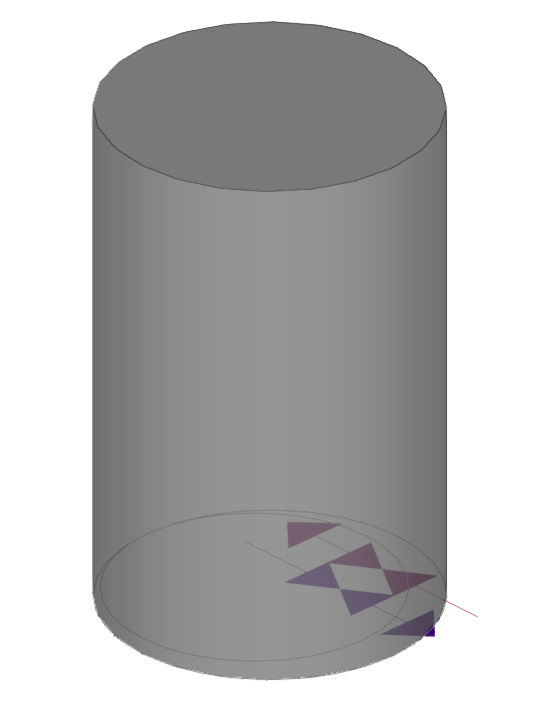
This option allows you to include storage tanks and combined storage tanks (storage systems with an integrated heat exchanger) in the model.
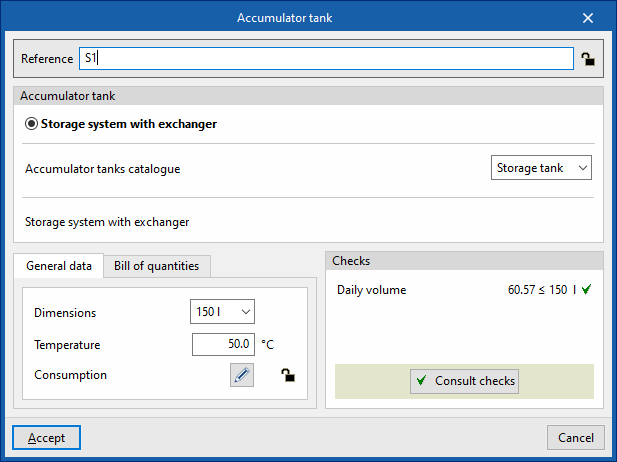
When entering or editing an accumulator tank, you can configure the following parameters. Some parameters only appear if the "Simplified entry" option under "Design options" in "General options" is disabled:
- Reference
The reference for the element. This value can be locked or unlocked. If it is unlocked, the program will create or modify the reference when updating results. - Storage tank
Allows you to select the criteria or options for designing and checking storage tanks. These options can be created and edited under "Design and check options" in "General options", within the "Project" section. - Accumulator tank catalogue
This allows you to select the accumulator tank catalogue from those defined in the "Material and equipment selection" section, under "General options", within the "Project" group.
- "General data" tab
Allows you to define general details for the entered item:- Dimensions
- Temperature
- "Consumption" tab (Lock/Unlock)
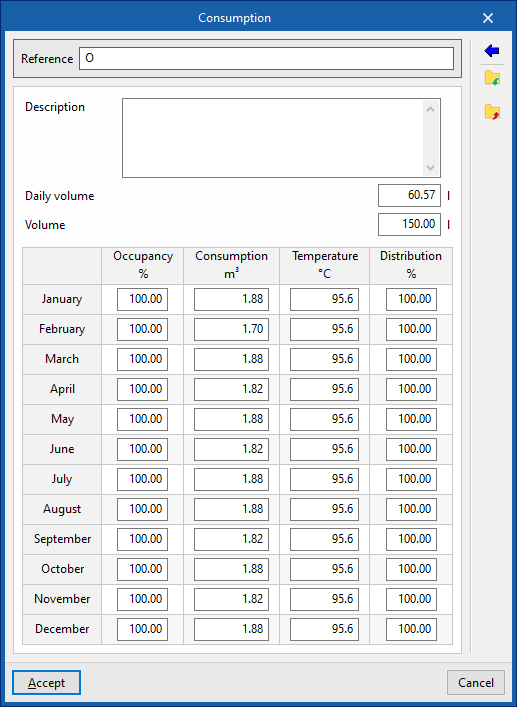
Allows you to manage consumption data associated with the battery by editing entries in a table. When entering consumption data, you must provide the following information:- Reference
- Description
- Daily volume
- Volume
- Occupancy (%) / Consumption (m³) / Temperature (°C) / Distribution (%)
These figures are calculated for each month. - Usage
Using this button, located on the right-hand side of the panel, you can load this data using the following values:- Reference
- Description
- Daily demand, per unit / Units
The values for "Daily demand, per unit" can be configured under "Demand criteria", within "Design options", and, in turn, under "General options". In addition, you must enter the number of "Units" associated with the equipment.
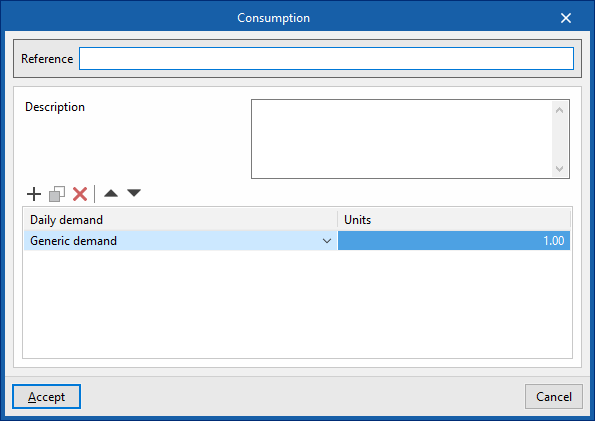
- "Bill of quantities" tab:
Allows you to control the generation of the item's bill of quantities using filters.- Accumulator tank
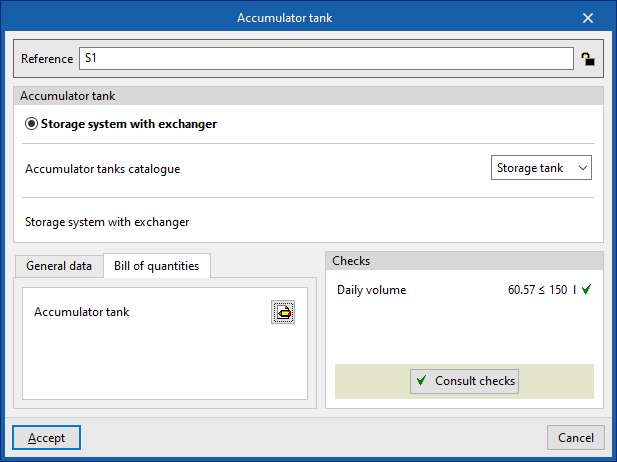
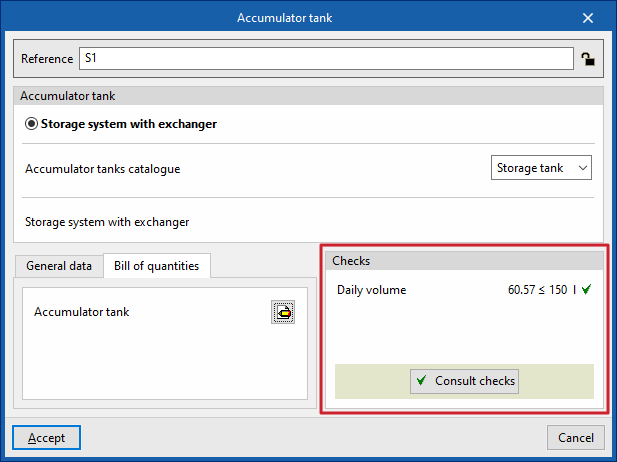
- Checks
Allows you to view the checks carried out on the element. The tool at the bottom centre allows you to view a report detailing the checks carried out:- Consult checks
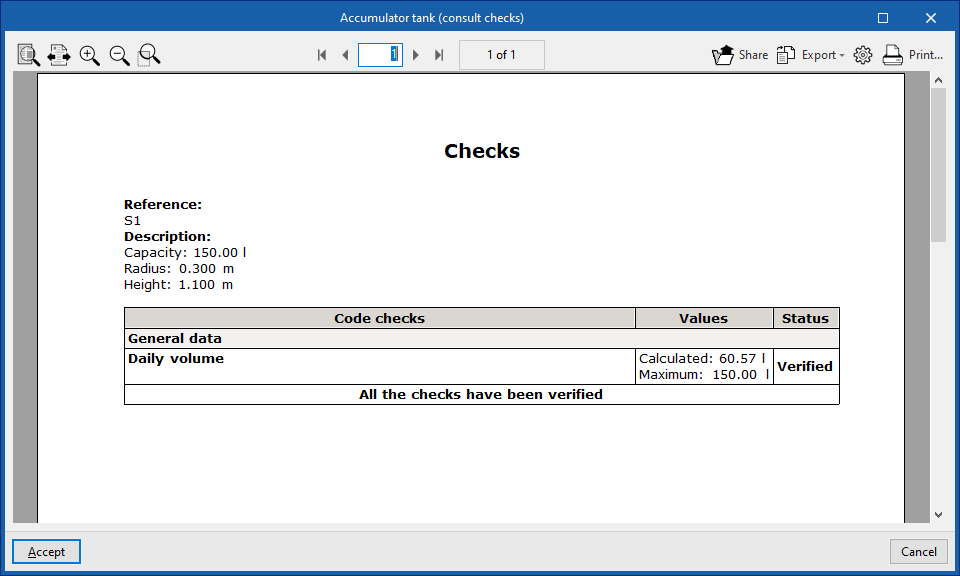
Heat exchanger
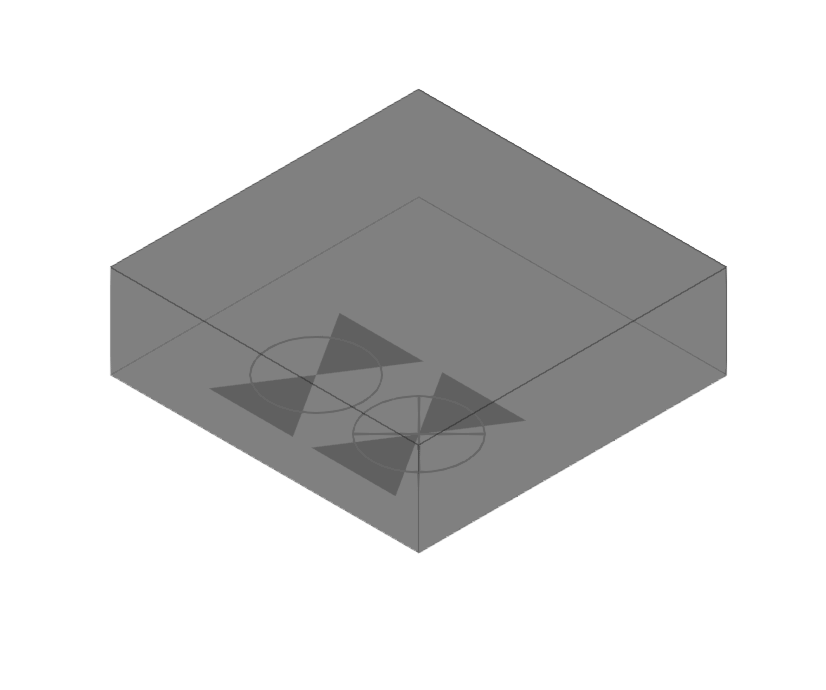
This option allows you to include heat exchangers in the model.
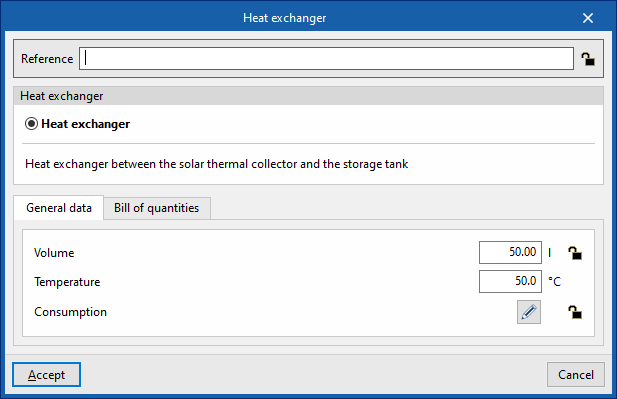
When adding or editing an exchanger, you can configure the following parameters. Some parameters only appear if the "Simplified entry" option under "Design options" in "General options" is disabled:
- Reference
The reference for the element. This value can be locked or unlocked. If it is unlocked, the program will create or modify the reference when updating results. - Heat exchanger
Allows you to select the criteria or options for the sizing and verification of heat exchangers. These options can be created and edited under "Design and check options" in "General options", within the "Project" section.
- "General data" tab
Allows you to define general details for the entered element:- Volume (Lock/Unlock)
- Temperature
- "Consumption" tab (Lock/Unlock)
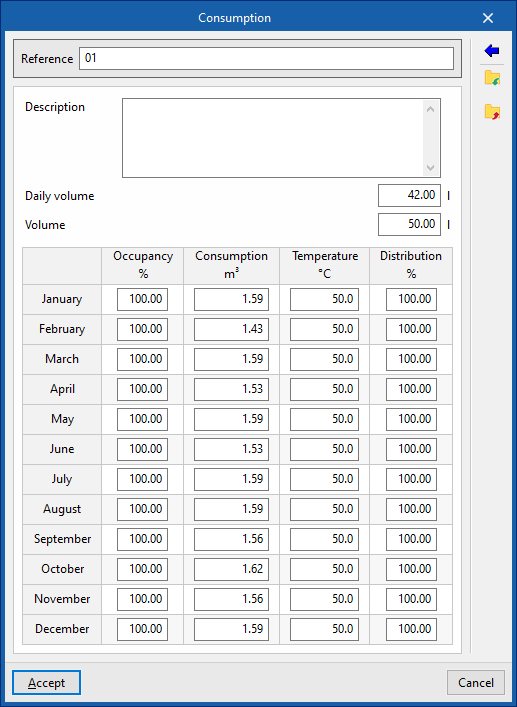
Allows you to manage the consumption data associated with the heat exchanger by editing entries in a table. When entering consumption data, you must provide the following information:- Reference
- Description
- Daily volume
- Volume
- Occupancy (%) / Consumption (m³) / Temperature (°C) / Distribution (%)
These figures are calculated for each month. - Usage
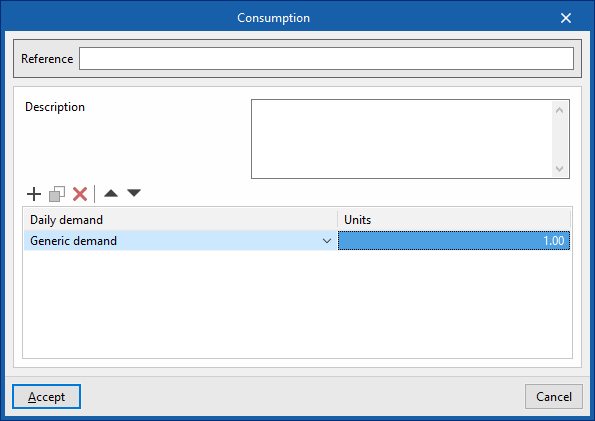
Using this button, located on the right-hand side of the panel, you can load this data using the following values:- Reference
- Description
- Daily demand, per unit / Units
The values for "Daily demand, per unit" can be configured under "Demand criteria", within "Calculation options", and, in turn, under "General options". In addition, you must enter the number of "Units" associated with the equipment.
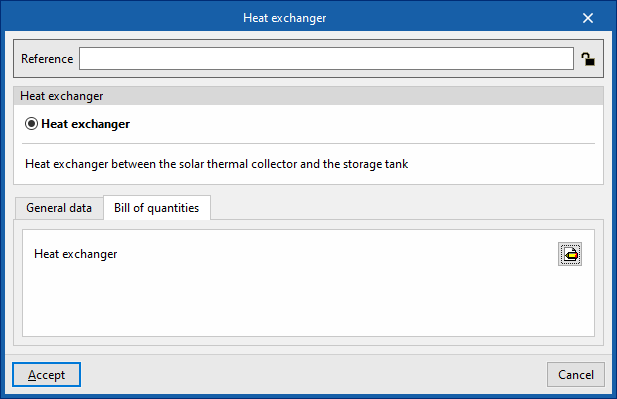
- "Bill of quantities" tab:
Allows you to control the generation of the item's bill of quantities using filters.- Heat exchanger
| Note: |
|---|
| The button in the bottom-right corner of the "Load" group provides access to the options for defining the elements in this group. These options are the same as those available under "Design and check options" in "General options", within the "Project" group. |