Configuring drawing and analysis options for solar thermal installations
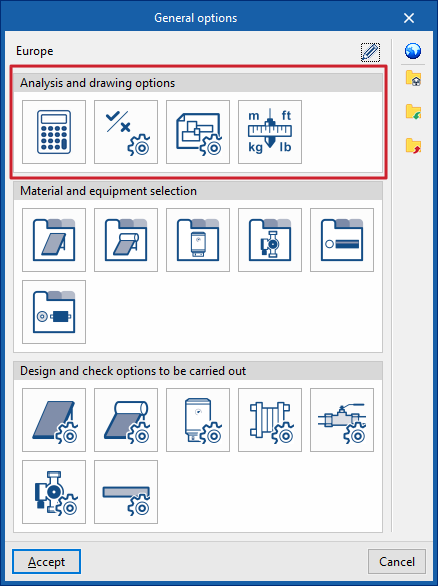
Under the "Installation" tab in the "Solar Systems" section, within the "General options" of the "Project" group on the main toolbar, you can configure the "Analysis and drawing options" for the solar thermal installation:

- Analysis options
- General checks
- Display options
- Units
If you use the "Import configuration" option, located to the right of the "General options" panel, you can automatically generate this data for different countries and national and international regulations.
The other options in the right-hand column allow you to import and export the complete settings from the "General options" panel to files on your hard drive, as well as to select a file containing default values when creating a new project.
Calculation options
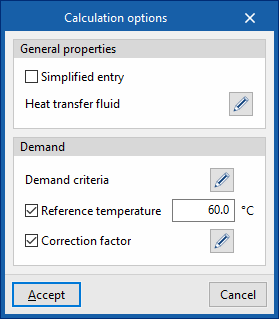
This allows you to define the general data and calculation criteria for the solar thermal installation:
- General Features
- Simplified entry (optional)
If this option is enabled, the input and editing panels for installation elements have a simplified layout and do not require certain parameters to be defined. - Heat transfer fluid
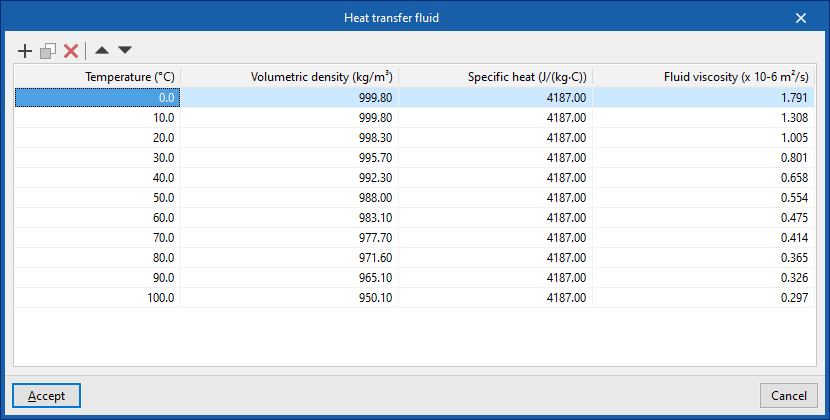
This allows you to define the volumetric density, specific heat and viscosity of the heat transfer fluid for each temperature value.
- Simplified entry (optional)
- Demand (optional)
- Demand criteria
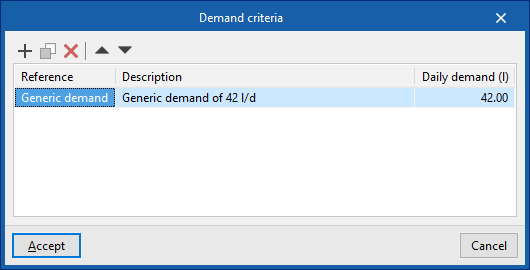
This allows you to define the demand criteria for the available DHW (for example, for each unit of use in a residential building, a hotel, a gym, etc.), specifying its reference, description and daily demand per unit (in volume units). These criteria can subsequently be selected to enter the necessary information in the ‘Consumption’ section of the ‘Storage tank’ or ‘Heat exchanger’ equipment. - Reference temperature (optional)
Allows you to set the reference temperature for the DHW demand. - Correction factor (optional)
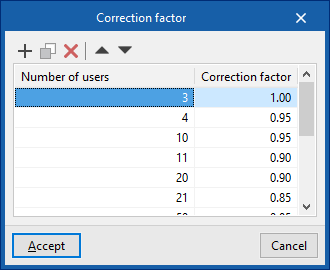
Allows you to define a correction factor for DHW demand based on the number of users.
- Demand criteria
General checks
This allows you to define the general checks for a solar thermal installation:
- General checks
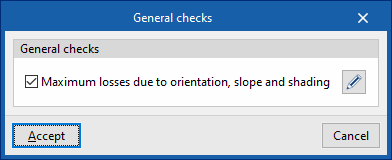
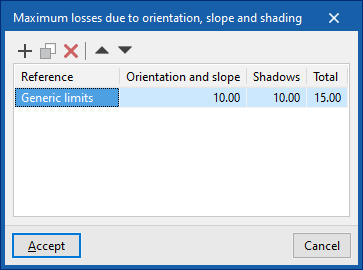
- Maximum losses due to orientation, slope and shading (optional)
Allows you to define the values for the following maximum losses for different scenarios (such as the general case, the case of overlapping collectors or the case of architectural integration of collectors):- Losses due to "Orientation and slope"
- Losses due to "Shadows"
- Losses under "Total"
- Maximum losses due to orientation, slope and shading (optional)
Representation options
This allows you to configure the graphical display of the components of the solar thermal system
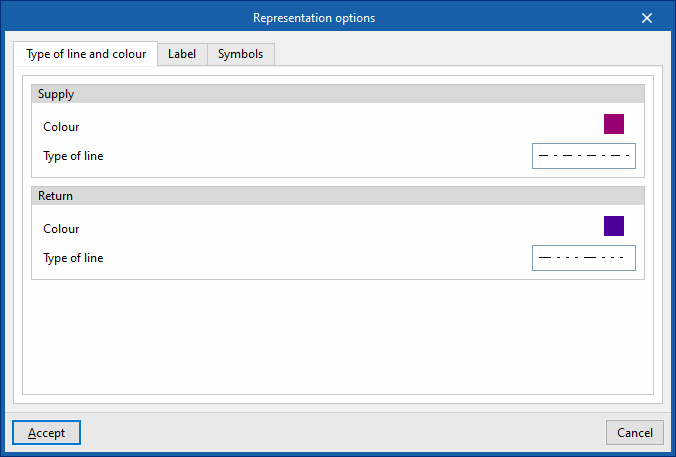
- "Type of line and colour" tab:
Changes the line type and colour used in the graphical representation of the different types of pipes.- Drive (Colour, Line type)
- Return (Colour, Line type)
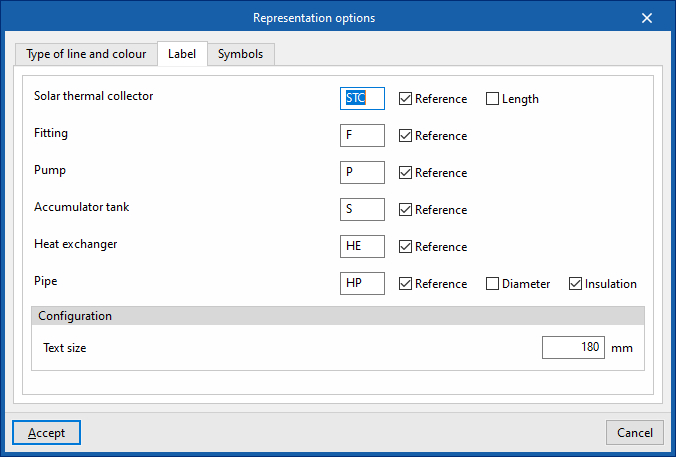
- "Label" tab:
Customises the information displayed on the labels for the various components of the solar thermal system, as well as the text size.- Components (Solar thermal collector, Fittings, Pump, Storage tank, Heat exchanger, Piping)
- settings
- Text size
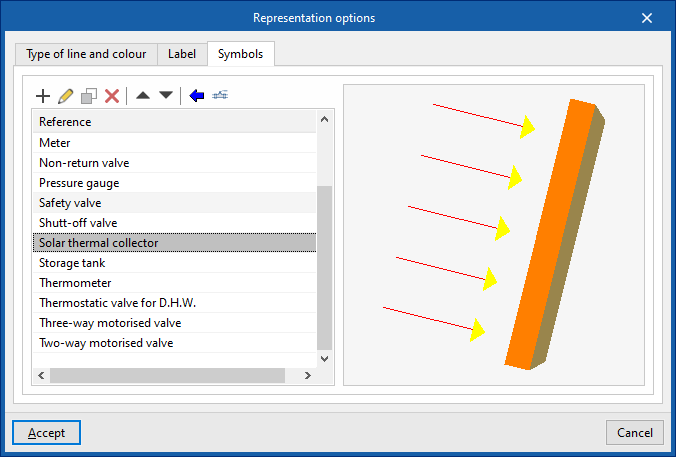
- "Symbols" tab:
Allows you to create custom symbols using a drawing editor or import symbols contained in DXF, DWG or DWF files saved to disk.
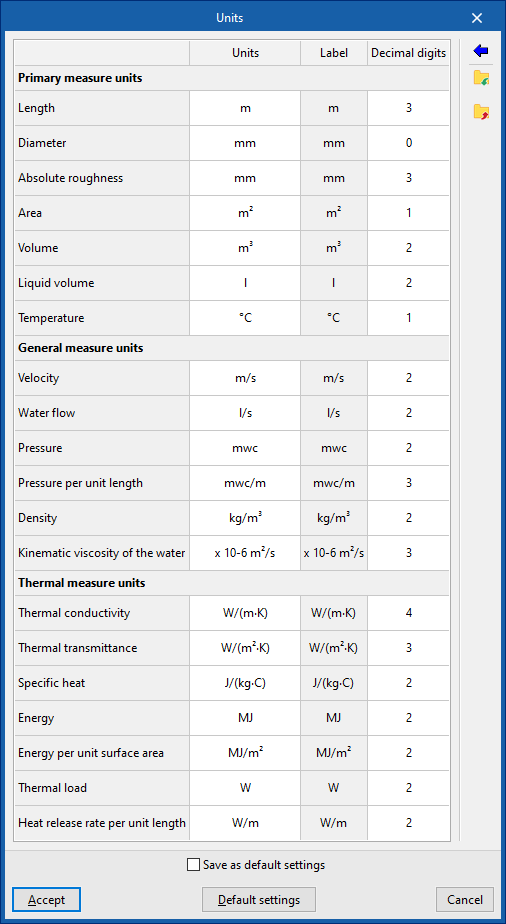
Units
This allows you to configure the units, the label and the number of decimal places for each of the parameters relating to the solar thermal installation:
- Primary measure units (Length, Diameter, Absolute roughness, Area, Volume, Liquid volume, Temperature)
- General physical quantities (Velocity, Water flow rate, Pressure, Pressure per unit length, Density, Kinematic viscosity of water)
- Thermal measure units (Thermal conductivity, Thermal transmittance, Specific heat, Energy, Energy per unit surface area, Thermal load, Heat release rate per unit length)
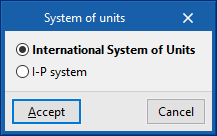
If you use the "Import one of the predefined unit systems" option, available on the right-hand side of the panel, you can import one of the following unit systems:
- International System of Units
Allows you to import units from the International System. - I-P System
Allows you to import units from the I-P (Inch-Pound) system or the imperial system.