

Inserting fittings and pumps in a solar thermal system
Under the "Installation" tab in the "Solar Systems" section, within the "Hydraulic circuit" group on the main toolbar, you will find the options for adding fittings and pumps to the solar thermal system:

Fitting
This option allows you to add fittings (such as supply valves or shut-off valves) to the model.
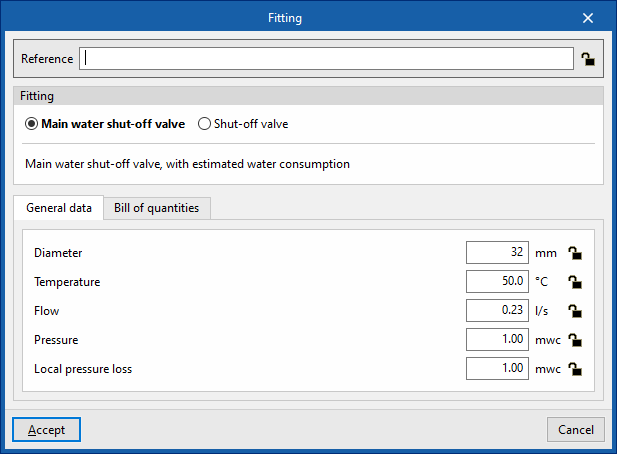
When entering or editing a fitting, you can configure the following parameters. Some parameters only appear if the "Simplified entry" option under "Design options" in "General options" is disabled:
- Reference
The reference for the element. This value can be locked or unlocked. If it is unlocked, the program will create or modify the reference when updating results. - Fitting
Allows you to select the criteria or options for dimensioning and checking accessories. These options can be created and edited under "Design and check options" in "General options", within the "Project" section.

- "General data" tab: Allows you to define general details for the entered item:
- Diameter (Lock/Unlock)
- Temperature (Lock/Unlock)
- Flow (Lock/Unlock)
- Press (Lock/Unlock)
- Localised pressure drop (Lock/Unlock)
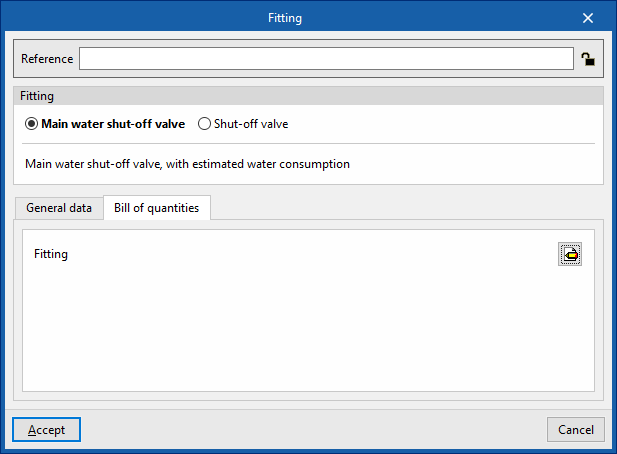
- "Bill of quantities" tab:
Allows you to control the generation of the element's bill of quantities using filters.- Fitting
Pump
This option allows you to include circulation pumps in the model.
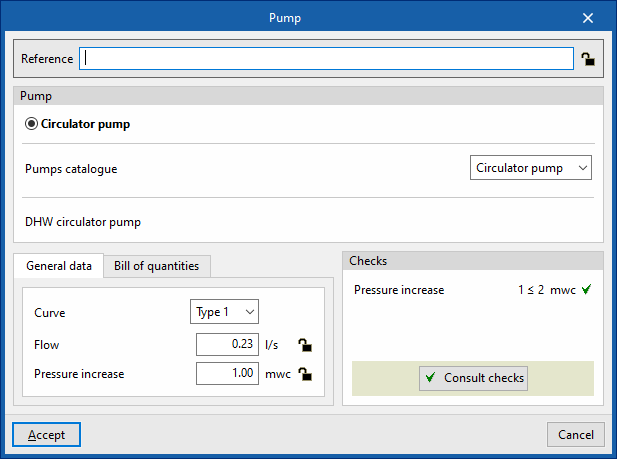
When adding or editing a pump, you can configure the following parameters. Some parameters only appear if the "Simplified entry" option under "Design options" in "General options" is disabled:
- Reference
The reference for the element. This value can be locked or unlocked. If it is unlocked, the program will create or modify the reference when updating results. - Pump
Allows you to select the criteria or options for designing and checking pumps. These options can be created and edited under "Design and check options" in "General options", within the "Project" section.
- "General data" tab
Allows you to define general details for the entered item:- Curve
- Flow (Lock/Unlock)
- Pressure increase (Lock/Unlock)
- "Bill of quantities" tab:
Allows you to control the generation of the element's bill of quantities using filters.- Pump
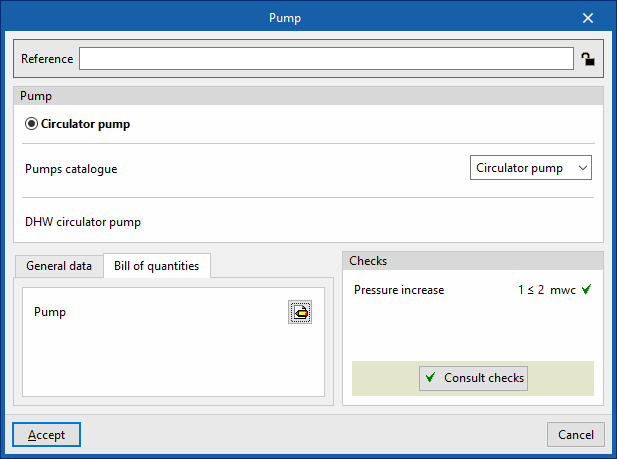
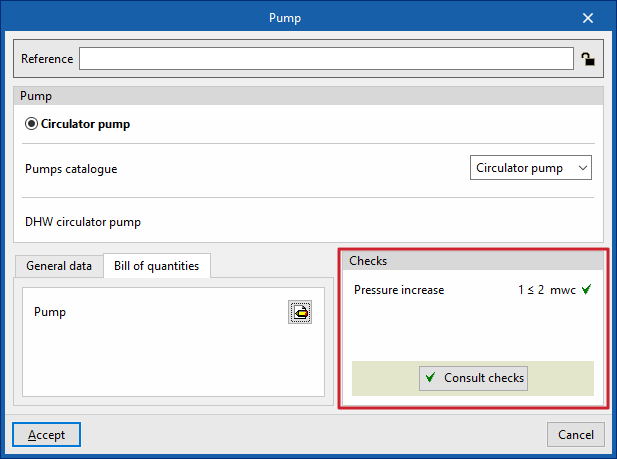
- Checks
Allows you to view the checks carried out on the element. The tool at the bottom centre allows you to view a report detailing the checks carried out:- Consult checks
| Note: |
|---|
| The button in the bottom-right corner of the "Hydraulic circuit" group provides access to the options for defining the elements in this group. These options are the same as those available under "Design and check options" in "General options", within the "Project" option. |

