

Installation of pipework in a solar thermal system
Under the "Installation" tab in the "Solar Systems" section, within the "Hydraulic circuit" group on the main toolbar, you will find the options for adding the pipework for the solar thermal system:

Pipes
It allows you to add pipes to the solar thermal system by freely defining their geometry in any position.
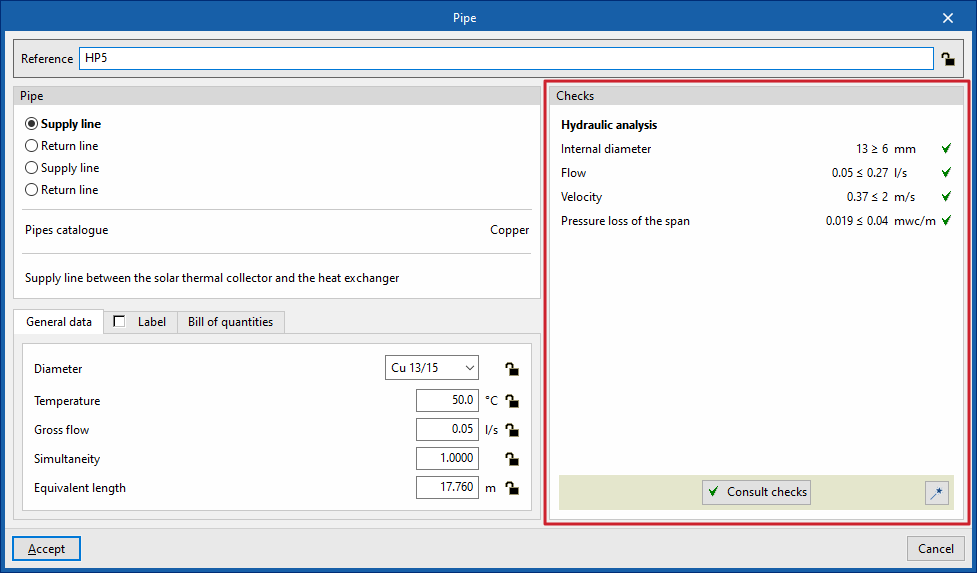
When inserting or editing a pipe, you can configure the following parameters. Some parameters only appear if the "Simplified entry" option is disabled; this option can be accessed via "Design options" under "General options":
- Reference
The reference for the element. This value can be locked or unlocked. If it is unlocked, the program will create or modify the reference when updating results. - Pipe
Allows you to select the pipe type. These types can be created and edited in the "Project" group, under the "Design and check options" section of the "General options". The program also displays the "Pipe catalogue" associated with the type.
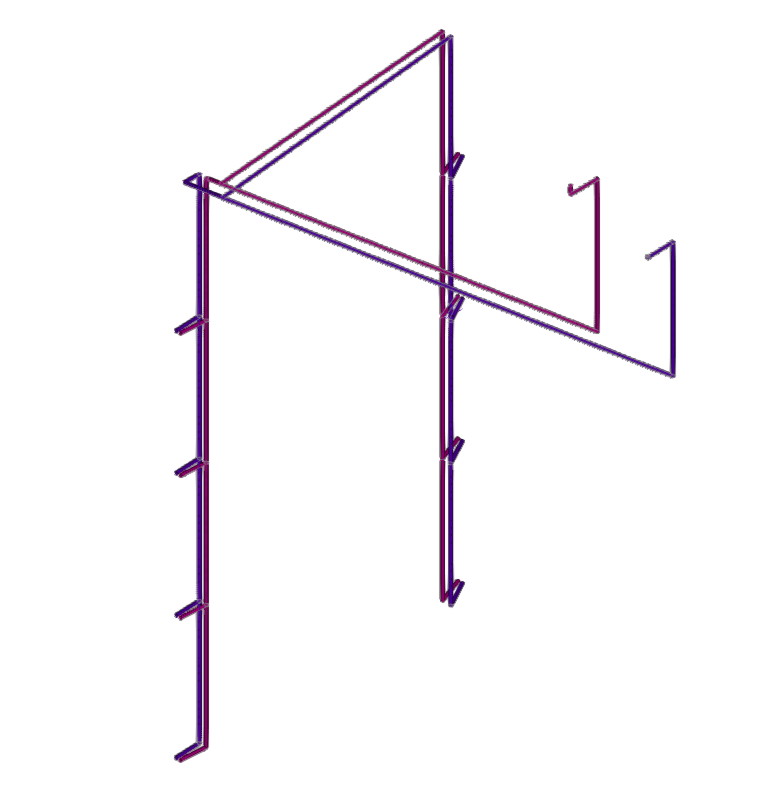
- "General data" tab
This allows you to define the general details of the item. Some of these values can be locked or unlocked. If a value is locked, it will not be modified when the results are updated, but will remain unchanged.- Diameter (Lock/Unlock)
Allows you to select the pipe diameter from those available in the series. - Temperature (Lock/Unlock)
- Gross flow (Lock/Unlock)
- Simultaneity (Lock/Unlock)
- Equivalent length (Lock/Unlock)
- Diameter (Lock/Unlock)
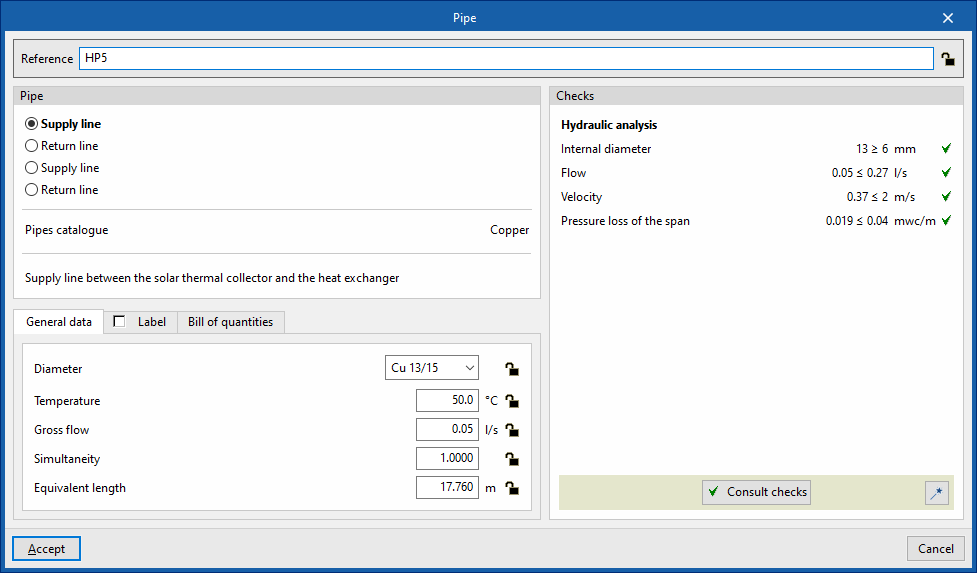
- "Label" tab (optional)
Allows you to manage the information displayed on the element's label.- Reference
- Diameter
- Insulation
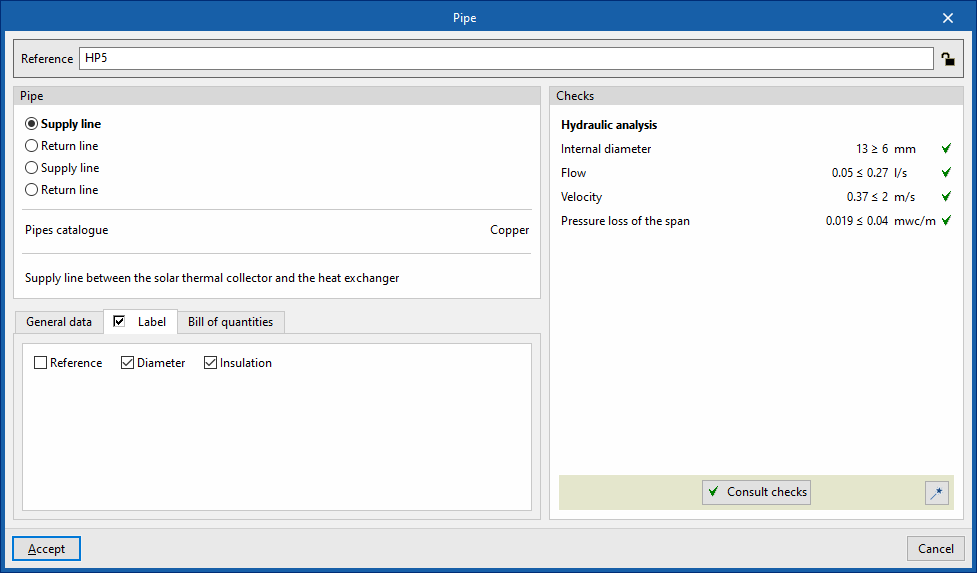
- "Bill of quantities" tab:
Allows you to control the generation of the element's bill of quantities using filters.- Pipe
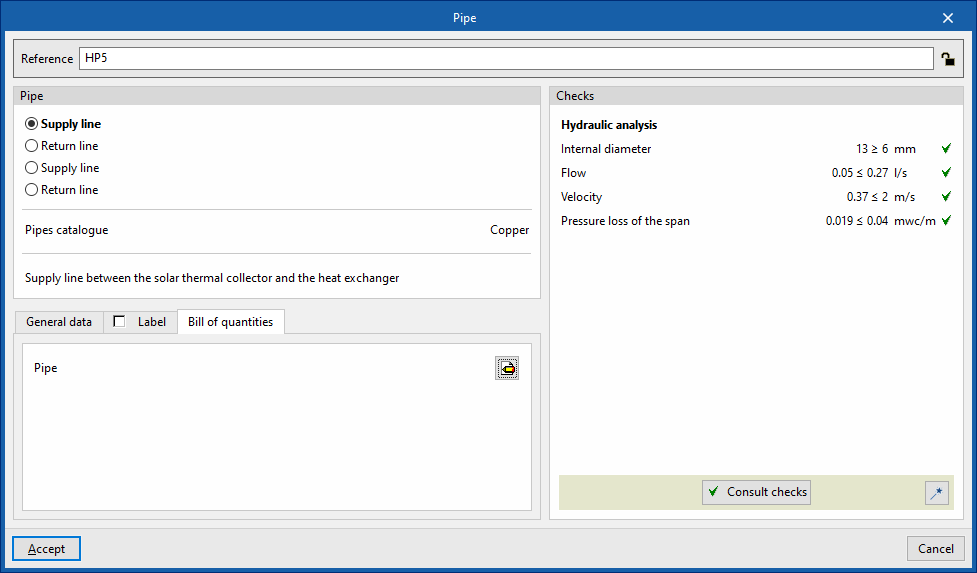
- Checks
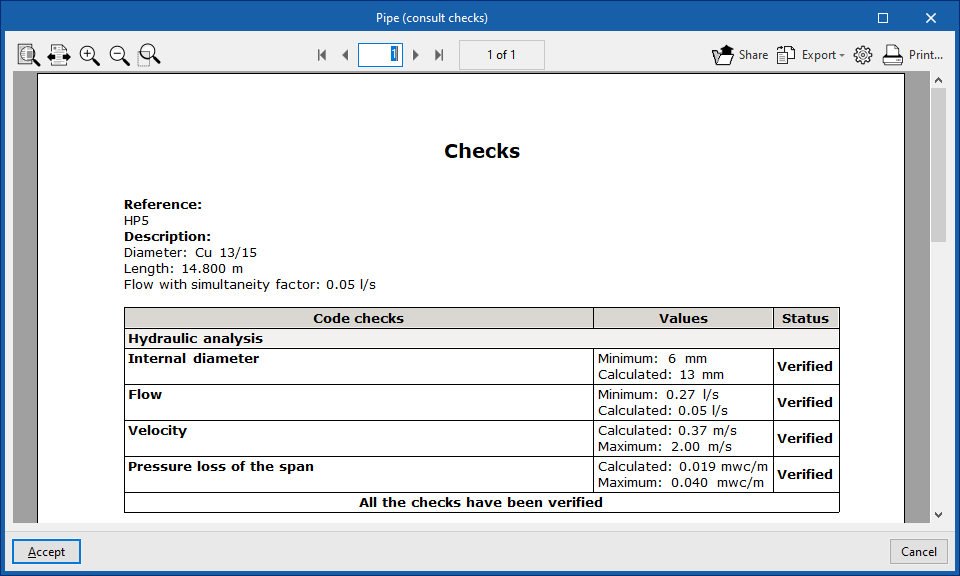
Allows you to view and list the checks performed on the element. These checks can be enabled, edited or disabled via "Design and check options" in the "General options" section of the "Project" group.- Design
This tool, accessible via the button in the bottom-right corner of the pipe editing panel, allows you to automatically dimension the pipe so that it meets the defined checks.
- Design
Pipe between floors
The "Between levels" option allows you to insert pipes for the solar thermal system by defining their geometry between levels.
When you click on this option, the program allows you to define the pipe’s characteristics using an editing panel identical to the one that appears when you use the “Pipe” option.
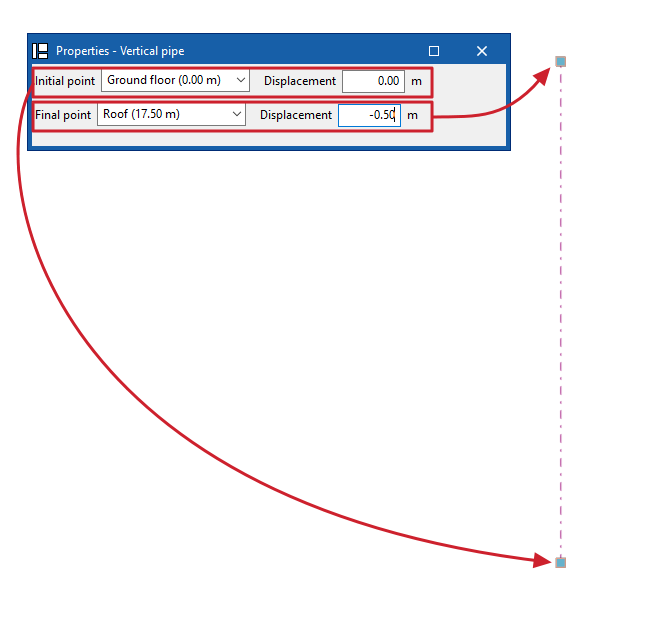
Next, in the "Properties – Vertical Pipe" dialogue box, you define the levels associated with the pipe’s "Initial point" and "Final point", along with a "Displacement" for each of the specified levels, expressed as positive or negative values. The pipe’s position on the plan view is marked by placing the cursor on a point within the workspace.
| Note: |
|---|
| The button in the bottom-right corner of the "Hydraulic circuit" group allows you to access the settings for the elements in this group. These settings are equivalent to those available under the "Design and check options" section in the "General options" of the "Project" group. |

