Defining the location in the solar thermal installation project
Under the "Installation" tab in the "Solar Systems" section, within the "General options" of the "Project" group on the main toolbar, you will find the option that allows you to specify the location for the solar thermal installation project:

Location
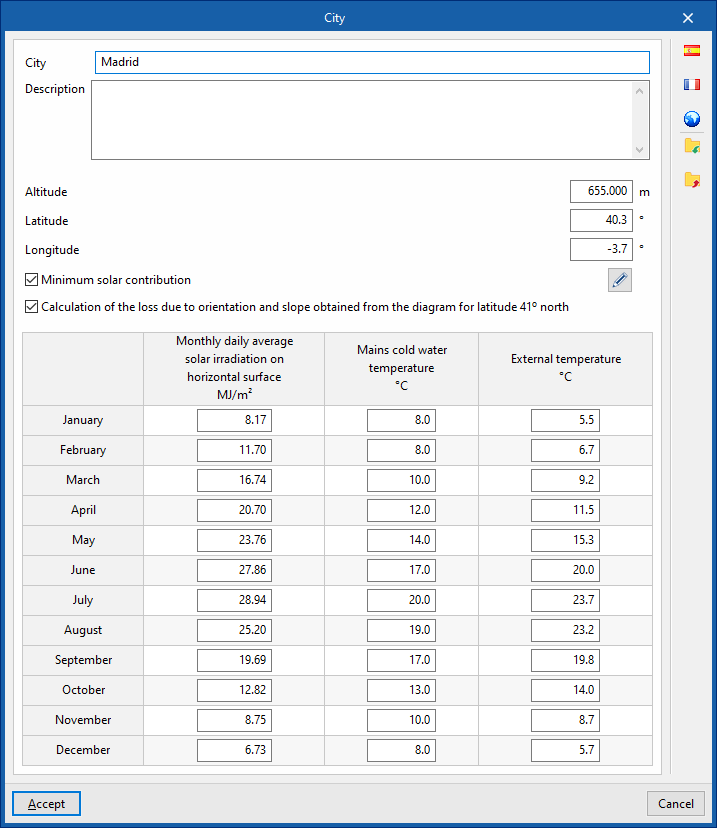
This allows you to specify the project location by entering the following details:
- City
- Description
- Altitude
- Latitude
- Length
- Minimum solar contribution (optional)
Allows you to define a "Minimum solar contribution" value for each "Daily DHW demand" value by adding entries to a table. - Calculation of loss due to orientation and slope obtained from the diagram for latitude 41° north (optional)
- Monthly daily average solar radiation on horizontal surface
This allows you to specify the monthly average daily global solar radiation on a horizontal surface for each month of the year. - Mains cold water temperature
This allows you to set the mains cold water temperature for each month of the year. - External temperature
Allows you to set the outdoor temperature for each month of the year.
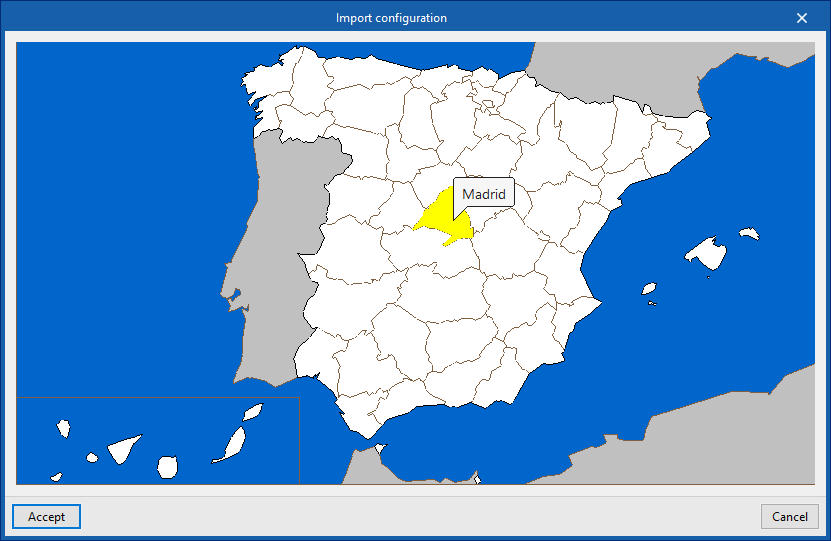
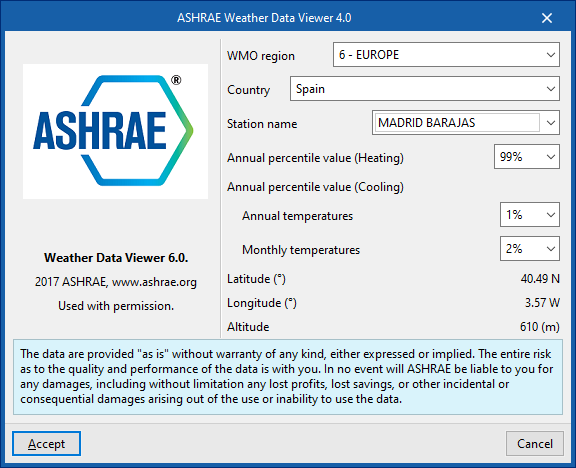
Using the options in the right-hand column, you can import these values from predefined data for different countries or from databases such as ASHRAE Weather Data Viewer 6.0.