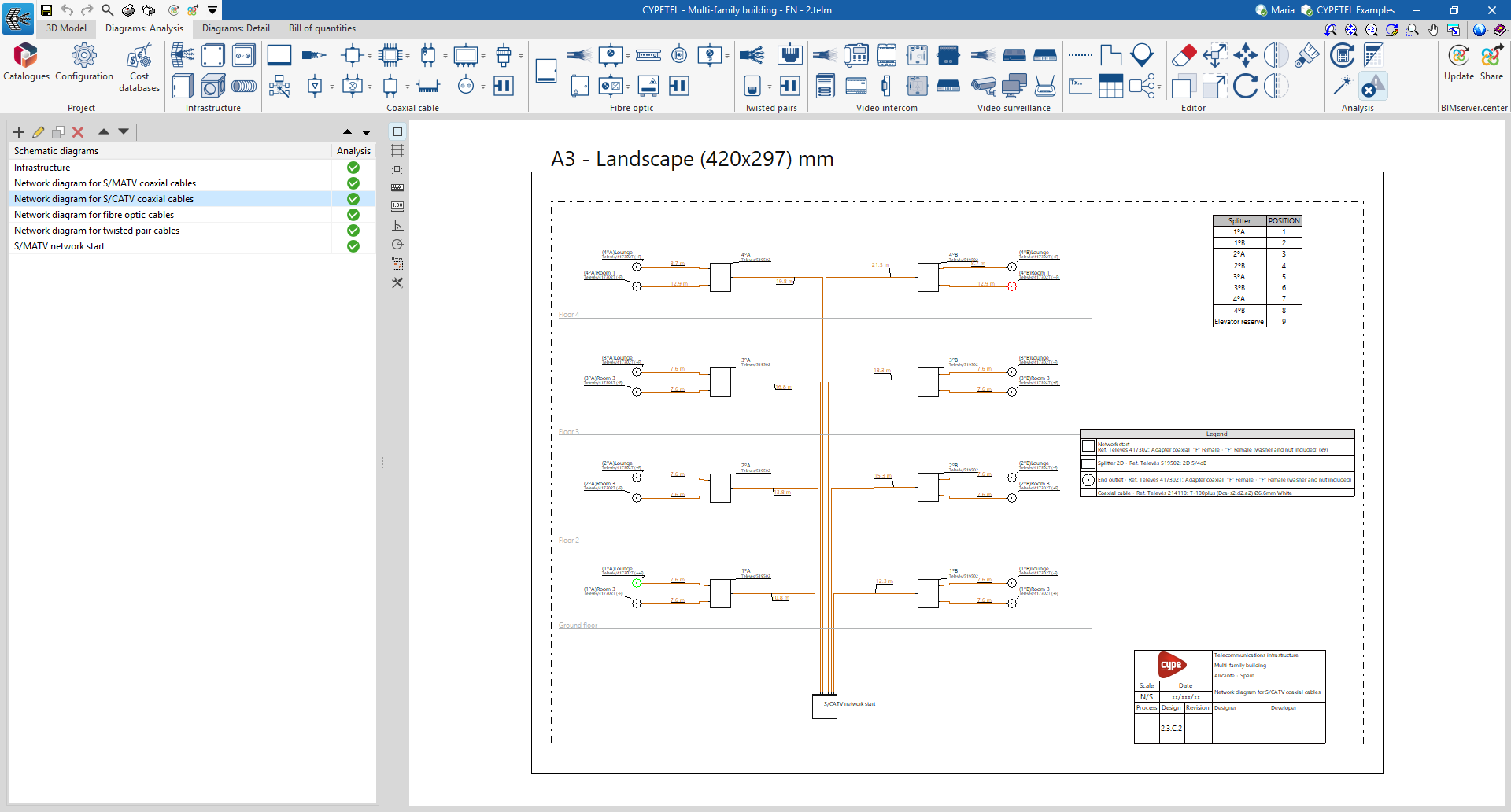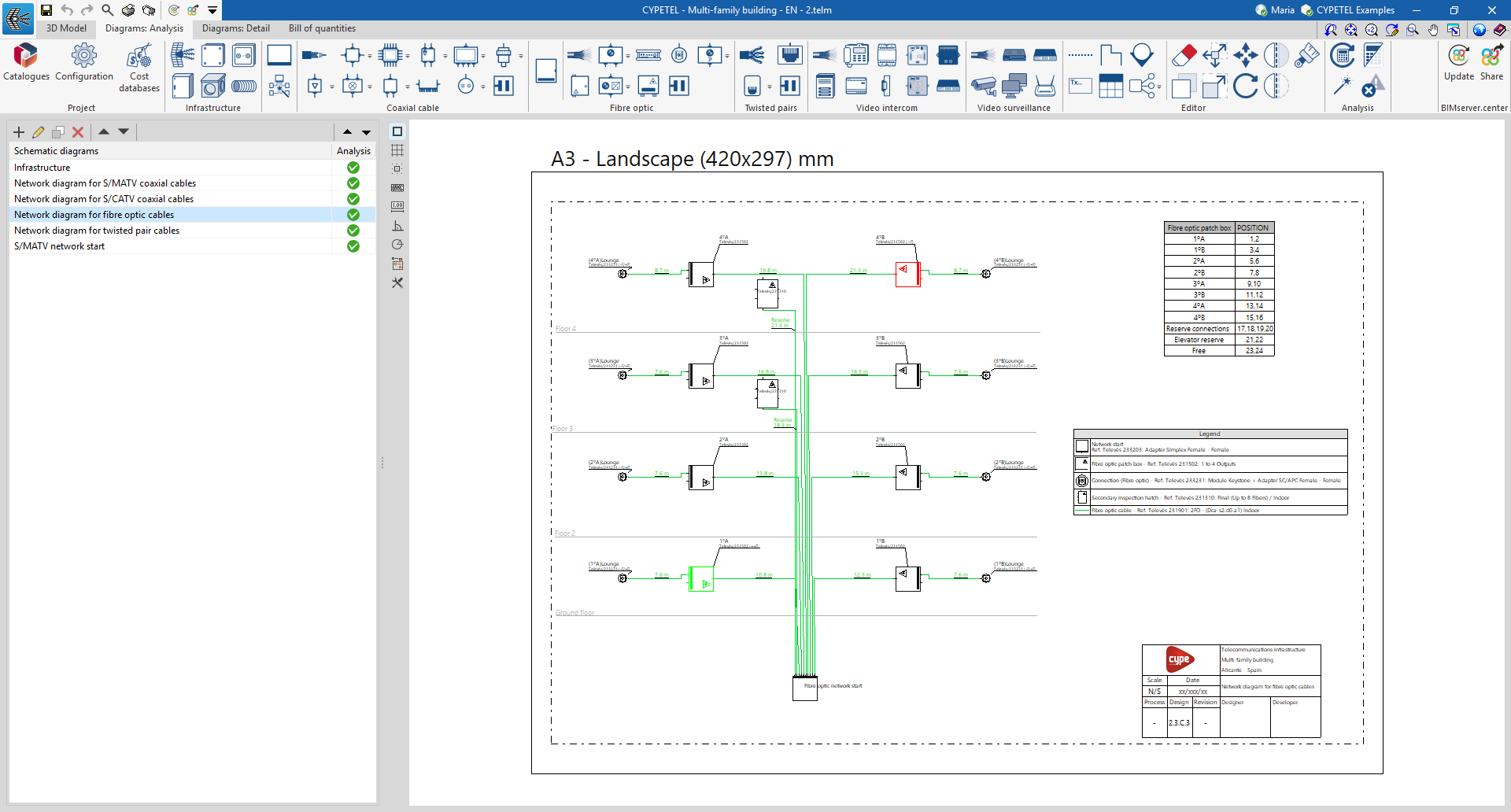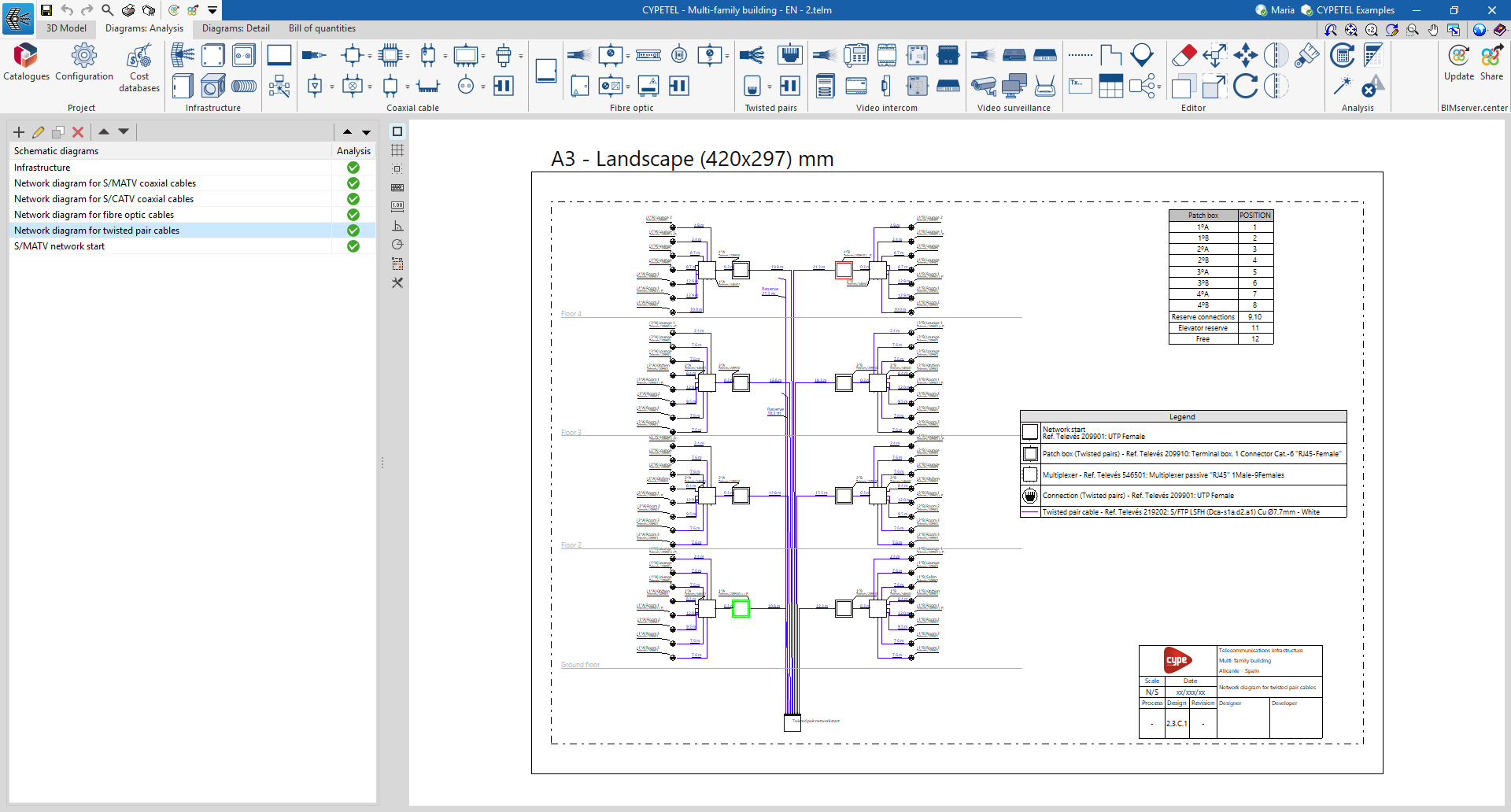
Inserting telecommunications network elements into the diagram
The "Diagrams: Analysis" tab allows you to automatically generate telecommunications network diagrams based on the information provided via a wizard, or to create them manually using the available drawing tools:
- To create diagrams from scratch, you first create the slides in the required formats using the options on the left-hand side. You then add the diagram elements to the workspace on the right-hand side using the options on the top toolbar.
- To generate the diagrams automatically, use the "Network generation assistant" option at the top. The user is then free to modify the generated diagrams on the workspace using the options on the top toolbar.
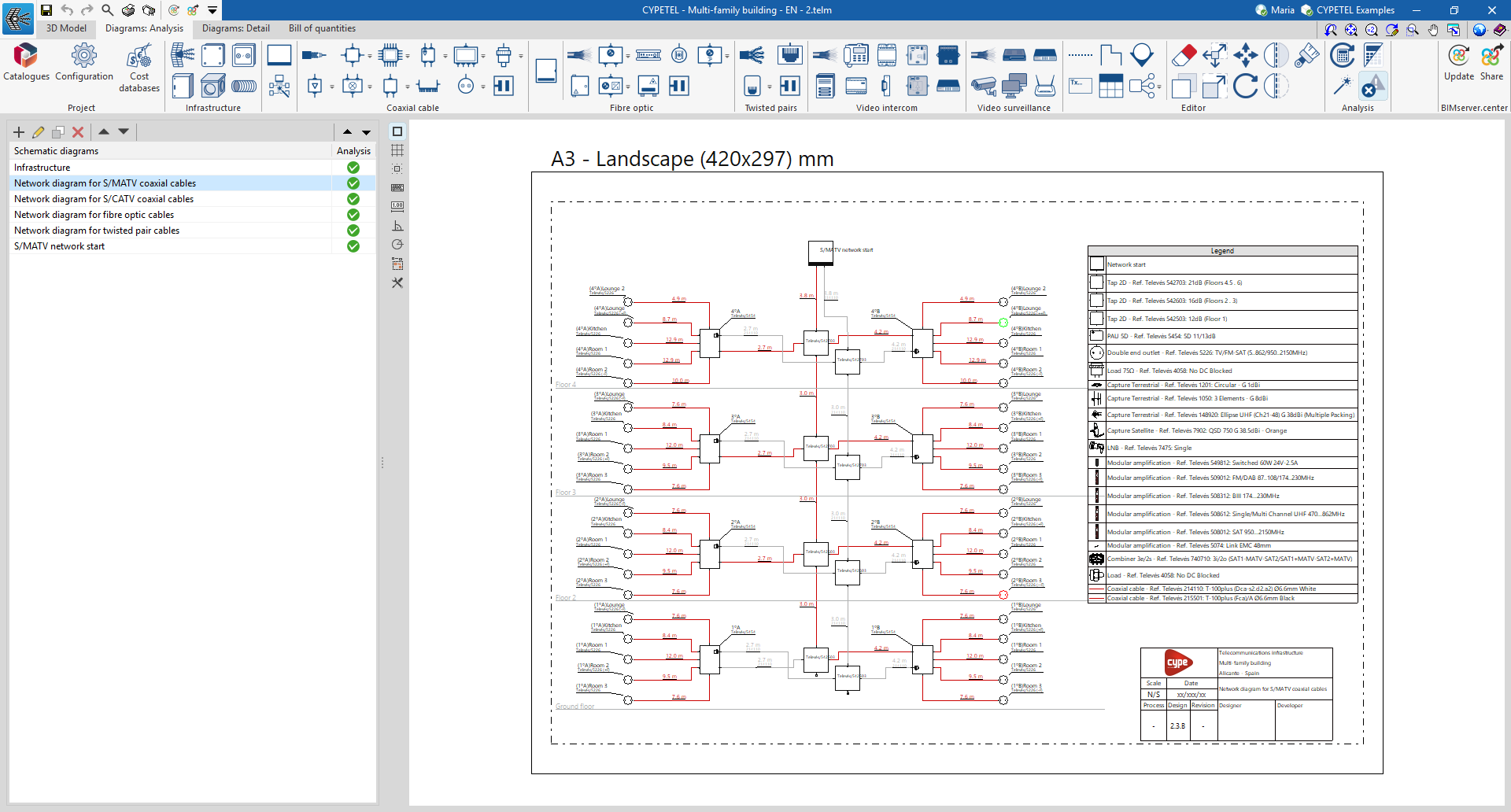
Manual installation of telecommunications network components
Within the "Diagrams: Analysis" tab, in the "Coaxial cable", "Fibre optic" and "Twisted pairs" sections of the main toolbar, you will find the options for entering telecommunications network elements:

These groups enable the creation of distribution networks for the various technologies covered by the program (coaxial cable networks, fibre-optic networks, hybrid fibre-coaxial [HFC] networks and copper pair networks).
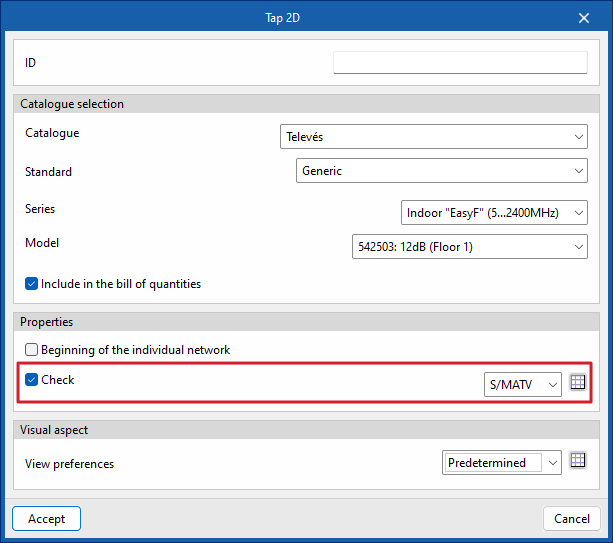
The program includes a wizard for importing the regulatory checks mentioned in the "Settings" section or for customising regulatory limits. Checks can be assigned to any piece of equipment using the available options by ticking the "Check" box, which appears in the dialogue box for the selected equipment.
| Best practice: |
|---|
| The program uses alerts to flag regulatory non-compliance or incorrectly configured installations, to help ensure they are set up correctly. |
Coaxial cable
From the "Coaxial cable" section, you can add the following elements to the installation:
- Coaxial cable
- Taps
- Multiswitch
- PAU
- ATI
- Fittings
- Line amplifiers
- Mixers
- Splitters
- Multi ATE ATI
- Outlets
Fibre optic
From the "Fibre optic" section, you can add the following elements to the installation:
- Fibre-optic cable
- Splitters
- ONT
- Outlets
- Fittings
- Secondary enclosure
- Optical / Coaxial converters
- Fibre-optic PAU
Twisted pair
From the "Twisted pair" section, you can add the following components to the installation:
- Copper twisted-pair cable
- Outlets
- PAU / Multiplexer