Managing the elements added to the project
In the "Project" section of the main toolbar on the "3D model" tab, you will find the option to manage the elements added to the project:

Elements entered
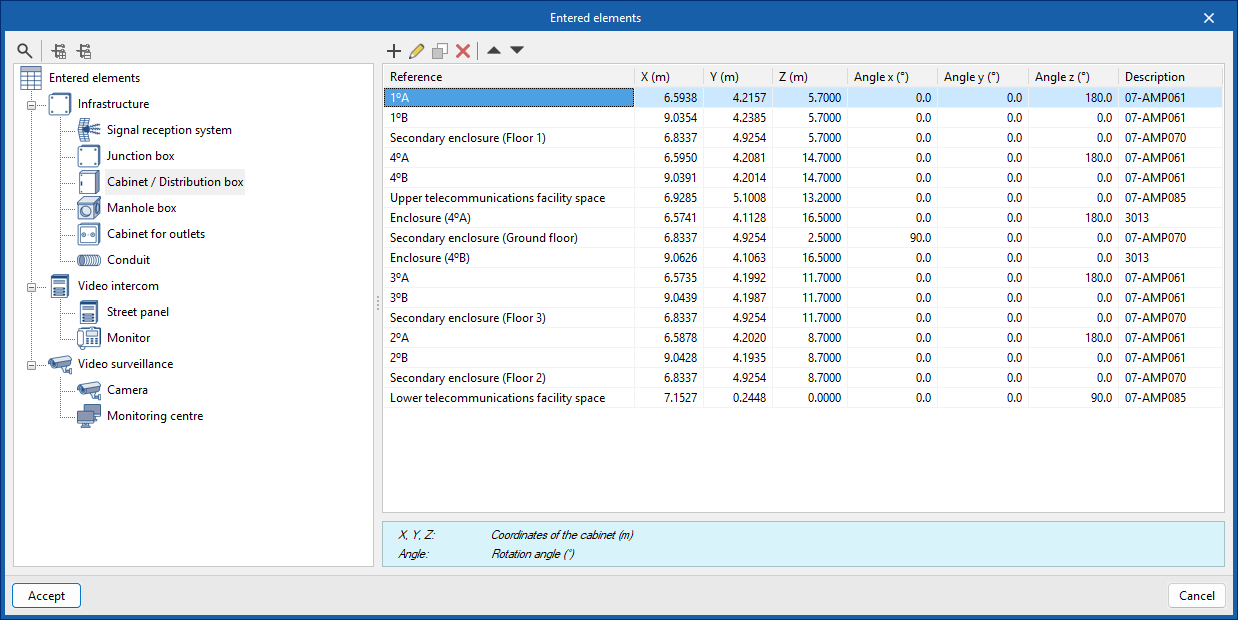
This can be used to view the details of each of the installation components included in the model, such as their reference number, position and description, in the following tables:
- Infrastructure
- Signal reception system
- Junction box
- Cabinet / Distribution box
- Manhole
- Cabinet for outlets
- Conduits
- Video intercom
- Street panel
- Monitor
- Video surveillance
- Camera
- Monitoring centre