Options available in CYPETEL
The main options for using the model with other BIMserver.center tools can be found under the "3D Model", "Diagrams: Analysis" and "Diagrams: Detail" tabs in the "BIMserver.center" section of the main toolbar.

Importing and updating BIM models
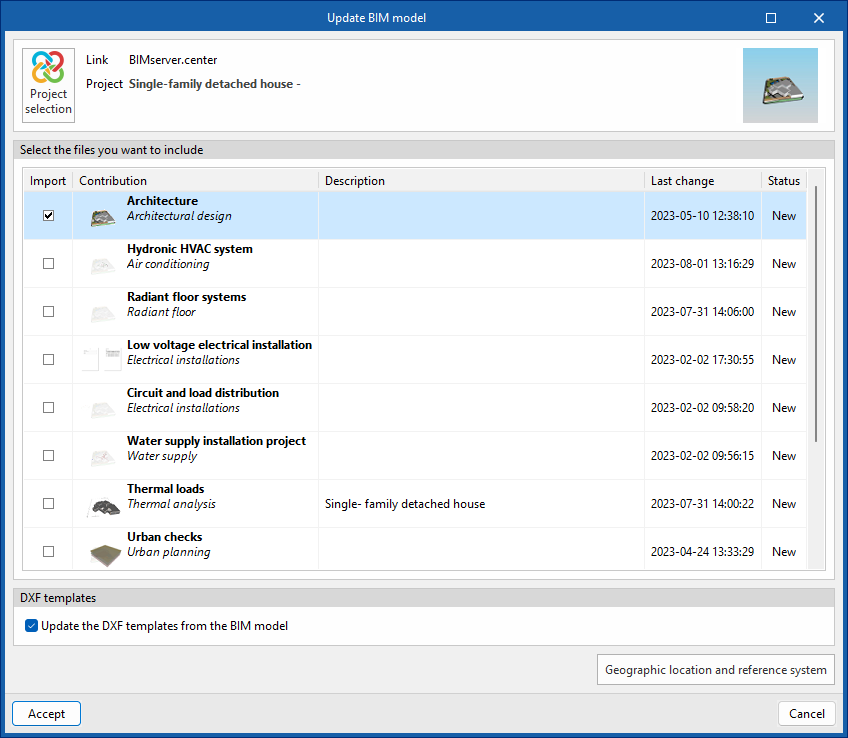
By clicking the "Update" button, you can update the information contained in the models previously imported into the project or import new models if desired.
You can also update the DXF templates from the BIM model, as well as open a dialogue box to modify the model’s geographical location and reference system.
Exporting the BIM model to share it with other users
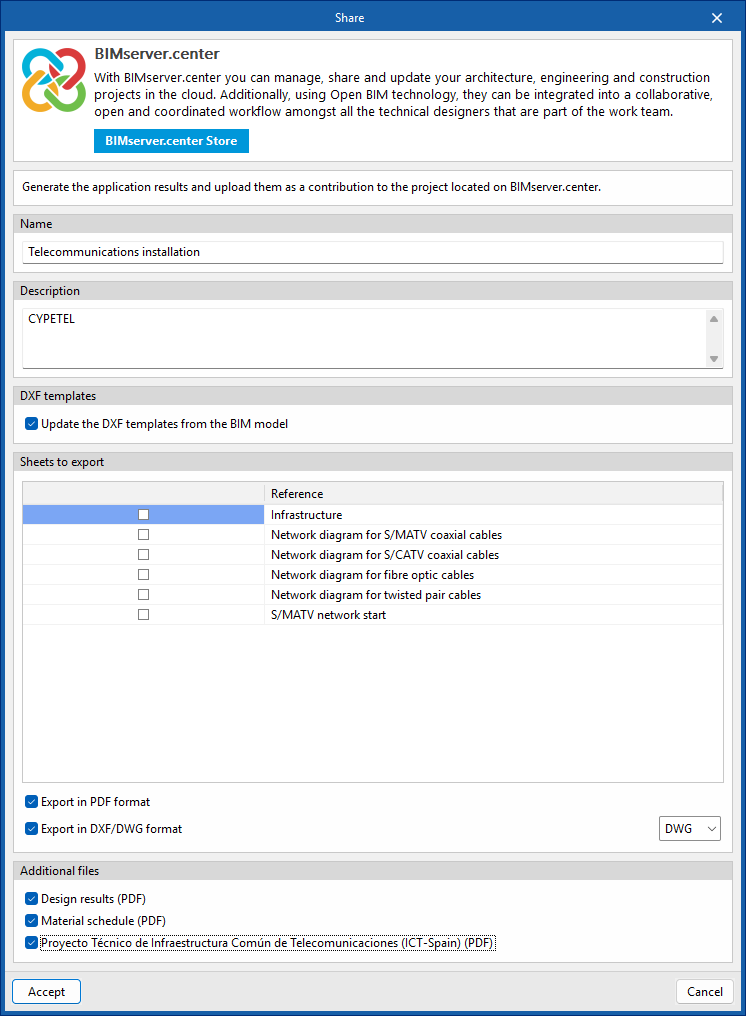
By clicking the "Share" button, you can export the information contained in the model created with CYPETEL to BIMserver.center.
During the export process, you can specify details about the files to be exported.