Work environment
The CYPETEL workspace features four tabs with distinct working environments: "3D Model", "Diagrams: Analysis", "Diagrams: Detail" and "Bill of quantities". These environments are similar to those in other CYPE tools and feature a system of dockable windows that can be customised to adapt the workspace to the project’s requirements.
"3D Model" tab
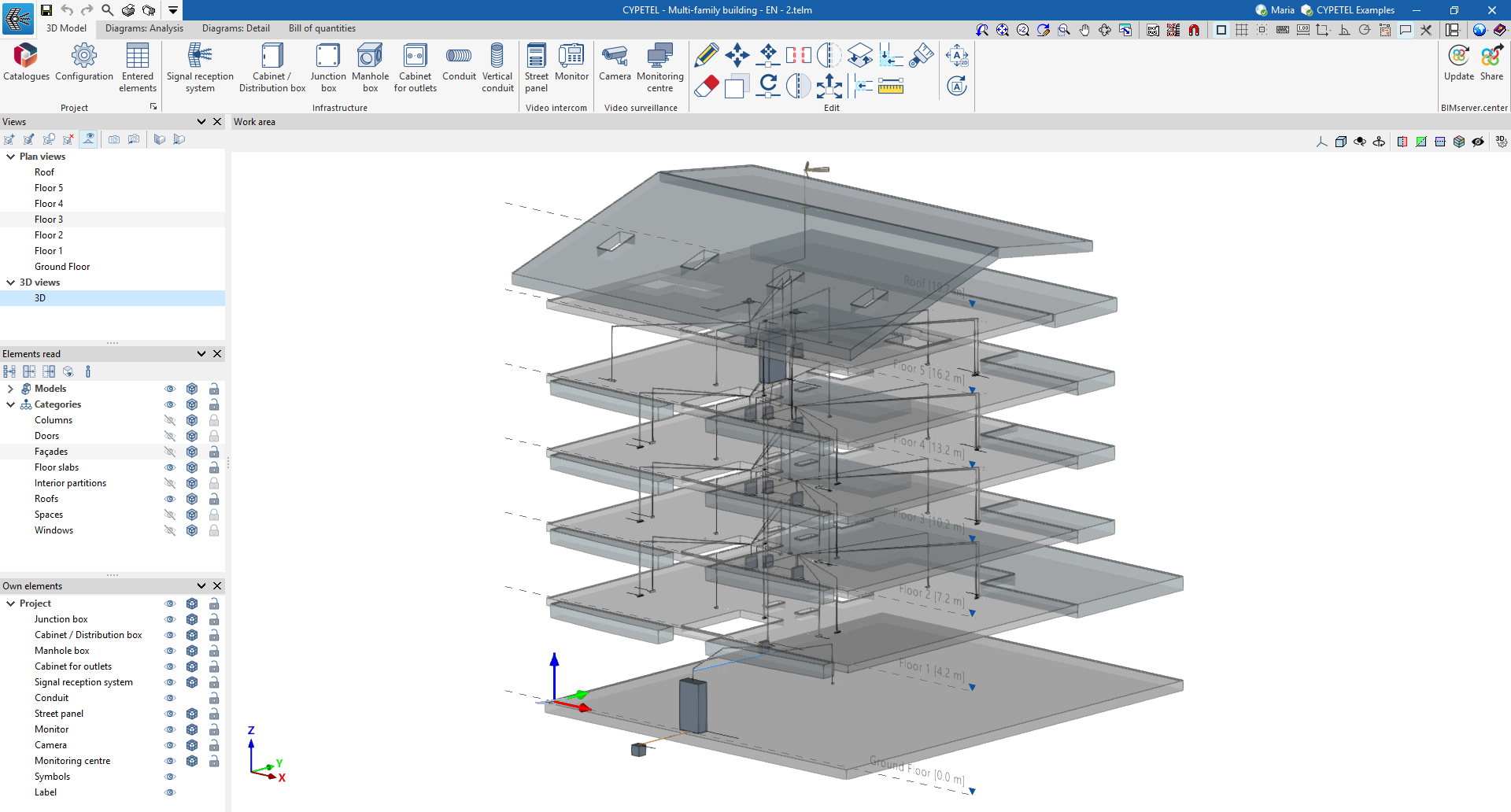
The tab that is selected by default when the program is opened is the "3D model" tab. This tab contains the tools required to define the spatial position of telecommunications infrastructure elements (reception systems, boxes, manholes, ducts, etc.) within the BIM model via a 3D workspace. The interface displays:
- At the top, you’ll find the tools needed to manage catalogues, configure the project, and add and edit infrastructure elements.
- On the left-hand side, there are several panels containing tools for defining the project’s views and levels, as well as for managing the visibility of imported and native elements.
- The workspace is located in the centre-right of the screen and is used to enter, edit and view all elements of the infrastructure.
"Diagrams: Analysis" tab
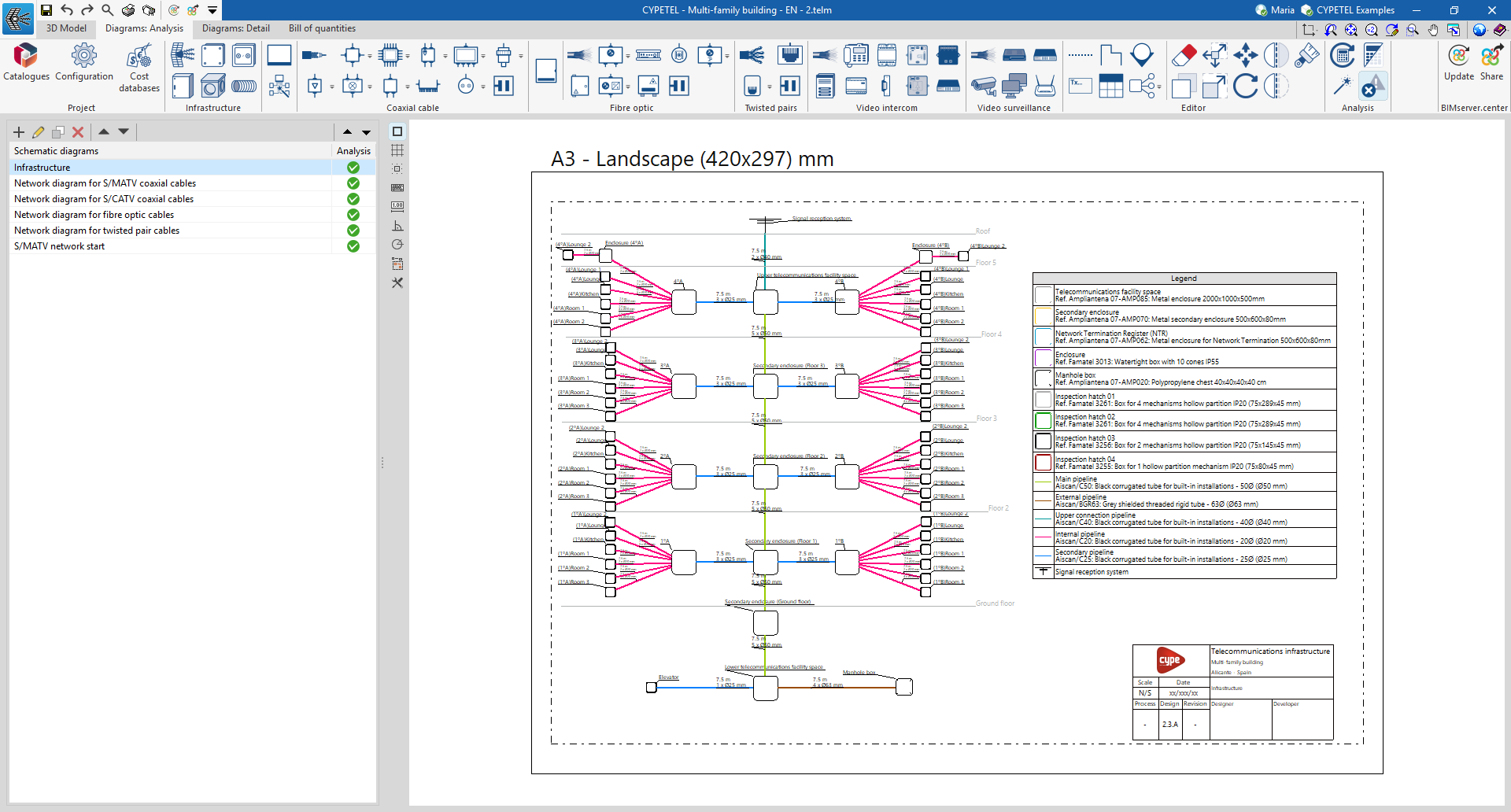
The "Diagrams: Analysis" tab provides a workspace that allows you to generate diagrams of the telecommunications installation and lay them out on sheets in the desired formats. This tab displays:
- At the top, you’ll find all the tools you need to manage catalogues and configure the project; enter and edit telecommunications installation diagrams; and calculate and check the installation.
- On the left-hand side, a navigation panel for switching between the different layout options, which are composed of editable sheets with customisable dimensions and scales.
- In the centre-right of the screen is the workspace, where all the elements of the diagram are entered, edited and displayed.
"Diagrams: Detail" tab
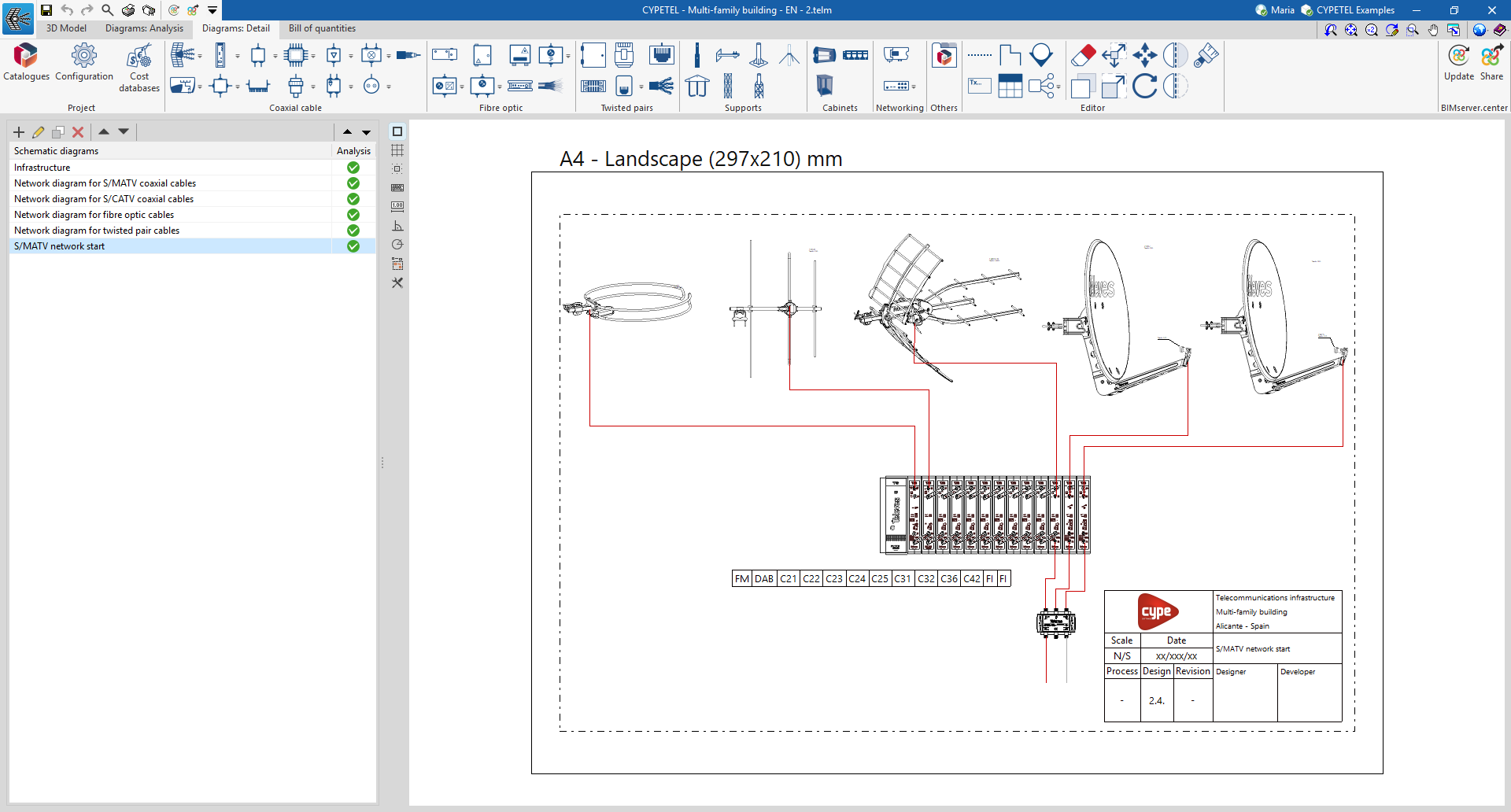
The "Diagrams: Detail" tab differs from the previous one in terms of the tools at the top, which are focused on creating and editing graphical layouts of telecommunications installation details, such as racks or headends. The "Mounts", "Cabinets", "Networking" and "Others" sections have been added to this tab.
"Bill of quantities" tab
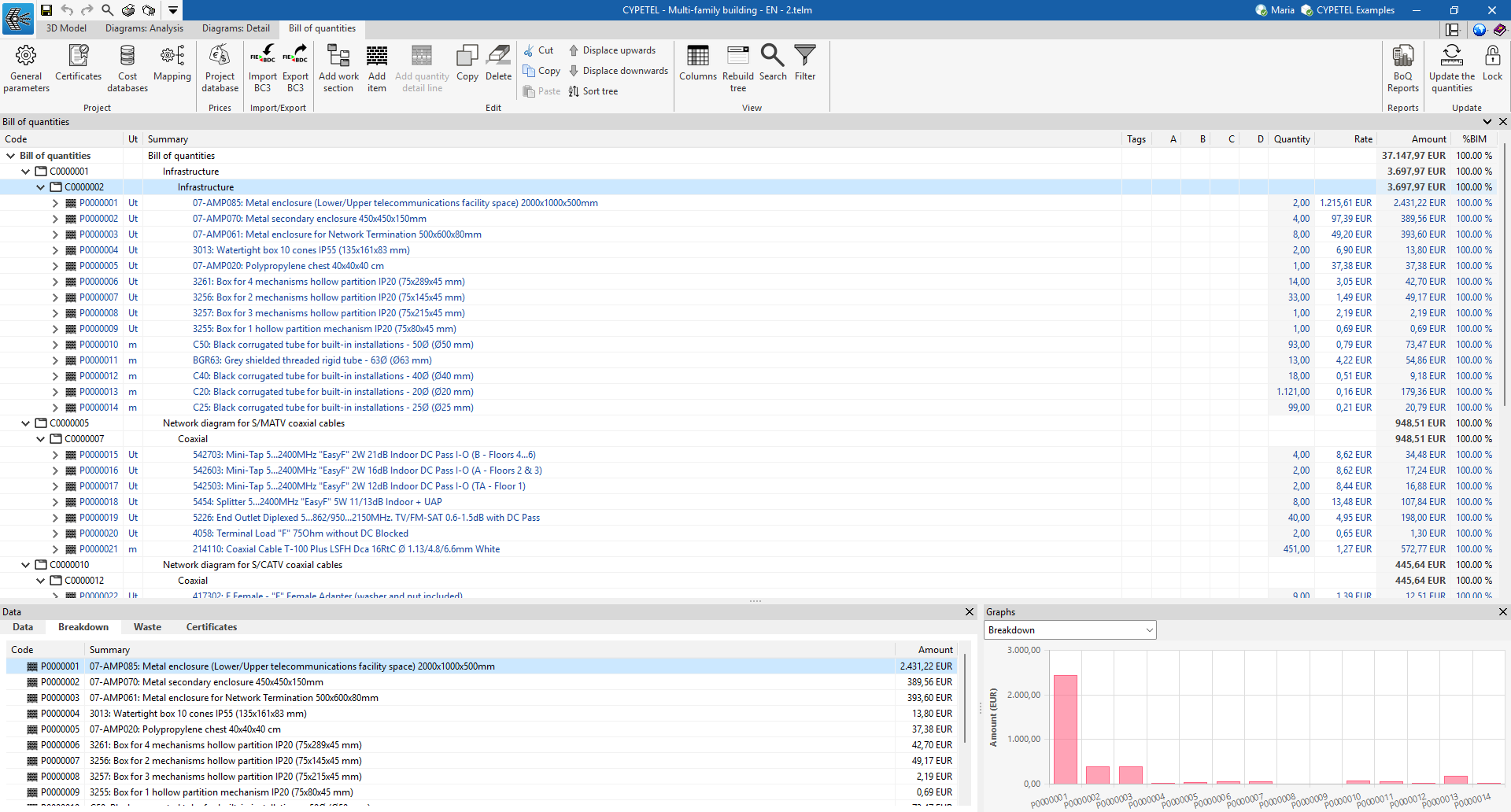
In addition, the "Bill of quantities" tab allows you to manage the bill of quantities of telecommunications installations, and displays:
- A top toolbar containing tools for creating and editing budgets, as well as tools for managing and generating lists.
- A specific section for the bill of quantities breakdown in the main body.