Results output in the "Energy simulation" tab
Viewing results on screen
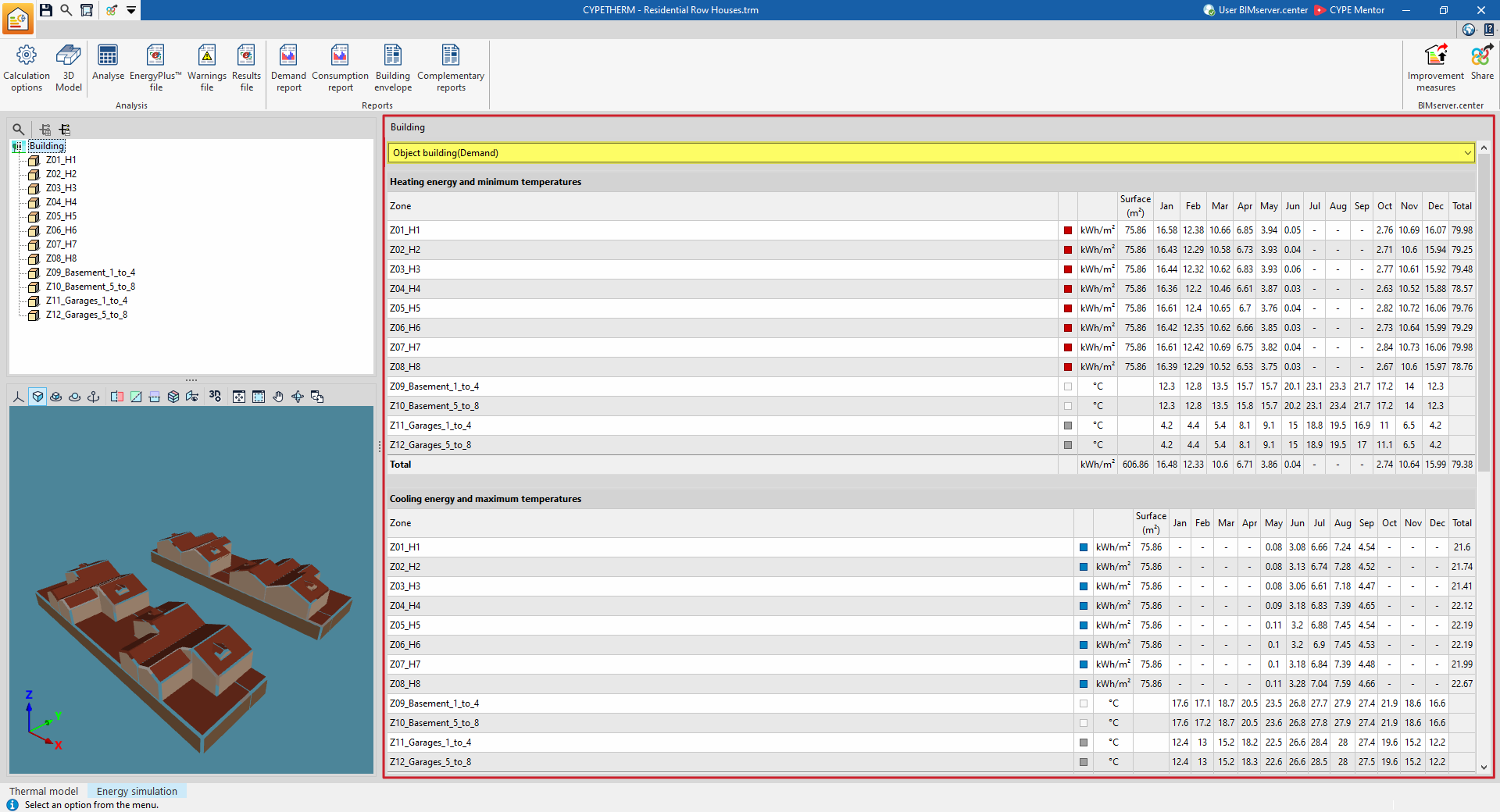
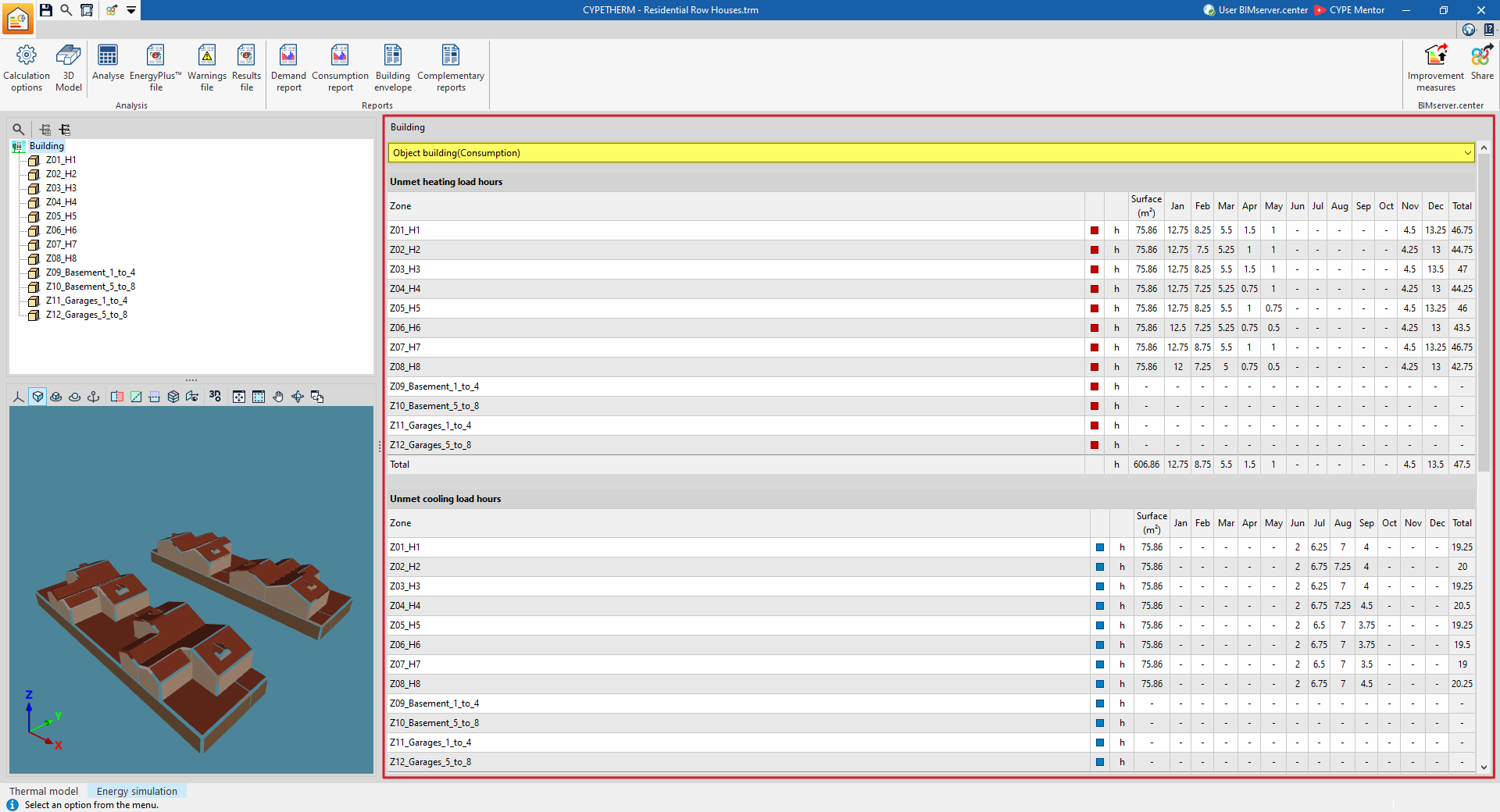
Once the analysis has been carried out, the program lets you view the simulation results on screen within the main display area of the "Energy simulation" tab.
The results for the section selected in the side diagram are displayed, whether this is the entire building or a thermal zone. You can view the simulation results in detail on a month-by-month basis, depending on the selection made in the diagram.
The drop-down menu at the top lets you view the results of the various simulations carried out (demand or consumption).
Reports
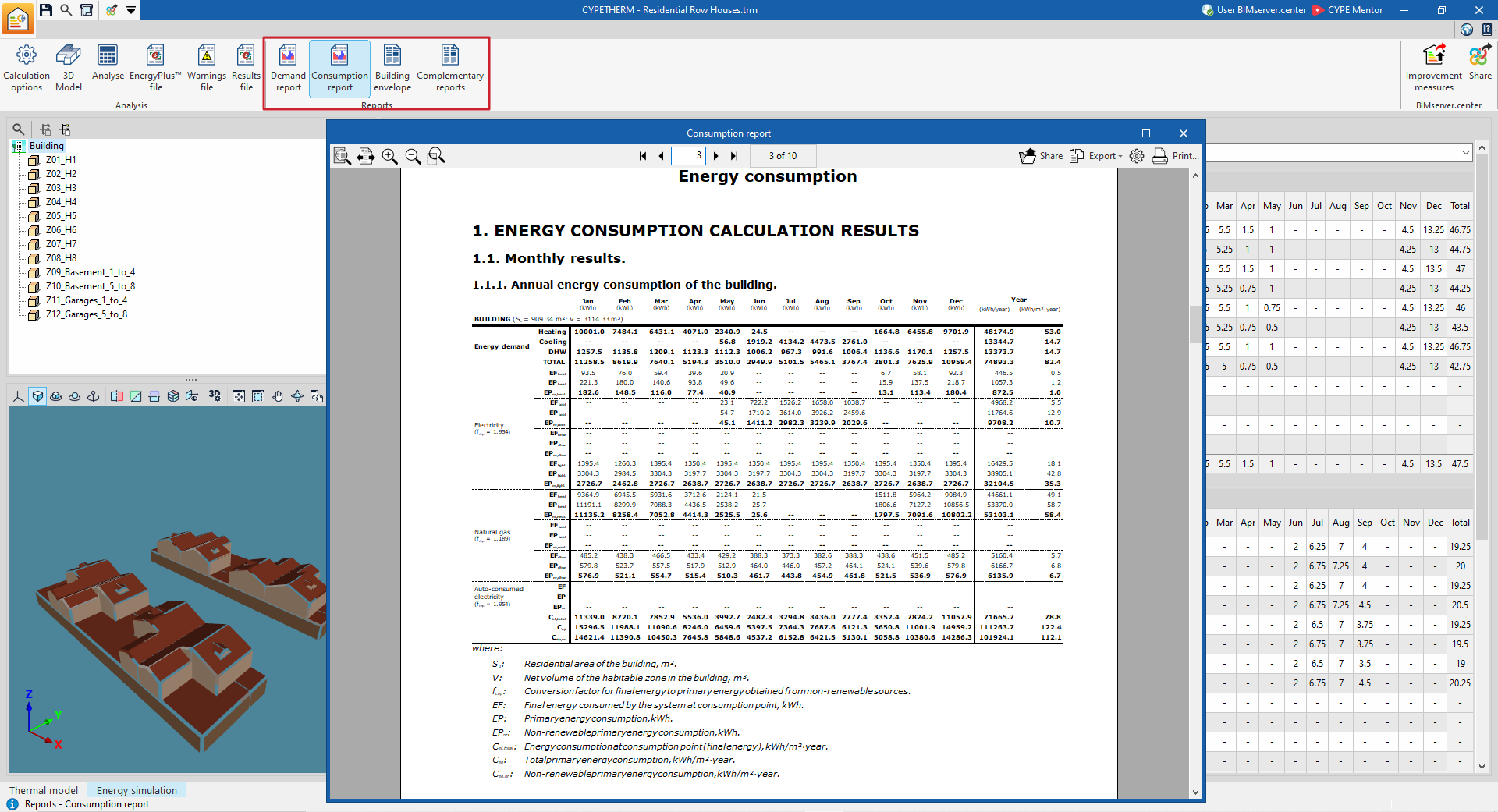
Using the options in the "Reports" section of the main toolbar on the "Energy simulation" tab, you can generate the following reports. The program lets you print them directly or generate HTML, PDF, TXT, RTF or DOCX files containing their content:
- Demand report
- Consumption report
- Building envelope
- Supplementary reports:
- Description of materials and building elements
- Condensation
- Linear thermal bridges
- Internal comfort
- Calculation of the reduction factor
Drawings
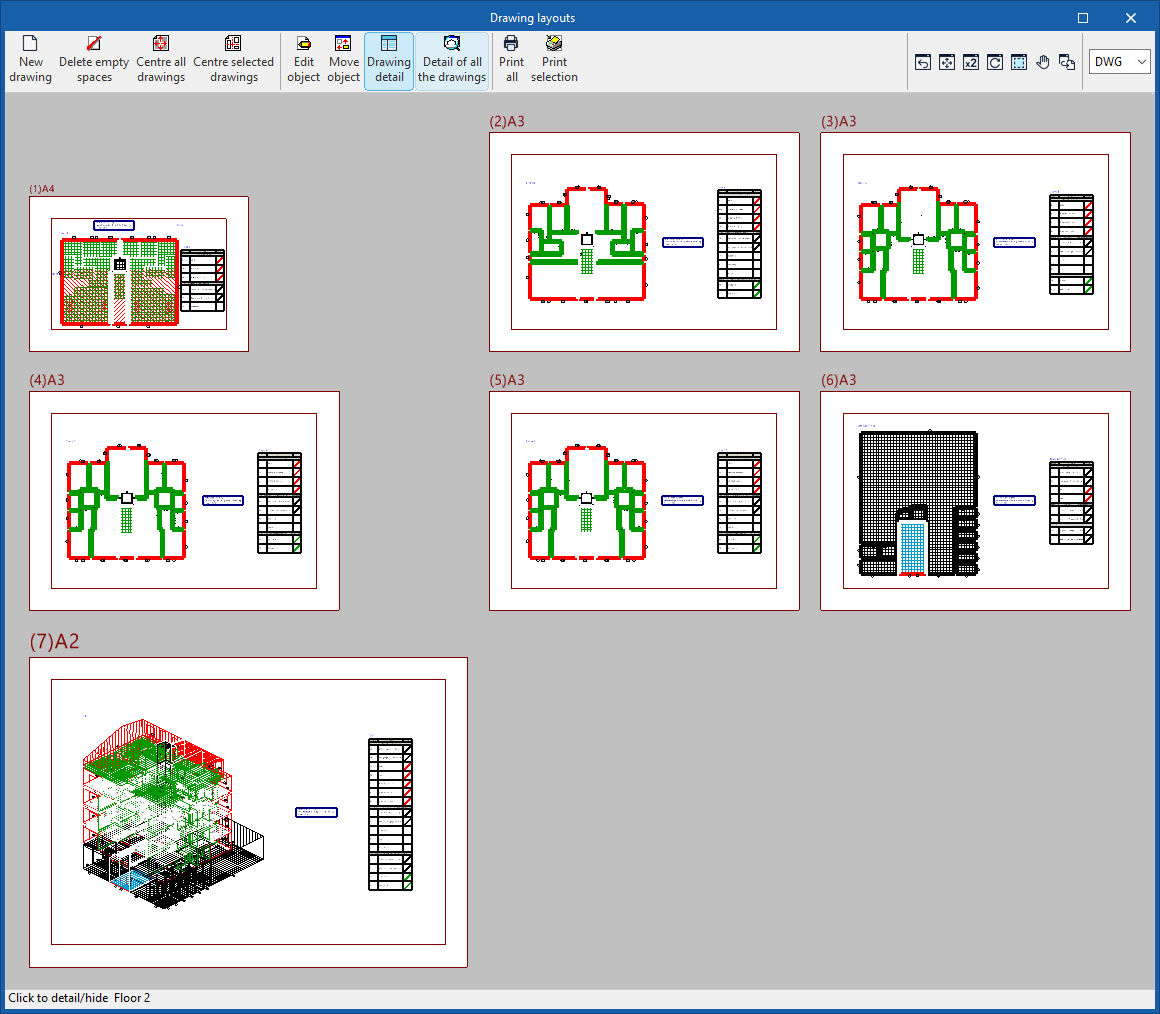
The program lets you print the drawings displayed in the "Floor plans" tab on any printer configured on your computer, or to create DWG, DXF or PDF files.
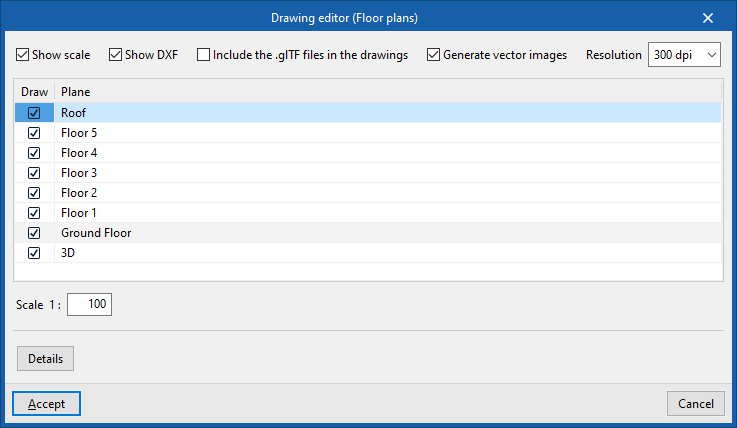
The map editing feature lets you configure the following options:
- Show scale (optional)
- Show DXF (optional)
- Include .glTF files in the drawings (optional)
- Generate vector images (optional)
- Resolution (96 dpi / 150 dpi / 300 dpi / 600 dpi)
- "Plan" to "Draw"
- Scale
- Details
You can access the plans via the "Drawings" option at the top of the interface or via the "Drawings" option in the "File" menu.
EnergyPlus™ files
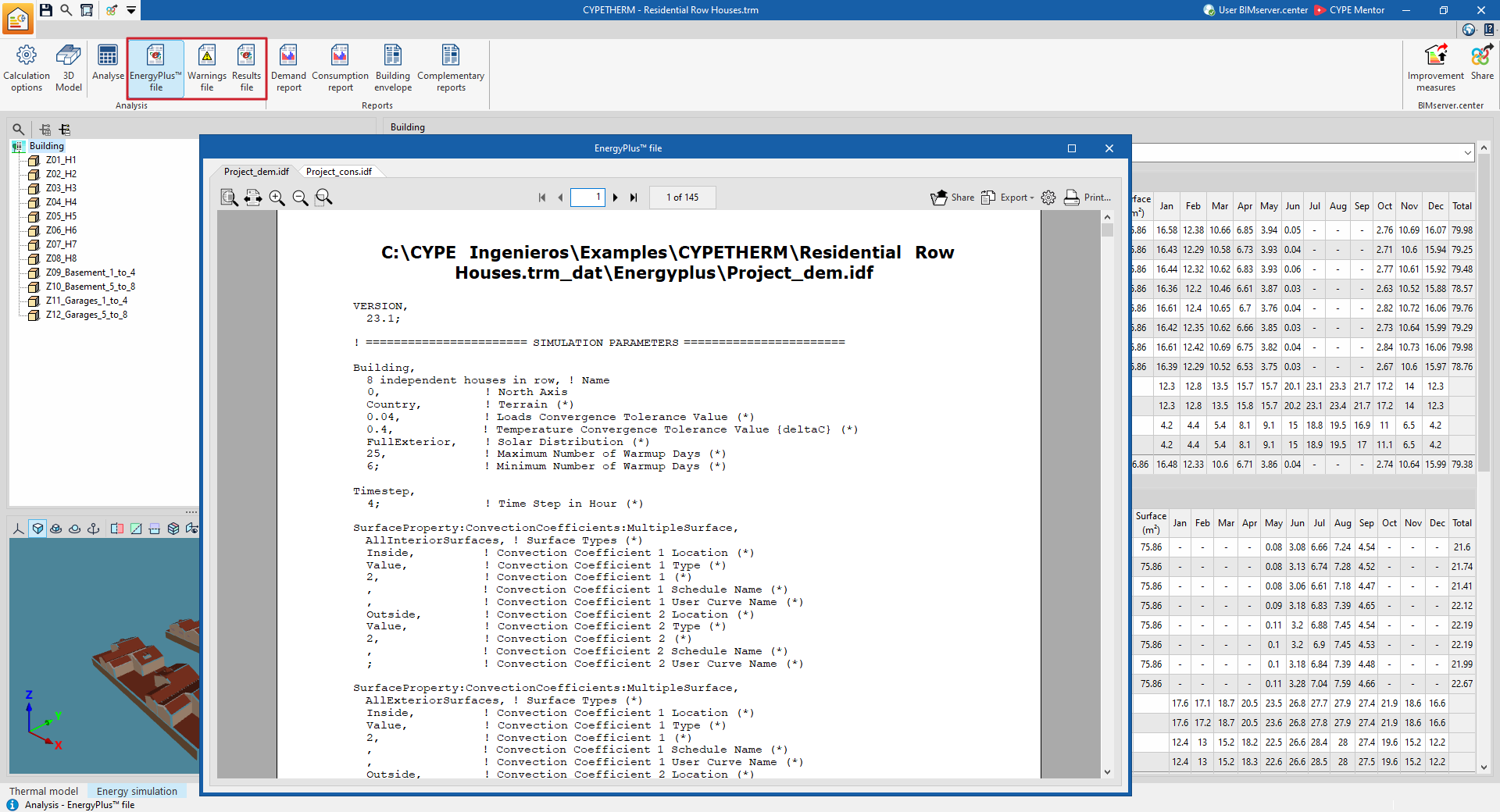
Using the relevant options in the "Calculation" section of the main toolbar on the "Energy simulation" tab, you can generate the following files, which are related to the EnergyPlus™ analysis engine integrated into the program:
- EnergyPlus™ file
- Warnings file
- Results file