Design options
"Design options" consist of design alternatives which, as they always work in a single model, save a huge amount of work.
For example, it allows you to create two or more proposals in parallel to show clients various alternatives. Therefore, this tool allows you to measure only those Revit elements belonging to the design options selected in the Revit model. Furthermore, it is possible to extract different quantities based on the measurement options created in the Revit model to obtain different measurement valuations or bills of quantities.
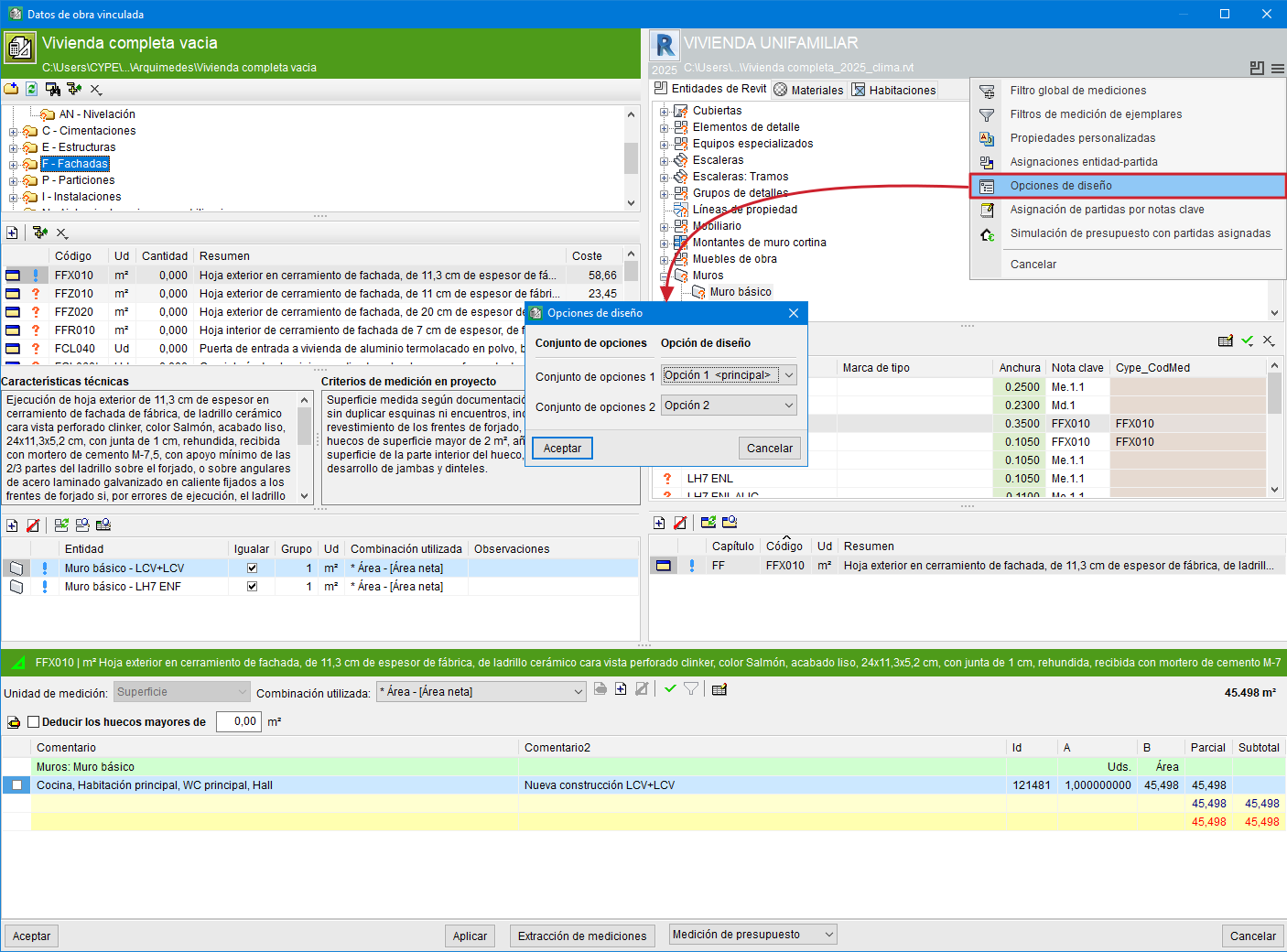
In the "Assign items and quantity extraction" dialogue box, the options button allows you to access the "Design options" to select the set of design options to be used in the quantity extraction to create the bill of quantities.
Note:
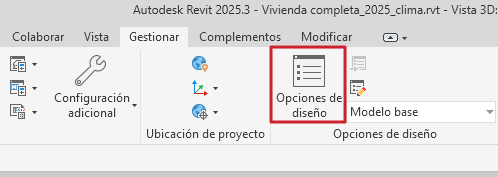
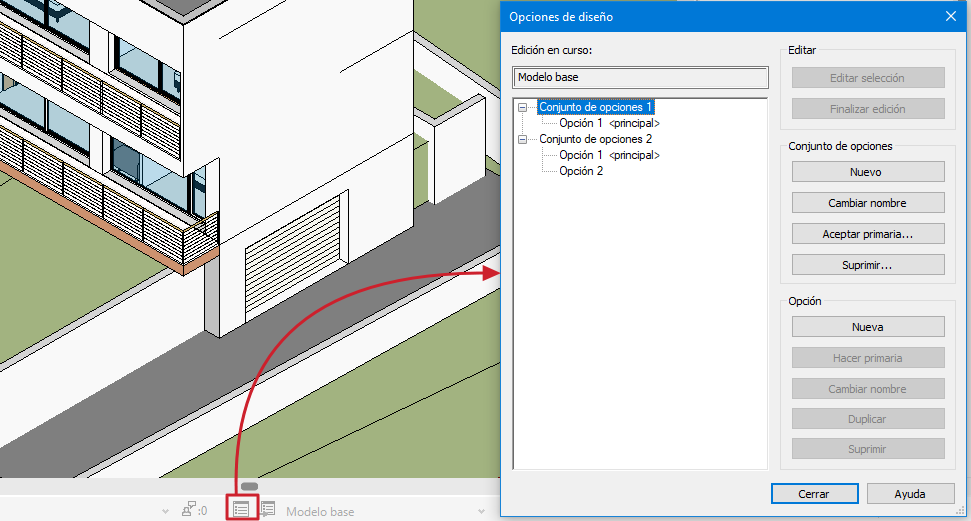
"Design options" are only available if the Revit model has design options created. These options can be added in Revit via "Manage" by clicking "Design options", or from the bottom bar by clicking the "Design options" button.