Creating a new job
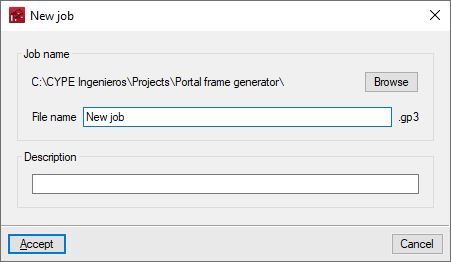
When starting the app and clicking on "New", the possibility of creating a "New job" is offered. In the window for creating a new job, the path where the file will be stored can be consulted or modified, and, in addition, the "File name" and its "Description" must be entered.
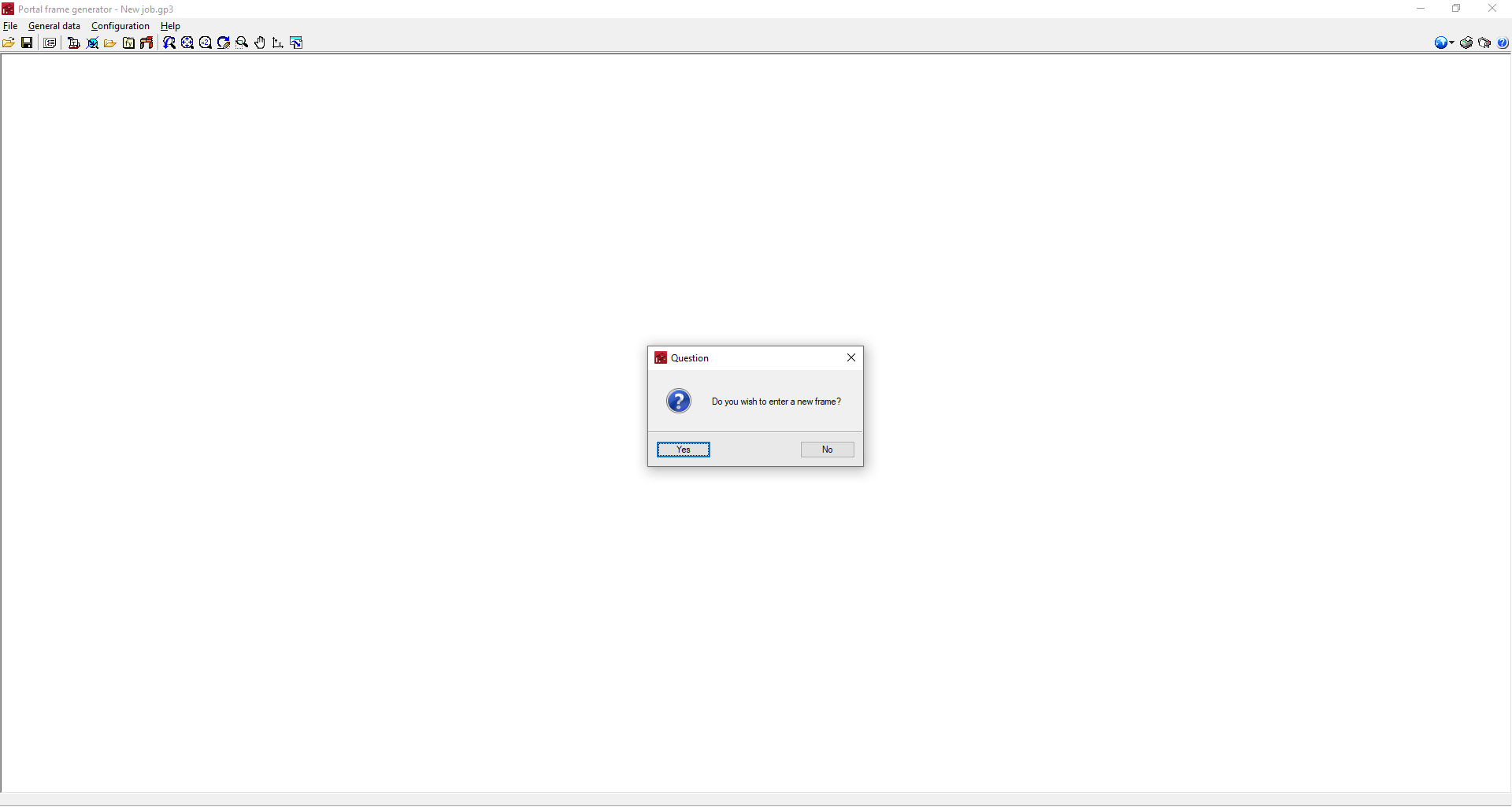
The program then asks in a dialogue box whether the first portal of the job is to be entered directly:
- If the answer is yes, the window for creating new frames will be opened. After entering them, the general interface will be displayed to continue the work.
- If the answer is no, the empty general interface will open. In this case, the first portal can be entered by clicking anywhere in the work area and selecting "New frame".