Results output
In addition to exporting to CYPE 3D, the program offers the following results from the Portal frame generator interface itself:
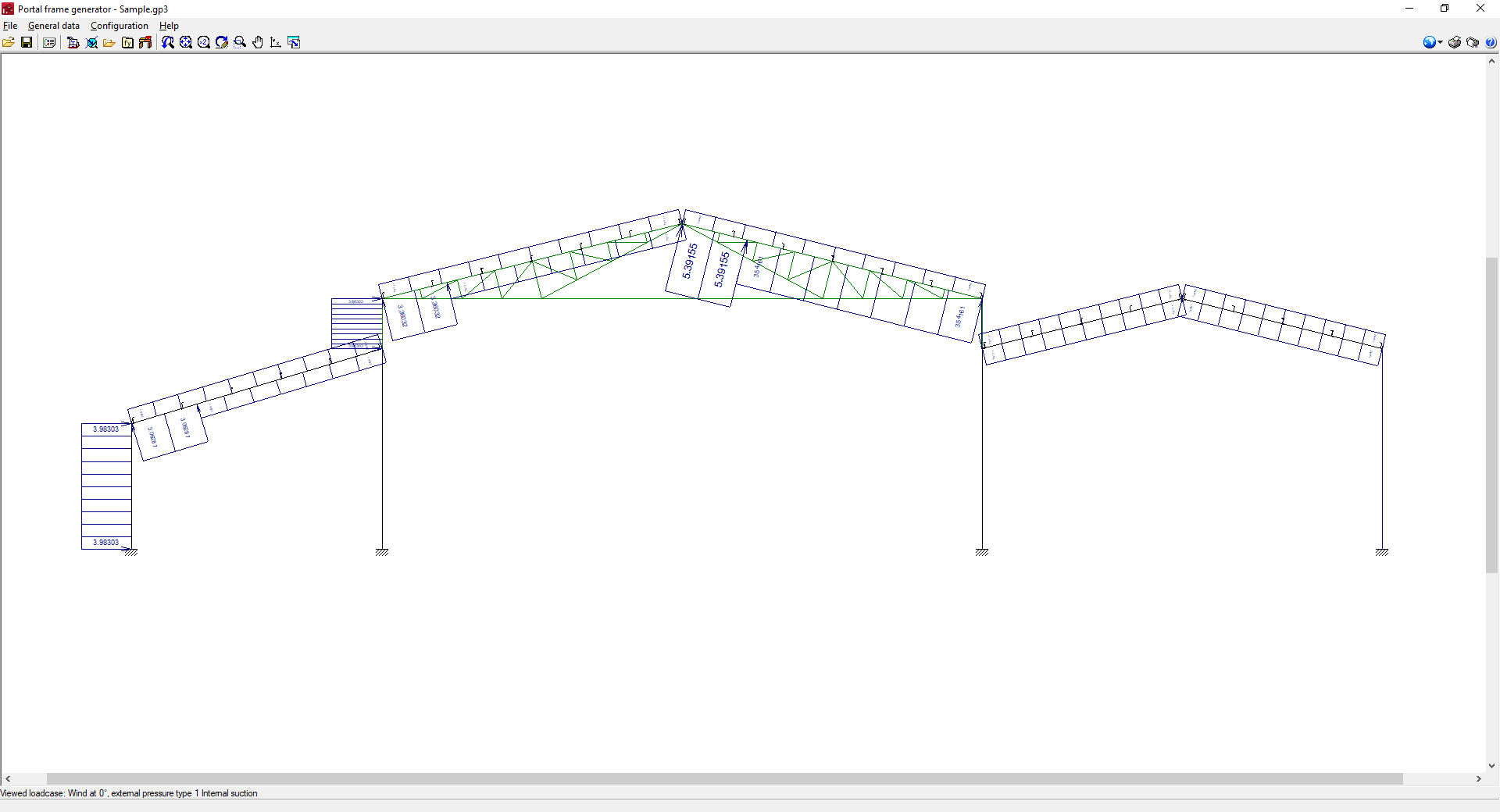
Checking generated loads on screen
The program can be used to consult on screen the layout and value of the loads generated, drawn directly on the portal frame group. To do this, use the "Options for displaying dimensions, purlins and loads" option under "General data" and select the loads in view and the portal frame whose loads are to be represented. The scale at which the loads are displayed can also be adjusted.
Checking purlin analysis results
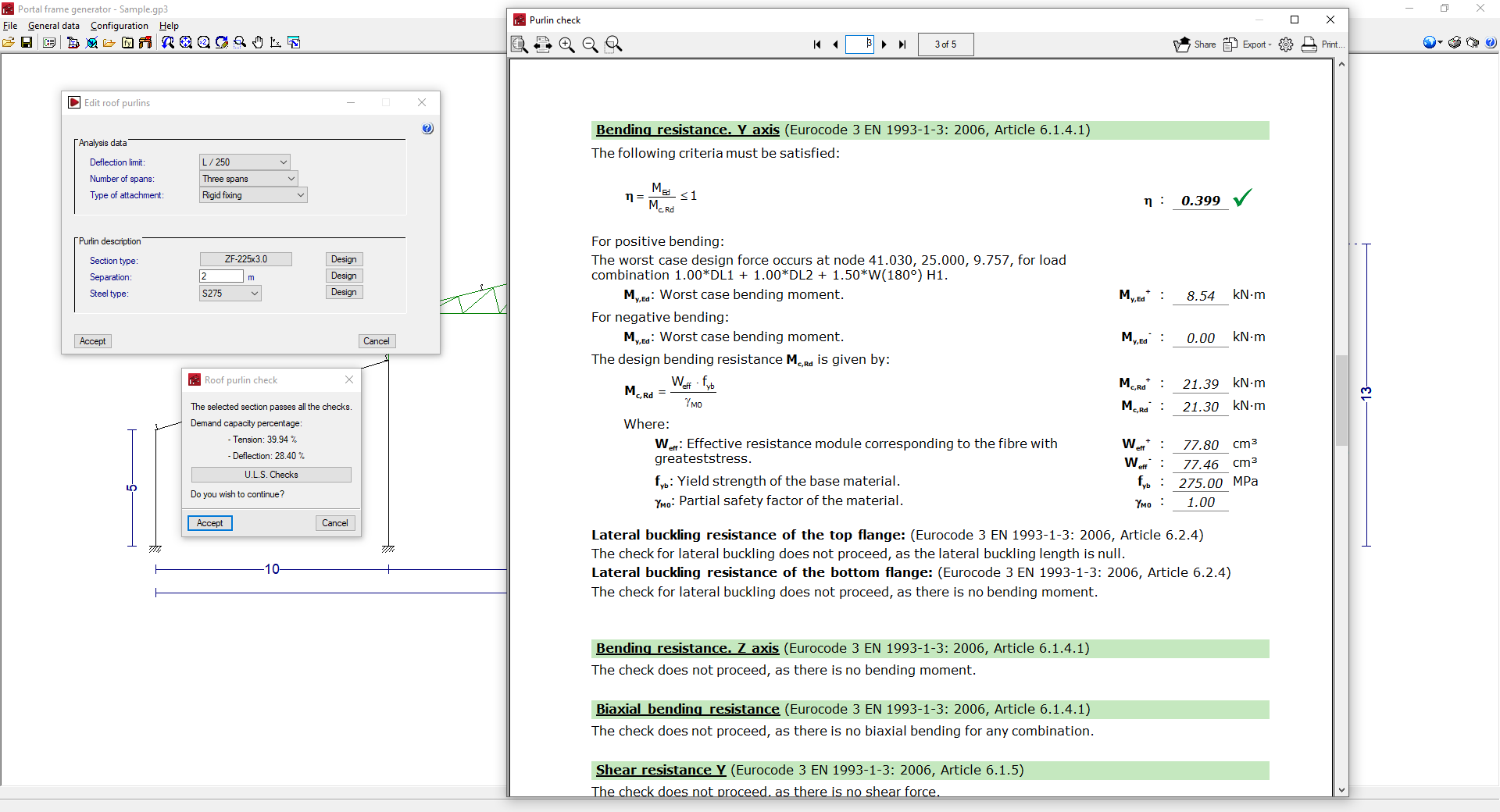
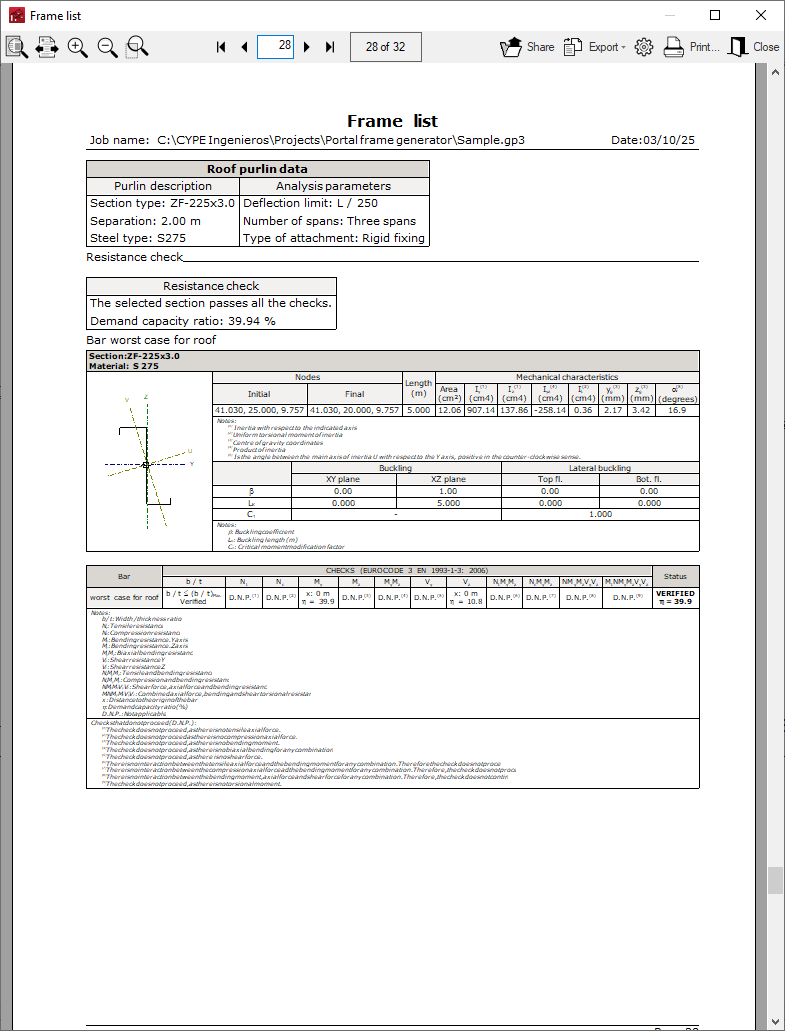
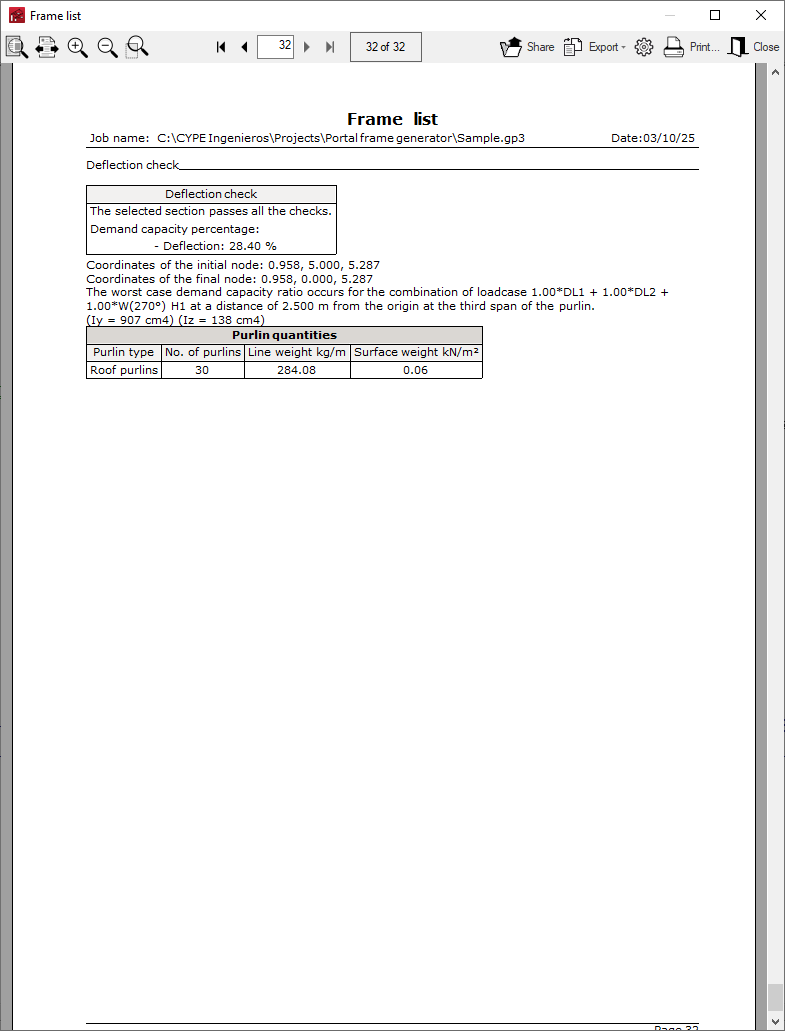
In the process of selecting and editing the roof and side façade purlins (from "Editing roof and lateral purlins", in "General data"), the program can consult the results of the analysis according to the data entered, as well as generate a specific checklist.
The purlin check report can be printed directly or exported to HTML, PDF, TXT, RTF or DOCX files.
Reports
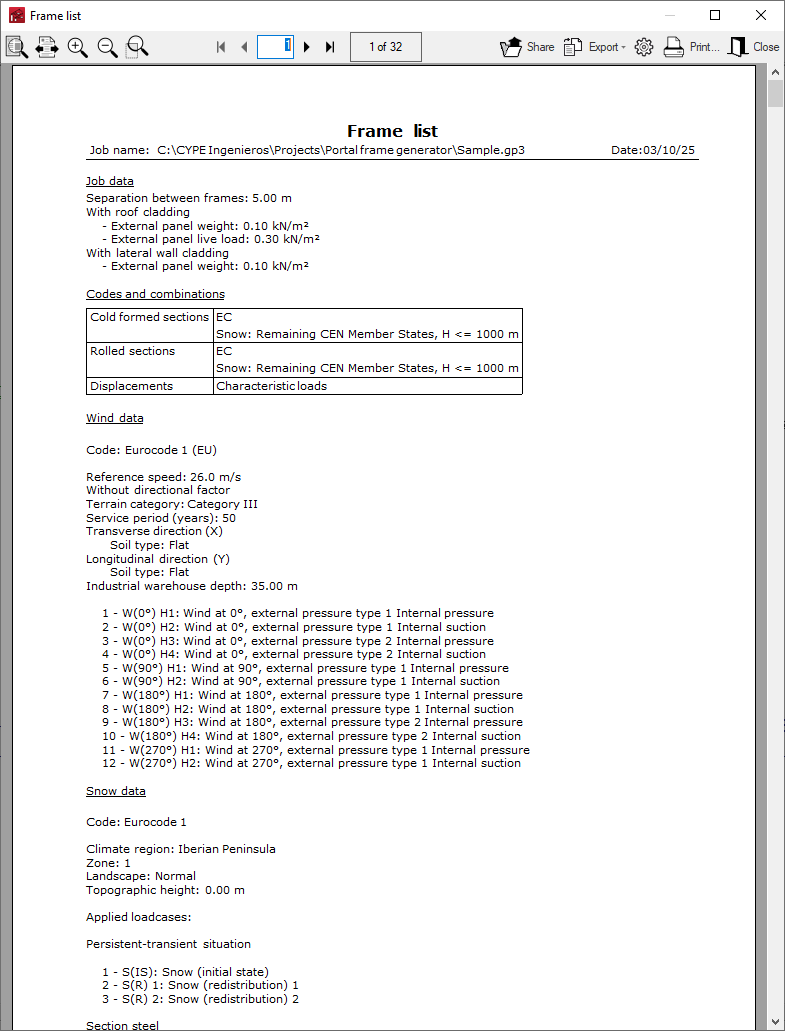
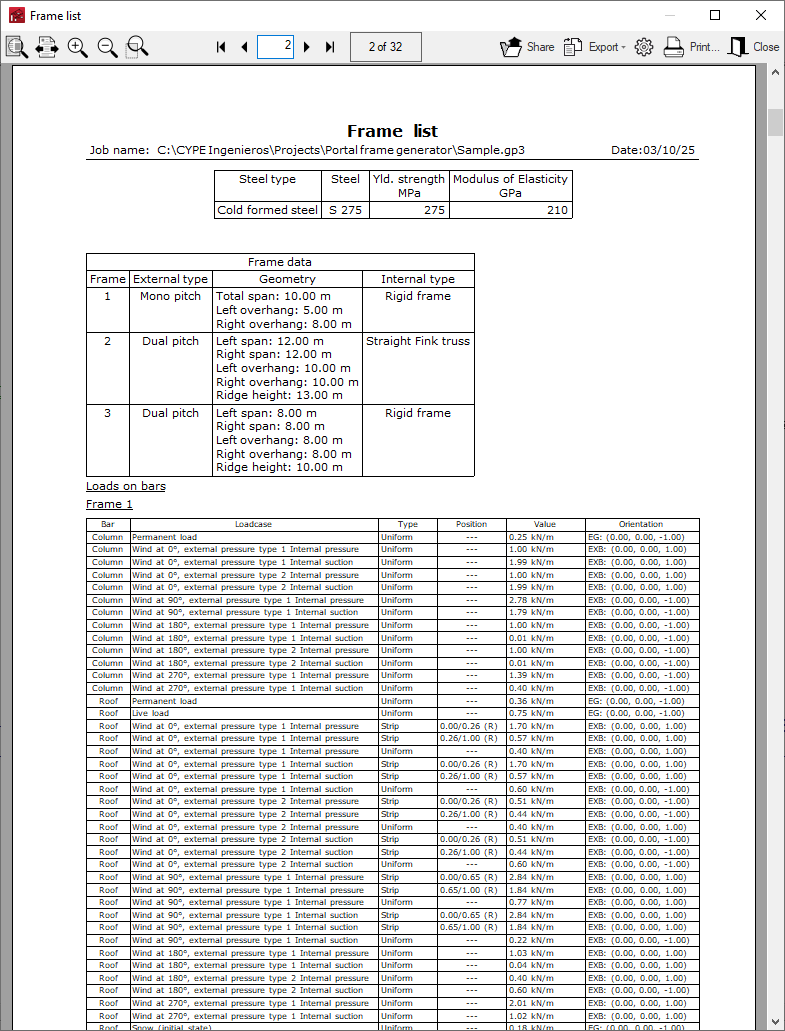
The program can print the complete reports of the job directly or generate HTML, PDF, TXT, RTF or DOCX files.
The reports are obtained via the "Job reports" option in the "File" menu or from the right-hand side of the toolbar at the top.
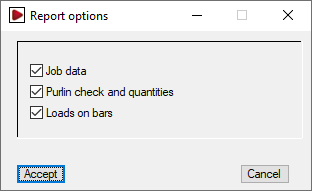
The job reports include the following sections, which can be activated or deactivated:
- Report options
- Job data (options)
- Purlin check and quantities (options)
- Loads on bars (options)
Drawings
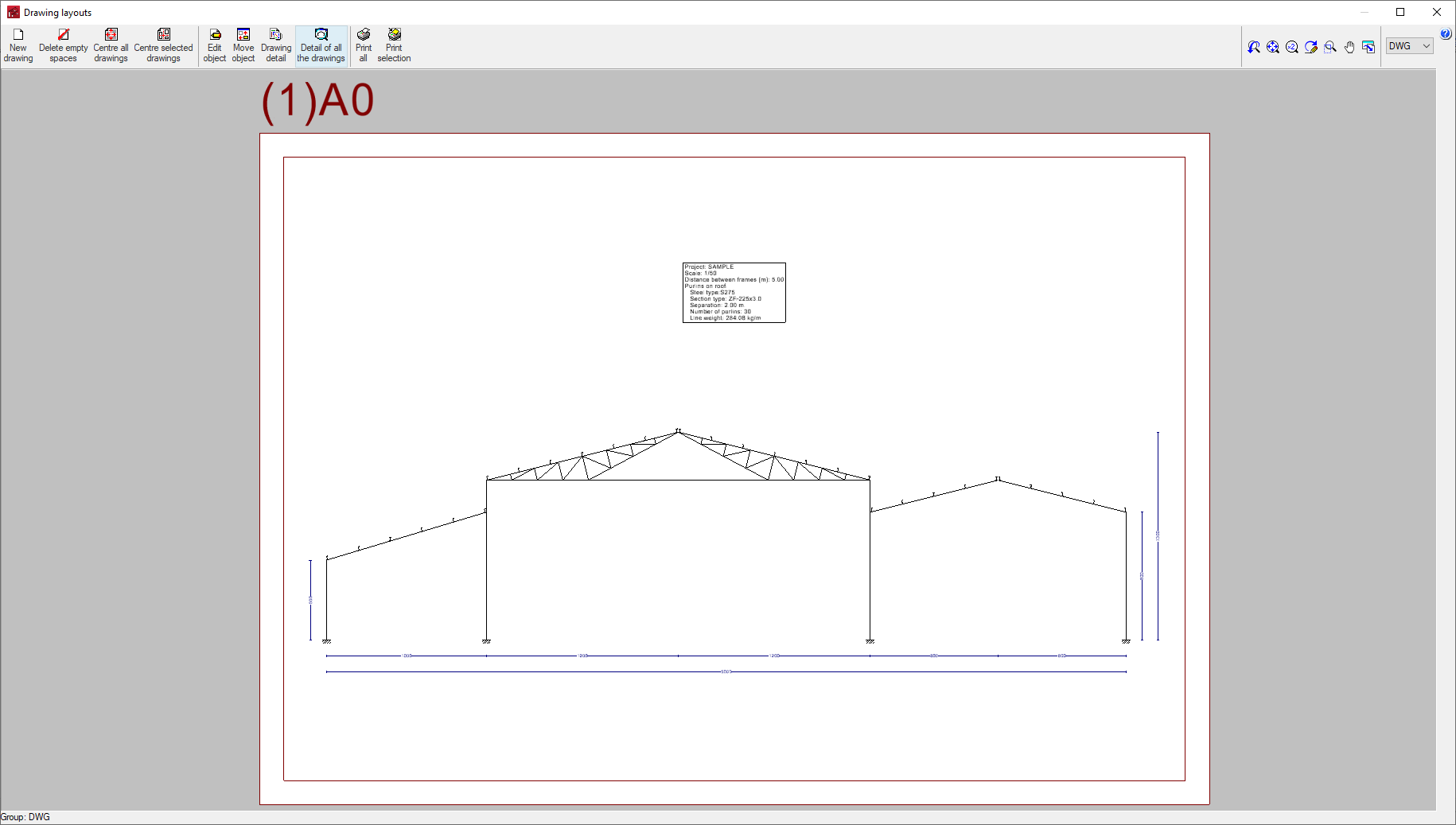
The program can print the drawing of the defined portal group on any graphic peripheral device configured on the computer or create DWG, DXF or PDF files.
The drawings are obtained from the "Job drawings" option in the "File" menu or from the right-hand side of the toolbar at the top.
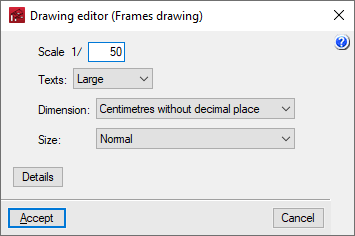
The editing of the drawing offers the following options:
- Scale
- Texts
- Dimension
- Size
- Details