Steel user library
In the "General data" menu at the top, there is a "Steel user library" option, which allows users to create and edit user rolled and formed steel types by manually entering their characteristics.

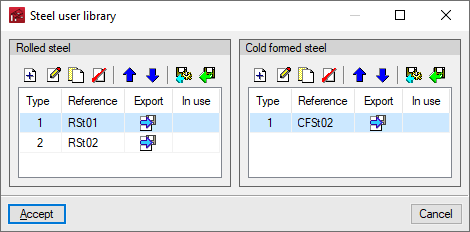
The "Steel user library" window displays two lists, "Rolled steel" and "Cold formed steel".
In each of them, it is possible to create, edit, copy, delete or reorder user steel types, as well as import or export them to files on disk.
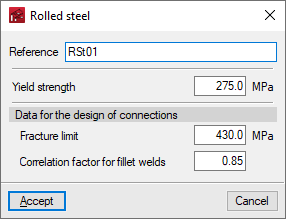
When creating a user steel, it is necessary to indicate its characteristics, such as "Reference" or "Elastic limit".
The user steels created will be available in the drop-down menu "Steel type" when selecting the section type, after using the "Editing roof and lateral purlins" option under "General data".