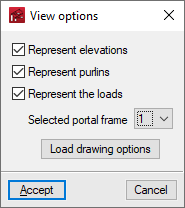
Viewing options for dimensions, purlins and loads
The "General data" menu at the top of the screen contains the "View options for dimensions, purlins and loads", which allow users to adjust the information displayed on the screen:

The "View options" window offers the following options:
- Represent elevations (optional)
Displays the dimensions of the portal frames entered on the screen. - Represent purlins (optional)
Displays the section and layout of the roof purlins and side façades on the screen. - Represent the loads (optional)
Displays the loads generated by the program according to the data entered. When this option is activated, the following options are enabled:- Selected frame
This drop-down menu is used to select the specific portal frame for which the loads are to be represented. - Load drawing options
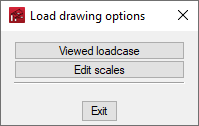
These options adjust the display of the loads on the screen.- Viewed loadcase
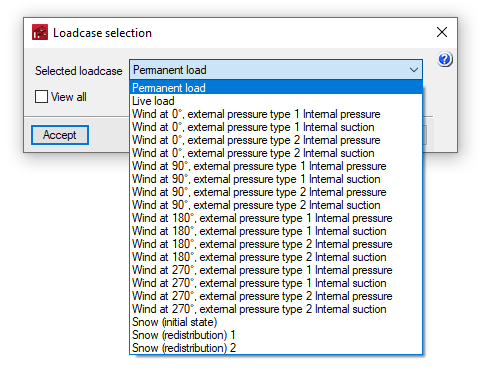
Selects the loadcase to be displayed on the screen. If the "View all" option is checked, the loads for all loadcases shall be displayed.- Selected load
- See all (optional)
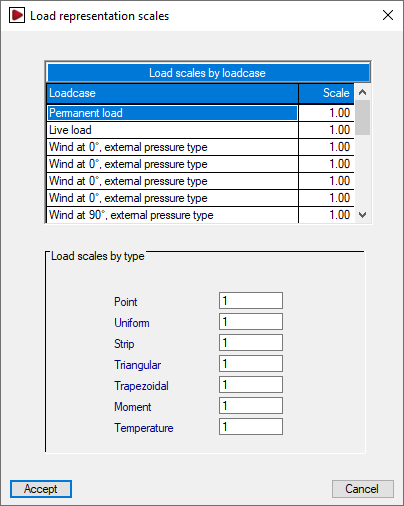
- Edit scales
Modifies the display scale of the loads by loadcase or by type.- Load scales by loadcase
- Load scales by type
- Viewed loadcase
- Selected frame
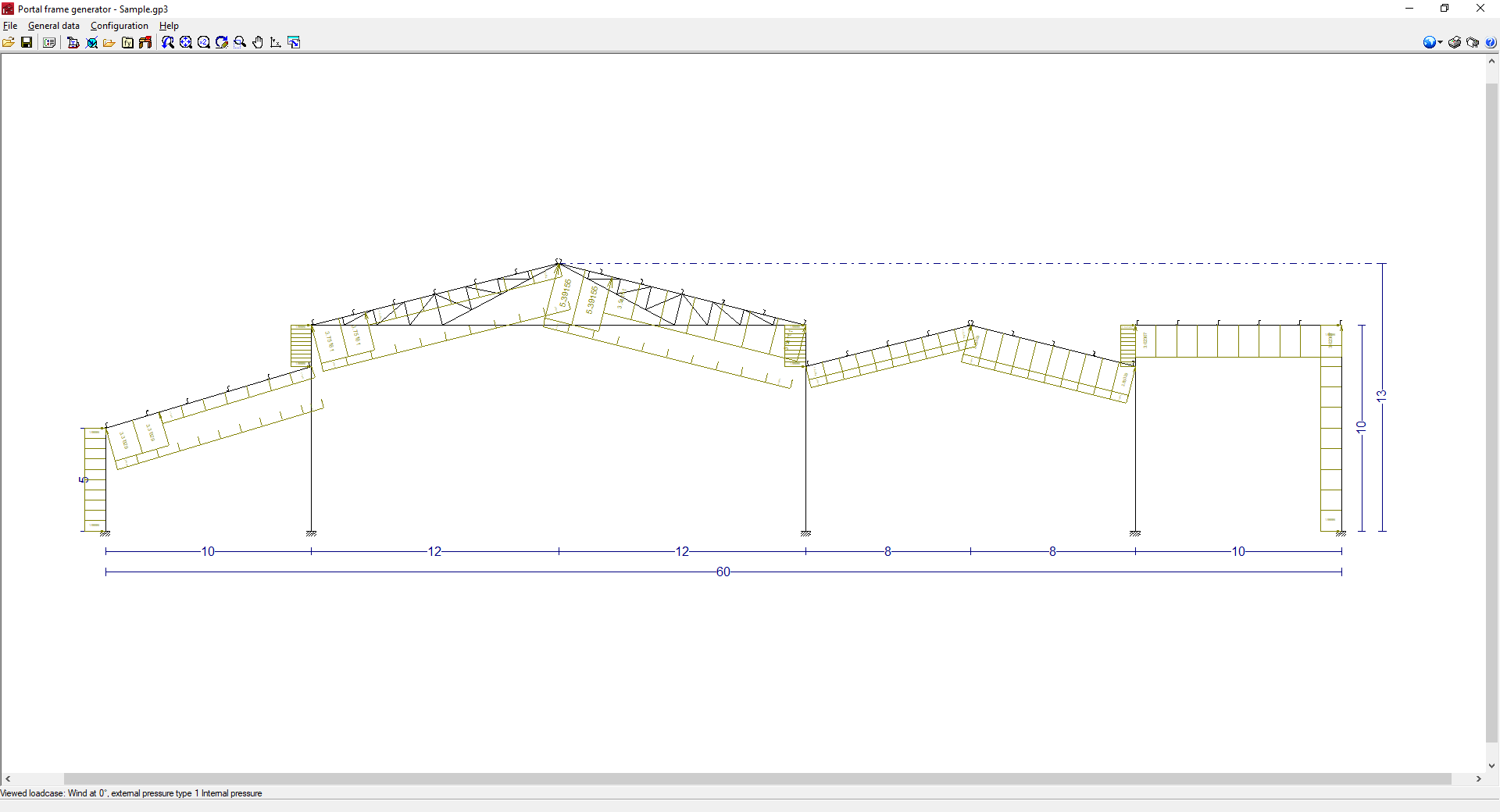
By accepting the "View options" window, the selected dimensions, purlins and/or loads will be displayed on the screen according to the specified settings.