

Results output
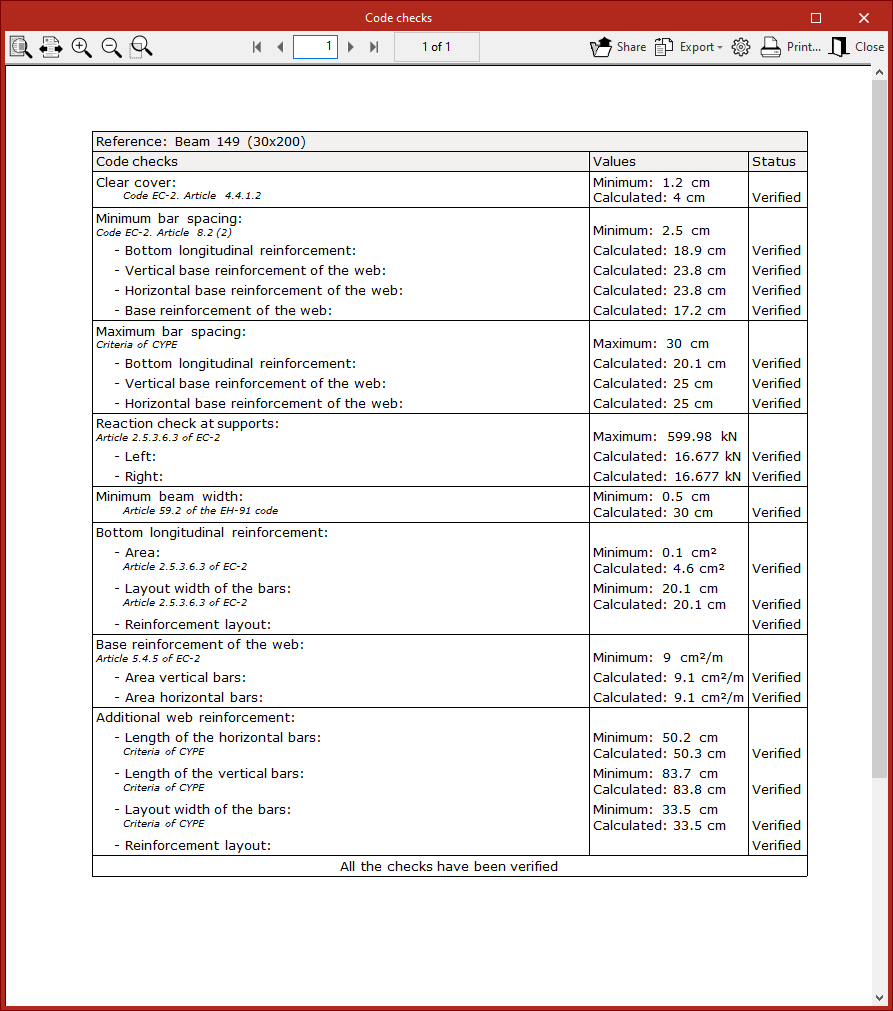
Code checks
When calculating each beam using the "Consult checks" or "Design" options, the program displays a specific report of the checks carried out on that beam.
This report can be printed directly or exported to HTML, PDF, TXT, RTF or DOCX files.
Job report
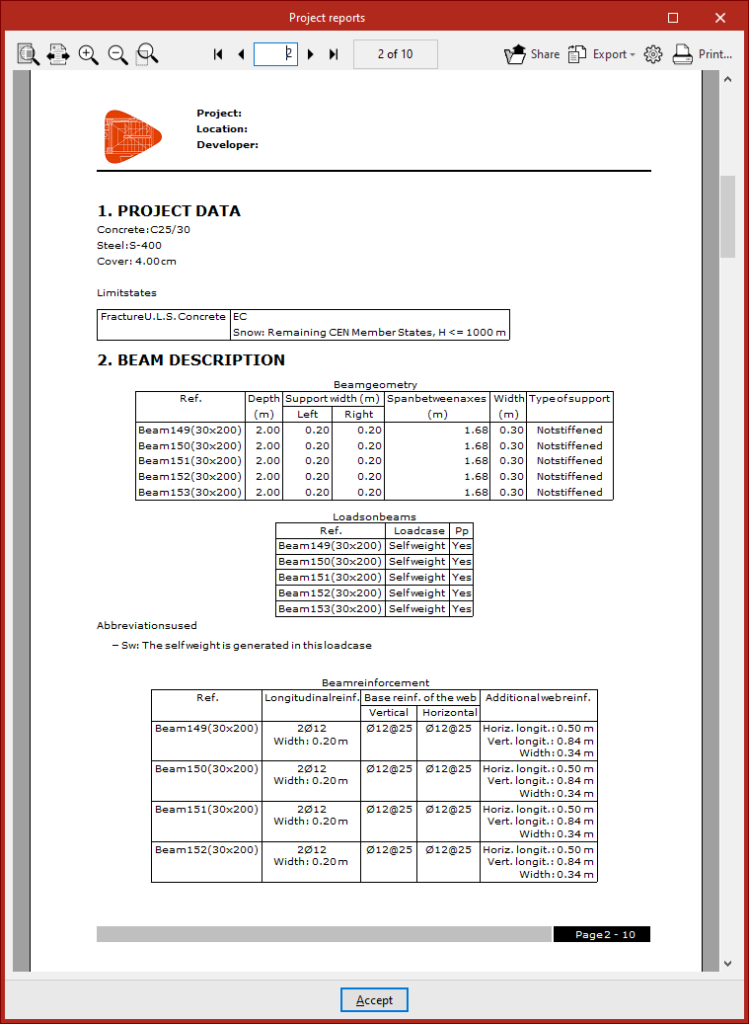
The program allows you to print the complete job report directly or generate HTML, PDF, TXT, RTF or DOCX files.
This report can be accessed via the "Reports" option in the "File" menu or from the toolbar at the top left.
The list of structural elements includes details of the beams that have been calculated and comprises the following sections:
- Project data
- Beam description
- Detailed quantities
- Verification
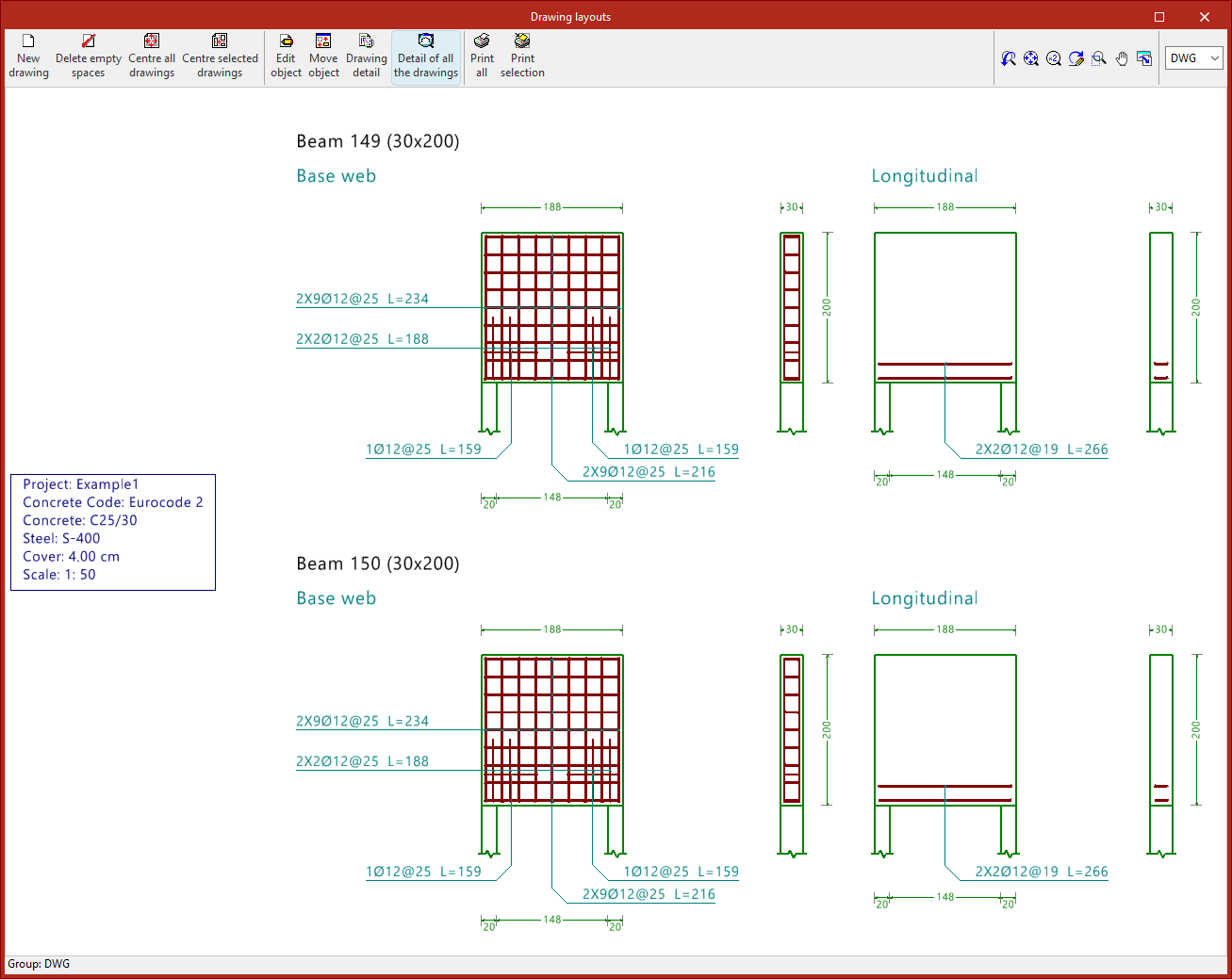
Drawings in DWG, DXF or PDF format
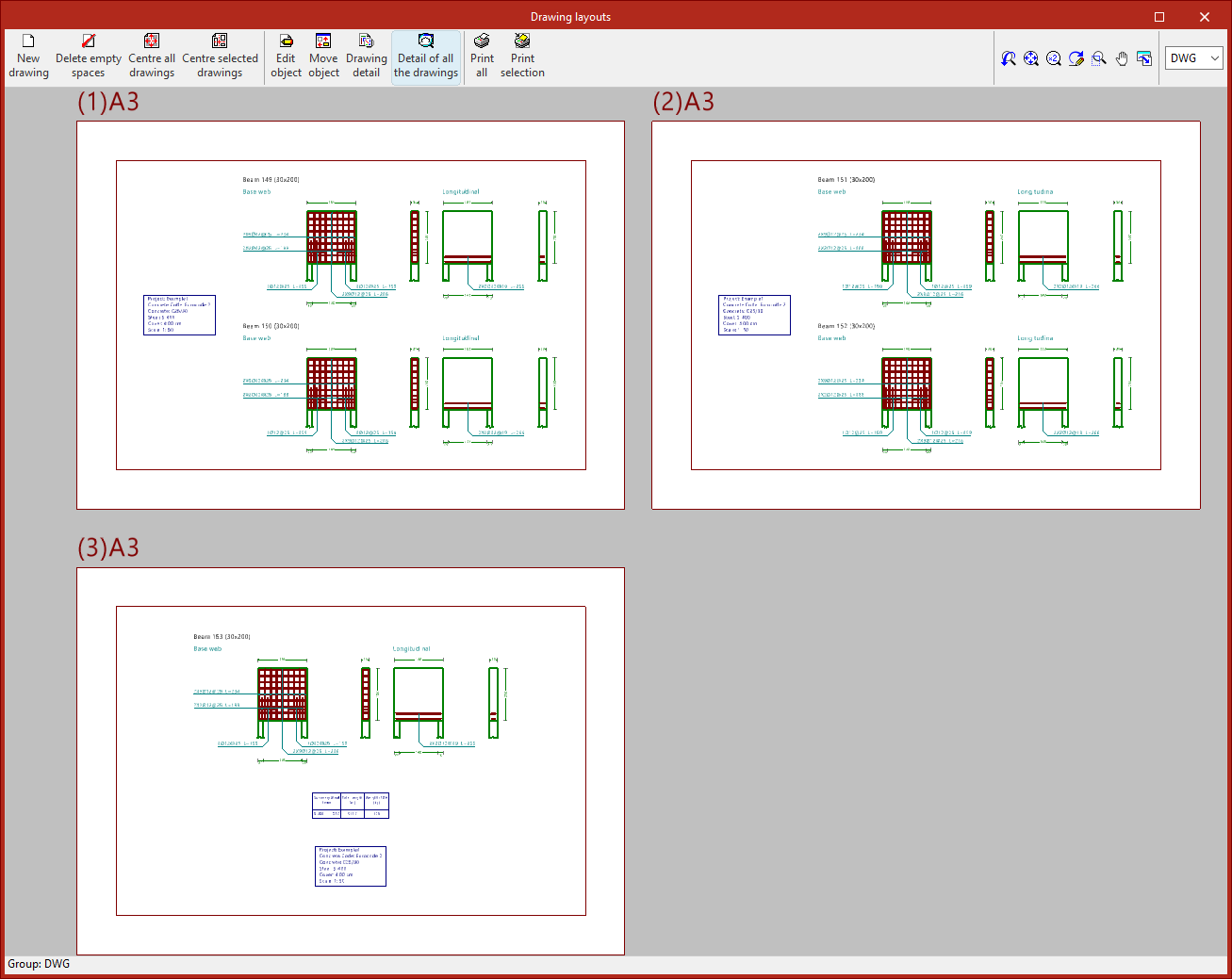
The program allows you to print the project drawings on any printer set up on your computer, or to create DWG, DXF or PDF files.
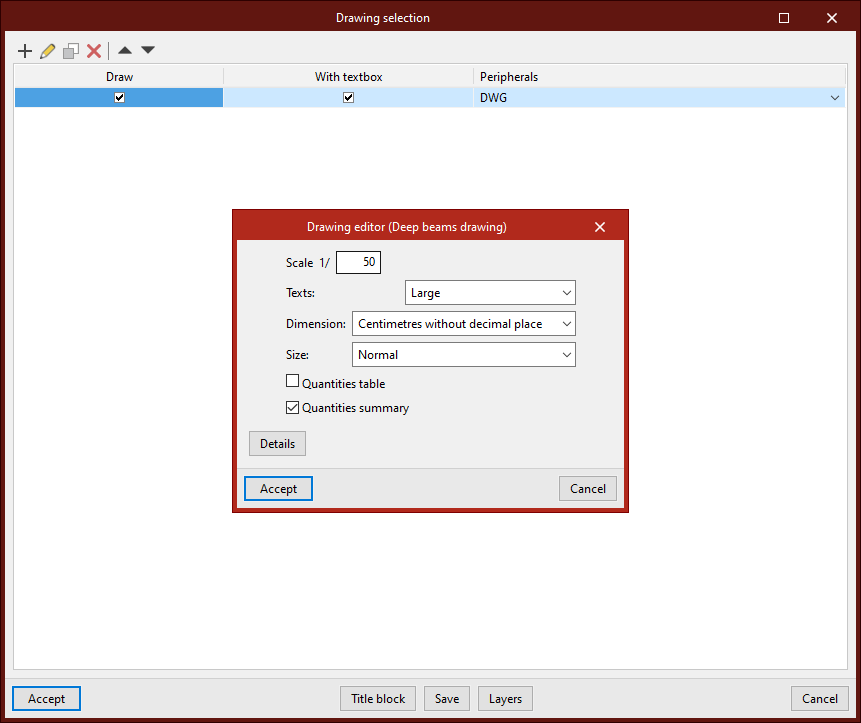
The drawing editor allows you to configure the following options:
- Scale
- Texts
- Dimension
- Size
- Quantities table (optional)
- Quantities summary (optional)
- Details
You can access the drawings via the "Drawings" option in the "File" menu or from the toolbar at the top left.
IFC and BVBS files
When exporting the project to the BIMserver.center platform, files are exported in IFC format containing information on the calculated reinforcement. In addition, it is possible to generate one or more BVBS files containing information on the rebar detailing.
GLTF file compatible with BIMserver.center
When exporting the project to the BIMserver.center platform, a 3D model in GLTF format is also exported for integration into the Open BIM project, enabling the reinforcement to be visualised:
- On the online platform
- In the BIMserver.center app for iOS and Android
- In virtual reality and augmented reality
- In other CYPE programs
