Defining the project characteristics
In the "Data entry" tab, in the "Project" group of the main toolbar, the following project data can be defined:

The options available are:
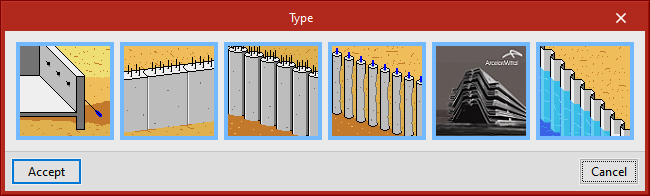
- Type:
Select the type of embedded wall; it can be either generic, a diaphragm wall, a piled retaining wall or a mini piled retaining wall. - General data:
Configure the geometry of the embedded wall according to the type chosen. - Options:
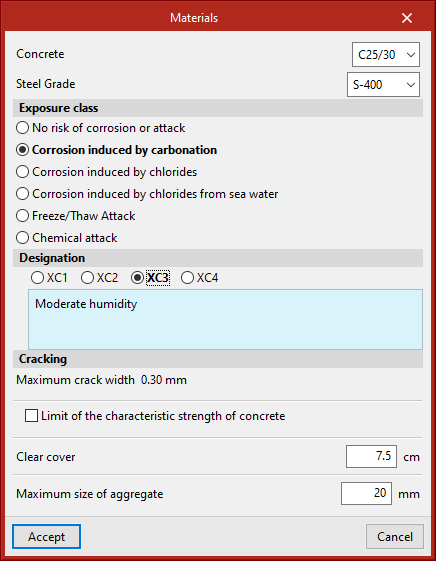
Select the options to be applied in the analysis, such as safety coefficients. - Materials:
Define the materials depending on the type of embedded wall chosen. - Loads:
Define the loads depending on the type of embedded wall chosen. - Reinforcement tables:
Create, modify or use the reinforcement tables included in the program. - Show:
Select the dimensions and information of the soil layers to be displayed in the work area.
Codes available in the program
| More information: |
|---|
| A wide range of codes included in CYPE's programs can be found at this link. |
| Note: |
|---|
| To change the applied codes, select the "Codes" option in the globe icon at the top right of the program. |