Update history​​

CYPE Architecture

As of version 2026.b, project files are automatically associated with the corresponding CYPE app in the Windows environment. This means that you simply double-click on the file to open it directly in the appropriate program, without having to select it manually. This improvement streamlines the workflow and provides a smoother and more efficient user experience.

As of version 2025.d, the "Project selection" window in the apps connected to BIMserver.center incorporates a new notification system to inform users about the latest new features on the platform.

This space displays relevant messages about new features, enhancements and recommendations related to BIMserver.center. In addition, direct links to documents, tutorials and additional resources will be included to facilitate the adoption of these new features.

As of version 2025.d, the interaction during the insertion of elements in the app's workspace has been improved. For those elements that the app allows to be rotated once inserted (Rotate element tool), it is now possible to rotate them in 90-degree intervals on the Z-axis by simply pressing the space bar on the keyboard before inserting them.

This feature allows for greater accuracy and speed when positioning components within the model, avoiding the need for subsequent adjustments.

In CYPE Architecture version 2025.d the following example jobs have been included:

  • Einfamilienhaus freistehend (Single-family dwelling)
  • Maritimes Zentrum Büros (Maritime centre offices)

In version 2025.d, CYPE Architecture has new furniture elements grouped into two new sections: Accessibility and Waste.

  • The "Accessibility" section contains the following: stair lifts, platform lifts, grab rails and shower chairs.


  • The "Waste" section contains containers of different sizes, models and types (waste, organic, glass, paper and plastic).

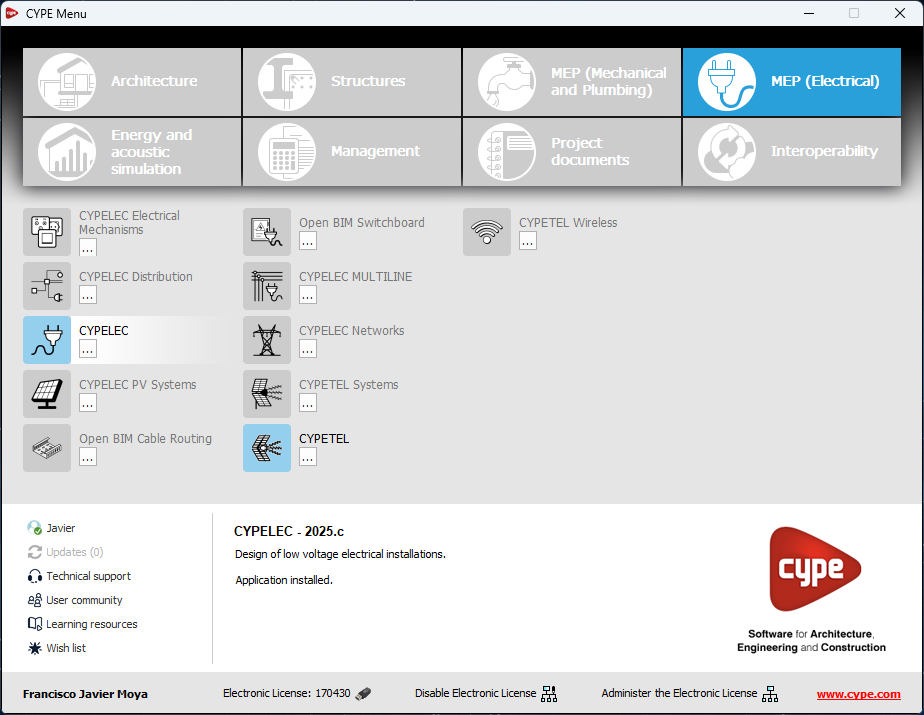
In version 2025.c, new options have been added to the "Help" menu of all CYPE apps, providing direct links to key resources on the CYPE website. These options make it easier to access to useful information and Technical Support, improving the overall experience of using the program.

The new options are the following:

  • Technical support: This link provides information on the different ways of contacting the CYPE Technical Support team to clarify any queries, obtain customised assistance and solve any problem related to the apps.

  • User community: This option provides access to the CYPE user community, where users can share experiences, ask questions and discuss solutions with other professionals using the same tools. This community encourages the exchange of knowledge and best practices, helping to make the most of the program's features.

  • Learning resources: This link leads to a collection of learning resources, such as tutorials, manuals, videos and articles, designed to help you understand and use CYPE apps more efficiently. These materials are designed for all levels of experience, from beginners to advanced users, and are an excellent source of information to expand skills and technical knowledge.

These new additions make it easier to access information and provide the necessary support to improve the users' experience with the apps and to encourage professional development.

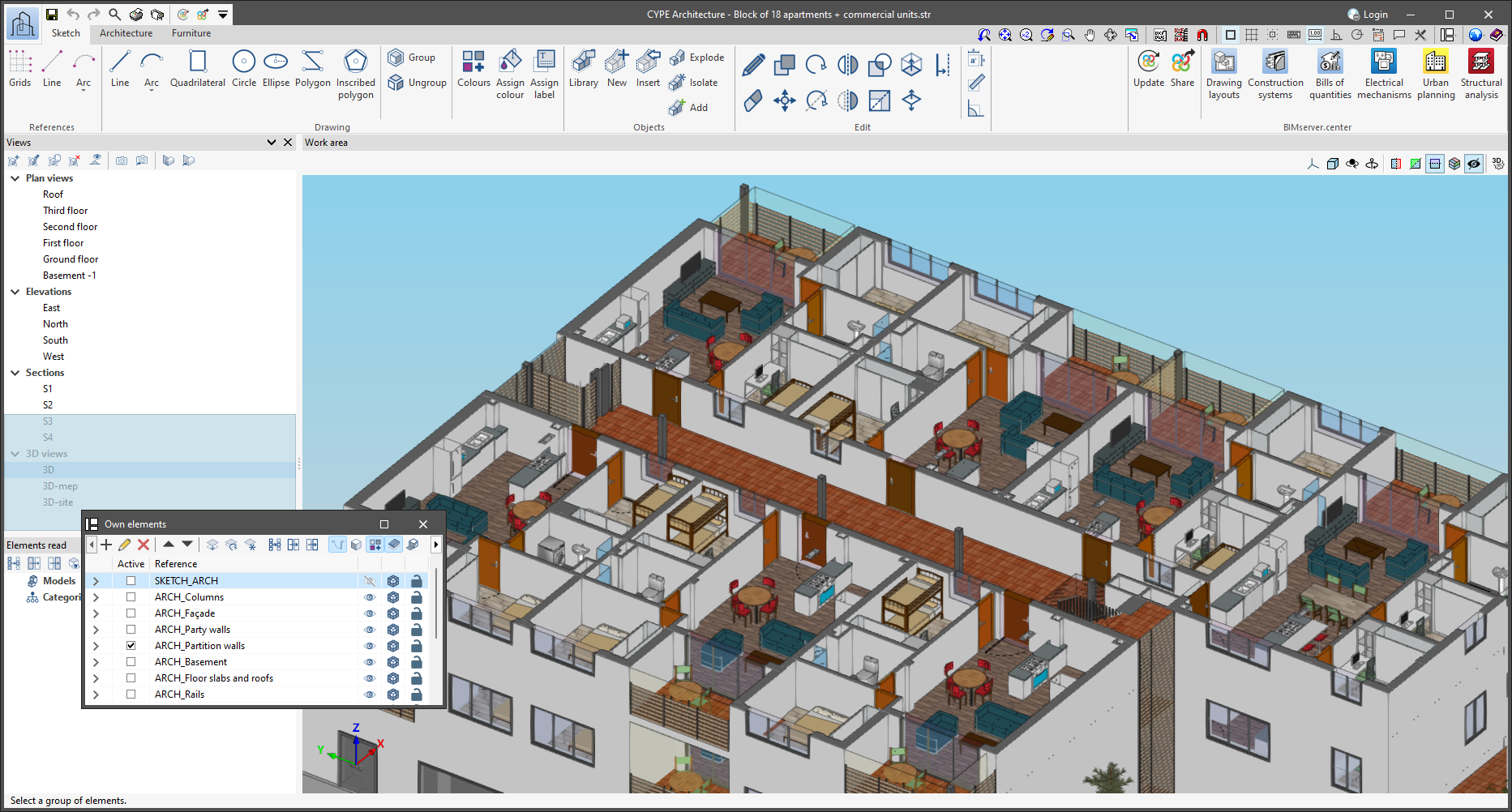
In version 2025.c, the preview for moving dockable windows within the apps has been improved. Now, when dragging a dockable window, the preview of its docked position is displayed transparently, allowing a clearer view of the underlying work area.

This new feature makes it easy to find the optimal location for each dockable window without obstructing important elements or losing sight of relevant project information. It also provides a smoother and more modern visual experience, aligned with best practices in user interface design.

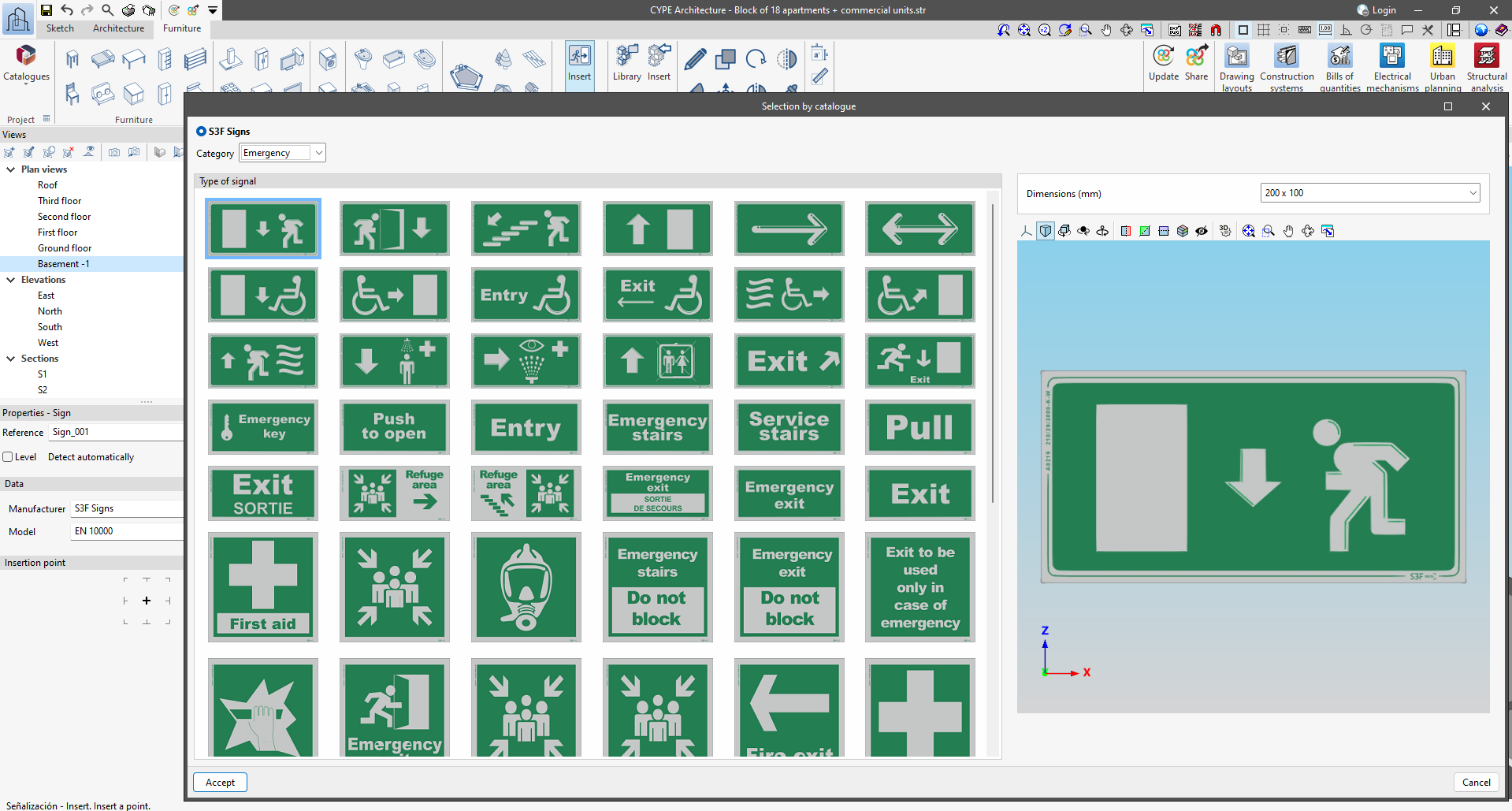
This new 2025.c version of CYPE Architecture includes the possibility of including signs in the BIM model.

This new feature can be found in the "Furniture" tab and is used to download manufacturers' catalogues and to enter signs for emergencies, fire safety, danger, banning, obligation and information, among others. The program includes catalogues for Spain, France, Portugal and the United Kingdom.

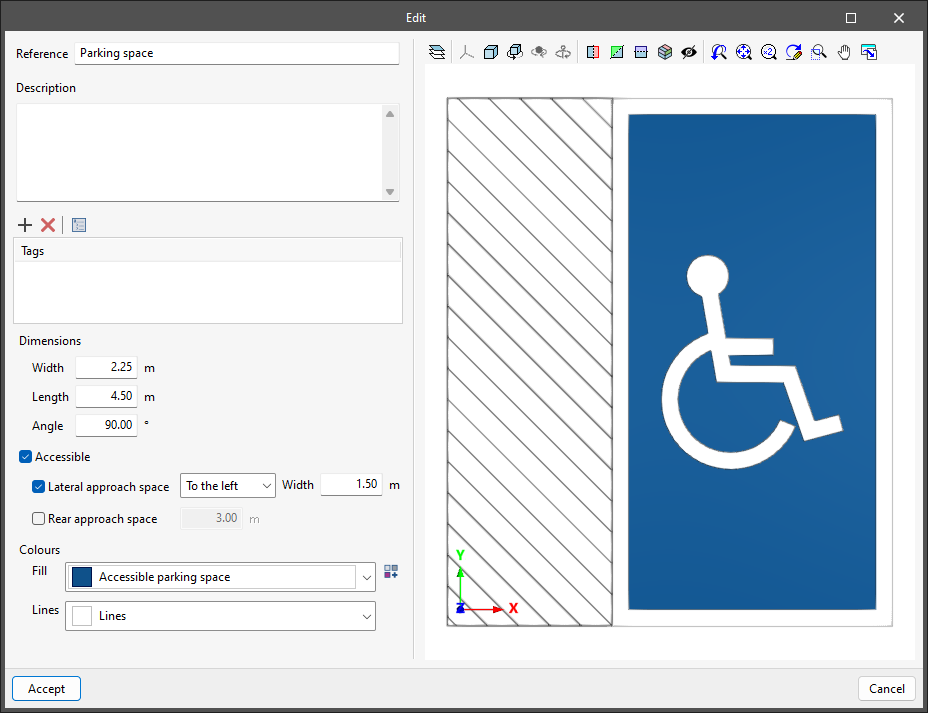
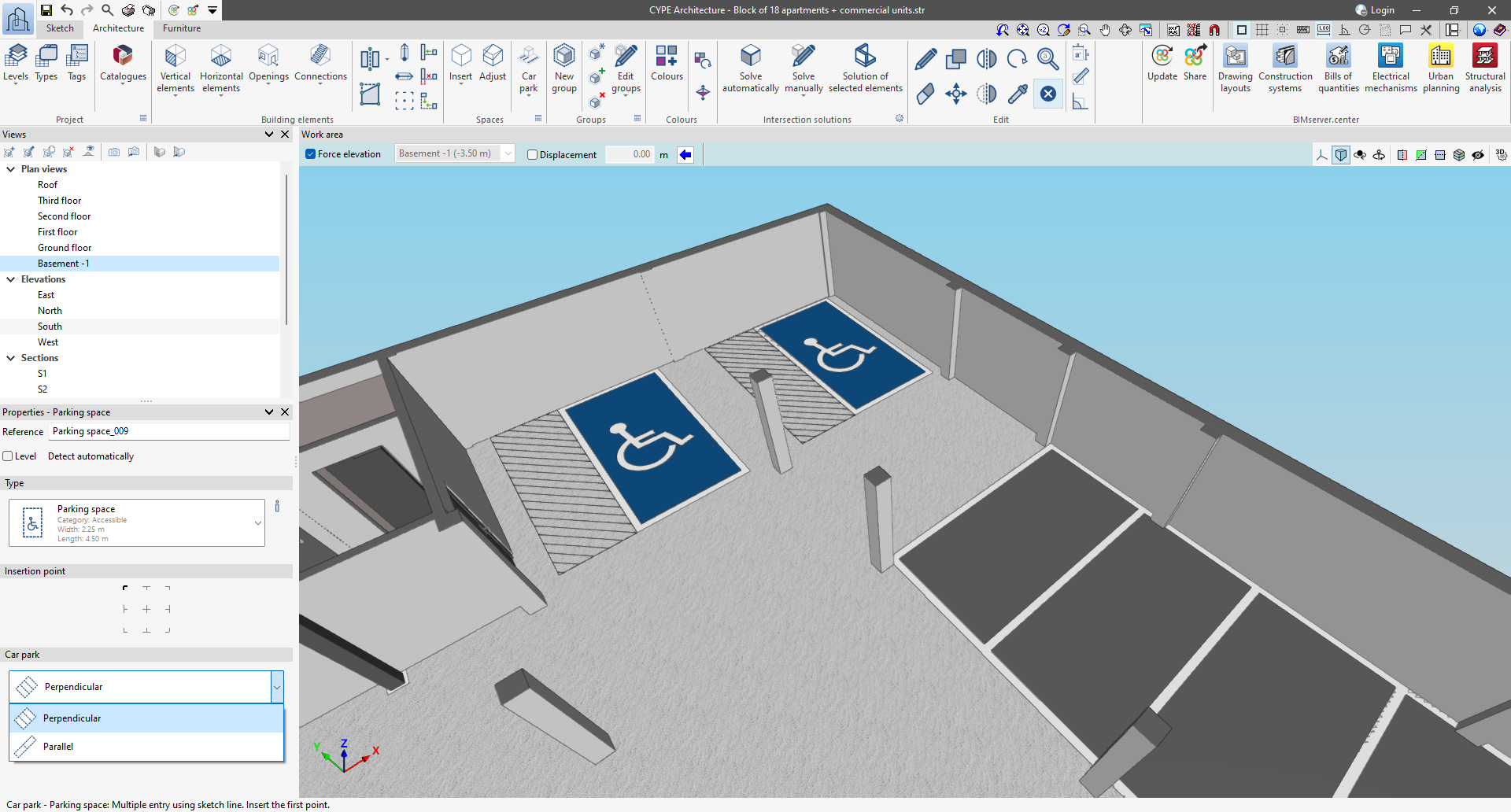
CYPE Architecture has a new option for including parking spaces in the job. This new feature can be found in the "Spaces" section of the "Architecture" tab.

  • Creating types of parking space

    Parking spaces, like the rest of the elements in the "Architecture" tab, are entered through types.

    The types of parking spaces can be modified in terms of width, length and angle, and colours, as well as the accessibility conditions of the parking spaces.
  • Ways of entering parking spaces

    There are two ways to enter parking spaces: individual and multiple.

    Individual entry allows users to select the insertion point.

    Multiple entry allows users to draw a line along which the parking spaces will be drawn. In multiple entry, there is a choice between placing parallel parking spaces and perpendicular parking spaces.

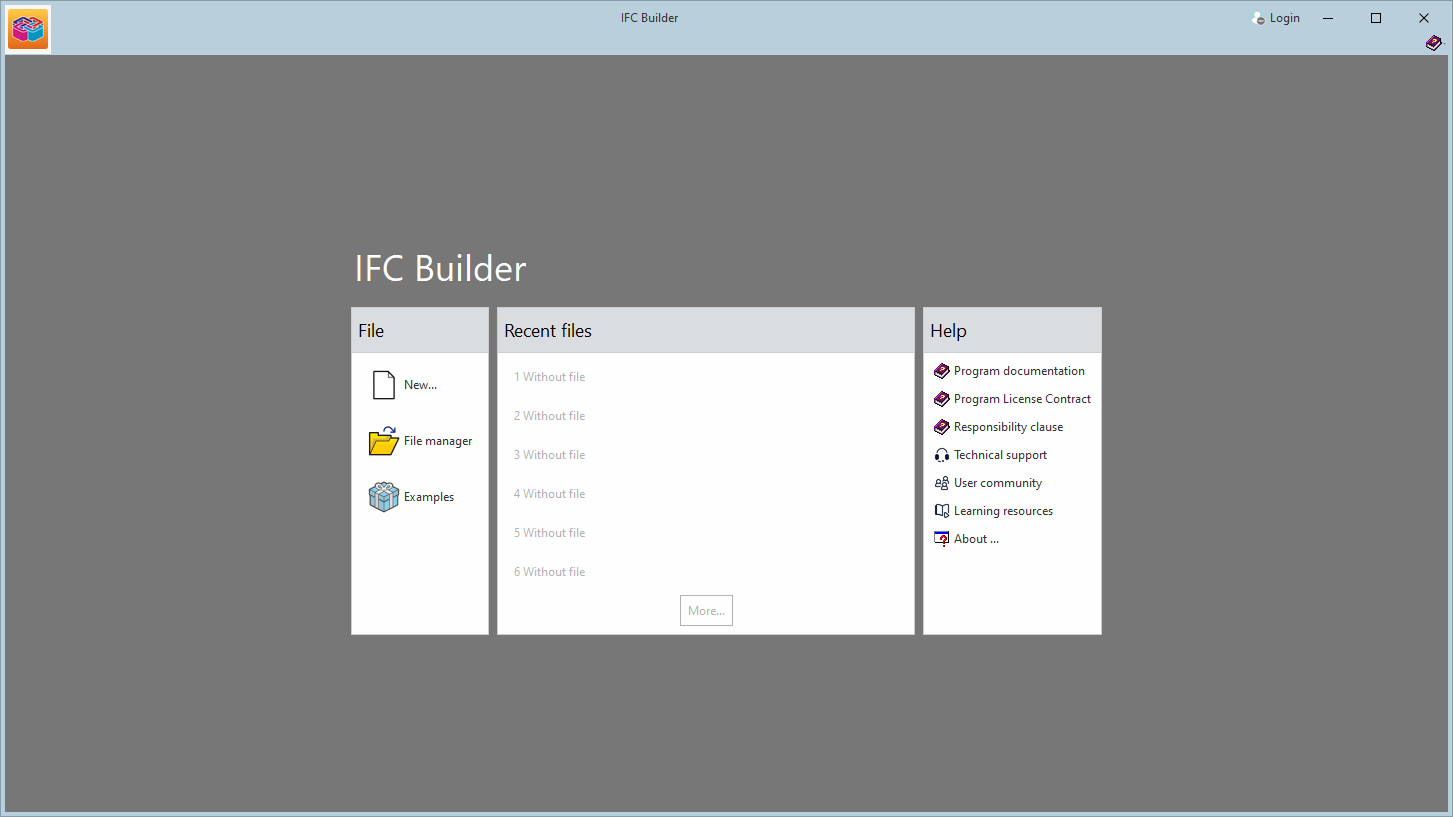
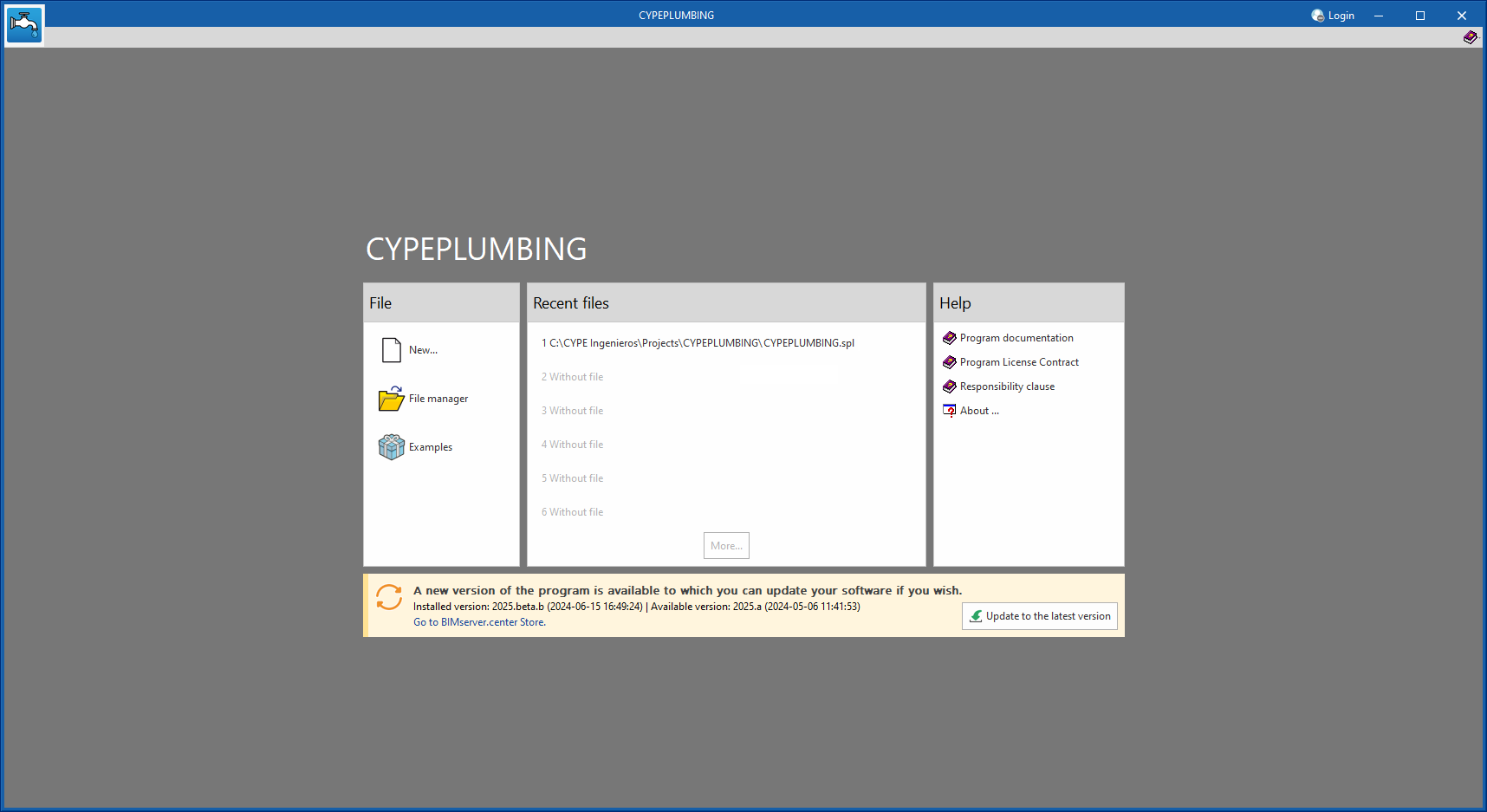
As of version 2025.b, applications now display a warning message in their initial window when a new update is available. This message provides information about the "installed version" and the "available version", together with a direct link to the Store page of the BIMserver.center web platform.

Clicking on the “Upgrade to the latest version” button automatically starts the download and installation process of the application. This feature ensures that the most current version of the program is always being used, thus benefiting from the latest improvements.

This method replaces the automatic notification and update process of a new version in the BIMserver.center programs available in previous versions.