The following programs: CYPELEC Networks, CYPEFIRE Design, StruBIM Analysis, StruBIM Design, and StruBIM Foundations are available to be downloaded at the BIMserver.center platform.
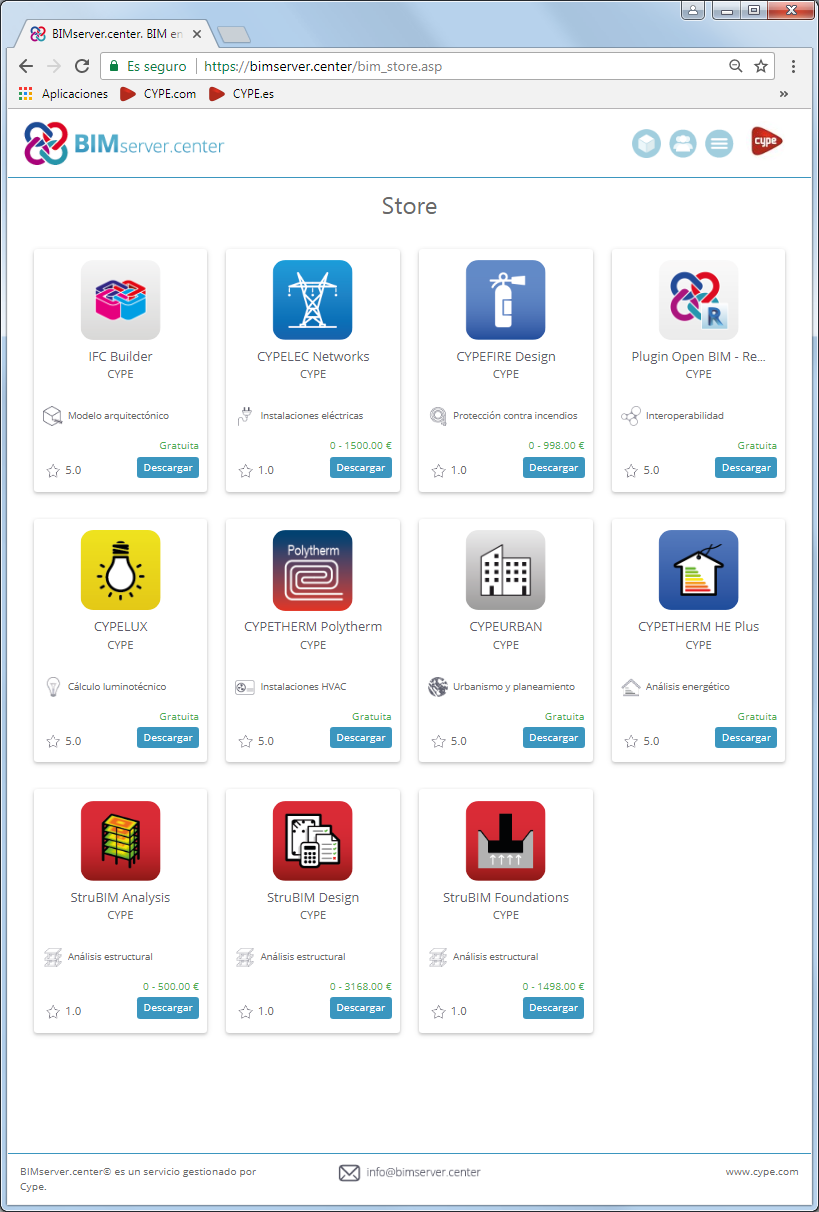



The following programs: CYPELEC Networks, CYPEFIRE Design, StruBIM Analysis, StruBIM Design, and StruBIM Foundations are available to be downloaded at the BIMserver.center platform.
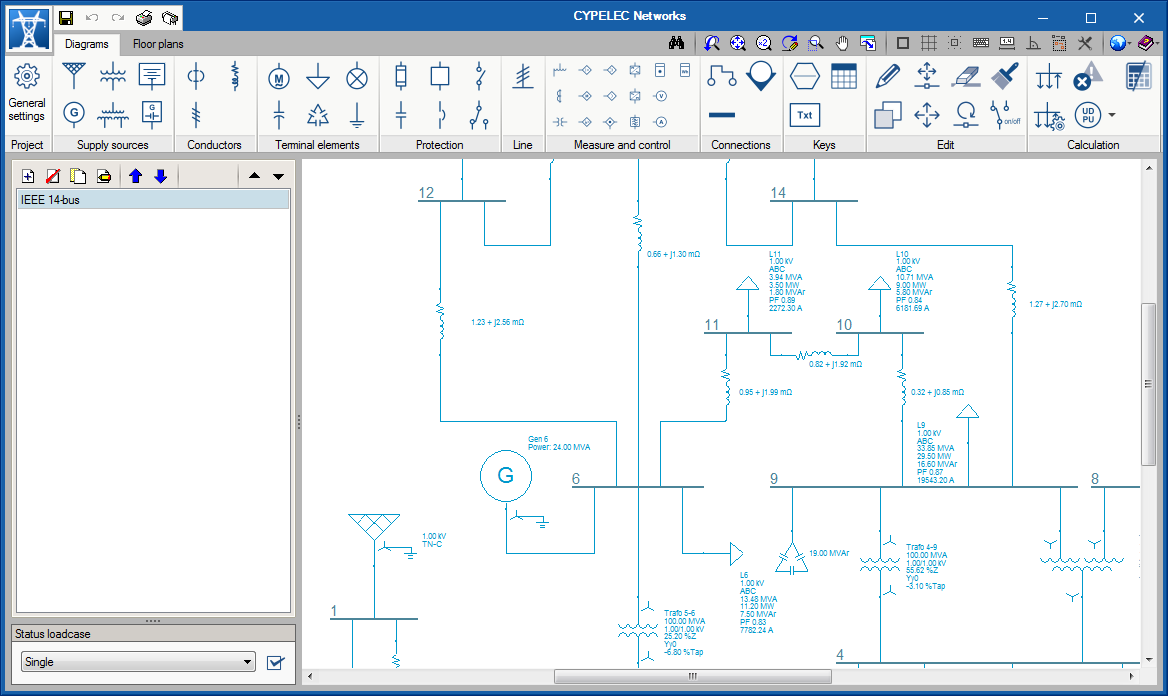
CYPELEC Networks is a program for the analysis of power systems in electrical networks, created to assist project designers in the design and analysis of high/medium and low voltage installations.
It has a simple graphical interface that allows users to easily create and edit power diagrams and circuit diagrams. It incorporates a great variety of electrical equipment to create the diagrams such as, for example, power supplies, generators, transformers (two and three windings), low and medium voltage cables, high voltage transmission lines, capacitor banks, electrical loads and motors, etc... as well as protection and other electrical devices.
CYPELEC Networks analyses the flow of charges and calculates the voltages and phase difference in bars or buses, the currents in lines and branches, and the active and reactive power flows of the electrical system.
The design checks carried out in the program are based on the specifications of the NFPA 70 National Electrical Code (NEC).
CYPELEC Networks can be downloaded via the "BIMserver.center" platform. For its first version, it may be installed in Spanish or English. This tool is integrated in the Open BIM workflow using IFC standard exchange files.
More information on this new CYPE program can be found in CYPELEC Networks webpage.
En la página CYPELEC Networks dispone de más información.