Introduction
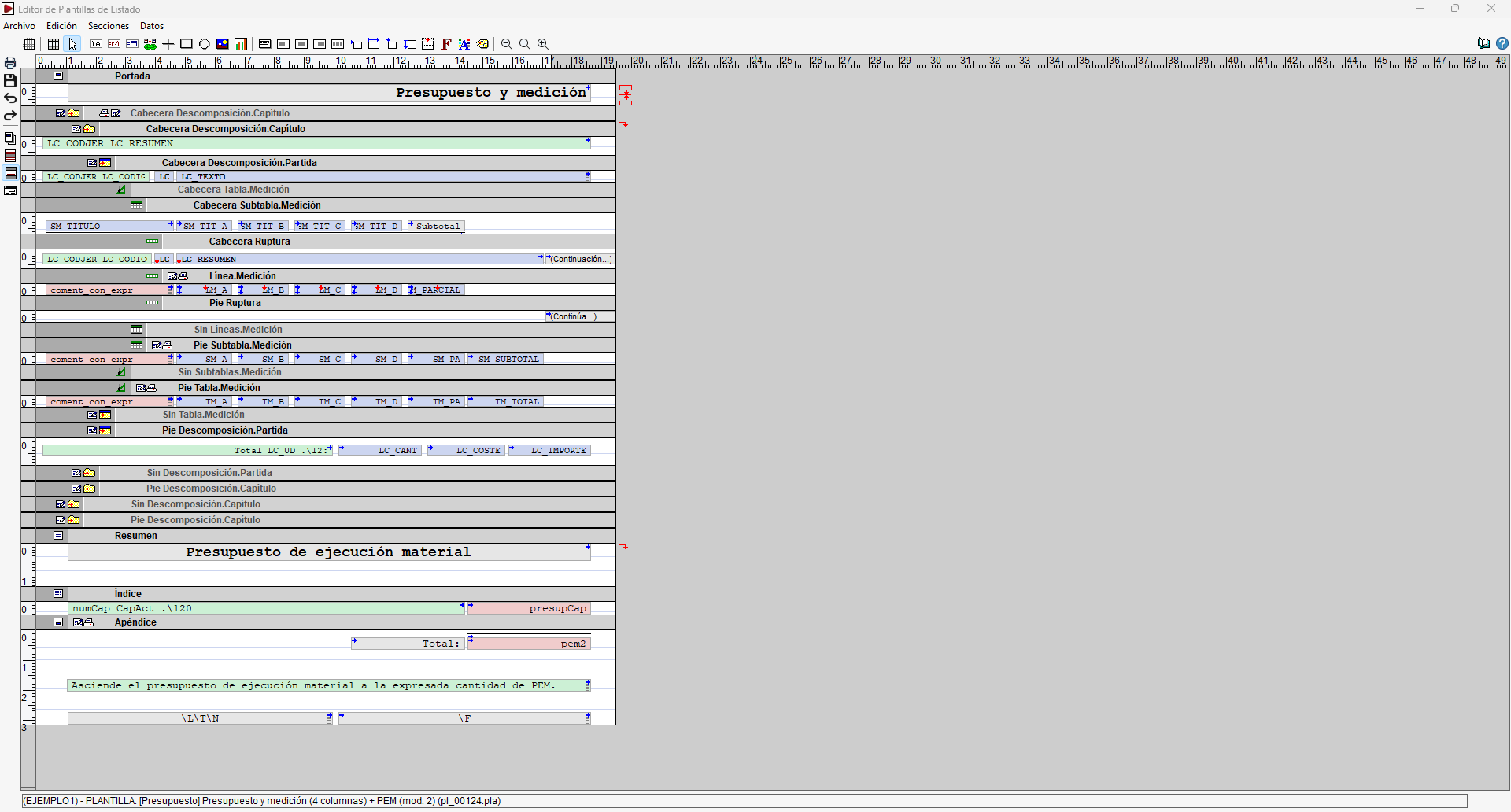
Arquimedes has an editor for configuring report templates. Using this tool, you can define both the data to be included and its layout, format and behaviour when generating the report.
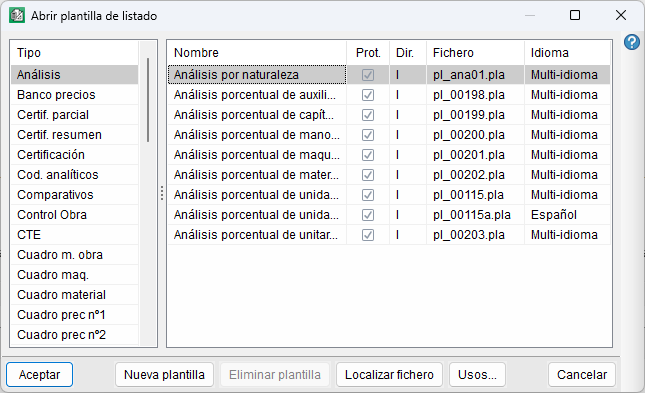
This editor can be accessed via the "Edit list templates" option, located in the "Print" section of the "File" menu. An initial window will open where you can browse templates by type; edit an existing template; delete unprotected templates; or create a new one.
Each template has two names: a short name and a long name. The short name (the "File" column) provides an abbreviated indication of the type of list the template will generate. There will normally be several templates of the same type. The program sorts them alphabetically by type and groups them to make them easier to find. The long name (the "Name" column) provides a more detailed description of the template’s purpose.
Some templates have the "Prot." box ticked (protected or read-only). These are the templates that the program provides ready-made.
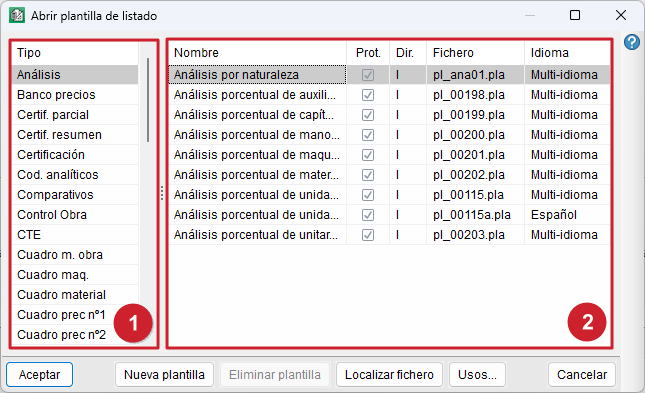
The table on the left (1) contains a list of all the available template types. The table on the right (2) contains a list of the available templates for the selected type.
| More information: |
|---|
| The following link provides a list of the templates and template series available by default in the Arquimedes installation. |
To edit an existing template, click "Accept" or double-click on the full name. The "New template" option allows you to create a new template from scratch. With "Delete template", you can delete unprotected templates that you no longer wish to keep. The "Uses" option lets you see which report series use the selected template. If the template is not associated with any report series, the program will display an information message.
| Best practice: |
|---|
| To streamline your work with the Report Template Editor, we recommend starting with an existing template that is similar to the report you wish to create and adapting it to suit your requirements. This way, you can make use of its structure, record models, objects and configuration, avoiding the need to define all these elements from scratch. For further information, please see "Creating a template". |