Adjustment options for footings and pile caps
The following tools for adjusting footings and pile caps are available in the "Foundation elements" section at the top of the interface, within the "Foundations" tab.

Move
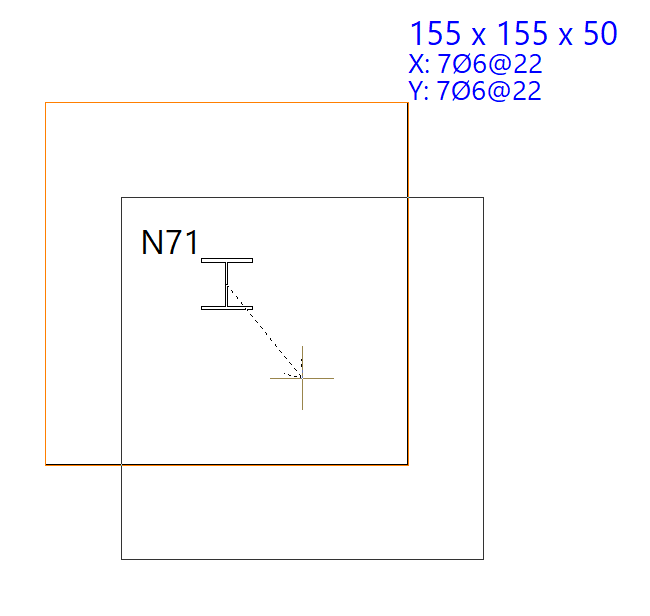
The "Move" option allows you to adjust the position of the footings and pile caps.
To do this, after selecting the elements and right-clicking, use the left mouse button to mark two points that define the direction and magnitude of the displacement.
Rotate
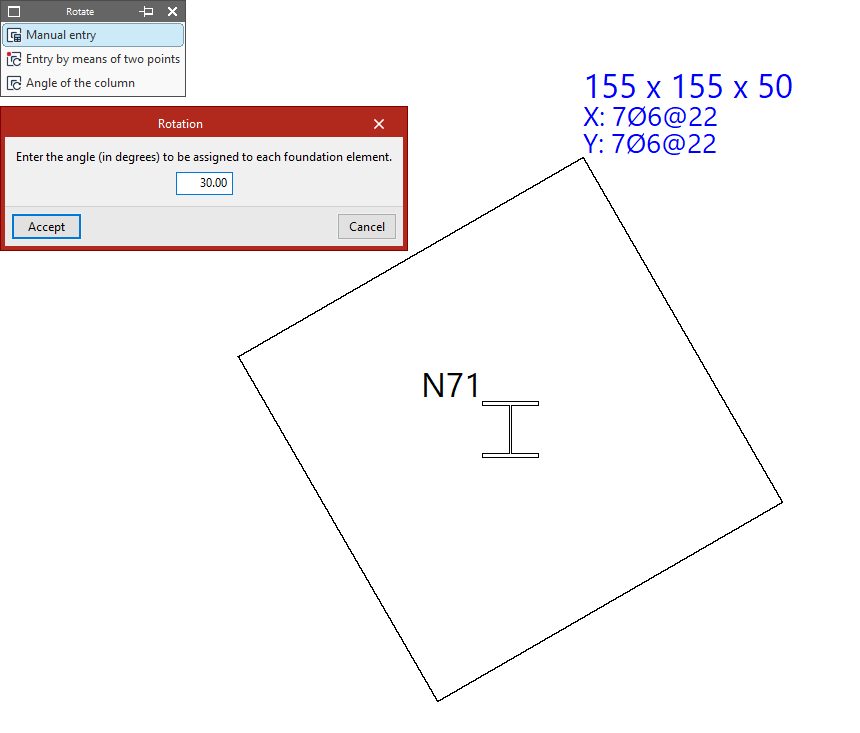
The "Rotate" option opens a menu containing the following tools, which allow you to rotate footings and pile caps around their central axis:
- If you select "Manual entry", you must enter an angle in degrees to assign it to the foundation element. After clicking "Accept", select the elements using the left mouse button and confirm with the right mouse button.
- From the "Enter by means of two points" option, click on two points on the plan view to define the X-axis of the elements to be selected next. Then, left-click on them and confirm the operation using the right mouse button.
- If you use the "Angle of the column" option and then click on a foundation element, it will automatically adopt the column angle. If there are several columns, the angle of the first column entered will be used.
Join
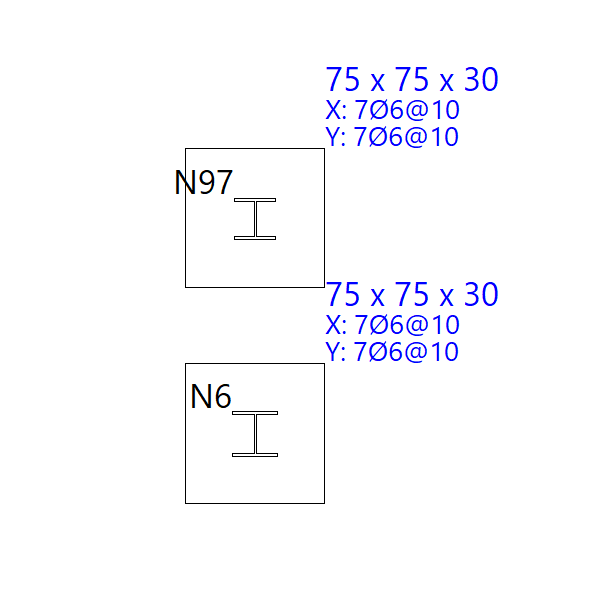
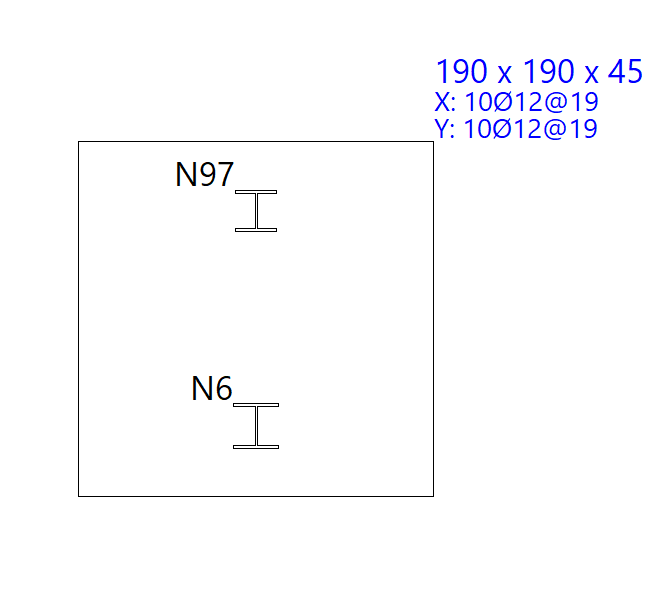
The "Join" option allows you to join footings together, i.e. to assign a single footing to all columns that connect to the selected footings. You select the footings using the left mouse button and confirm by clicking the right mouse button.
This procedure does not apply to pile caps.