Adjustment options for strap and tie beams
The following adjustment tools for tie beams and strap beams are available in the "Foundation elements" section at the top of the interface, within the "Foundation" tab.

Adjust
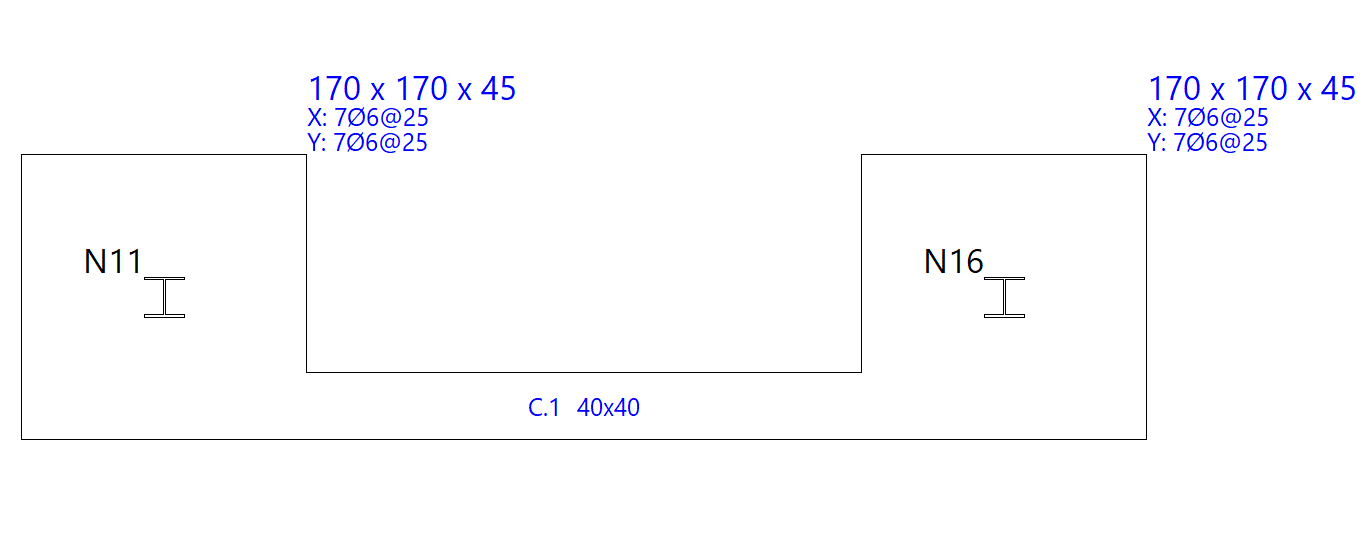
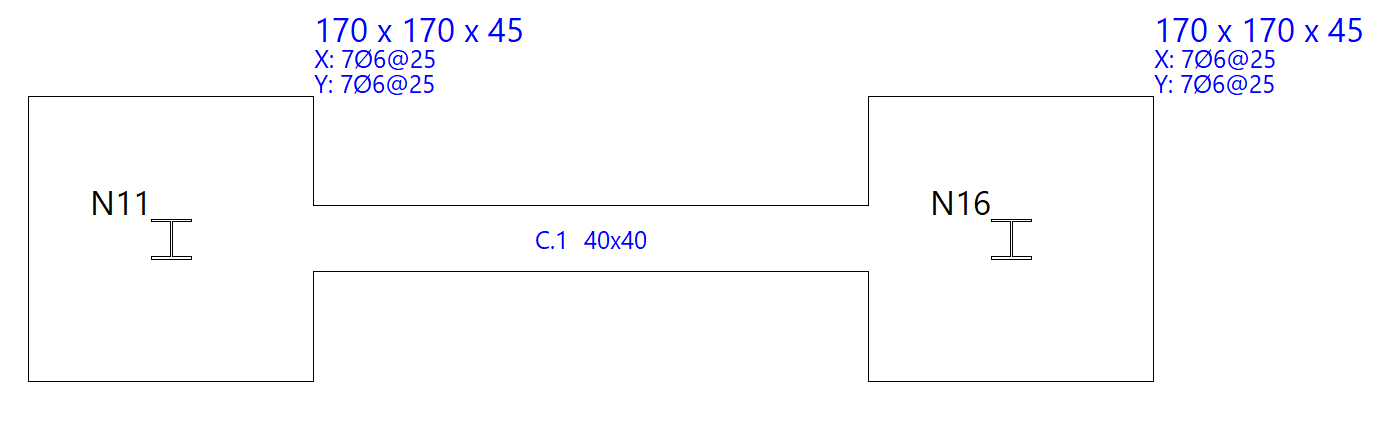
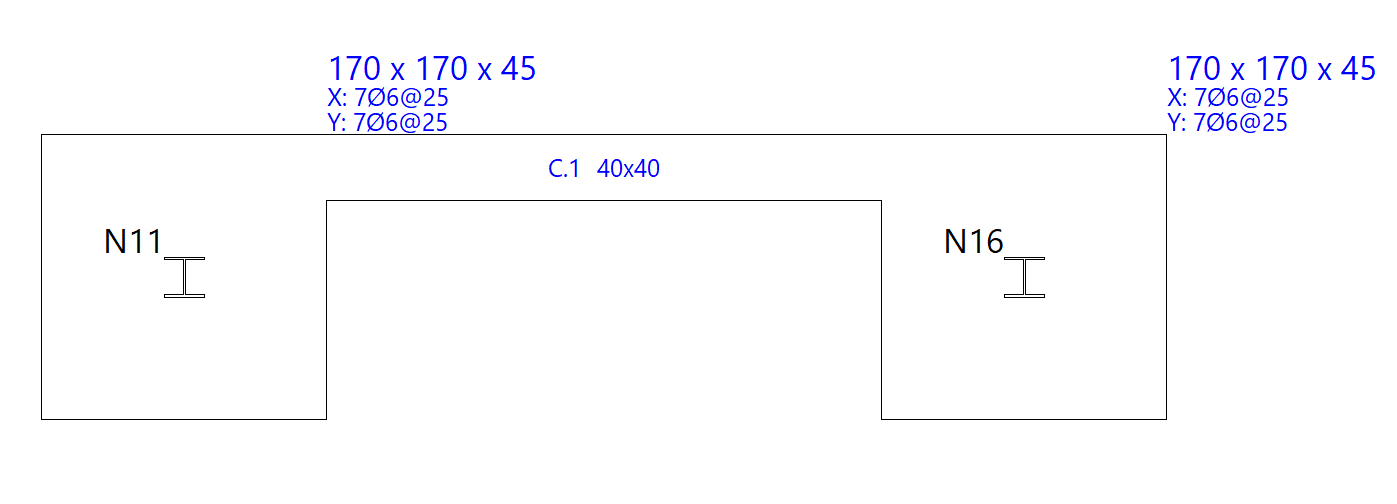
Select "Adjust" to align one face of the beam with the furthest vertex of a foundation element.
To adjust one end, click near the face you wish to adjust. To adjust both ends at the same time—that is, the entire beam—click on the centre of the beam and on the relevant face.
The adjustment can also be made to the axes of structural members. In any case, the pointer must be kept within the beam whilst performing the operation.
Extend
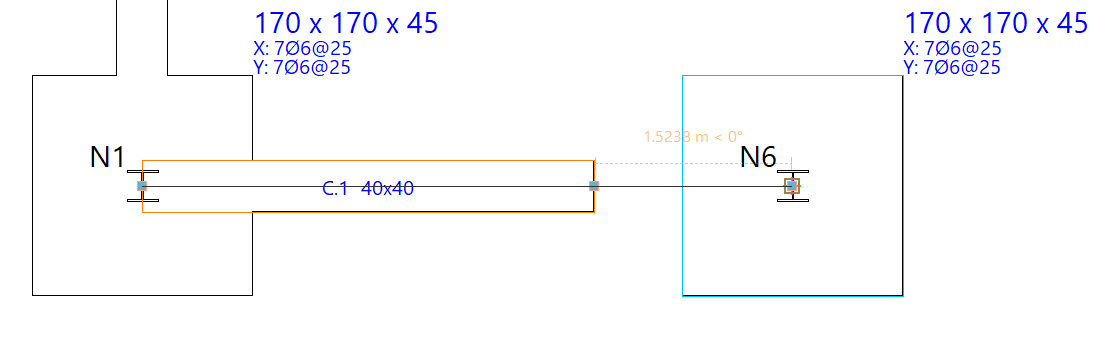
The "Extend" function moves the end of a beam along its length. To do this, left-click to select the end of the beam and then select its new position.
Move
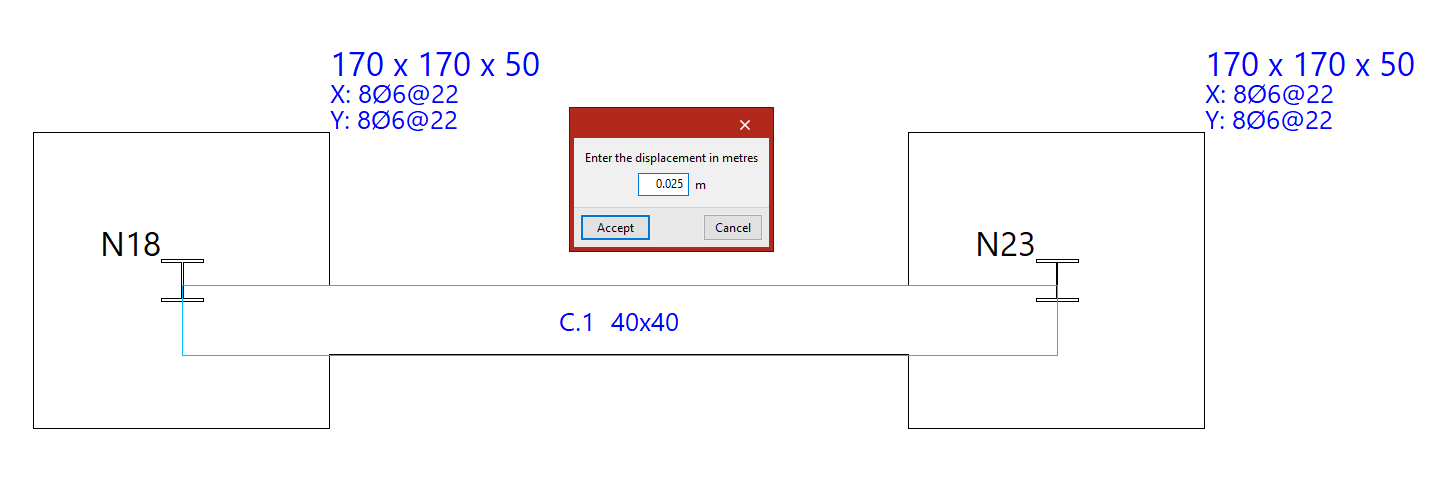
Using the "Move" function, you can move the end of a beam or the entire beam. First, you must enter the displacement in the specified units of measurement.
Next, position the cursor near the end or the centre of the beam, on the side towards which you wish to move it, depending on whether you want to move just one end of the beam or the entire beam in parallel.
Balance ends
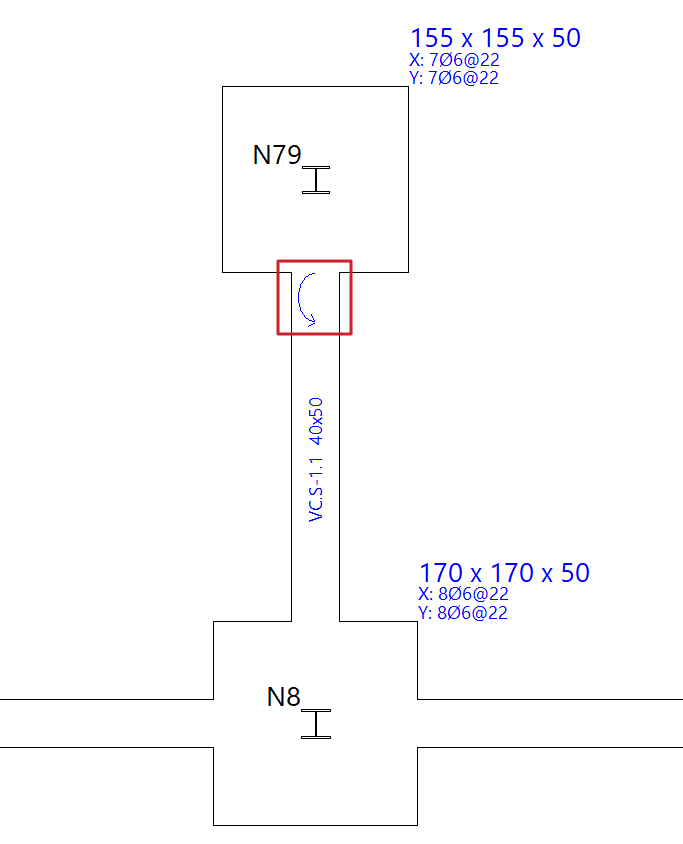
The "Balance ends" option allows you to enable or disable load centring at a specific end of a strap beam by left-clicking on that end.
If the centring beam centres the load at a specific end, a circular arrow appears to indicate that centring is enabled. If this arrow does not appear, centring at that end is not enabled.
If you click on a tie beam, you can "Change the type of beam" to a strap beam so that you can apply end centring.
Similarly, if the centring is removed from both ends of a strap beam, the program will allow you to "Change the type of beam" to a tie beam.