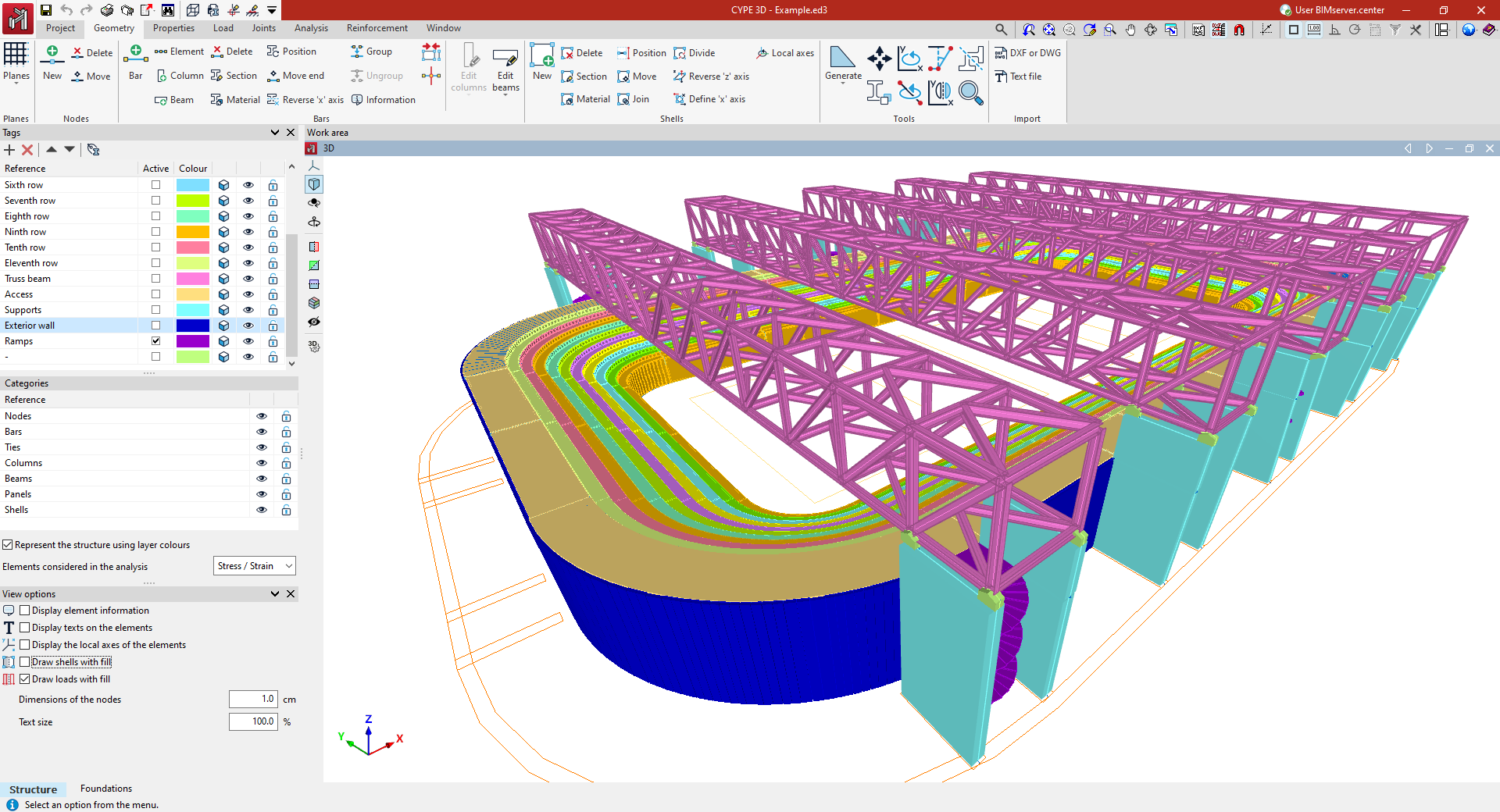
Defining the geometry of the structure
The "Geometry" tab contains options for defining reference planes and entering the geometry of the nodes, bars, and sheets of the structure in the model.
Nodes, bars and plates can be entered in various ways in the work area windows using different support elements such as grids, reference drawings and lines, dimensions, templates and/or coordinate systems.
In addition, during this geometry definition process, the section and material of each of the bars and plates entered must be specified. It is possible to enter elements such as generic bars, columns, beams or braces. In terms of available materials, it is possible to enter steel bars, concrete bars, mixed concrete and steel bars, aluminium bars, timber bars, or generic material bars.
Additionally, tools are provided for editing the elements entered and their geometric adjustment, as well as for the automatic generation of predefined geometries or from the import of .dwf or .dwg files and text files.
The following link provides detailed information on the options offered by the program in the "Geometry" tab.