Generating, checking and designing foundation elements
The options in the "Design" group of the "Foundation" tab automatically generate footings and beams, as well as analyse, check and/or design the foundation elements, and show or hide issues.

Generating footing and beams
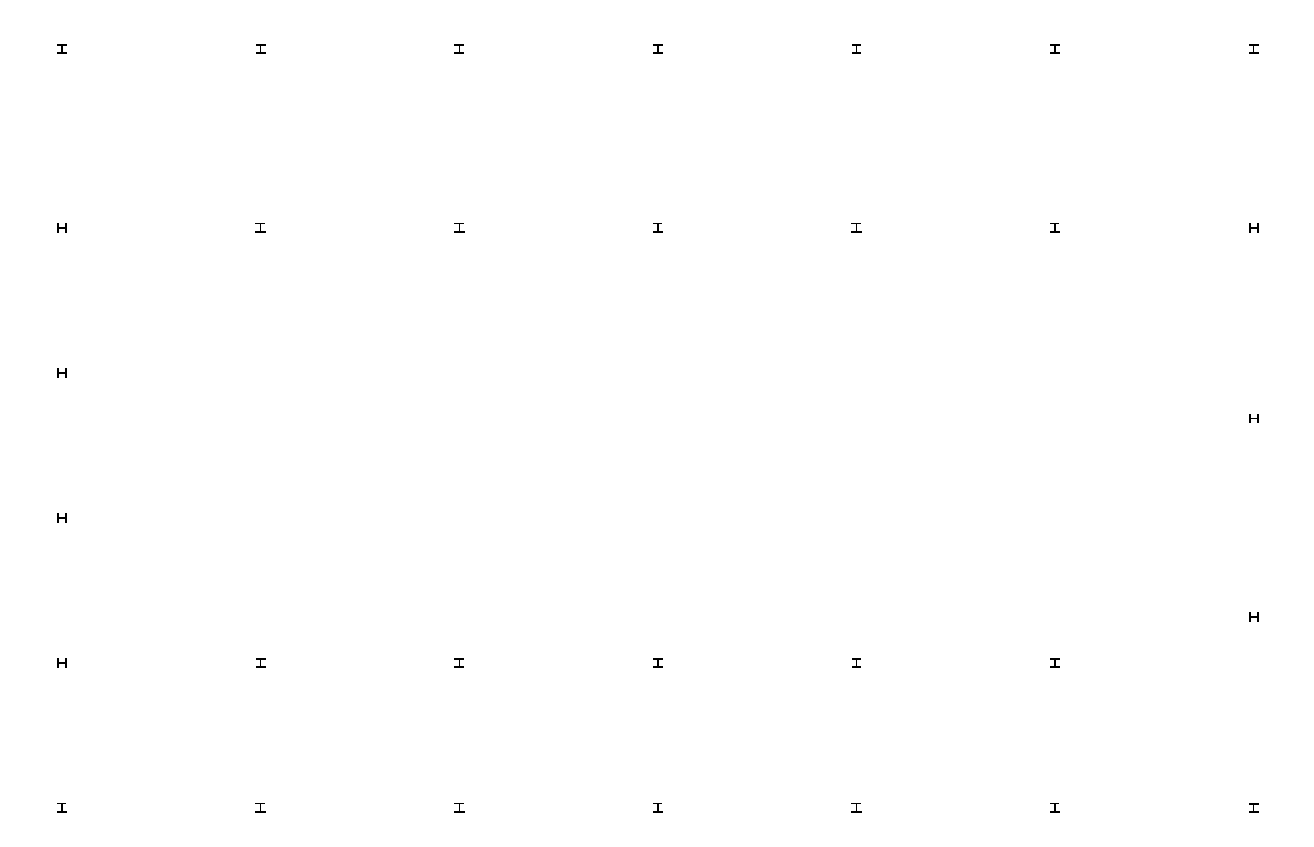
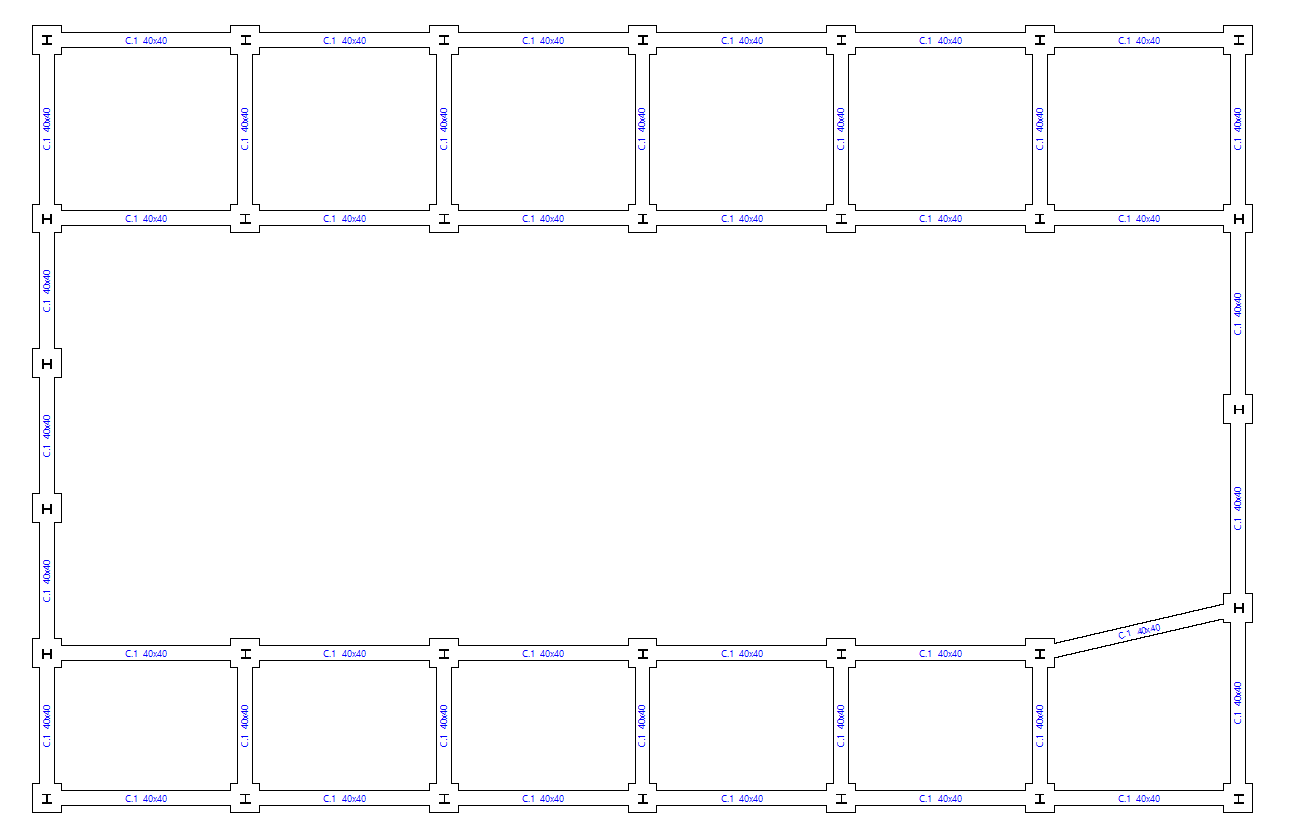
The "Generate footings and beams" option automatically creates footings and tie beams following the layout of the starting points in the floor plan.
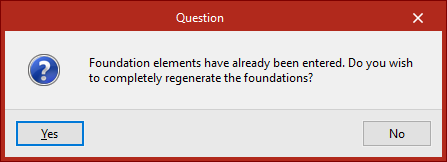
If foundation elements have already been entered, the program then asks whether the foundation is to be completely regenerated.
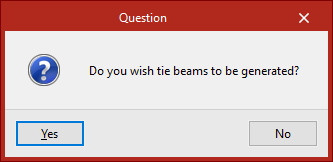
Then, in the following dialogue box, it is specified whether tie beams are to be generated.
Delete overlaps
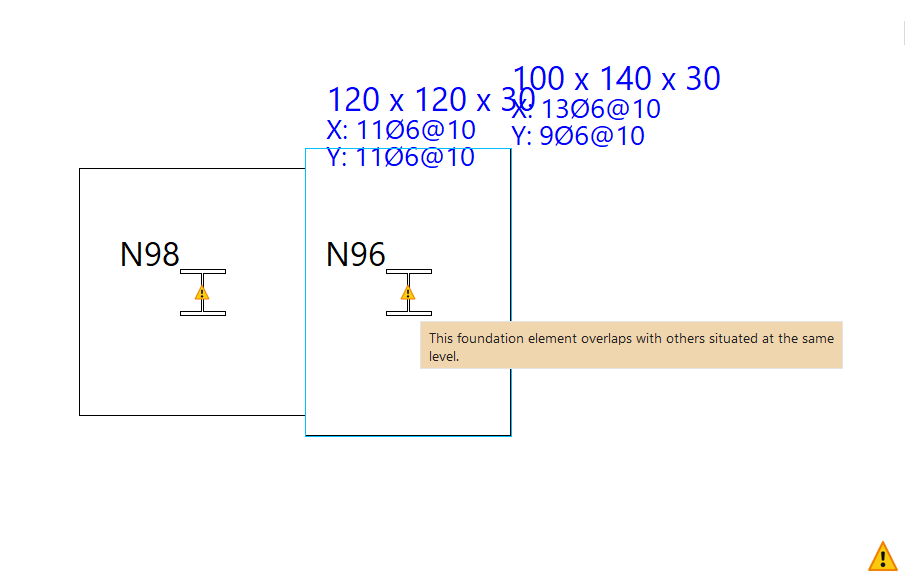
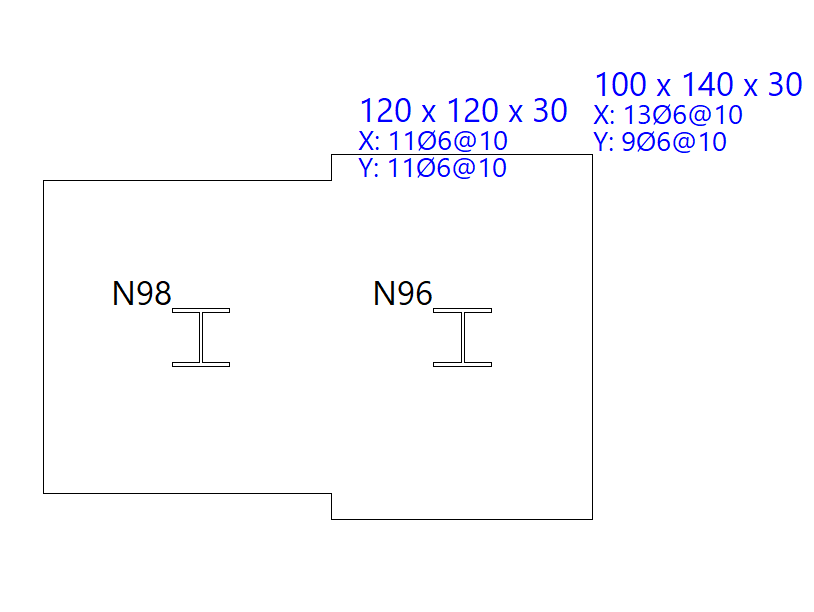
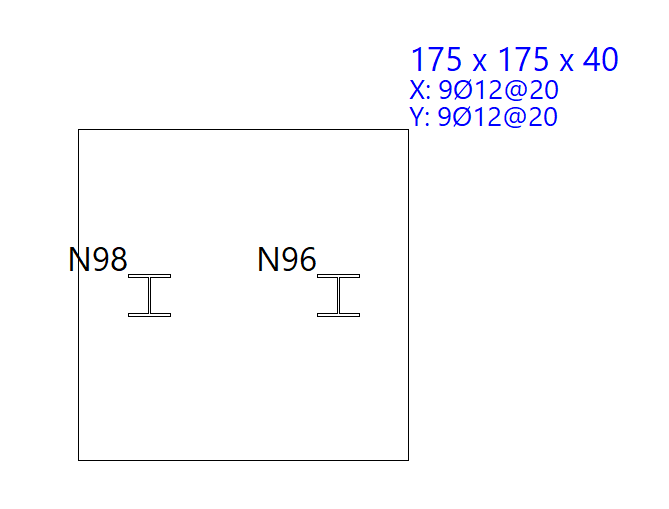
Foundation elements overlapping with others at the same elevation may be found after manually modifying their geometry or performing the joint dimensioning of the foundation.
In this case, the geometry can be modified again to avoid the situation or the "Delete overlaps" option can be used to automatically delete the overlaps.
As a result, the program will place footings common to several starts at the places where the overlaps occur.
Check
The "Check" option checks all the elements of the foundation without making any changes, both foundations, pile caps and beams.
The elements that comply with all the checks are shown in green and those that do not are shown in red.
Hovering the mouse pointer over each element displays an information box with its data.
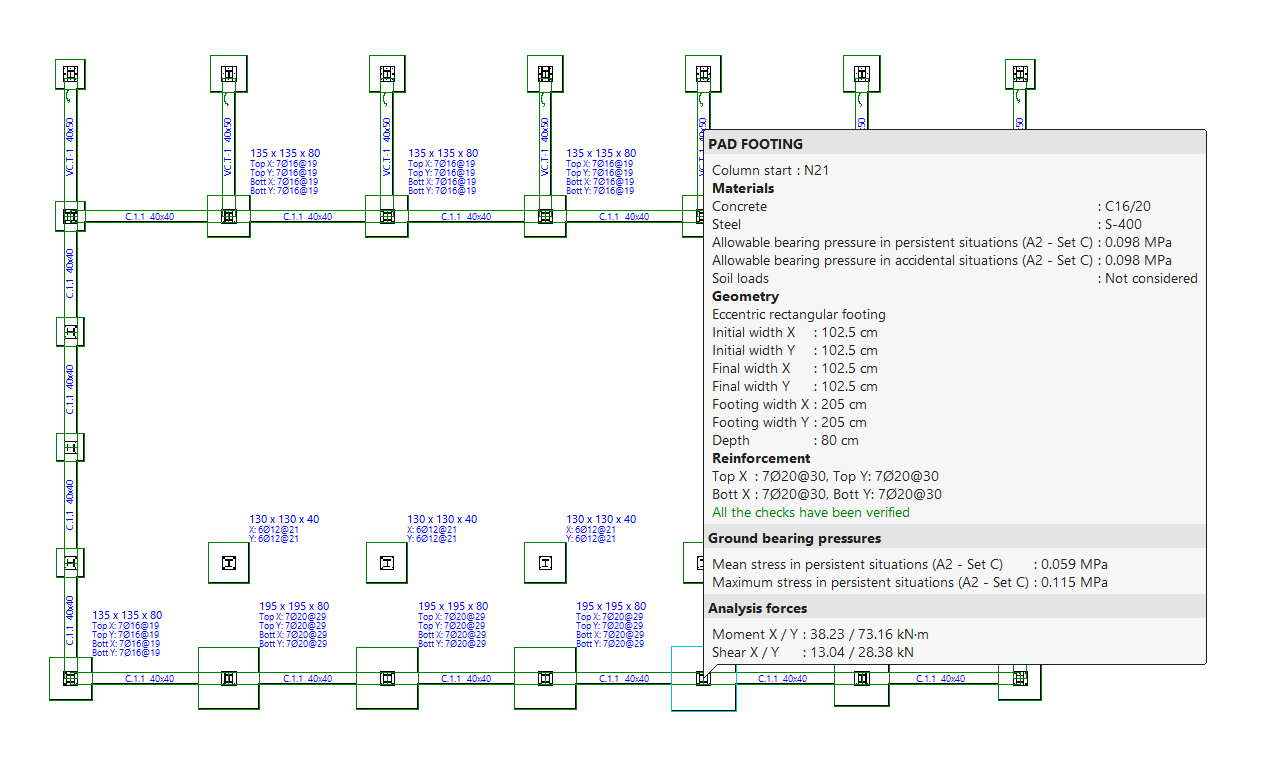
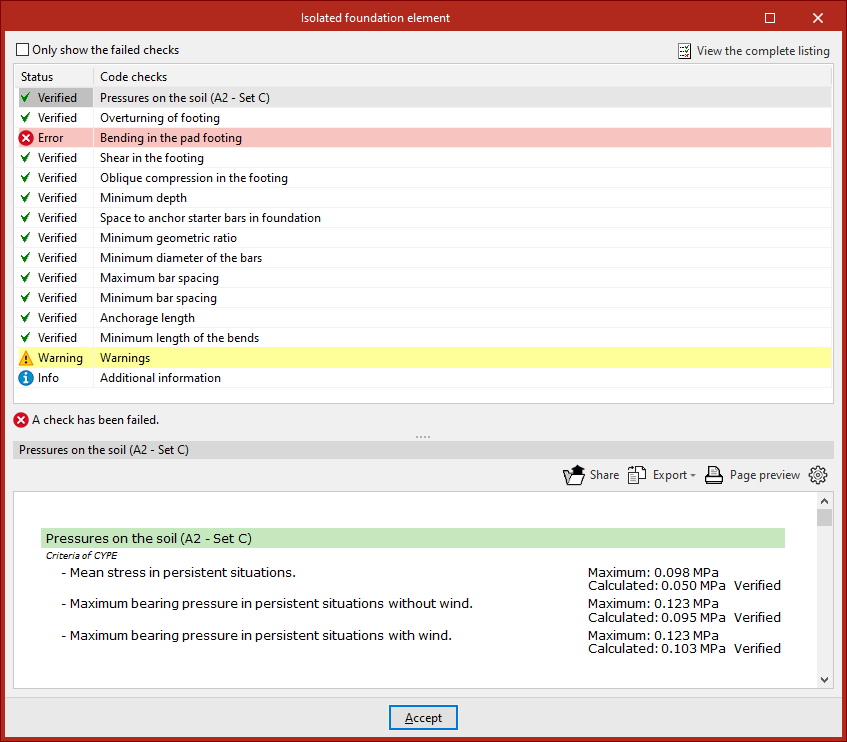
By left-clicking on each element, you can access the detailed list of checks.
By activating or deactivating the box at the top, you can indicate whether you want to "Show only the checks that are not fulfilled" or all of them.
In the central part, a list is shown with the "Status" of each "Check". By clicking on each of the lines, the detailed list of each check is displayed in the lower part of the viewer.
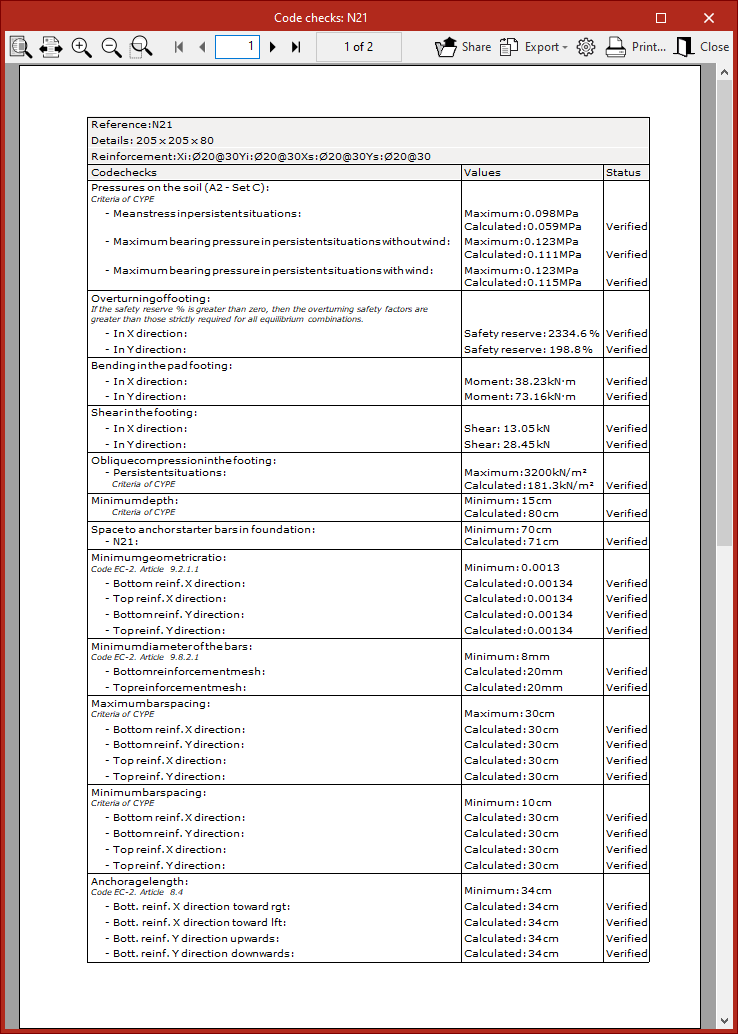
In the upper right-hand part it is possible to "View the complete list" of each element, which can be "Shared", "Exported" in different formats or "Print".
Design
The "Design" option is used to simultaneously design the elements that make up the foundation, including both their geometry and reinforcement.
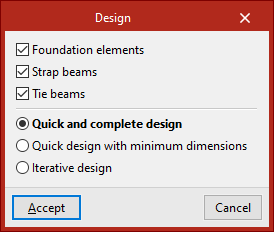
In the pop-up window that appears, the "Foundation elements", "Strap beams" and "Tie beams" boxes can be selected to define the elements to be designed.
Then, the type of design to be carried out is indicated.
- In the case of a "Quick and complete design", the design of all foundation elements is carried out in a single operation, without respecting the geometry entered by the user.
- If "Quick dimensioning with minimum dimensions" is selected, a single operation is also carried out, in this case checking the designs entered by the user and modifying them only if necessary.
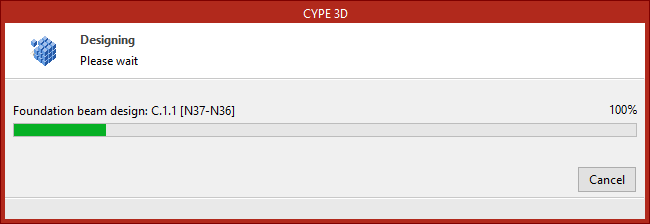
- Finally, if "Iterative design" is selected, the design of all the foundation elements is carried out in three iterations, because if the stiffness of a centring beam varies, this influences the analysis of the footings to which it is linked.
After completing the design process, as with the "Check" option, hovering the mouse pointer over each element displays an information box with its data. If you click on it with the left button, you can access a detailed list of checks.
Issues
If the "Issues" option is activated, warning or error marks are displayed on the elements in which an issue has occurred.
If the mouse cursor is positioned over these marks, the error message can be displayed.