Entering tie beams and strap beams
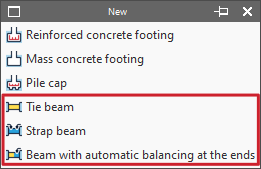
The insertion of tie beams and centring beams is carried out with the following options in the "New" menu of the "Foundation elements" group in the "Foundation" tab: "Tie beam", "Strap beam" and "Beam with automatic balancing at the ends".
Entering tie beams
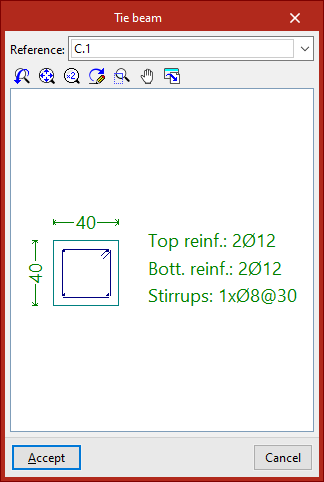
If the "Tie beam" option is selected, a pop-up window opens. In the drop-down menu at the top, the type of tie beam is selected via its "Reference".
The central display shows the dimensions and the longitudinal and transverse reinforcement associated with the selected beam type.
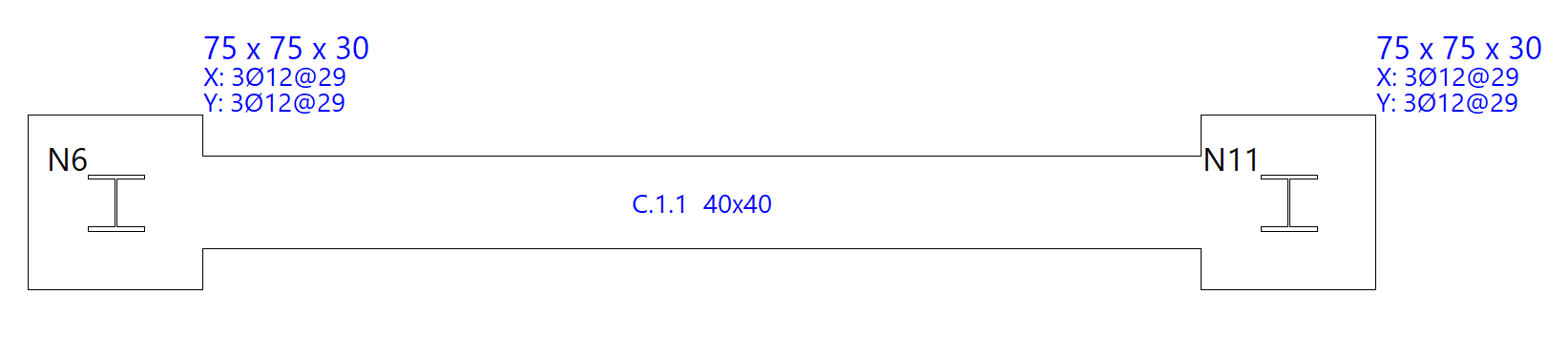
After clicking "Accept", the beam is entered in the plan by selecting the starting point and the end point of the beam with the left mouse button, using the snaps of the starts and the previously drawn elements if necessary.
Entering strap beam
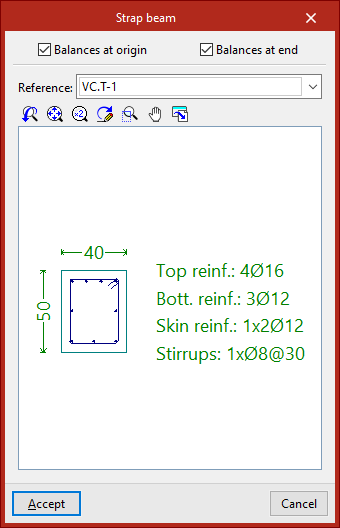
If we select the "Strap beam" option, we must specify whether the beam "Balances at origin" or "Balances at end" by checking the corresponding checkboxes. At least one of the two check boxes must be activated. If you do not want to centre either end, a tie beam will be used.
Then, as in the previous case, select the type of strap beam in the "Reference" drop-down list and, after clicking "Accept", draw the beam in plan using the left mouse button.
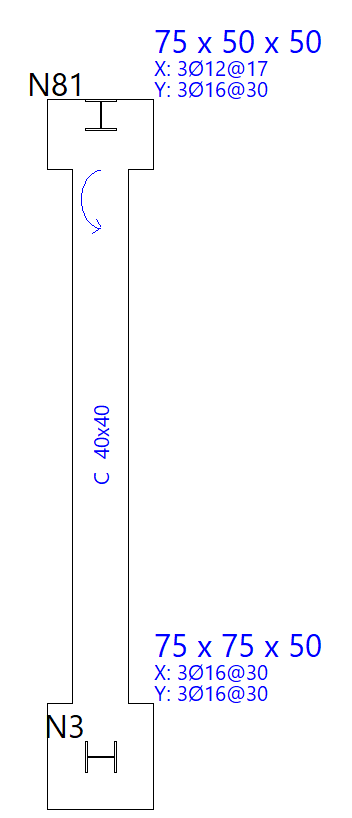
The origin and the end of a centring beam depend exclusively on the order of data entry. Once entered, we can see that circular arrows are drawn at their connection with footings or pile caps.
These arrows indicate that, at the end where they are drawn, the beam is balancing the load of the footing or pile cap in the direction of the longitudinal axis of the strap beam.
Entering beams with automatic balancing at the ends
The "Beam with automatic balancing at the ends" option allows the program to automatically identify the need for balancing loads at the ends when drawing beams in contact with corner footings or party walls.
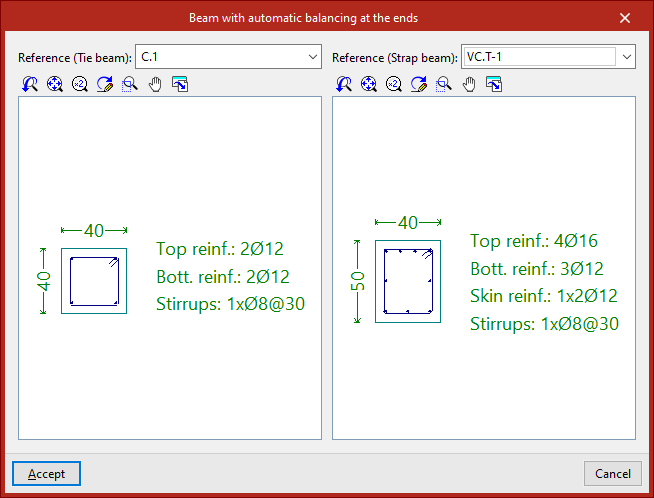
To do this, after clicking on the option, the two possible beam types must be specified in the "Reference" drop-down menus, both in the case of a tie beam and a centring beam.
After clicking "Accept", the left button is used to enter the beam in plan in the same way as in the previous cases.
This time, the program will automatically use a tie beam if it is inserted between two centred footings, and a strap beam if one of the points of the beam is in contact with a corner or party footing, applying and displaying the centring of loads at the end where necessary.