Inserting pile caps
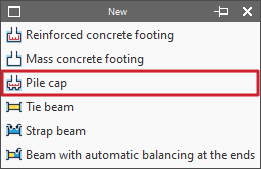
Pile caps are added using the "Pile cap" option in the "New" menu within the "Foundation elements" section, on the "Foundation" tab.
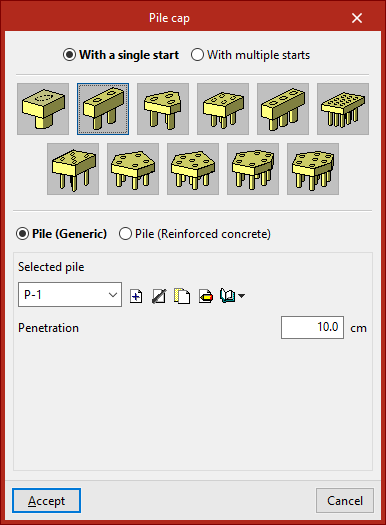
When you select this option, the pop-up window displays the "With a single start" option – if a column supports the loads of a single column – or the "With multiple starts" option – if a pile cap supports the loads of several columns.
Next, select the layout of the pile cap. The program allows you to define pile caps comprising between one and seven piles, in rectangular, pentagonal or hexagonal configurations, as well as linear or rectangular pile groups with a number of piles to be specified along the X and Y axes (which can be modified via the "Edit" option within the same block, then by clicking on "Piles"):
- Pile cap for 1 pile
- Pile cap for 2 piles
- Pile cap for 3 piles
- Pile cap for 4 piles
- Strip pile cap
- Rectangular pile cap
- Pile cap for 5 piles
- Pentagonal pile cap for 5 piles
- Pentagonal pile cap for 6 piles
- Hexagonal pile cap for 6 piles
- Hexagonal pile cap for 7 piles
Below, select one of the following options:
- Pile (generic)
In this case, the general characteristics of the piles will be defined solely for the purpose of calculating the pile cap. - Pile (Reinforced concrete)
This option allows for the analysis, verification and design of piles as reinforced concrete elements, as well as the design of the pile cap.
Defining generic piles
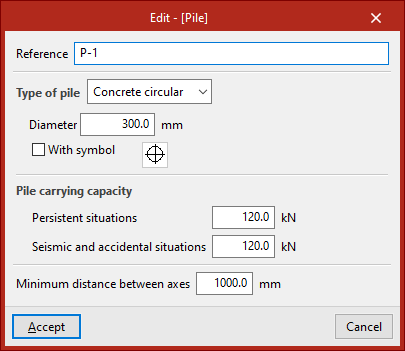
To define generic piles, under "Selected pile", click "Create" and specify the "Reference", the "Pile type", its "Diameter" or "Width" (depending on whether it is a rectangular or circular pile), and the symbol used for it.
The "Pile carrying capacity" is the maximum design service load that the column can withstand at its top, and this value must be provided by the user. The program will issue a warning if this value is exceeded following the distribution of forces calculated at the column head. This value must be defined for "Persistant situations" and for "Seismic and accidental situations".
Finally, the "Minimum distance between pile axes" is defined, which specifies the minimum distance that must exist between the centres of adjacent piles.
After clicking "Accept", you will return to the previous window. The information entered can be copied, edited or exported to libraries using the options to the right of the drop-down menu, so that it can be reused in other models.
The "Penetration" field specifies the length of the pile that penetrates the pile cap. It is recommended that you enter a value between 10 and 15 centimetres.
Inserting pile caps into the model
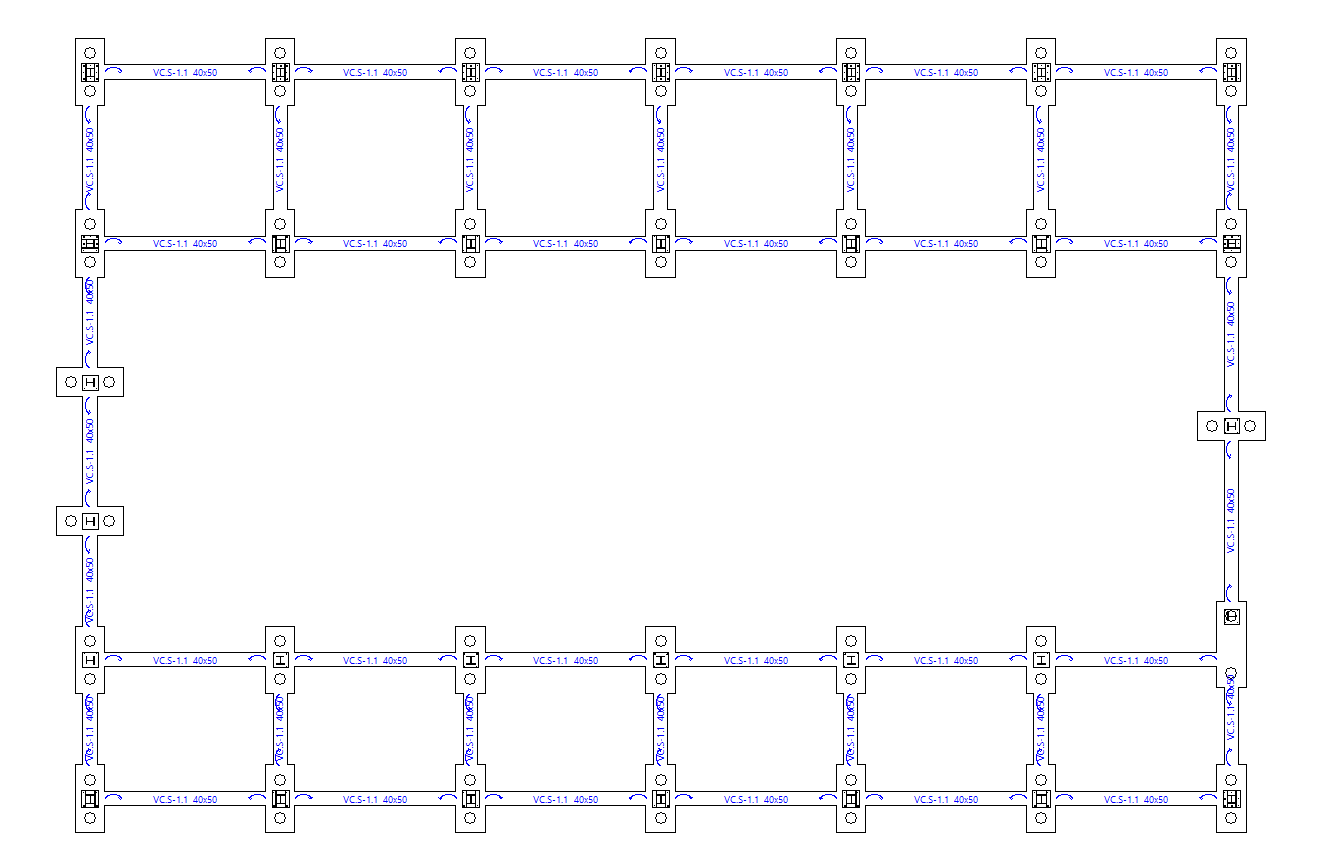
Once you have finished defining the pile caps and piles, click "Accept". Next, insert the pile caps onto the column starts in the floor plan by left-clicking on them.