

Creating objects from sketch elements

In the "Sketch" tab, the program includes features for creating objects from drawing elements. These features are accessed from the "Objects" group.
Drawing objects can be used to group lines, surfaces and groups, isolating them from the rest of the elements in order to make it easier to manipulate sets of drawing elements ("Move a group of elements", "Copy", "Rotate", "Symmetry", etc.). The objects also isolate the elements they contain from the rest of the drawing, preventing them from overlapping one another.
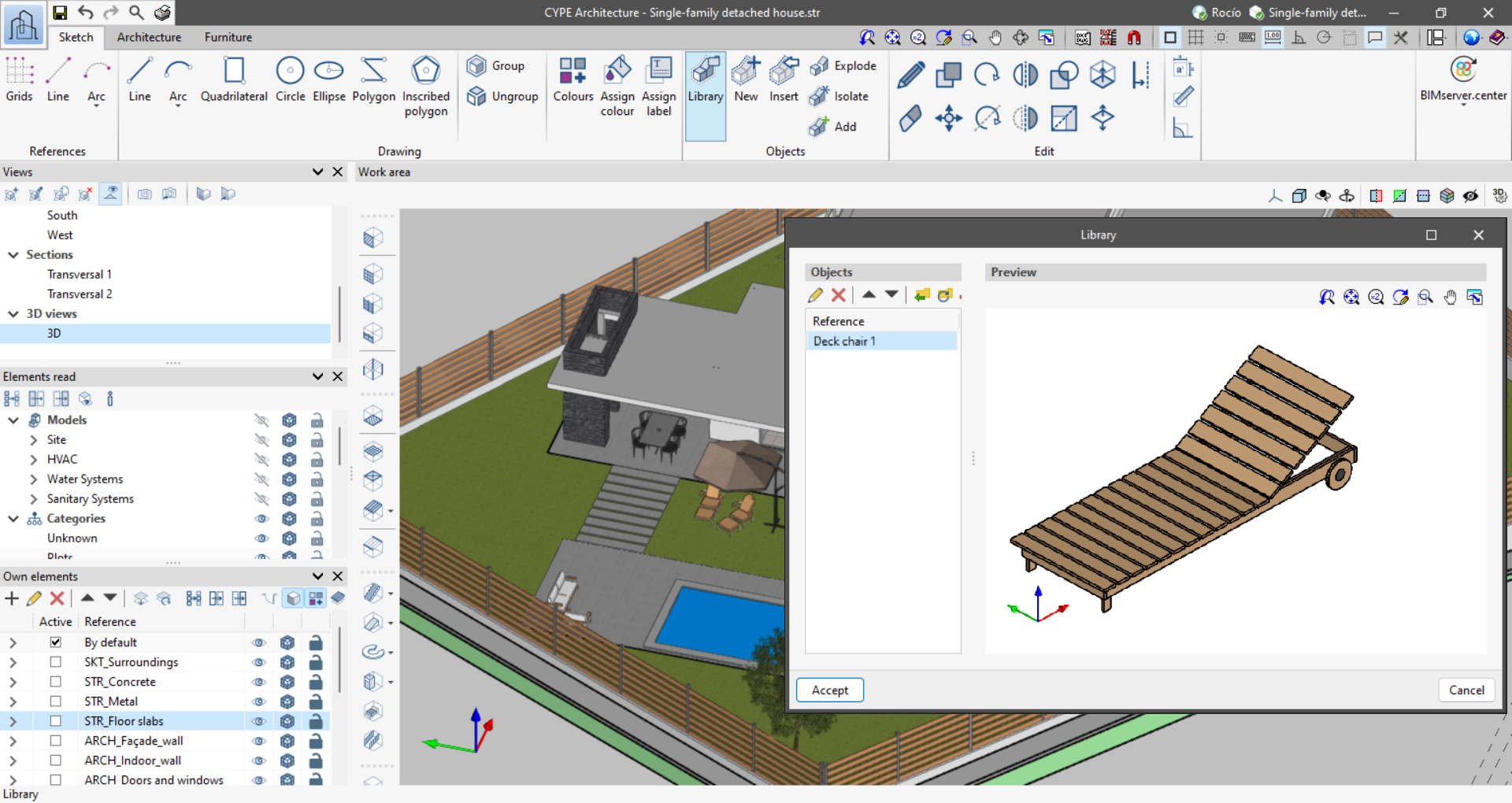
When an object is created, it is added to a local library, unlike drawing groups, which do not have a library. The library allows objects to be exported and imported for reuse. Furthermore, sketch objects are related to each other, so changing an object affects any copies of that object.
To modify an object, click on "Explode", make the necessary changes and then re-create the object with the same reference as the object to be changed. This will overwrite the object in the library and therefore all its copies.
The following features can be found in the "Objects" group of the "Sketch" tab:
- Library: import and export objects and access their colours.
- New: create a new object from lines, surface areas and groups.
- Insert: insert an object from the library into the project.
- Explode: break down an object into lines, surface areas and groups.
- Isolate: create a new object from an existing object that is no longer related to the source object.
- Add: add lines, surface areas or groups to an existing object. The drawing elements will be added to all copied objects.
| Note: |
|---|
| Objects interact with the "Move element group", "Copy", "Delete", "Rotate", "Symmetry" and "Scale" tools, but surface area properties cannot be changed or extruded. For this, the object must be exploded and recreated. |
