


Analysis results
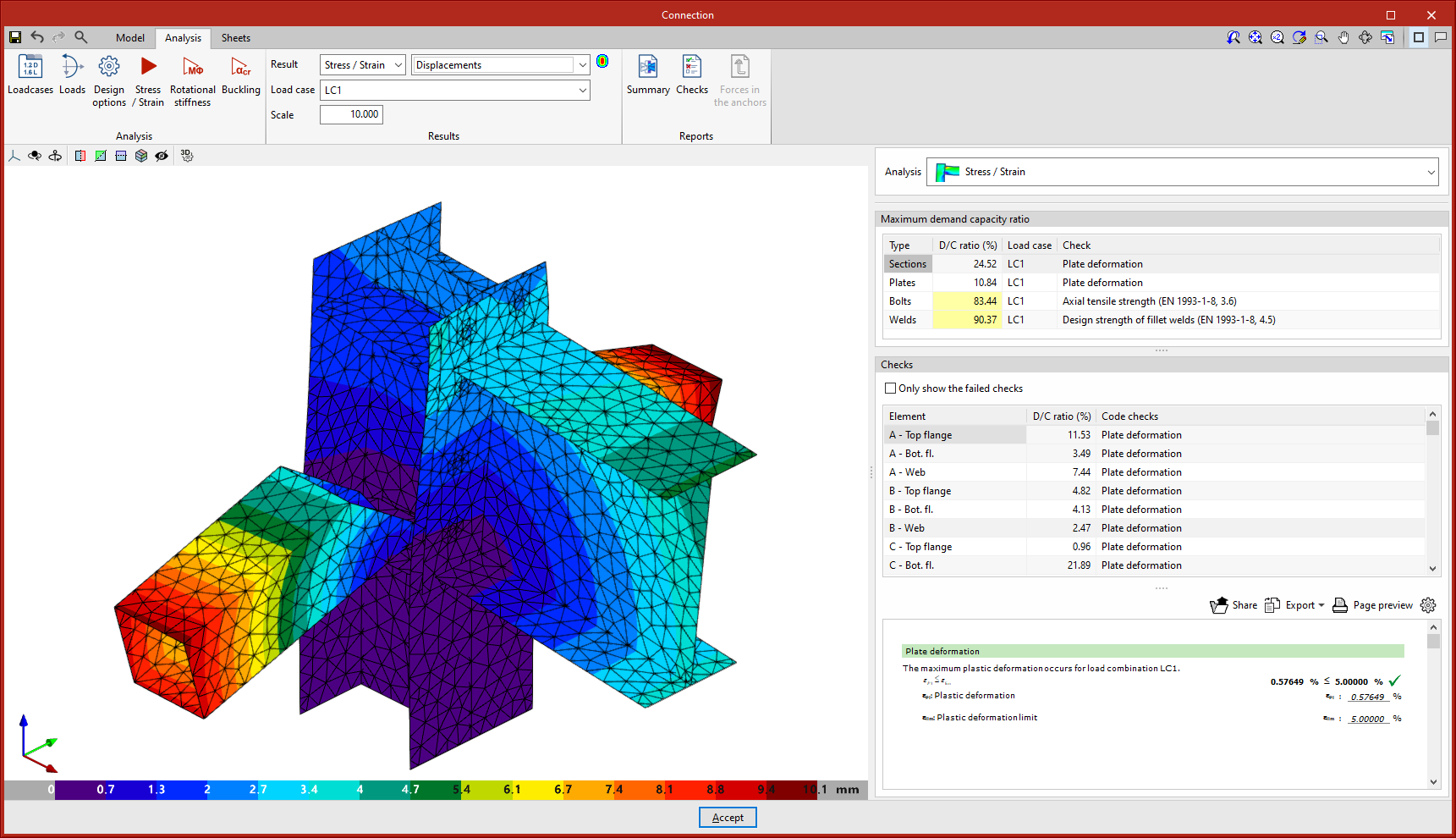
Maximum demand capacity ratio
When this option is selected, the elements appear in a certain colour according to their use percentage. The colour scale is displayed below the 3D view of the connection.
When clicking on an element in the connection, its checks are displayed on the right. Clicking on an empty space in the 3D view brings up all the checks.
On the right-hand side, above the “Checks” section, a table is displayed with the “Maximum demand capacity ratio” of each type of element.
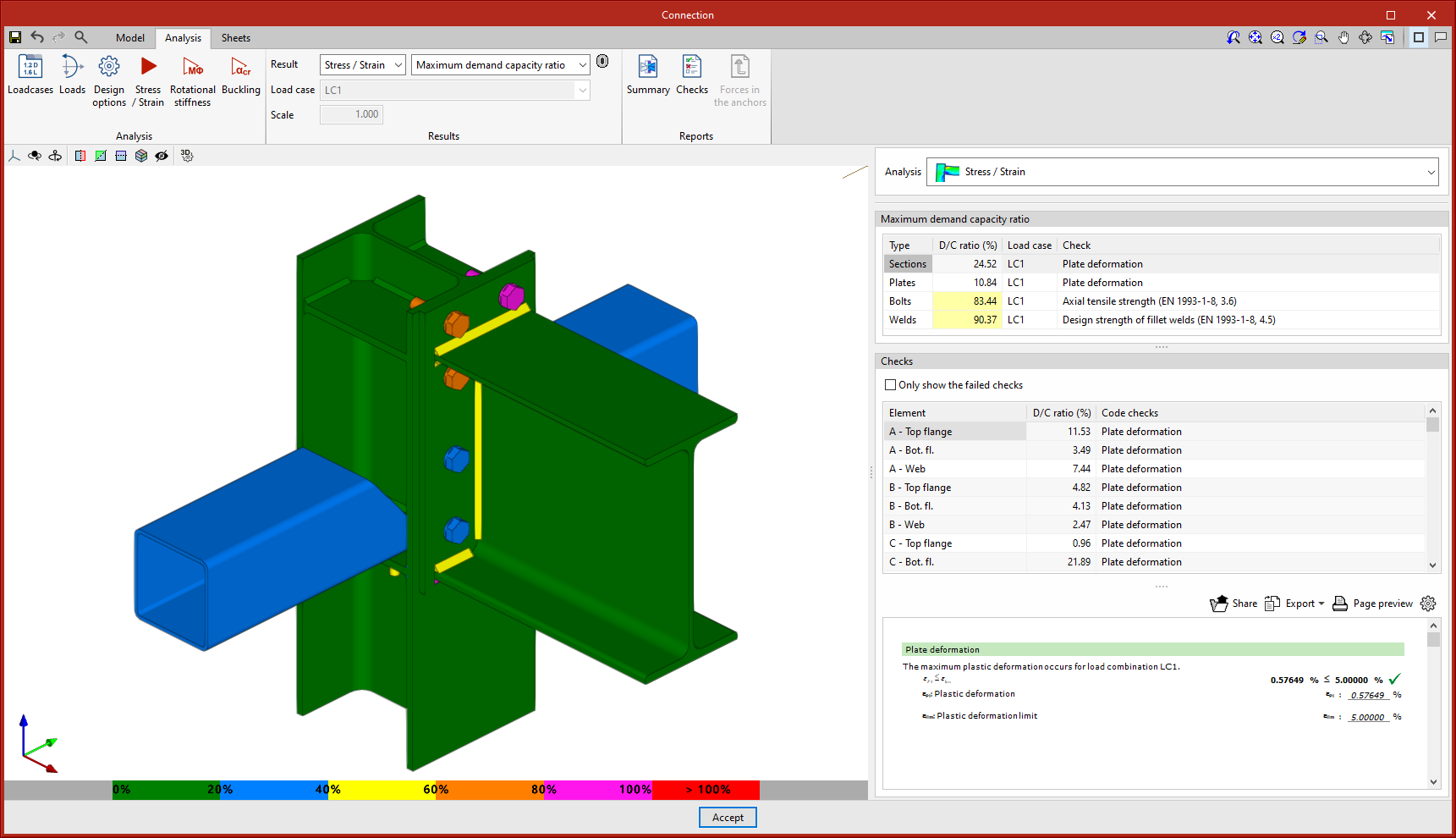
Sections and plates
For sections and plates, the deformed shape is checked by setting a plastic deformation limit of 5%.
Welds
For welds, the strength of fillet welds and partial penetration welds is checked in accordance with the applicable standard. In the case of full penetration welds, their strength is considered to be greater than that of the components they join, in accordance with the standards taken into account by the program.
Bolts
In the case of bolts, the edge distances and spacing between bolts, tensile strength, shear strength and crushing strength are tested, as well as the interaction between shear and tensile forces. In pre-tensioned bolts, slip resistance is also tested.
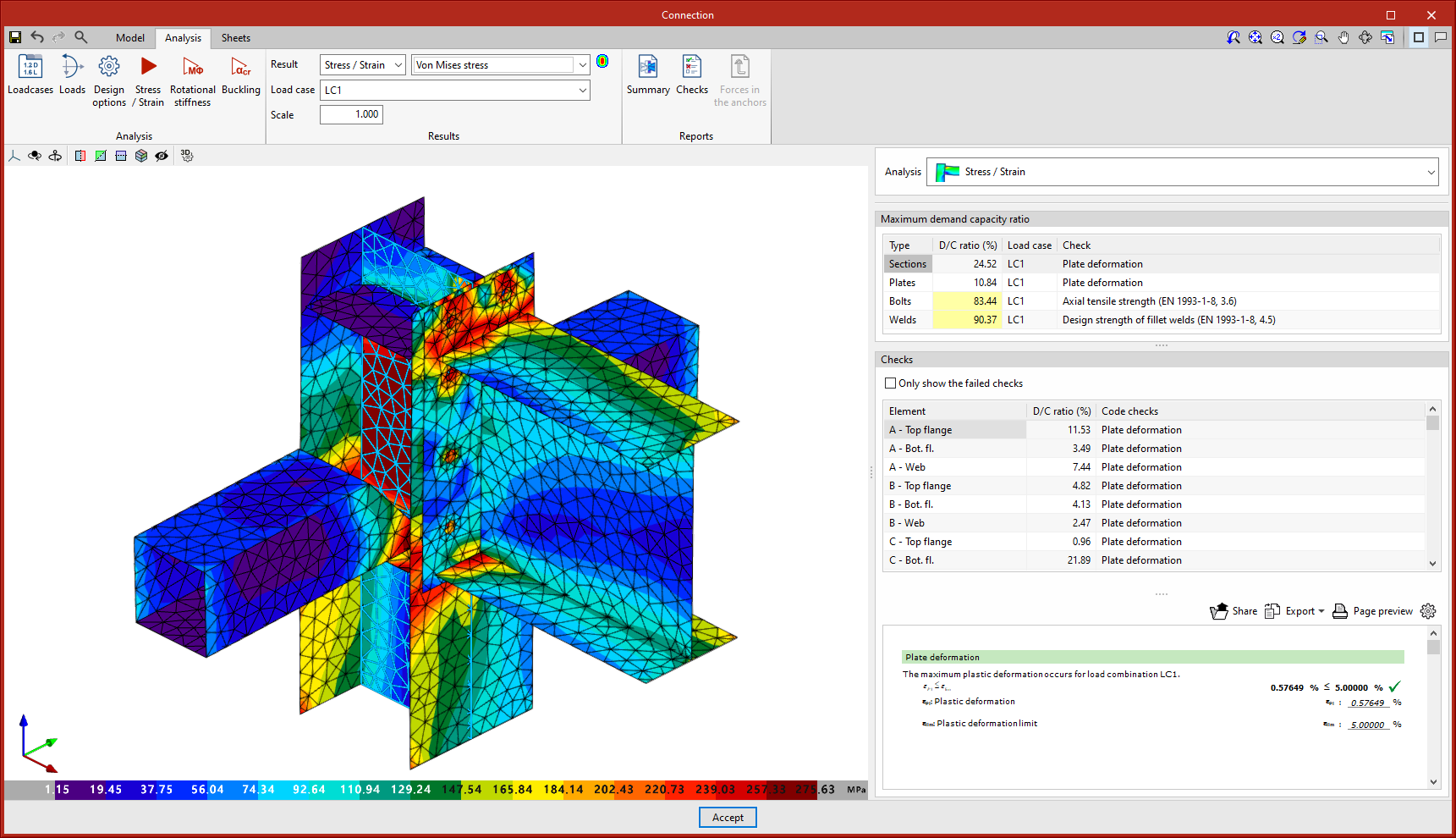
Von Mises stress
This option displays the elements with their discretisation. When clicking on any sheet, its results are displayed in a dialog box.
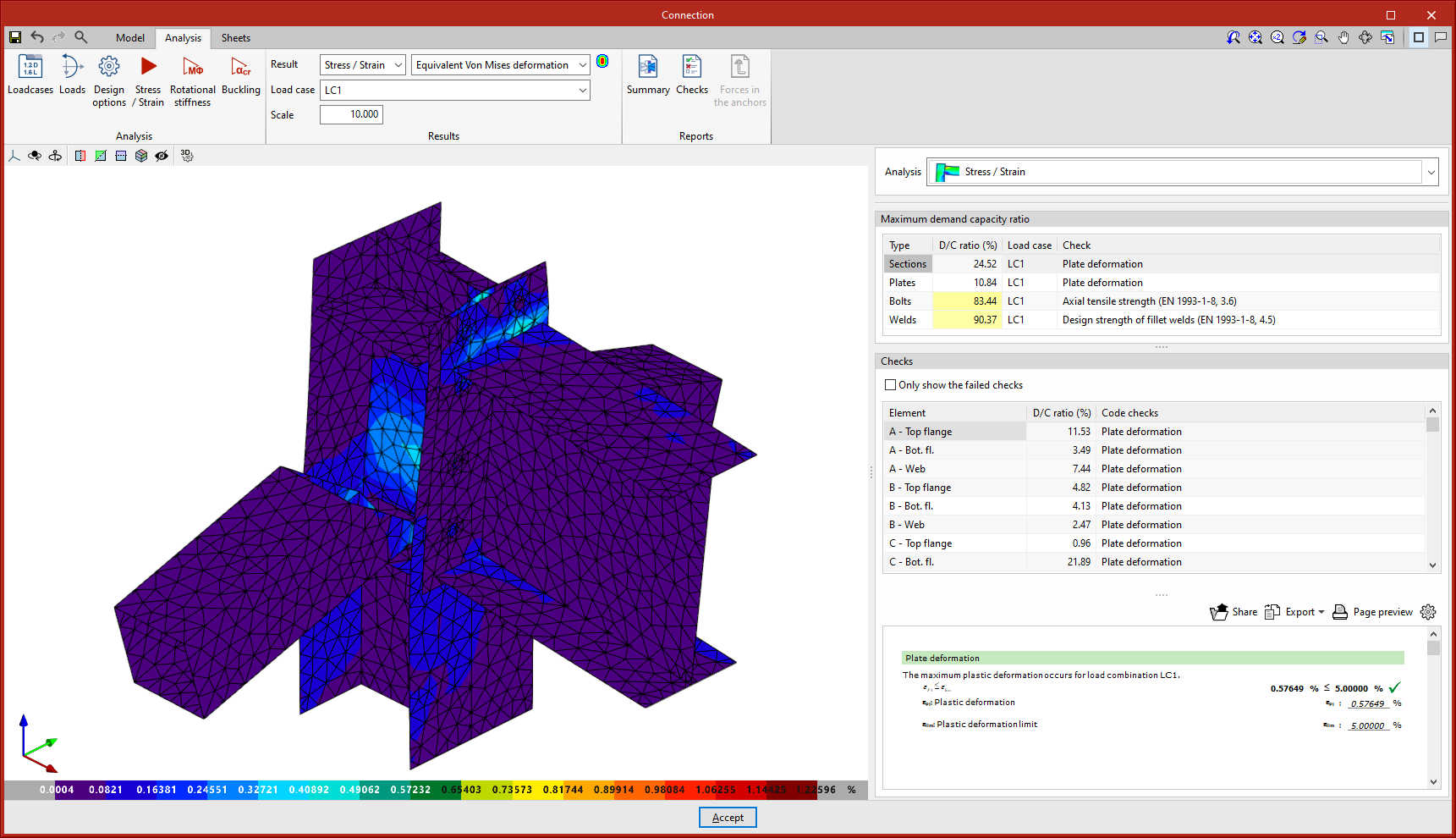
Equivalent Von Mises deformation
This option represents the contour plots of the "Equivalent Von Mises deformation".
Displacements
With this option, the displacement values are displayed on the analytical model view of the connection.
| More information: |
|---|
| The contour plot result views include an option to show or hide the finite element mesh. This option is available from "Display options". |
