Automatic generation of connections
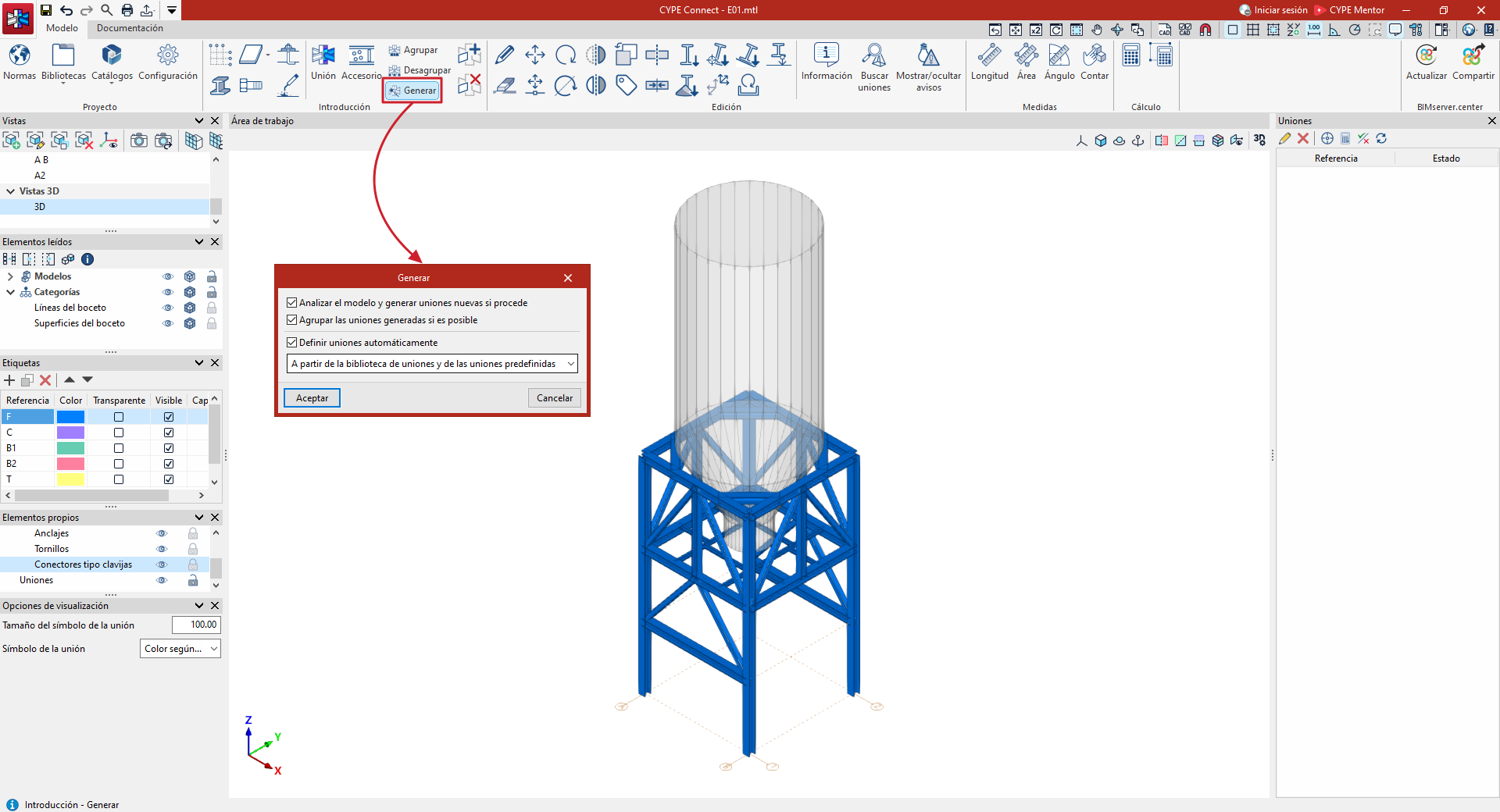
The following option, available in the "Enter" section of the "Model" tab, is used to generate model connections automatically and also to group them and/or define them in detail based on the available connection libraries:

Generate
When you click on the "Generate" option, a window appears with the following options:
- Analyse the model and generate new joints if necessary (optional)
If this option is selected, the program will create and add connections to the list, positioned correctly based on the model data. If the following options are not selected, connections will be generated without being grouped and without defined operations. - Group generated connections where possible (optional)
This option appears if the previous one is enabled. When enabled, the generated connections will be automatically grouped according to their characteristics. - Define connections automatically (optional)
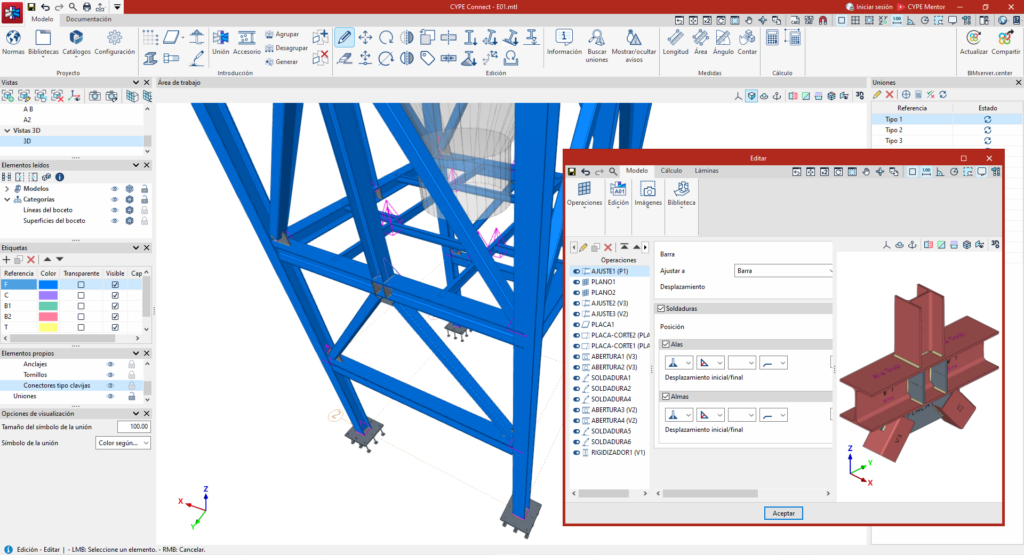
Selecting this option defines the necessary operations for joints where this is possible, based on the information available in the connection libraries. Both previously created connections and those generated during the process initiated by clicking the "Generate" option will be defined. Select one of the following options from the drop-down menu to specify whether the connections are defined:- From the user's connection library
- From the predefined connections
- Or simultaneously
When clicking "Accept", the program will display the number of connections generated in an “Information” box.
| Note: |
|---|
| Defining automatic connections for the entire project is the same as using the "Automatic" option for each connection, which is available in the connection editing window. The following link describes the use and scope of the predefined connection libraries. |