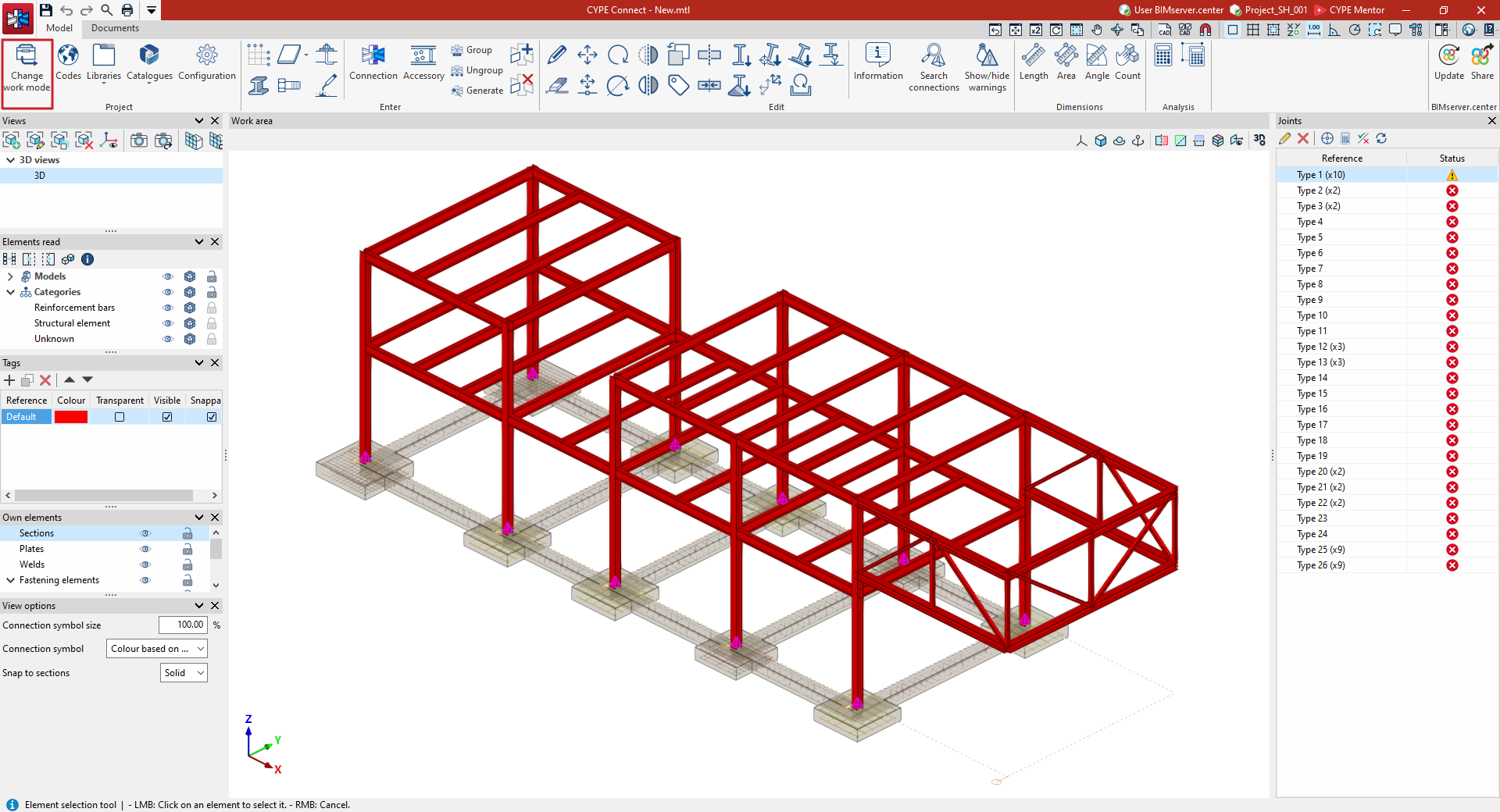
Changing the work mode
For jobs created in the "Project" work mode, the user has the option to "Change work mode" to "Fabrication". This option is available on the "Model" tab, within the "Project" section.
The program will then enable all options relating to the structure's fabrication, such as the ability to define the part and assembly numbering, and to edit and generate part drawings and assembly drawings (by activating the relevant options on the "Documents" tab), as well as exporting to manufacturing files in DSTV, STEP, IFC EM.11 or DXF for plates (by selecting the "Export" menu).
This change cannot be undone.