Creating a new job, linking to a project and importing data
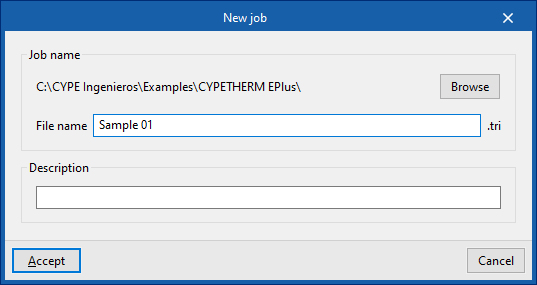
When you launch the application and click on "New", you are given the option to create a "New job". First, enter the "File name" and its "Description".
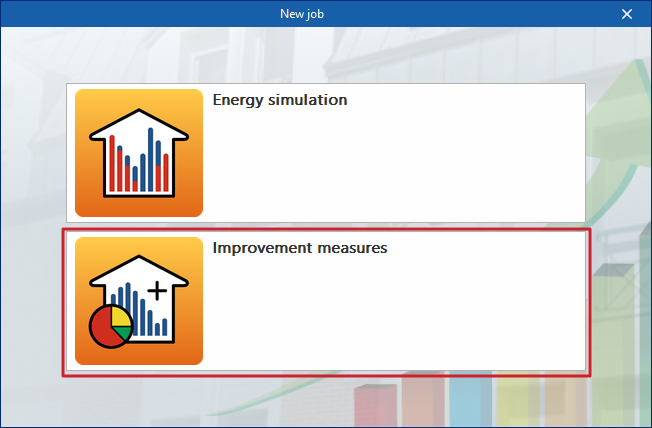
Next, you must specify whether the purpose of the work is to carry out an "Energy simulation", or to conduct a study of "Improvement measures" or design alternatives for the building project.
You should select this second option to access the interface specifically designed for analysing improvement measures.
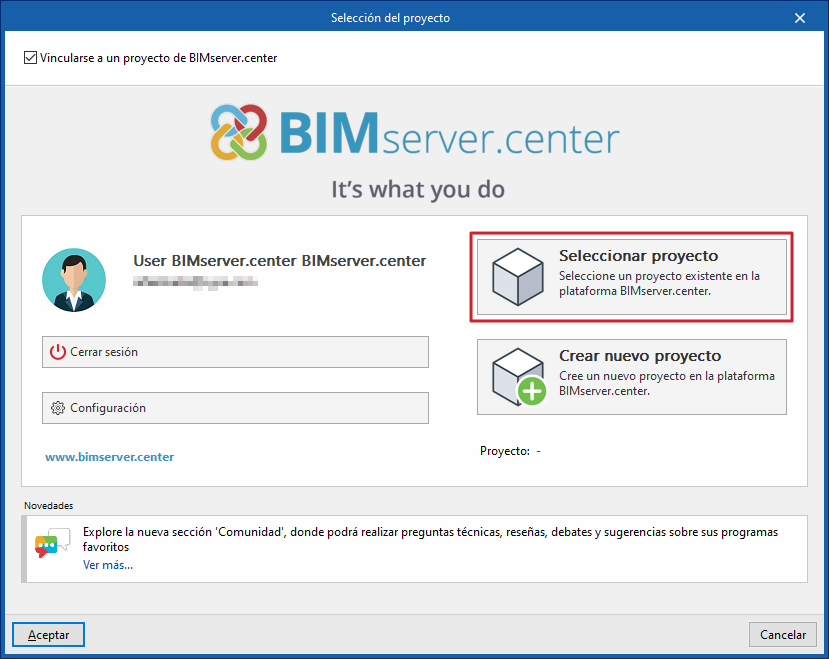
The project can then be linked to an existing project on BIMserver.center.
This is done in the "Project selection" window, ensuring that the "Link to a BIMserver.center project" checkbox remains ticked. This window offers the following options:
- On the left-hand side, you can log in using a BIMserver.center account.
- On the right, use the "Select project" option to choose an existing project.
Later on, at any stage of the project, you can share or import project files via the "BIMserver.center" section of the main interface.
Importing BIM models
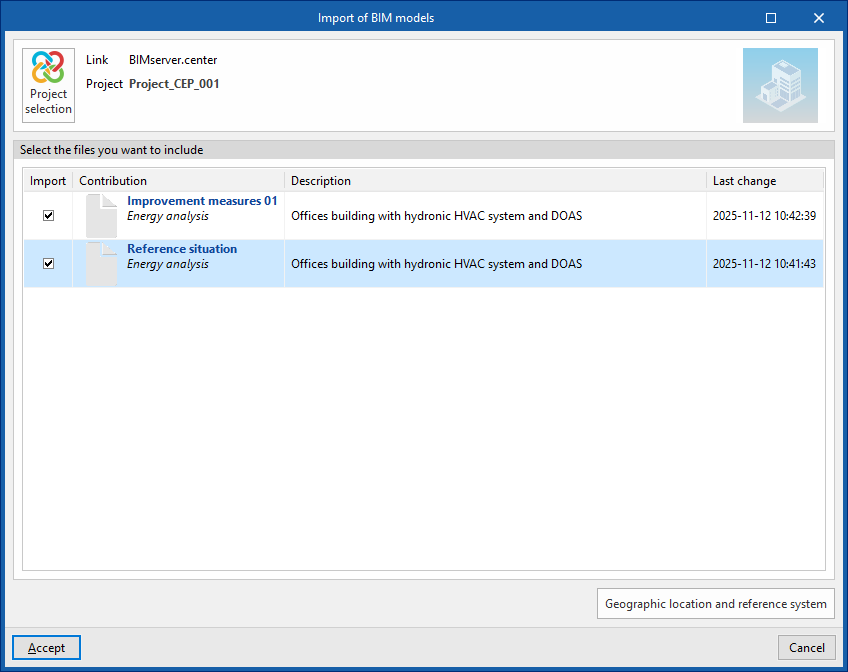
After selecting a project hosted on the BIMserver.center platform via "Select project" and confirming your choice, the "Import BIM models" window appears, displaying the files contained in that project in IFC format.
The application allows you to include one or more of the existing models in that project. To do this, tick the "Import" box and confirm.
These models must have been previously exported from a CYPETHERM EPlus simulation file (using the "Energy simulation" option during the new build creation process) and represent different scenarios or design alternatives.
Import results
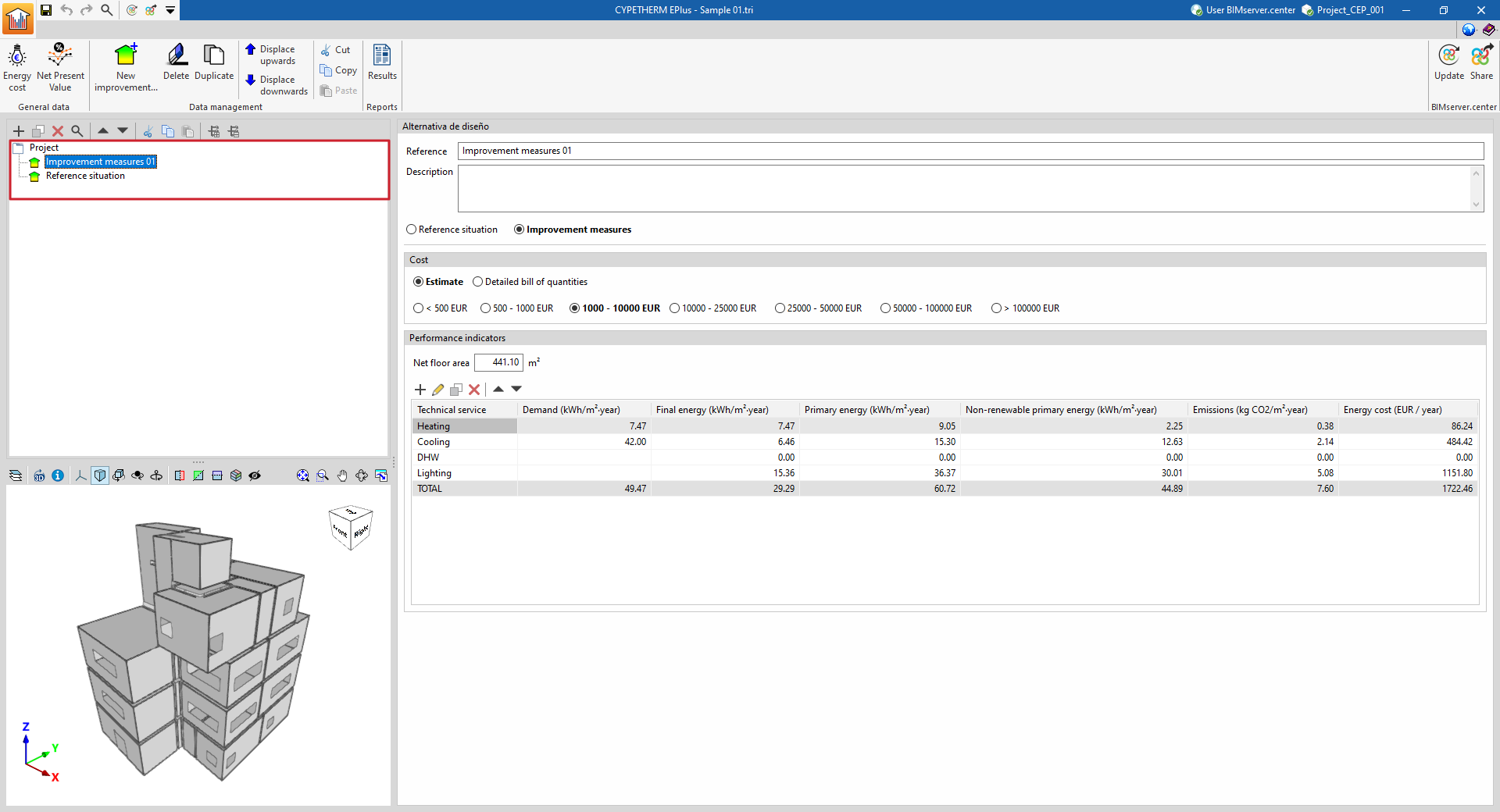
The "Project" tree, on the left-hand side of the main interface, will then display the alternatives imported during the project creation process. In any case, new improvement measures or design alternatives can also be created manually.
When you select each one, the imported "Performance Indicators" will be displayed. You can add further indicators, edit or delete the imported ones. To continue, you will need to add information to each imported option, such as its description and associated costs.